
01
Assess
Migration readiness
Assess organizational readiness, validate prerequisites, and identify migration dependencies.

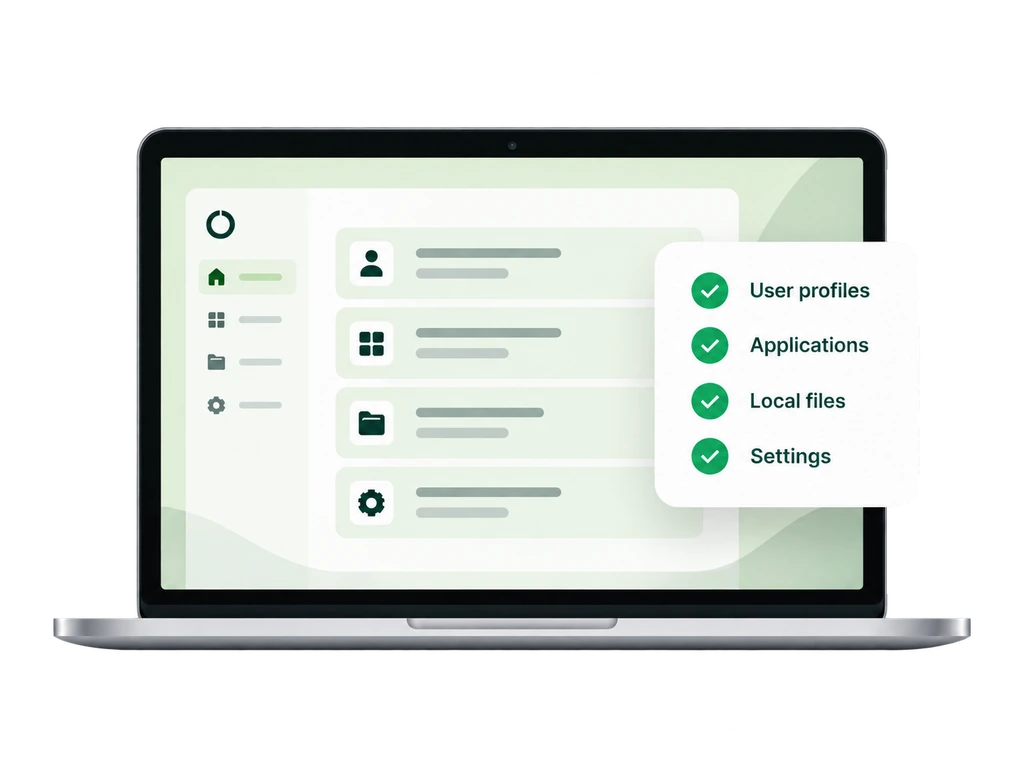
Move Windows devices to Microsoft Entra ID while keeping local profiles, applications and files in place.








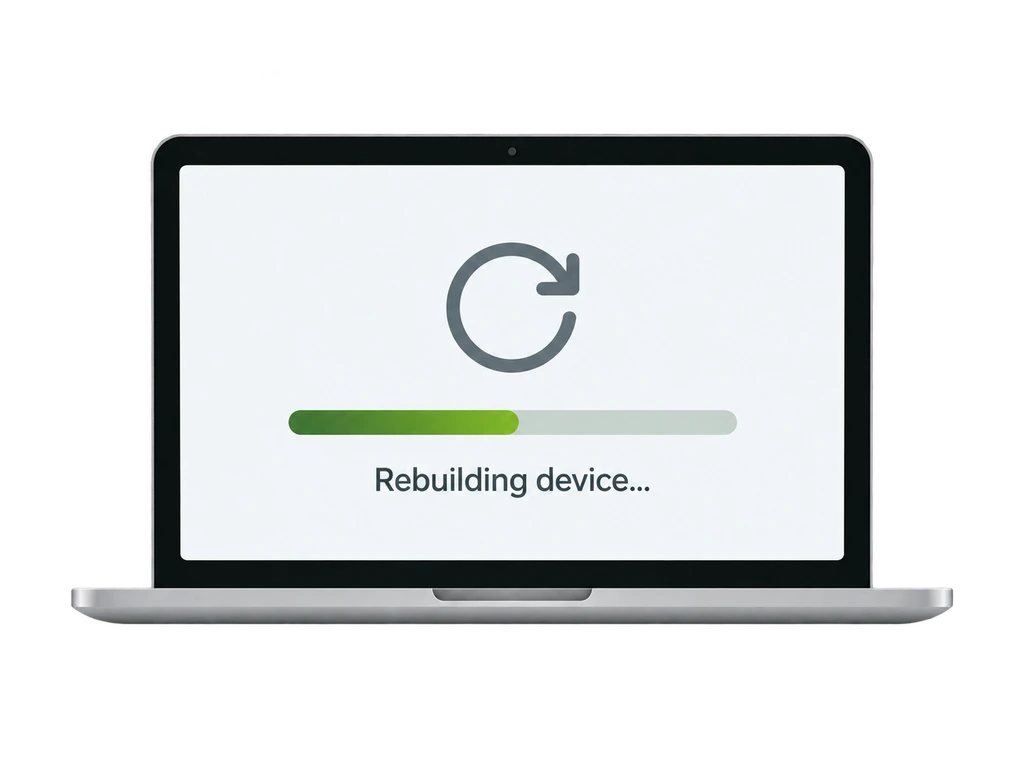
Microsoft’s Windows Autopilot for existing devices workflow uses Windows reinstallation to move Active Directory domain-joined or Microsoft Entra hybrid joined devices to Microsoft Entra join. This can require rebuilding user profiles, reinstalling applications, and restoring settings.
Reset / reimage
Opsole Migrate
HOW IT WORKS
Migration readiness
Assess organizational readiness, validate prerequisites, and identify migration dependencies.
Start small
Test migration with selected devices and users before wider deployment.
Controlled rollout
Roll out Windows device migrations in controlled waves, monitoring progress centrally.
Validate the outcome
Review migration results, confirm device and user readiness, and validate completion before project closure.
Inside every device migration
Automated steps move each device to Microsoft Entra join. Profiles, apps, files and settings stay.
Check device prerequisites and get Windows ready for migration.
Move the device from AD, Hybrid or another tenant to Microsoft Entra join.
Carry over the user profile with supported apps, local files and settings.
Confirm sign-in, device join and expected Intune enrollment.
PRODUCT DEMO
Watch a Windows device move from Active Directory to Microsoft Entra join in place. The user's profile, apps and data stay intact, with no wipe and no reimage.
Book a demo (opens in a new tab)Convert existing domain-joined Windows devices to Microsoft Entra join without wipe or reimage.
Convert Microsoft Entra hybrid joined devices to Microsoft Entra join in place — remove the AD dependency, keep profiles intact.
Move Microsoft Entra joined, Microsoft Entra hybrid joined or domain-joined devices to the destination tenant in place, with no reimage.
For supported Windows devices. Eligibility, prerequisites and application behavior are validated for your environment.
Explore the capabilities behind Opsole Migrate, from in-place profile preservation to remote deployment, readiness validation and centralized reporting.
Move devices to Microsoft Entra join without wiping or reimaging Windows.
Keep supported Windows user profiles, applications, files and settings.
No persistent endpoint agent or on-premises migration server.
Migrate supported devices over the internet, without corporate VPN access.
Find prerequisites and potential blockers before any device changes.
Track progress, device results and logs in one console.
Modernizing device identity is an IT project.
Making the transition work is a people project, too.
Employees sign in with their Microsoft Entra ID credentials and return to their existing Windows user profile. Their desktop, installed applications, local files, and settings remain in place—without rebuilding Windows.
What stays and what changesProfiles, apps, files, and settings preserved.
Clear instructions and support.
Sign in with Entra ID and continue working.
Prepare your environment, validate readiness, and test with a pilot. Deploy in controlled waves, track device progress, and verify migration results from one centralized platform.
See how it worksValidate identity, access, and prerequisites.
Pilot, deploy in waves, and track progress.
Check Microsoft Entra join, Intune enrollment, and migration logs.
Move to Microsoft Entra ID without unnecessary device rebuilds. Use pilot results to plan migration costs, coordinate rollout schedules, and make informed decisions before wider deployment.
Plan the migration costDevices, timelines, and dependencies.
Migration effort, user impact, and support needs.
Rollout priorities, resources, and budget.
Free setup assistance and a readiness assessment come with your pilot. Every paid plan includes 12 months of support and guided recovery, with remote support, administrator training and rollout guidance on higher plans.
Explore services & supportCIOs & IT Leaders
Move to Entra ID without fleet-wide Windows reimaging.
Endpoint Architects
Validate readiness, manage rollout waves, and verify results.
Security & Risk Teams
Track device status, migration outcomes, and audit logs.
IT Operations
Preserve Windows profiles, applications, files, and settings.
Financial Services
Track migration progress with centralized audit logs.
Healthcare
Keep supported Windows profiles and applications in place.
Manufacturing
Schedule migration waves around operational requirements.
Government
Migrate remote devices with centralized visibility and control.
M&A
Re-home acquired device fleets to the destination tenant without rebuilding endpoints.
Divestiture
Separate the device fleet cleanly into a new tenant — reduce TSA dependency without rebuilding endpoints.
AD retirement
Remove the endpoint dependency that keeps legacy Active Directory alive — without rebuilding devices.
Zero Trust
Align supported endpoints with Entra ID and Intune so conditional access and compliance policies can land as designed.

AW Infrasec Solution

from first demo to production migration
A client’s Windows devices needed to move from Microsoft Entra hybrid join to Microsoft Entra join, led by the MSP’s own engineers.
Opsole’s professional services team helped set up the portal and prepare for testing during the proof of concept. AW Infrasec’s engineers then ran the rollout.
Production migration began within two days of the first demo, with an Opsole specialist available during the rollout.
Opsole enabled us to migrate devices to Microsoft Entra ID without reimaging systems. The in-place migration approach preserved user environments, reduced downtime, and simplified our migration rollout significantly.
A familiar workspace. A new cloud identity.
When we did hit a snag, the support team was quick to jump in and resolve it — no long back-and-forth, no waiting on tickets. That responsiveness made a real difference in keeping the project on schedule with minimal disruption to our environment. Solid tool, solid team.
A familiar workspace. A new cloud identity.
Opsole helped us migrate devices to the new Entra ID environment without disruption. User productivity remained unaffected, support tickets were minimal, and the transition was completed smoothly across our organization.
A familiar workspace. A new cloud identity.

Opsole Migrate helped us move from technical evaluation to a successful customer production migration. The team was responsive to our feedback, worked directly with our engineers, and delivered improvements that helped us confidently move forward with customer deployment.
A familiar workspace. A new cloud identity.
Compare Enterprise, Enterprise Plus and Enterprise Max plans, with email, 8/5 or 24/7 support.
Opsole Migrate is a Windows device identity migration platform for Microsoft Entra. It moves supported Windows devices to Microsoft Entra join without wiping or reimaging Windows, while preserving existing user profiles, applications, local files, and settings.
Opsole Migrate supports three migration paths: Active Directory domain join to Microsoft Entra join, Microsoft Entra hybrid join to Microsoft Entra join, and Microsoft Entra tenant-to-tenant Windows device migration. Devices must meet the documented prerequisites.
The existing Windows installation, supported user profiles, installed applications, local files, desktop, and settings remain in place. Some applications and identity-dependent configurations may require reauthentication or adjustment after migration.
Yes. Opsole Migrate supports remote Windows device migration over standard internet connectivity without requiring a corporate VPN. Devices must have access to the required Microsoft and Opsole services and meet migration prerequisites.
Opsole Migrate starts at $20 per device, with one-time licensing and no subscription requirement. You can evaluate the platform with 20 free devices, without payment or contractual commitment.
Yes. Setup assistance is free during your pilot. Every paid plan includes 12 months of support, from next-business-day email on Enterprise to 24/7 remote support on Enterprise Max.
Bring your environment. We’ll help you explore the right migration path.
