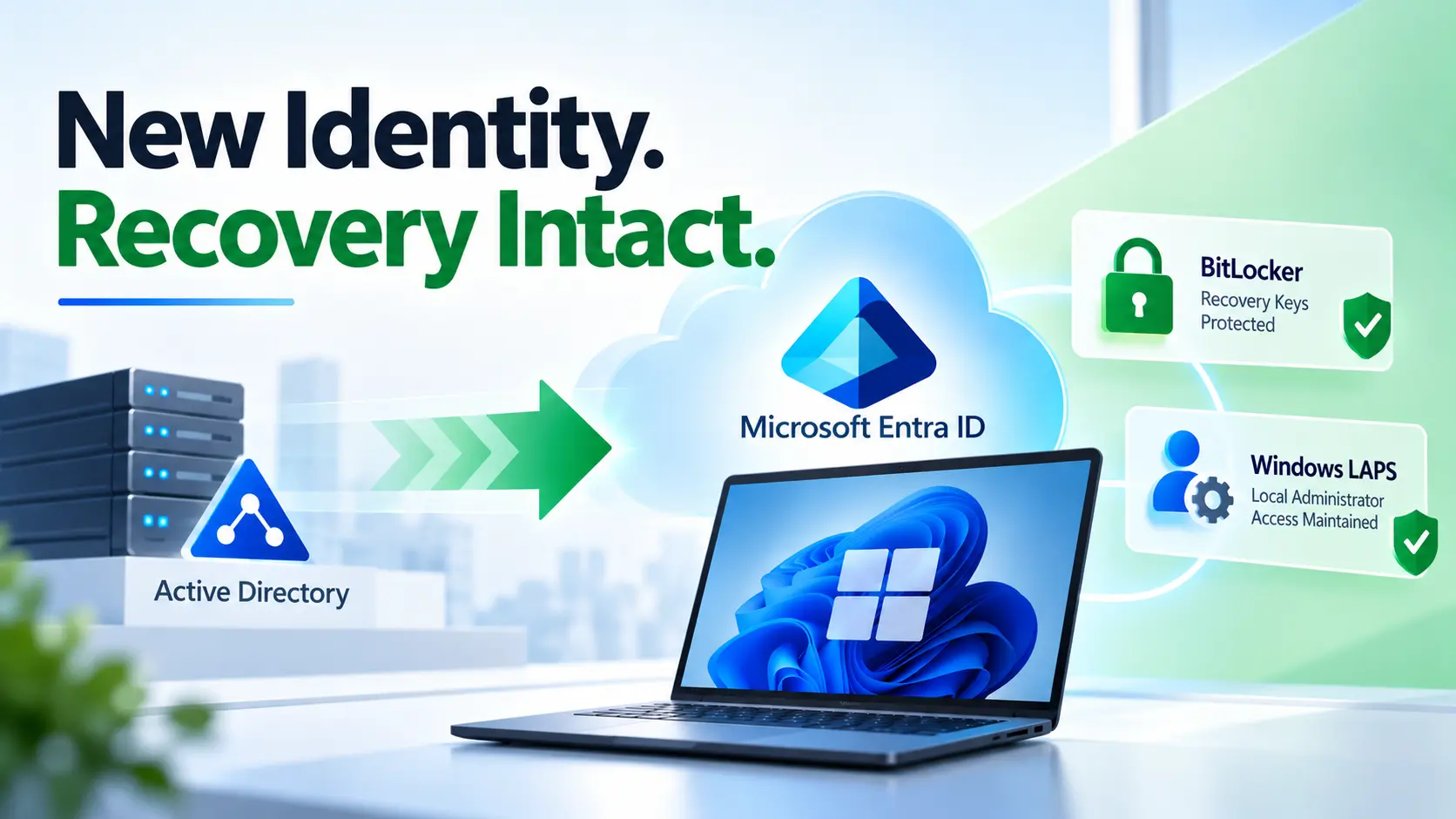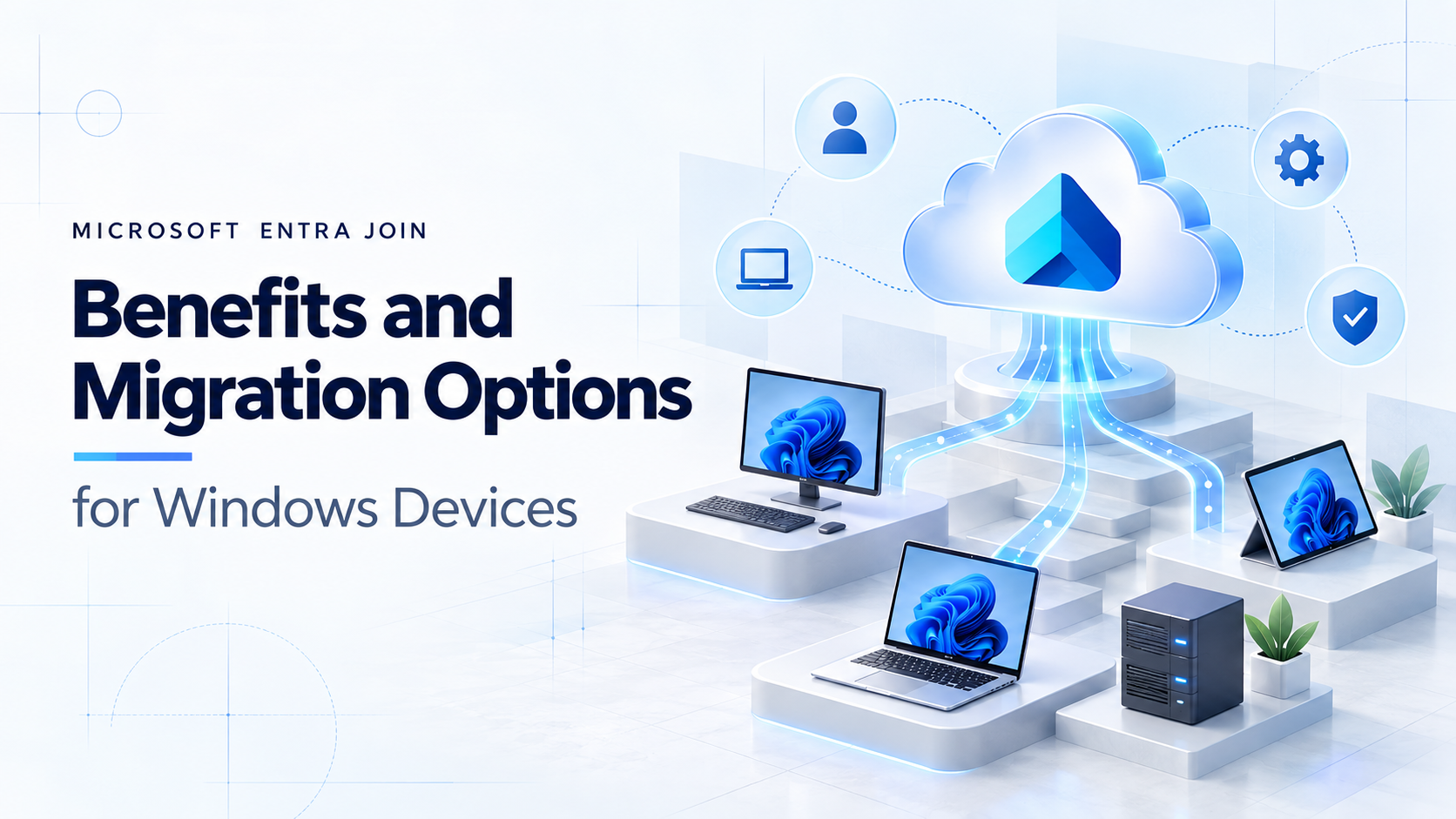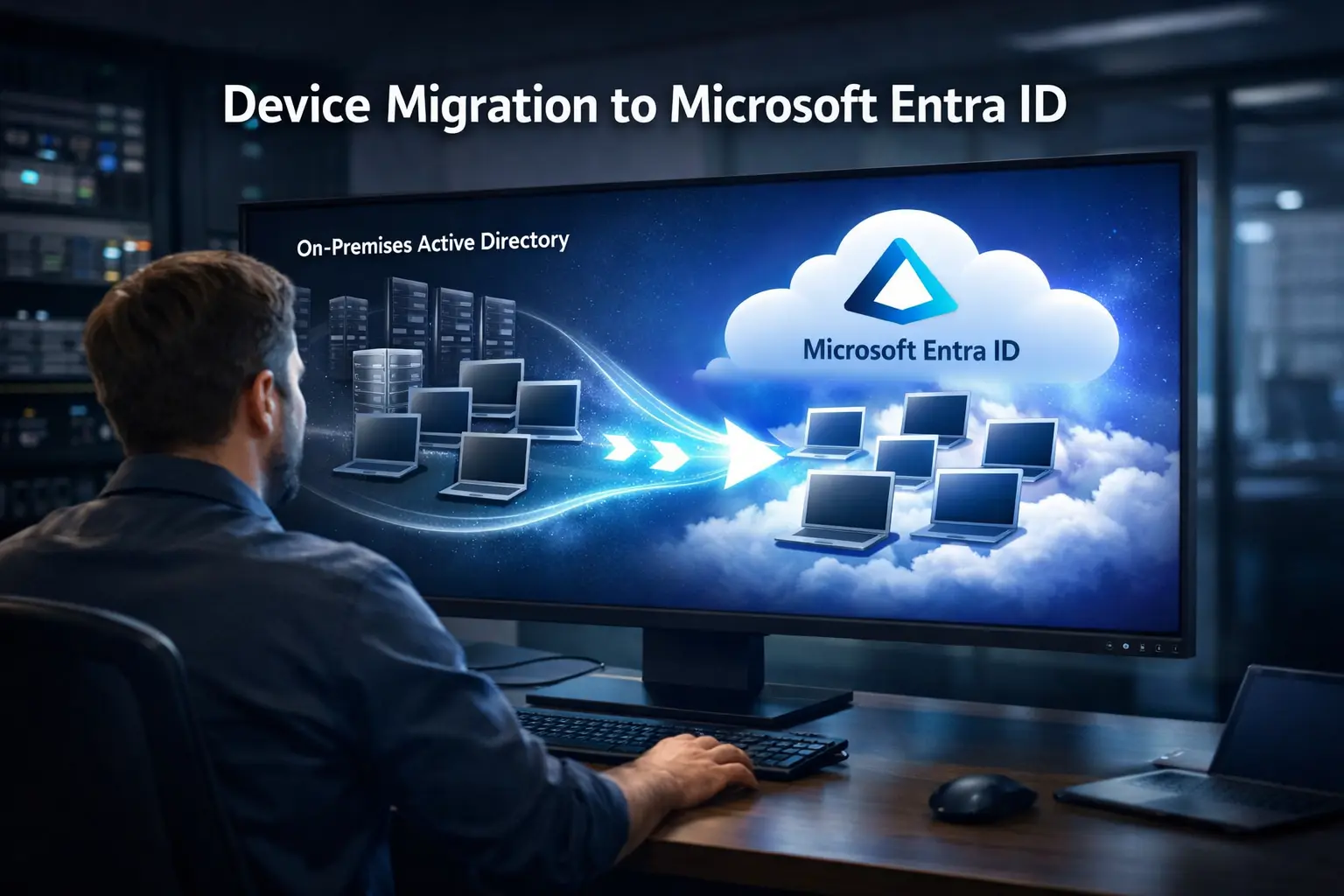
Device migration to Microsoft Entra ID has become a critical step for organizations moving toward cloud-native identity models. As enterprises modernize their infrastructure, traditional on-premise identity systems are increasingly replaced by identity platforms designed for distributed, cloud-first environments.
However, while the strategic direction is clear, the execution of device migration often introduces technical complexity. Organizations must transition thousands of endpoints while maintaining user productivity, security compliance, and operational stability.
Without the right migration strategy, IT teams frequently encounter challenges such as:
- Preserving user state and local profiles
- Maintaining BitLocker encryption during migration
- Avoiding time-consuming device rebuild cycles
- Managing hybrid Active Directory complexity
- Supporting cross-tenant device transitions
These issues can significantly slow modernization initiatives and increase operational overhead.
A structured device migration to Microsoft Entra ID strategy should focus on automation, policy continuity, and secure identity governance to ensure seamless transitions.
Architectural Considerations for Device Migration to Microsoft Entra ID
Successful device migration to Microsoft Entra ID depends on several foundational architectural components. Organizations that prepare these elements in advance typically experience smoother migrations and reduced operational disruption.
Key requirements include:
Microsoft Intune for device management
Intune plays a central role in cloud-based device lifecycle management. Devices migrating to Entra ID must be properly enrolled to ensure policies, compliance configurations, and security baselines remain intact.
Microsoft Entra ID P1 or P2 licensing
These identity governance capabilities allow organizations to implement advanced access policies, Conditional Access rules, and Zero Trust security frameworks.
Microsoft Graph permissions
Automation workflows often rely on Microsoft Graph APIs to perform identity operations and orchestrate migration tasks at scale.
Provisioning packages and automation scripts
Provisioning packages can streamline the process of transitioning devices from hybrid domain-joined states to cloud-native identity without requiring manual configuration.
Proper tenant configuration
Ensuring the Entra tenant is prepared for device onboarding is essential. Misconfigured device settings or enrollment restrictions can create migration bottlenecks.
Solutions such as Opsole Migrate leverage these components to orchestrate migrations in a structured manner while minimizing user disruption and administrative workload.
Common Challenges in Device Migration Projects
Despite strong architectural planning, many organizations underestimate the operational complexity involved in large-scale migrations.
One of the most common challenges is user profile preservation. Traditional migration methods often require rebuilding devices, which can result in lost settings, application configurations, and productivity interruptions.
Another challenge is encryption continuity. Enterprises rely heavily on BitLocker encryption to secure endpoint data. During migration, maintaining encryption without forcing device resets is critical for maintaining compliance and avoiding user downtime.
Hybrid identity environments also introduce complexity. Many organizations operate with a mixture of on-prem Active Directory and cloud identity systems. Transitioning devices from hybrid states to fully cloud-native identity requires careful orchestration to prevent authentication issues.
Finally, device rebuild cycles remain a significant concern. Rebuilding endpoints is time-consuming, resource-intensive, and disruptive for employees. Modern migration strategies aim to eliminate this step entirely.
Example Scenario: Hybrid to Cloud-Only Conversion
Consider a rapidly scaling technology organization that sought to eliminate dependency on domain controllers while strengthening its Zero Trust security posture.
The organization operated thousands of hybrid domain-joined devices and wanted to transition to a cloud-only identity architecture based on Microsoft Entra ID.
Instead of rebuilding endpoints, the organization implemented an automated migration strategy that allowed devices to transition directly to cloud-native identity.
During the migration process:
- Devices automatically enrolled into Microsoft Intune
- Existing security policies were preserved
- BitLocker encryption remained intact
- Users retained their profiles and working environments
Because the migration avoided device rebuilds, employees experienced minimal disruption. The IT team also significantly reduced migration time compared to traditional approaches.
The result was a more scalable identity infrastructure with fewer dependencies on on-premise systems.
Best Practices for Device Migration to Microsoft Entra ID
Organizations planning device migration to Microsoft Entra ID should prioritize strategies that reduce operational complexity while preserving security controls.
Some best practices include:
Prioritize automation
Manual migrations introduce inconsistency and increase the risk of configuration errors. Automation ensures repeatable processes and faster large-scale migrations.
Preserve user environments
Maintaining user profiles and device configurations reduces support tickets and ensures employees remain productive throughout the transition.
Validate security posture post-migration
After migration, organizations should verify that Conditional Access policies, compliance settings, and endpoint security controls remain enforced.
Adopt a phased rollout strategy
Testing migrations with pilot groups allows IT teams to identify potential issues before expanding the rollout to the broader organization.
Key Insight for IT Architects
Migration success should not be measured solely by technical completion. Instead, the most effective migrations are those that remain largely invisible to end users.
When employees can continue working without disruption while security posture improves, modernization efforts deliver their intended value.
For architects planning device migration to Microsoft Entra ID, prioritizing automation, identity governance, and profile preservation can significantly reduce organizational risk.
As enterprises continue adopting cloud-first identity strategies, seamless device migration will remain a foundational capability for modern IT environments.
Conclusion
Device migration to Microsoft Entra ID doesn’t have to be disruptive. With the right strategy and automation, organizations can transition devices while preserving security, policies, and user environments.
Planning a migration? Contact us for a free assessment and see how Opsole Migrate can help simplify your Entra ID device migration.