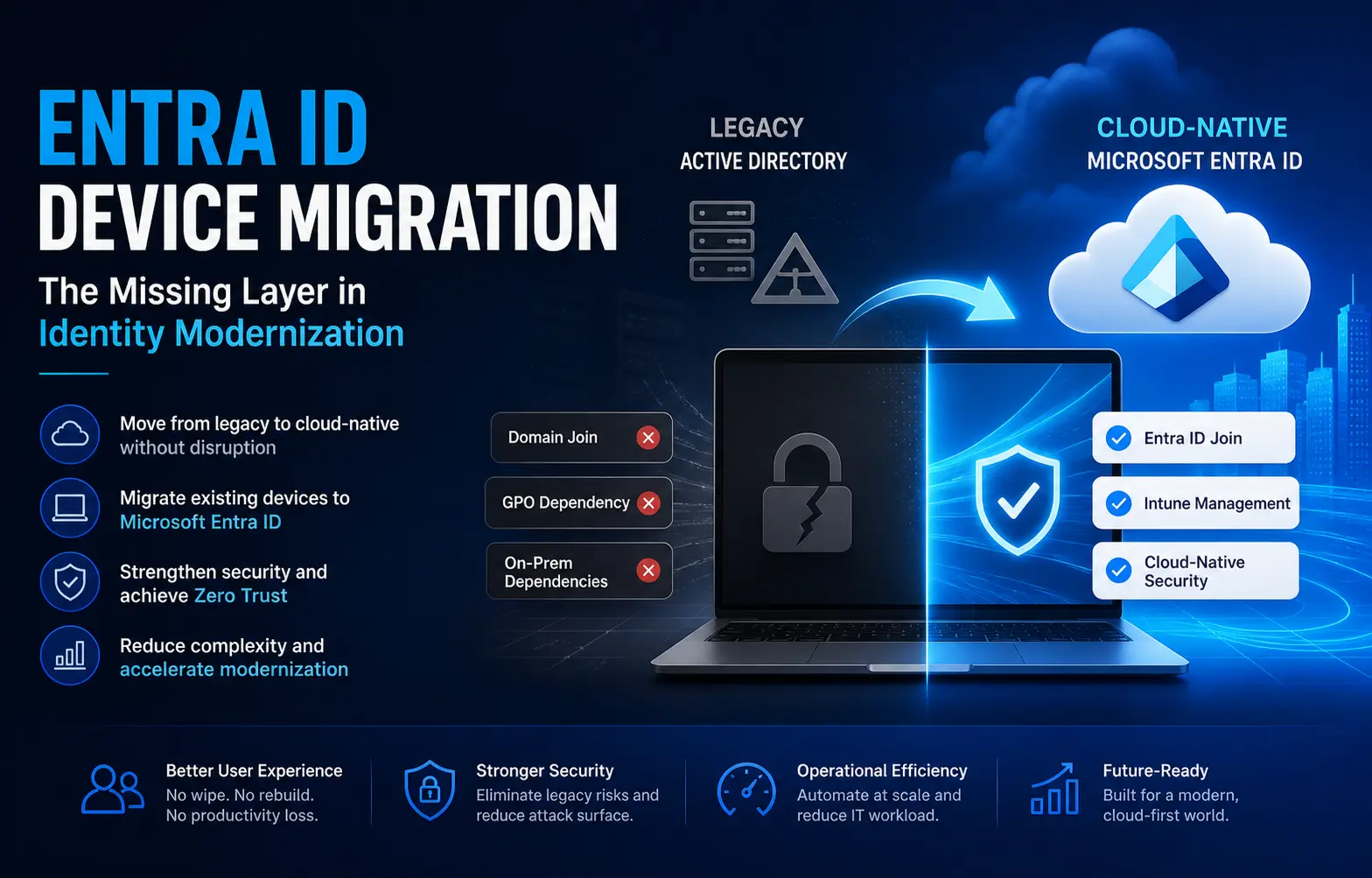
Entra ID device migration is the missing layer in most identity modernization strategies.
While enterprises invest heavily in cloud identity moving authentication to Microsoft Entra ID, enforcing MFA, and deploying Conditional Access many Windows endpoints remain tied to legacy Active Directory (AD) or Hybrid Join models.
This creates a critical gap.
Organizations appear modern on paper, but their device identity remains anchored in legacy infrastructure.
The Real Problem: Identity Modernization Without Device Transformation
The enterprise challenge is no longer:
“How do we modernize IAM?”
It is:
“How do we migrate devices to Entra ID at scale without wiping systems or disrupting users?”
Without a structured device migration strategy, organizations face:
- Extended transformation timelines
- Increased helpdesk dependency
- Persistent hybrid complexity
- Incomplete Zero Trust implementation
The Blind Spot in Modern Identity Architecture
IAM platforms handle authentication.
IGA manages access lifecycle.
Conditional Access enforces policies.
But none of these:
- Change device join state
- Remove domain dependency
- Replace GPO with modern management
- Eliminate legacy trust assumptions
A domain-joined device even with Entra ID login still carries:
- Dependency on on-prem AD
- Network-based trust models
- Operational and security limitations
This is the hidden bottleneck in most identity modernization programs.
Why Windows Autopilot Falls Short for Device Migration
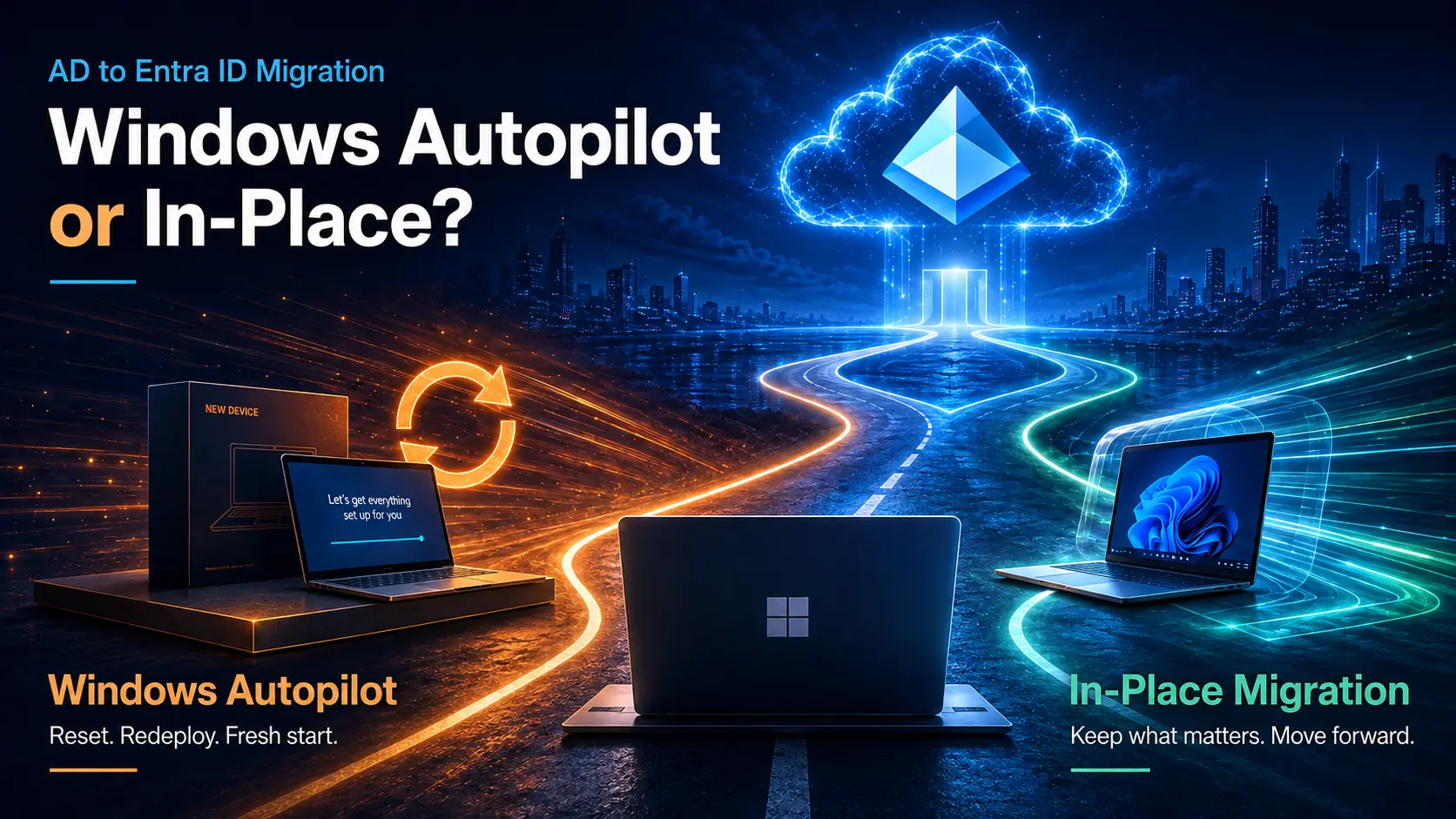
Microsoft promotes Windows Autopilot as the path to cloud-native device provisioning.
And it works well for:
- New devices
- Hardware refresh cycles
- Break-fix scenarios
But for existing fleets, Autopilot introduces a major limitation:
It requires:
- Device wipe
- OS rebuild
- Application reinstallation
- User reconfiguration
For large enterprises, this leads to:
Productivity Loss
Users spend hours restoring their workspace.
Increased Operational Cost
IT teams invest significant effort in rebuild processes.
Data Risk
Unsynced local files can be lost permanently.
- Autopilot provisions.
- Intune manages.
But neither handles migration of existing endpoints to Entra ID without disruption.
4 Key Scenarios Driving Device Identity Migration
1. Active Directory Minimization & Zero Trust
As long as endpoints remain domain-joined:
- AD remains the trust anchor
- Lateral movement risk persists
- Zero Trust remains incomplete
Migrating device identity is essential to eliminating AD dependency.
2. Mergers, Acquisitions & Tenant Consolidation
M&A introduces:
- Multiple domains
- Misaligned tenant structures
- Inconsistent device identities
Without structured migration:
- Integration slows down
- Manual rebuilds increase
- Operational complexity grows
3. Windows 11 Transformation Programs
Device refresh cycles present an opportunity to:
- Remove legacy join dependencies
- Adopt cloud-native identity
- Standardize endpoint management
4. Escaping the Hybrid Join Trap
Hybrid Join creates:
- Sync dependencies (Entra Connect)
- VPN reliance
- Long-term operational overhead
- The goal is not to maintain hybrid.
- The goal is to exit it safely.
What a Modern Device Migration Solution Must Deliver
To successfully transition device identity, organizations need a purpose-built execution layer.
1. Zero-Wipe Migration
Transition devices without wiping or rebuilding.
2. User Profile Continuity
Preserve:
- User settings
- Applications
- Browser data
- Local files
3. Enterprise-Scale Execution
Support:
- Migration waves
- Readiness validation
- Real-time telemetry
- Centralized control
Why Most Migration Projects Fail
Organizations often rely on:
- Scripts
- Manual workflows
- Unstructured processes
This results in:
- Limited visibility
- Lack of control
- High failure rates
- Support overload
Bridging the Gap with Opsole Migrate
This is where Opsole Migrate becomes critical.
Opsole Migrate is a purpose-built solution designed to move devices from legacy AD or Hybrid Join states to a cloud-native Entra ID model without disruption.
With Opsole Migrate, enterprises can:
- Perform Zero-Wipe Transitions
Move endpoints without wiping devices or rebuilding systems.
- Preserve User Experience
Maintain profiles, applications, and configurations.
- Enable Remote Migration
Allow users to complete migration securely over the internet.
- Maintain Security & Compliance
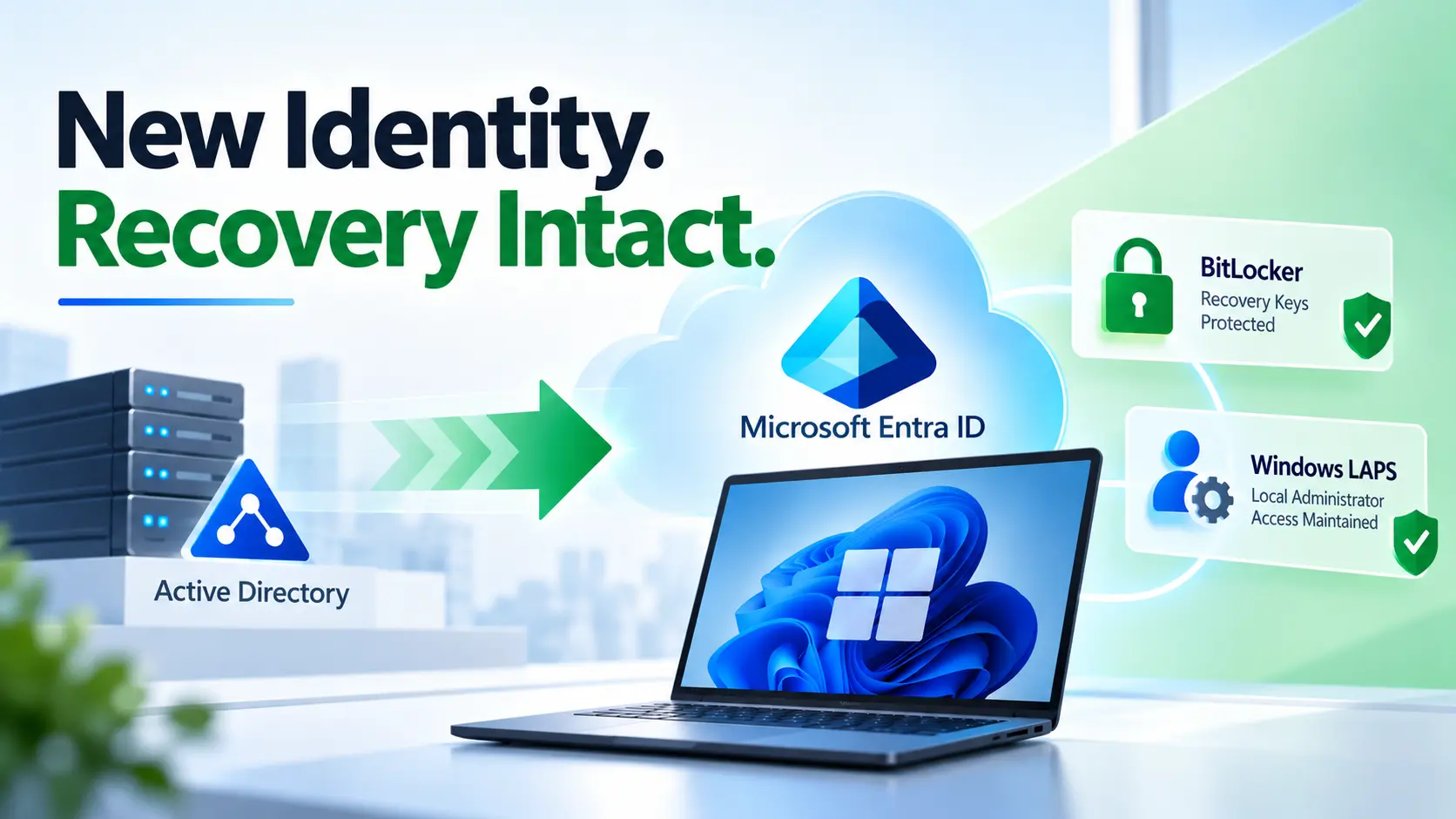
Automatically safeguard BitLocker keys and administrative credentials.
Frequently Asked Questions
What is Entra ID device migration?
It is the process of transitioning Windows devices from Active Directory or Hybrid Join to Microsoft Entra ID while maintaining productivity and security.
Why is device identity important?
Without modernizing device identity, organizations remain dependent on legacy infrastructure, limiting security and agility.
Can migration happen without wiping devices?
Yes. With the right approach, organizations can move devices without data loss or user disruption.
Why is Hybrid Join not ideal long-term?
Hybrid Join introduces complexity, sync dependencies, and continued reliance on AD infrastructure.
What is the biggest challenge in migration?
Executing the transition at scale while maintaining user experience and minimizing operational risk.
Final Thoughts
Identity modernization is incomplete without device identity transformation.
Organizations that fail to address endpoint identity remain stuck in hybrid complexity limiting both security and operational efficiency.
- Domain Join is legacy
- Hybrid Join is transition
- Entra ID Join is the destination
Ready to Modernize Device Identity?
With Opsole Migrate, enterprises can:
- Transition devices at scale
- Reduce dependency on legacy AD
- Maintain productivity during migration
- Enable true cloud-native operations
Book a free assessment and modernize your device fleet without disruption.