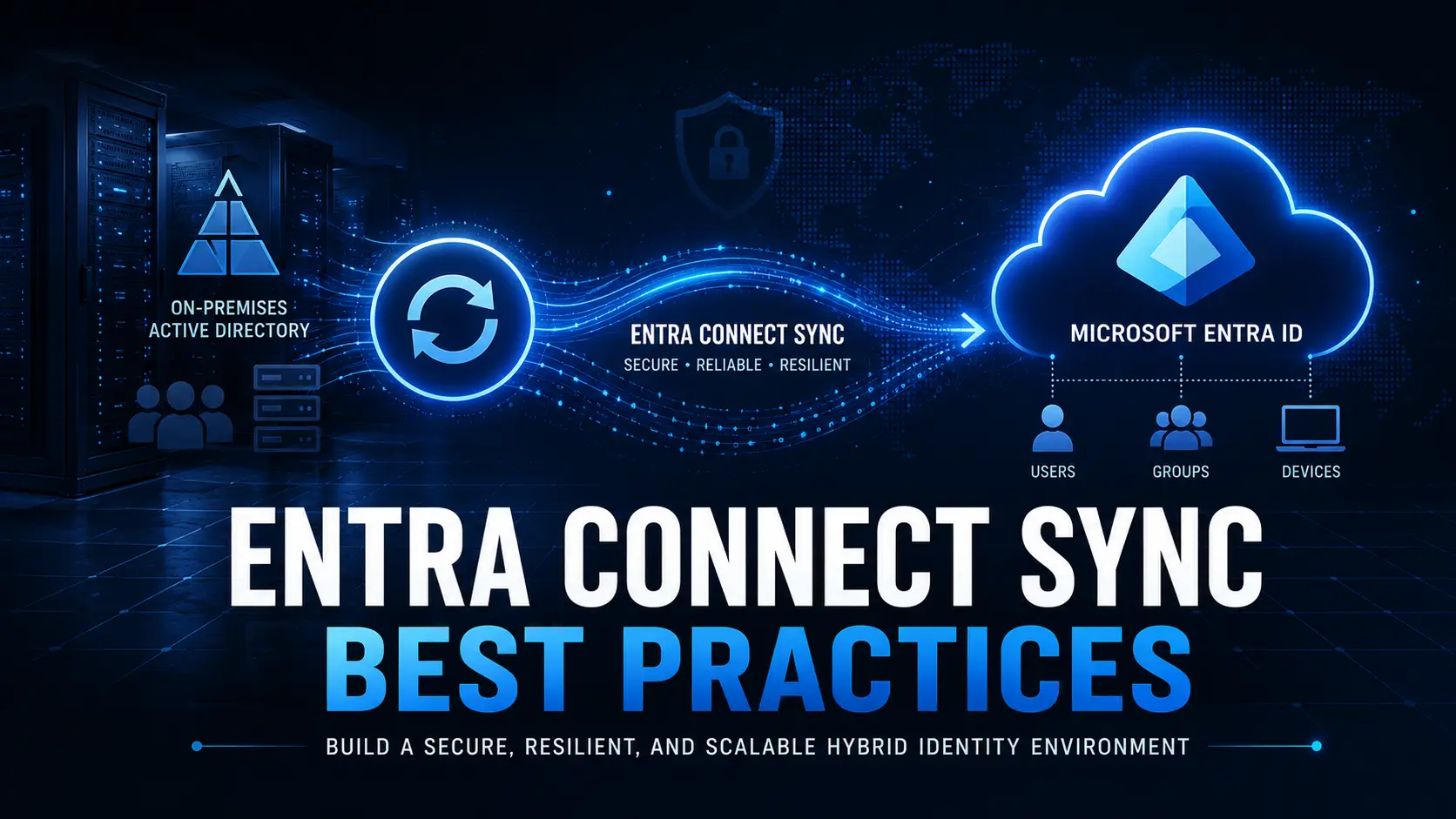
If you’ve searched for “AD to Entra ID Migration,” you’ve probably noticed that most guides jump straight into Microsoft Entra Connect, Cloud Sync, or PowerShell commands. While those technologies are important, they don’t answer the question most enterprise IT teams are actually asking:
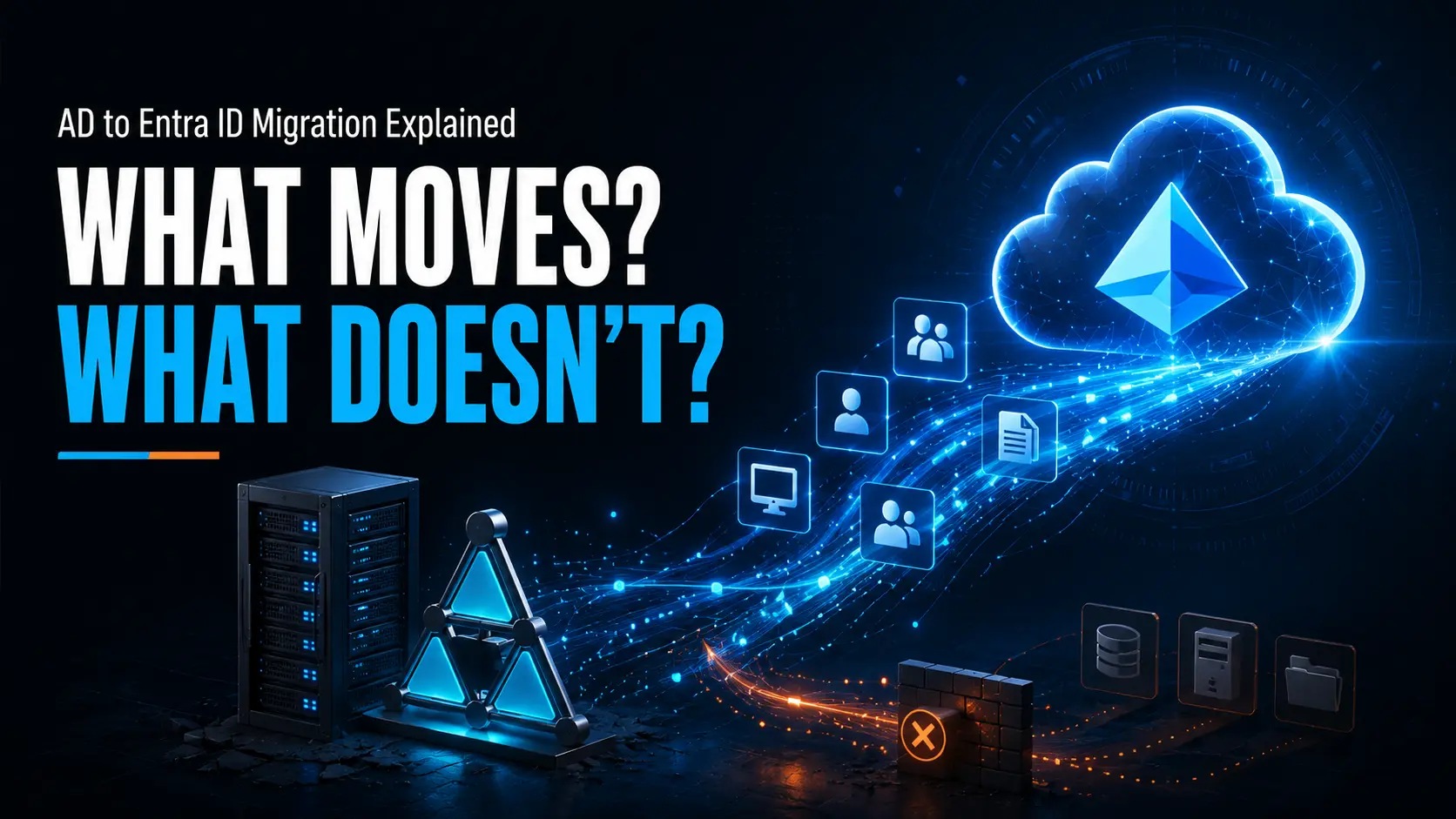
What exactly moves when we migrate from Active Directory to Microsoft Entra ID and what still needs to be planned separately?
This distinction is critical because migrating identities, migrating Windows devices, replacing Group Policy, moving endpoint management to Microsoft Intune, and retiring on-premises infrastructure are all separate workstreams. Completing one does not automatically complete the others.
For example, synchronizing users from Active Directory to Microsoft Entra ID does not migrate existing Windows devices. Likewise, joining a device to Microsoft Entra ID does not automatically recreate Group Policy settings in Intune.
Understanding these differences helps organizations avoid unrealistic expectations, reduce project risk, and build a migration plan that aligns with their long-term cloud strategy.
In this guide, we’ll explain what actually moves during an Active Directory to Microsoft Entra ID migration, what requires additional planning, and where a dedicated device migration solution such as Opsole Migrate fits into the overall modernization journey.
Can You Migrate AD to Entra ID?
Direct Answer
| Yes, but not as a single operation. Migrating from Active Directory to Microsoft Entra ID is usually a collection of related projects rather than one migration. User identities, Windows devices, endpoint management, Group Policy, applications, and on-premises resources each require their own planning and migration approach. Successfully synchronizing users does not automatically migrate devices, and moving devices to Microsoft Entra ID does not automatically replace traditional Active Directory management. |
What Does “AD to Entra ID Migration” Actually Mean?
One of the biggest reasons migration projects become confusing is that the phrase “migrate AD to Entra ID” is used to describe several completely different activities.
An organization might mean:
- Synchronizing Active Directory users to Microsoft Entra ID.
- Moving Windows devices from Active Directory Join or Hybrid Join to Microsoft Entra ID Join.
- Replacing Group Policy with Microsoft Intune policies.
- Modernizing authentication using Microsoft Entra ID.
- Reducing dependence on on-premises Active Directory.
- Preparing for a cloud-first endpoint management strategy.
Although these objectives are related, they are not completed by the same technology.
For example, Microsoft Entra Connect or Cloud Sync can synchronize identities between Active Directory and Microsoft Entra ID, but they do not migrate Windows devices. Likewise, Windows Autopilot helps provision devices, but it does not automatically modernize an existing fleet that is already deployed across the business.
Understanding these workstreams is the first step toward building a realistic migration plan.
What Actually Moves and What Doesn’t?
The following table summarizes one of the most common misunderstandings in enterprise migration projects.
Table 1 – What Moves During an AD to Entra ID Migration?
| Component | Automatically Moves? | Requires Additional Planning? |
| User identities | ✅ Yes (using identity synchronization) | Yes |
| Security groups | ✅ Yes | Yes |
| Windows devices | ❌ No | ✅ Yes |
| Group Policy settings | ❌ No | ✅ Yes |
| Microsoft Intune management | ⚠ Depends on the migration approach | ✅ Yes |
| Business applications | ❌ No | ✅ Yes |
| File shares and on-premises resources | ❌ No | ✅ Yes |
| Authentication methods | ⚠ Depends on architecture | ✅ Yes |
This table highlights why enterprise migration projects often involve multiple technologies and multiple teams. Identity synchronization is only one part of the journey.
The Four Enterprise Migration Workstreams
Rather than thinking of Active Directory migration as one large task, it is more helpful to think of it as four parallel workstreams.
1. Identity Migration
This workstream focuses on users, groups, authentication, and identity synchronization.
Typical Microsoft technologies include:
- Microsoft Entra Connect
- Cloud Sync
- Microsoft Entra ID
Its goal is to ensure users can authenticate securely using Microsoft Entra ID while maintaining identity consistency during the transition.
2. Device Migration
This workstream focuses on Windows endpoints.
Questions include:
- How will existing Active Directory–joined devices move to Microsoft Entra ID?
- Will devices be rebuilt or modernized in place?
- How will remote users be supported?
- What happens to user profiles and existing applications?
Unlike user synchronization, device migration requires its own execution strategy.
3. Device Management
Modern endpoint management often transitions from traditional Group Policy toward Microsoft Intune.
This involves reviewing:
- Configuration policies
- Compliance policies
- Application deployment
- Security baselines
- Endpoint reporting
Simply joining a device to Microsoft Entra ID does not recreate Group Policy settings automatically.
4. Infrastructure Modernization
The final workstream focuses on reducing dependence on on-premises Active Directory over time.
This may include:
- Retiring legacy domain controllers
- Simplifying identity infrastructure
- Standardizing cloud-based management
- Supporting Zero Trust initiatives
For many organizations, this phase occurs gradually rather than immediately after migration.
Enterprise Insight
| Successful AD to Entra ID migration projects don’t treat identity, devices, and management as the same task. Organizations that plan these workstreams independently are better positioned to reduce risk, minimize disruption, and execute migration in a controlled, predictable manner. |
Where Does Windows Autopilot Fit?
Windows Autopilot is one of Microsoft’s most important endpoint technologies, but it is also one of the most misunderstood in enterprise migration projects.
Many organizations researching “AD to Entra ID Migration” assume Windows Autopilot is the migration itself. In reality, Autopilot is primarily a Windows provisioning and deployment solution. It simplifies how new or reset devices are configured using Microsoft Entra ID and Microsoft Intune, making it an excellent choice for standardized deployments.
Windows Autopilot is best suited for:
- Deploying brand-new Windows devices
- Hardware refresh projects
- Rebuilding or resetting existing devices
- Standardizing endpoint provisioning
- Cloud-native device onboarding
If your migration strategy already includes replacing existing laptops or rebuilding devices, Windows Autopilot is often an excellent fit.
However, many organizations face a different challenge they already have hundreds or thousands of Windows devices in production that employees use every day. In these situations, the objective is often to modernize the existing devices rather than replace them.
When Does an In-Place Device Migration Make Sense?
Imagine your organization has:
- 3,000 Active Directory–joined laptops
- Employees working remotely across multiple countries
- Business-critical applications already installed
- Microsoft Intune ready for modern management
- A goal of retiring on-premises Active Directory without replacing every laptop
Rebuilding every device may not be the preferred approach.
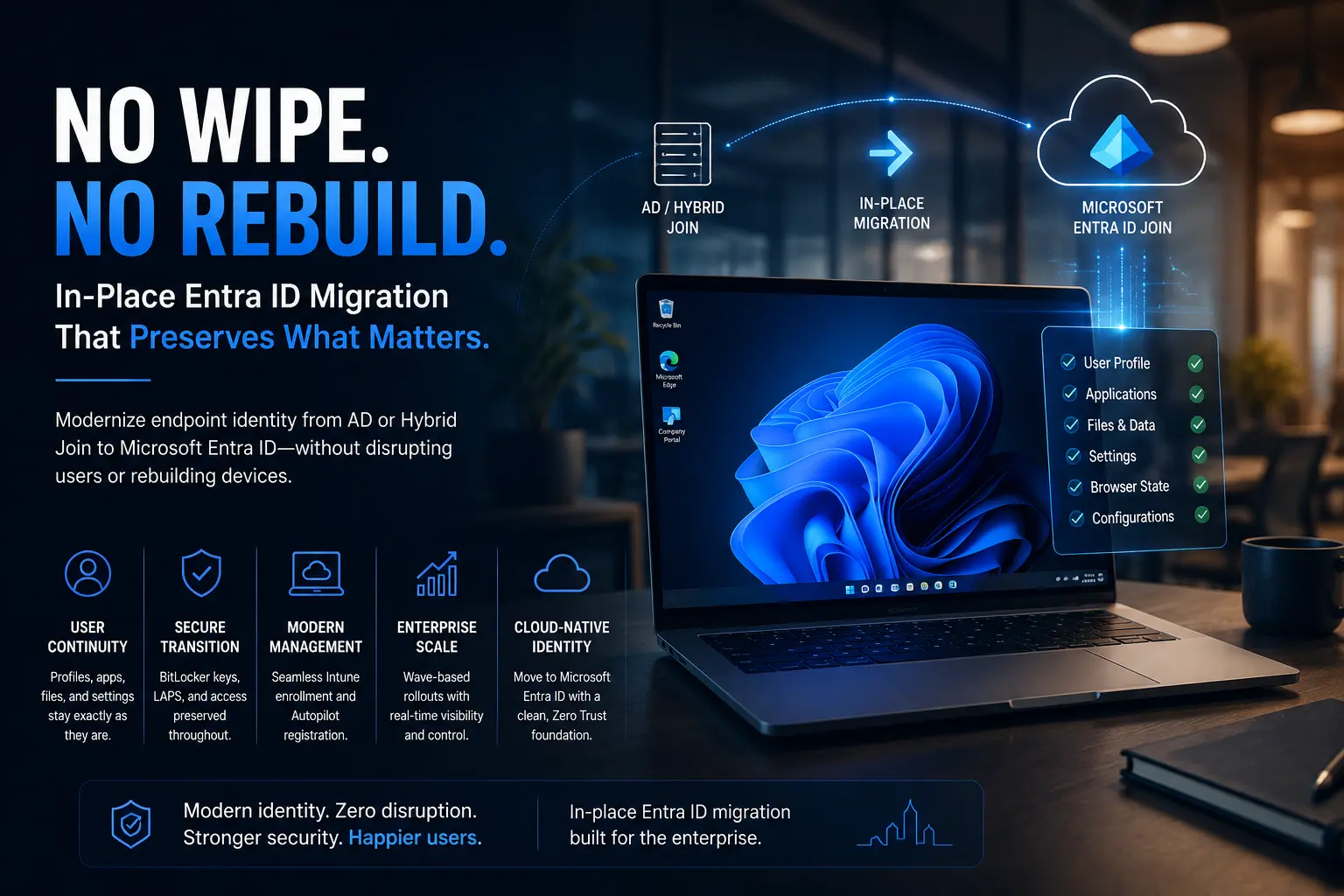
Instead, organizations often evaluate an in-place migration strategy that focuses on transitioning existing Windows devices to Microsoft Entra ID while maintaining business continuity.
This approach is particularly relevant when:
- Existing hardware will continue to be used
- User disruption should be minimized
- Remote employees cannot easily return devices to IT
- Migration will occur in controlled phases
- The organization wants to preserve the existing Windows environment wherever the migration approach supports it
Table 2 – Enterprise Migration Workstreams
| Workstream | Microsoft Technology | Purpose | Where Opsole Migrate Fits |
| Identity Synchronization | Microsoft Entra Connect / Cloud Sync | Synchronize users and groups | Not required |
| Device Identity | Microsoft Entra ID | Join Windows devices to Microsoft Entra ID | Supports device migration execution |
| Device Management | Microsoft Intune | Manage policies, compliance, and applications | Supports transition into modern management |
| Device Provisioning | Windows Autopilot | Provision new or reset Windows devices | Complements Autopilot for supported existing-device scenarios |
Where Opsole Migrate Fits
By this point, one thing becomes clear:
Migrating users is not the same as migrating devices.
Microsoft provides excellent technologies for cloud identity, endpoint management, and provisioning:
- Microsoft Entra ID provides cloud identity.
- Microsoft Intune provides modern endpoint management.
- Windows Autopilot simplifies new-device provisioning.
However, organizations that want to modernize existing Windows devices often need an execution strategy for the device migration itself.
This is where Opsole Migrate fits into the overall architecture.
Rather than replacing Microsoft’s technologies, Opsole Migrate complements them by helping organizations migrate supported Windows devices from Active Directory or Hybrid Microsoft Entra Join to Microsoft Entra ID as part of a broader modernization initiative.
Typical enterprise scenarios include:
- Active Directory → Microsoft Entra ID
- Hybrid Microsoft Entra Join → Microsoft Entra ID Join
- Cross-tenant device migration during mergers or acquisitions
- Remote device migration
- Phased migration waves across large environments
The result is a migration approach that works alongside Microsoft Entra ID and Microsoft Intune rather than replacing them.
Frequently Asked Questions
Is Entra ID replacing Active Directory?
Microsoft Entra ID is Microsoft’s cloud identity platform, while Active Directory Domain Services remains an on-premises directory service. Many organizations adopt a hybrid approach before gradually reducing their reliance on on-premises Active Directory. Whether Active Directory can be fully retired depends on application dependencies, authentication requirements, and the organization’s long-term architecture.
How do I sync AD users to Entra ID?
Organizations typically synchronize identities using Microsoft Entra Connect or Cloud Sync. This synchronizes supported user and group information between Active Directory and Microsoft Entra ID.
It is important to remember that identity synchronization does not automatically migrate Windows devices.
How do I migrate AD to Entra ID?
For most enterprises, this involves several workstreams:
- Synchronize users and groups.
- Prepare Microsoft Entra ID.
- Plan Windows device migration.
- Transition endpoint management to Microsoft Intune where appropriate.
- Modernize applications and on-premises dependencies.
- Validate the target environment before retiring legacy infrastructure.
Thinking of migration as a series of coordinated projects rather than a single task leads to more predictable outcomes.
What is the difference between Active Directory and Entra ID?
Active Directory Domain Services is an on-premises directory service used to manage users, computers, domains, and traditional Windows environments.
Microsoft Entra ID is Microsoft’s cloud identity platform, providing authentication, identity governance, Conditional Access, and cloud-based identity services for Microsoft 365 and other SaaS applications.
Many organizations use both during their modernization journey.
Key Takeaways
If there is one message to remember from this guide, it is this:
AD to Entra ID Migration is not one migration it is several coordinated workstreams.
Successful organizations separate:
- Identity synchronization
- Windows device migration
- Endpoint management
- Infrastructure modernization
This makes planning clearer, reduces project risk, and prevents unrealistic expectations.
Understanding what actually moves and what doesn’t is often the difference between a smooth modernization project and one that encounters unnecessary delays.
Conclusion
Organizations searching for “AD to Entra ID Migration” are often looking for a single procedure that moves everything from one platform to another.
In reality, enterprise migration is much more structured.
Users, devices, policies, management, and infrastructure each require dedicated planning. Microsoft provides the technologies needed for cloud identity, endpoint management, and provisioning, while organizations may evaluate additional migration platforms when modernizing existing Windows devices.
By understanding these workstreams before the project begins, IT teams can choose the right technologies, reduce operational disruption, and build a migration strategy that aligns with long-term business goals.
Plan Your AD to Entra ID Migration
If your organization is planning to modernize existing Windows devices as part of its move from Active Directory to Microsoft Entra ID, the migration strategy deserves as much attention as the technology itself. Opsole Migrate helps enterprises execute supported Windows device migration scenarios while working alongside Microsoft Entra ID and Microsoft Intune. Whether you’re planning Active Directory retirement, Hybrid Join modernization, or a cross-tenant migration, evaluating the right approach early can reduce project complexity and improve user experience.
Book a technical discovery session with the Opsole team to discuss your migration objectives and identify the approach that best fits your environment.