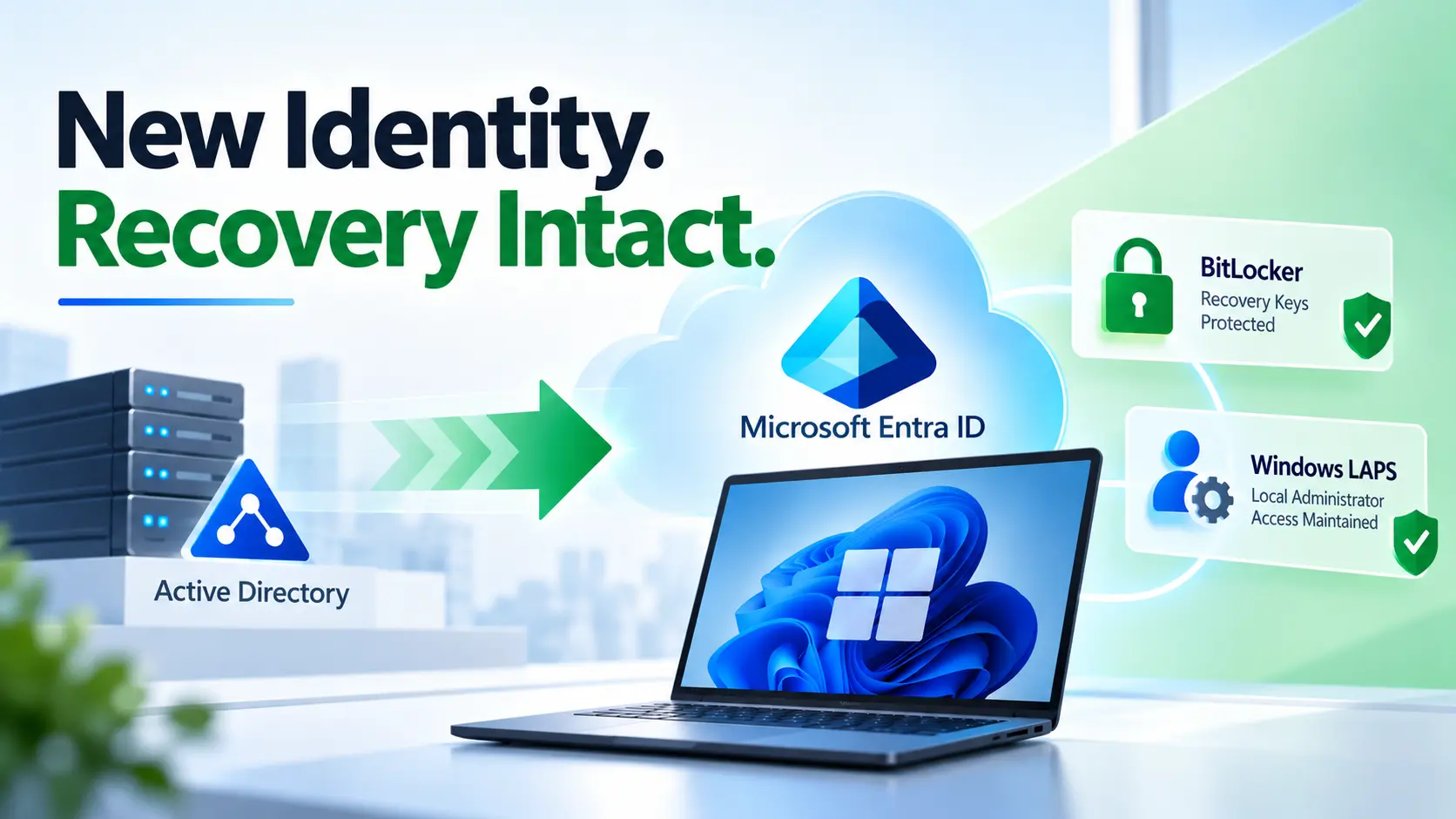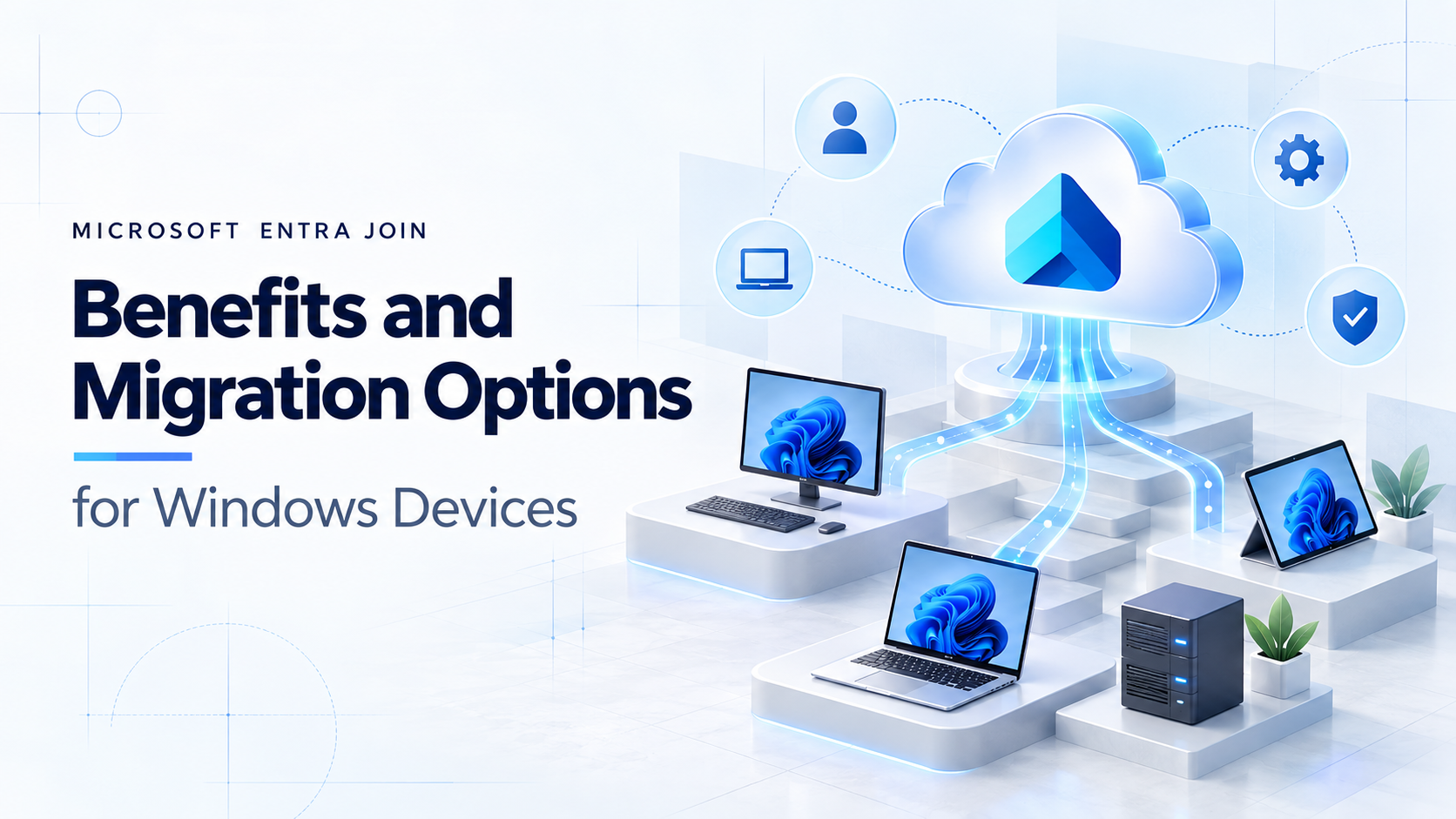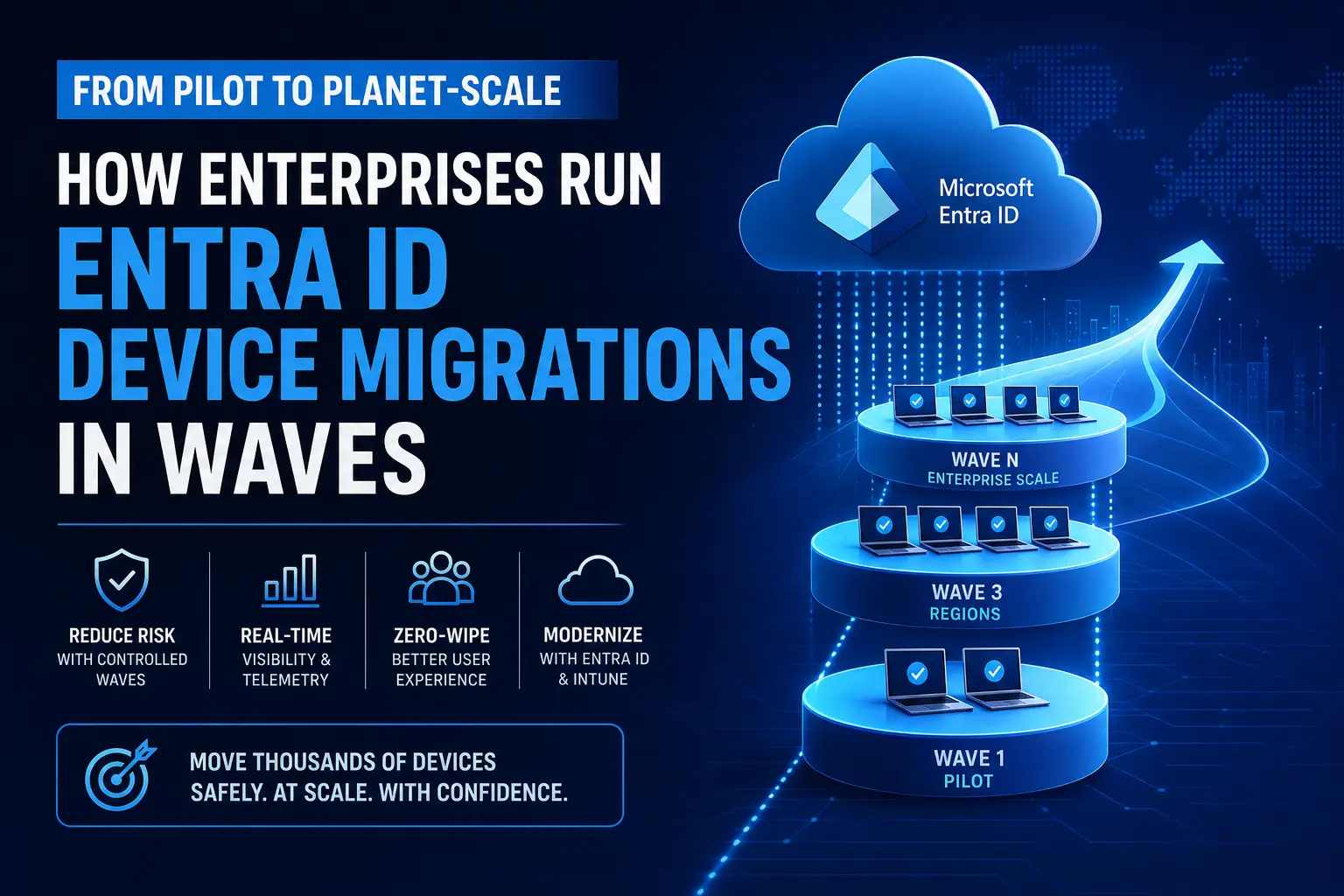
Almost every enterprise IT team can make a pilot look successful.
A small batch of devices, a cooperative user group, a handful of dedicated engineers, and a tightly controlled test window can make almost any migration approach seem viable.
The real challenge begins when the organization tries to scale its Entra ID device migration program.
Moving 5,000, 20,000, or even 40,000 devices during an Entra ID device migration across business units, global time zones, varying hardware profiles, and complex application dependencies is where most migration programs stall.
The target state is usually clear:
- Move away from Domain Joined or permanently Hybrid Joined devices
- Modernize endpoint management with Microsoft Intune
- Build toward an Entra-first operating model
But the execution layer is where enterprises struggle.
Large-scale Entra ID migration is not just a technical configuration exercise it is a massive operational program. And the most successful programs are always wave-based by design.
Why Pilots Succeed and Planet-Scale Entra ID Device Migrations Fail
Pilots succeed because they hide the true complexity of enterprise rollout.
Pilot devices are hand-picked. Users are usually technical and cooperative. Exceptions are manually handled by senior engineers. This creates a dangerous illusion of scalability.
Large-scale Entra ID device migration programs fail for the exact opposite reason.
At scale:
- Network conditions degrade
- Remote users go offline
- Legacy software clashes with cloud policies
- VPN agents break unexpectedly
- Support teams become overloaded
A simple migration script that worked during testing can suddenly create hundreds of support tickets in production.
This is why “big-bang” migration strategies are inherently risky.
Microsoft’s Cloud Adoption Framework strongly recommends structured migration waves because controlled rollout groups reduce operational risk, improve visibility, and allow IT teams to optimize each wave before expanding the rollout.
Wave-based Entra ID device migration creates:
- Better operational control
- Faster issue detection
- Safer rollout patterns
- Lower support impact
The Wave-Based Operating Model for Entra ID Device Migration
A migration wave is not just a calendar batch.
It is a structured execution unit with:
- Defined readiness criteria
- Device validation rules
- User communication plans
- Operational dependencies
- Support procedures
- Success thresholds
A proper wave model transforms Entra ID device migration from a risky infrastructure project into a measurable operational program.
For enterprise-scale migrations, wave-based execution provides major advantages:
1. Blast Radius Control
Unexpected issues affect only a limited device group instead of the entire fleet.
2. Real-World Validation
Migration assumptions are tested against real production users before expanding rollout.
3. Continuous Improvement
Each migration wave improves the next one using telemetry and operational learning.
4. Faster M&A Integration
Organizations can migrate acquired environments gradually without introducing inherited Active Directory risk into the clean Entra tenant.
How Enterprises Structure Entra ID Migration Waves
There is no single wave design strategy. Mature enterprises group migration waves using different operational models.
Risk-Based Waves
Start with standardized, low-risk devices first.
Early waves should validate telemetry and expose operational gaps before scaling.
Business-Unit Waves
Migrations are aligned to departments like:
- Finance
- HR
- Contact Centers
- Operations
This helps IT teams coordinate communication and support windows effectively.
Geography-Based Waves
Organizations group devices by:
- Region
- Office
- Country
- Network environment
This aligns migrations with local support coverage and regional compliance requirements.
Device-Profile Waves
Standard knowledge-worker devices migrate first.
Complex edge cases like:
- Engineering workstations
- Shared devices
- Specialized hardware
- Legacy kiosk systems
…are handled later in dedicated migration waves.
Pre-Checks in Enterprise Entra ID Device Migration
The pre-check layer is where enterprise migrations are won or lost.
Organizations that skip readiness validation often discover failures during cutover when support costs become highest and user disruption becomes visible.
A mature Entra ID device migration program must verify:
- Device health and management visibility
- Intune enrollment readiness
- Cloud connectivity requirements
- Profile migration compatibility
- Security and compliance prerequisites
- Application readiness
Many migration failures are caused by:
- Stale device records
- Conflicting management states
- Broken compliance policies
- Unsupported applications
You are never simply changing the join type.
You are changing the identity state of a production device that must already be proven ready.
Scaling Entra ID Device Migration Without Pre-Checks Is Risky
Many migration failures happen because devices are moved before readiness validation is complete.
Opsole Migrate automates pre-checks, readiness validation, and migration orchestration helping enterprises move devices to Entra ID safely and at scale.
Explore how zero-wipe device migration works.
The Human Side of Entra ID Device Migration
Most engineering teams underestimate the operational support layer required for large-scale migration.
At enterprise scale, communication becomes part of the migration control plane.
Each migration wave must define:
- User communication plans
- Service desk readiness
- Known issue documentation
- Escalation paths
- Rollback procedures
If users do not understand what is happening, even technically successful migrations generate panic and helpdesk overload.
Self-Service Migration as a Force Multiplier
When readiness validation and communication are properly designed, self-service migration becomes extremely powerful.
Users can:
- Trigger migration remotely
- Choose their preferred migration time
- Complete migration without IT intervention
But self-service only works when:
- The target state is stable
- Pre-checks are reliable
- User profile migration is guaranteed
- Zero-wipe execution is enforced
Without those safeguards, self-service creates operational chaos instead of efficiency.
The Scripting Trap in Large-Scale Entra ID Migration
Almost every organization starts with PowerShell scripts.
Scripts work well during pilots because they are:
- Fast
- Flexible
- Cheap
- Easy to test
But enterprise-scale Entra ID device migration exposes their limitations quickly.
Scripts do not provide:
- Structured wave governance
- Centralized telemetry
- Readiness scoring
- Real-time reporting
- Rollback orchestration
- Operational dashboards
Most script-based migration programs rely on retrospective reporting:
- Migrate first
- Analyze failures later
Mature migration programs operate differently.
Telemetry drives the rollout itself.
If:
- a specific hardware model fails repeatedly
- support tickets spike
- compliance drops
- VPN conflicts appear
…the next migration wave must adapt immediately.
Enterprise migration programs should learn continuously while moving.
Where Opsole Migrate Fits: The Enterprise Migration Orchestration Layer
Most organizations do not fail because they lack a target-state architecture.
They fail because they lack a repeatable operational execution layer between the pilot phase and enterprise-scale rollout.
That is exactly where Opsole Migrate fits.
Opsole Migrate is designed specifically for large-scale Entra ID device migration.
While Intune and Autopilot define the destination, Opsole Migrate operationalizes the journey to get your existing fleet there safely.
It replaces fragmented scripts with a structured migration orchestration platform built for enterprise scale.
With Opsole Migrate, enterprises can:
Wave Governance
Group, schedule, and orchestrate migrations across thousands of endpoints from a centralized cloud dashboard.
Automated Pre-Checks
Validate device readiness before migration triggers dramatically reducing helpdesk incidents.
Zero-Wipe Device Migration
Move devices from Domain Join or Hybrid Join to Entra ID without wiping devices, losing user profiles, or rebuilding endpoints.
Real-Time Migration Telemetry
Track migration success rates, identify friction points, and optimize future migration waves continuously.
Frequently Asked Questions
What is an Entra ID device migration?
An Entra ID device migration is the process of moving Windows devices from traditional Active Directory or Hybrid Join environments to Microsoft Entra ID while maintaining user productivity, security, and management continuity.
Why do enterprises use migration waves for Entra ID device migration?
Migration waves reduce operational risk by moving devices in controlled batches. This helps organizations validate readiness, monitor telemetry, and avoid large-scale migration failures.
Can you migrate devices to Entra ID without wiping them?
Yes. With the right migration strategy and tools like Opsole Migrate, organizations can migrate devices to Entra ID without wiping devices, losing user profiles, or rebuilding endpoints.
Why do script-based Entra ID migrations fail at scale?
Scripts work well during pilots but struggle at enterprise scale because they lack telemetry, governance, rollback mechanisms, centralized reporting, and operational orchestration.
What is zero-wipe device migration?
Zero-wipe device migration allows organizations to move devices from Domain Join or Hybrid Join to Entra ID without formatting devices or disrupting users.
Final Thoughts
Pilots are easy.
Enterprise-scale Entra ID device migration is not.
If your organization already knows the destination is Entra-first identity and modern endpoint management, the real challenge is executing migration without disrupting the business.
The longer enterprises remain trapped in permanent Hybrid Join complexity, the more operational overhead, security exposure, and management fragmentation they inherit.
With the right migration strategy, wave-based governance, telemetry, and automation, organizations can modernize endpoint identity safely and at scale.
Ready to Run Entra ID Device Migration at Enterprise Scale?
With Opsole Migrate, enterprises can:
- Execute wave-based migrations safely
- Automate readiness validation
- Reduce helpdesk disruption
- Preserve user profiles with zero wipe
- Track migration telemetry in real time
Book a free assessment and modernize your device fleet without disruption.