Microsoft Entra join connects company Windows devices directly to Microsoft Entra ID. Paired with Intune and configured security policies, it supports remote management and convenient access to work applications. The main reasons to consider it are a better employee experience, simpler IT operations and less dependence on on-premises device infrastructure. Microsoft Entra join.
Imagine a colleague starting from home. Their work is in Teams and SharePoint, but setting up their domain-joined laptop still involves reaching the corporate network. IT must coordinate connectivity and device configuration before that person can get on with their job. Entra join offers a way to make the device fit how the business already works.
You can choose the migration route around your fleet: Autopilot for new or rebuilt devices, manual migration for limited cases, or Opsole Migrate for supported existing devices where preserving the working environment matters.
What Microsoft Entra join changes
A Microsoft Entra joined Windows device joins the organisation’s Microsoft Entra ID tenant, and employees sign in with their work account. The device is no longer joined to an on-premises Active Directory domain. Microsoft Entra join provides the device identity; a management service such as Microsoft Intune delivers applications, configuration and compliance policies. These are separate capabilities that work together. Microsoft Entra join overview.
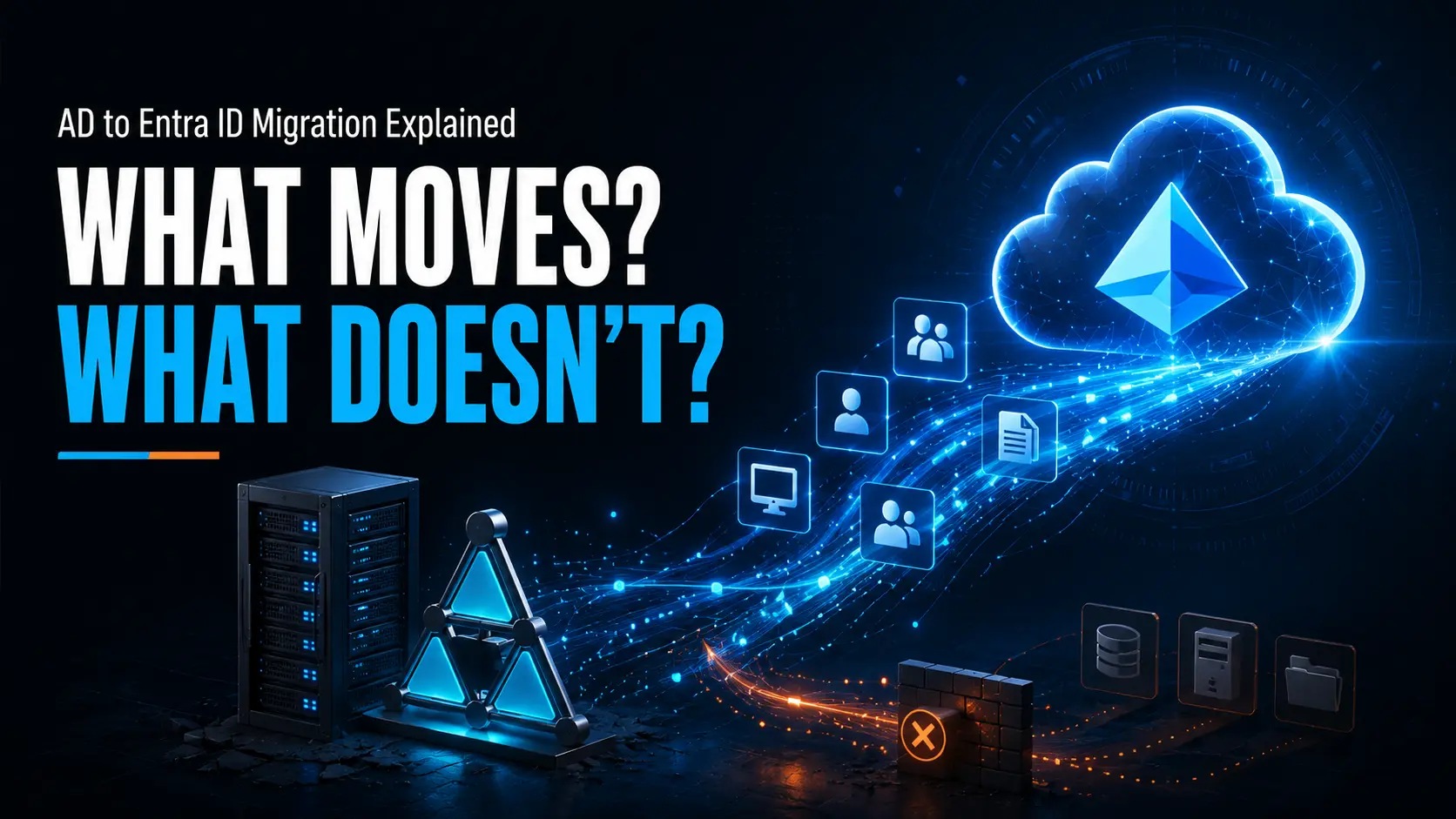
Hybrid Microsoft Entra joined devices remain joined to Active Directory and also have an identity in Entra ID. Hybrid join can support existing requirements, but it retains dependencies on domain controllers. Moving to Entra join removes the endpoint’s domain membership. User identities can still be synchronised from Active Directory where required. Hybrid join explained; deployment planning.
A better working day for employees
Employees benefit when their device and applications work together with fewer interruptions. Entra joined devices support single sign-on to Microsoft 365 and other integrated applications, reducing repeated sign-ins where application support and access policies allow. They also suit employees working from home or offices with limited local infrastructure. Microsoft Entra join capabilities.
With Windows Hello for Business configured, employees can use a PIN or supported biometrics to sign in. Its device-bound credentials help protect against phishing and credential theft while making daily access more convenient. Windows Hello for Business.
For the employee, the value is practical: less time navigating access problems and more time using the tools needed for their job. The migration should protect that experience too, with clear communication about restarts, sign-in changes and any application checks.
Stronger access controls for a distributed workforce
A recognised device identity gives security teams useful context when deciding who can access company resources. Combined with Intune compliance and Microsoft Entra Conditional Access, an organisation can require a compliant device, multifactor authentication or an approved authentication strength before granting access to an application. These controls support a Zero Trust approach in which access is explicitly evaluated. Conditional Access overview.
The benefits depend on configuration and licensing. Joining a device alone does not activate every protection, and Conditional Access and Windows Hello for Business are also available in supported hybrid environments. Entra join helps organisations pursue these controls while reducing endpoint dependence on Active Directory.
Simpler everyday management for IT
With Intune in place, IT can deploy applications, configure devices, manage updates and check compliance through a cloud service. This supports a consistent management approach across office and remote devices. It also gives administrators a central view of whether their intended settings and applications have reached the fleet. Microsoft Intune capabilities.
The move creates an opportunity to review years of accumulated configuration. Identify the settings the business still needs, replace essential Group Policy requirements with suitable Intune policies, and retire obsolete settings. Microsoft recommends reviewing current requirements when establishing a cloud-managed endpoint configuration. Cloud-native Windows guidance.
That work can reduce the amount of legacy configuration IT has to maintain. It also makes the desired device setup easier to explain, reproduce and support as the organisation grows.
A business case built around productivity and operating effort
The business opportunity follows from these operational changes. Easier remote deployment can help new employees become productive sooner. More consistent management can reduce avoidable support work. Reducing endpoint dependencies can also contribute to a wider infrastructure simplification programme.
Build the financial case around your own environment: time spent preparing devices, support tickets, employee interruption and the infrastructure you can actually retire. Include licensing, migration effort and ongoing administration. Entra join provides a foundation for reducing device-related costs, but the savings depend on what changes around it. Microsoft deployment planning.
Which Microsoft licences do you need?
Intune management requires an appropriate Intune entitlement. Conditional Access requires Microsoft Entra ID P1; policies based on user or sign-in risk require P2. Your Microsoft 365 subscription may already include relevant entitlements, so check the assigned plans before buying more. Intune licensing; Conditional Access licensing.
For Opsole Migrate, follow the product prerequisites for Intune, Entra ID and supported Windows editions. These are migration requirements in addition to selecting the security capabilities you want after the move. Opsole licensing prerequisites.
What does migrating to Microsoft Entra join cost?
The migration budget includes software or services, preparation, technician time, employee interruption and post-migration support. Ongoing Microsoft subscriptions are a separate operating cost. For each approach, price the same device population and the same outcome: users working normally on managed devices.
A useful planning calculation is: project cost = migration software and services + preparation and remediation + IT labour + employee interruption + follow-up support. Count only incremental costs and avoid charging the same activity twice.
For example, if a pilot shows that one approach saves 4 hours of employee interruption per device, a rollout across 500 devices would save 2000 employee-hours. Multiply those hours by your own hourly cost assumption. This is an illustration, not an Opsole performance or savings claim.
For an Opsole quotation, specify device numbers, migration scenario and rollout schedule. Ask for the per-device basis, any minimum commitment, professional services included, support coverage and exclusions. Request an itemised migration quote.
Move at a pace your applications can support
You can adopt Entra joined devices while retaining some on-premises services. With the correct identity synchronisation and network connectivity, users can still access supported file shares, printers and applications. Access to those resources may continue to require a VPN and communication with domain controllers. On-premises single sign-on requirements.
Before migrating, assess applications that use AD computer authentication, essential Group Policies, certificates, Wi-Fi and printing. Some dependencies need redesign. Moving endpoints alone does not make Active Directory ready for retirement. Microsoft planning considerations. Check the Opsole migration prerequisites before a pilot.
Questions to answer before migration
Can you migrate to Microsoft Entra join without wiping the device?
Yes. Opsole Migrate supports in-place migration for eligible Windows devices. Manual unjoin and join can also avoid a wipe, but preserving the existing user profile needs separate handling. Migration options.
Will every application and saved sign-in keep working?
Not necessarily. Many applications can remain installed during an in-place migration, but some applications may require reauthentication, Windows Hello may need reconfiguration, and credentials or certificates tied to the previous identity may require replacement. Validate critical applications during a representative pilot. Known considerations.Known considerations
Can remote users migrate without returning their laptop?
Opsole supports remote migration over internet connectivity when its prerequisites are met. A successful remote migration does not remove VPN requirements for applications that still need the corporate network. Migration and network prerequisites; on-premises access.
How much downtime should we plan for?
Allow for controlled restarts, sign-in and application checks which normally takes less than 30 minutes. Device health, policies and connectivity affect the duration. Use a representative pilot to set your migration window and support staffing. Readiness requirements.
How do you migrate AD and hybrid joined devices to Microsoft Entra join?
A fleet can use several approaches. The right choice depends on whether you are provisioning new hardware, rebuilding existing devices or preserving a working environment.
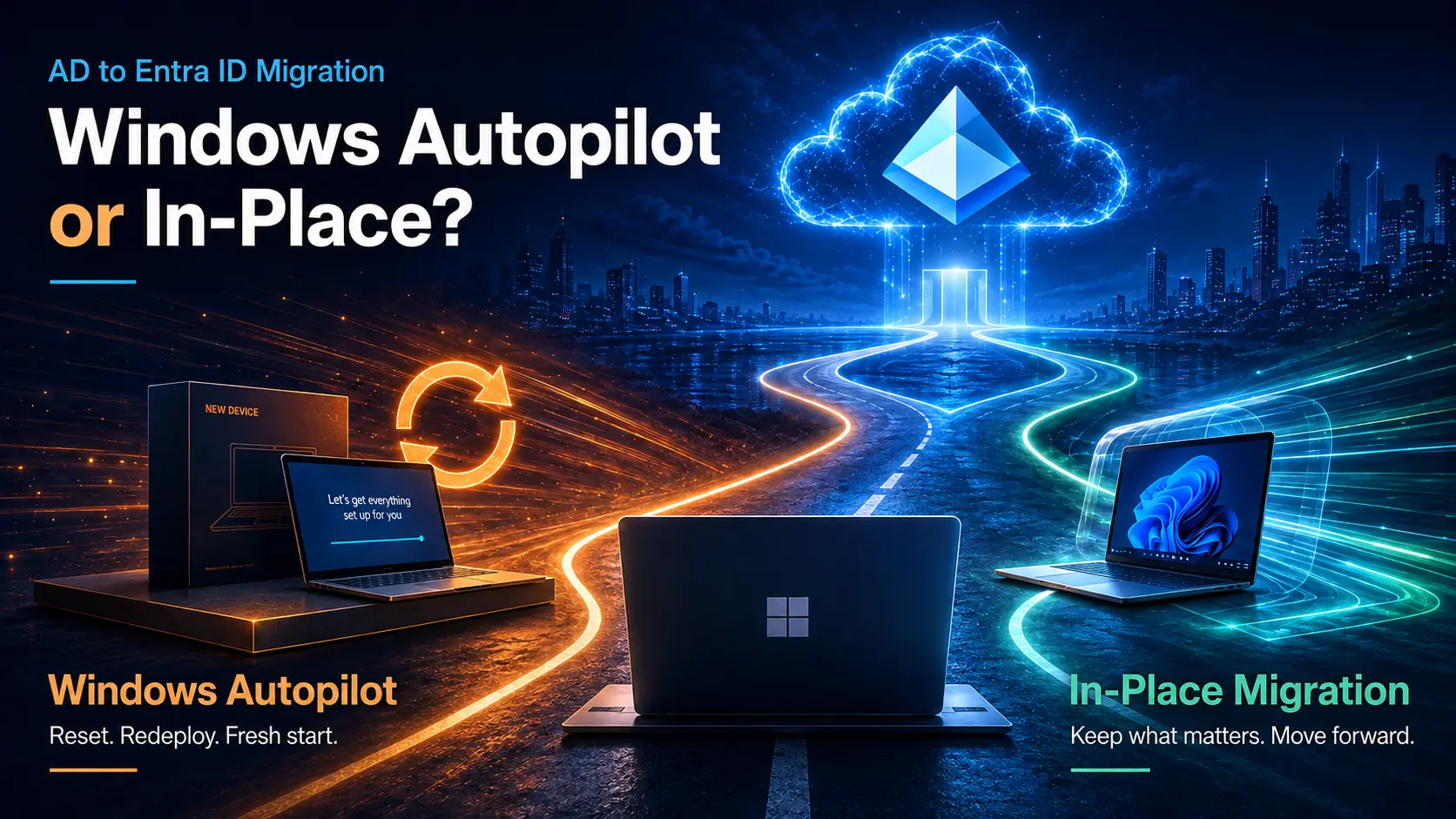
Unsure whether to rebuild or migrate in place? Compare Windows Autopilot and in-place migration to choose the approach that fits your fleet.
Windows Autopilot for new devices and planned rebuilds
Windows Autopilot helps provision devices into a consistent company configuration with Entra join and Intune enrolment. It is a strong fit for new laptops, hardware refreshes and devices that should start from a clean baseline. On new hardware, it can use the Windows installation supplied by the manufacturer. Windows Autopilot overview.
For existing AD or hybrid joined devices, a reset or reimage followed by Autopilot provisioning is a Microsoft-documented migration route. Plan to restore user data and redeploy applications and settings; the existing profile is not preserved in place. Simply registering a device with Autopilot does not change its join state. Autopilot for existing devices.
The specifically named Windows Autopilot Reset feature preserves an existing Entra join and does not support hybrid joined devices. It should not be confused with resetting a hybrid device and provisioning it again as Entra joined. Autopilot Reset guidance.
Manual migration for a small number of devices
IT can manually unjoin a device from Active Directory and join it to Entra ID through Windows Settings, after preparing local administrative access, user data and the target environment. Microsoft documents the Windows join experience.
This can suit a small rollout where technicians handle devices individually. It can avoid wiping Windows, but unjoin and join alone do not reassociate the existing AD user profile with the new Entra sign-in. Profile migration, permissions, enrolment and validation need separate attention. Compare migration approaches.
Opsole Migrate for existing devices and profile continuity
Opsole Migrate is designed to move supported AD joined and hybrid joined Windows devices to Entra join in place. It preserves the existing user profile, installed applications and local files without wiping or reimaging Windows. It also supports device migrations between Entra tenants. Opsole Migrate.
Opsole Migrate runs without leaving a persistent migration agent installed on endpoints and requires no on-premises migration server. Migration components execute on the device during the process. Remote execution and a cloud dashboard help IT coordinate distributed users and track progress. How Opsole Migrate works.
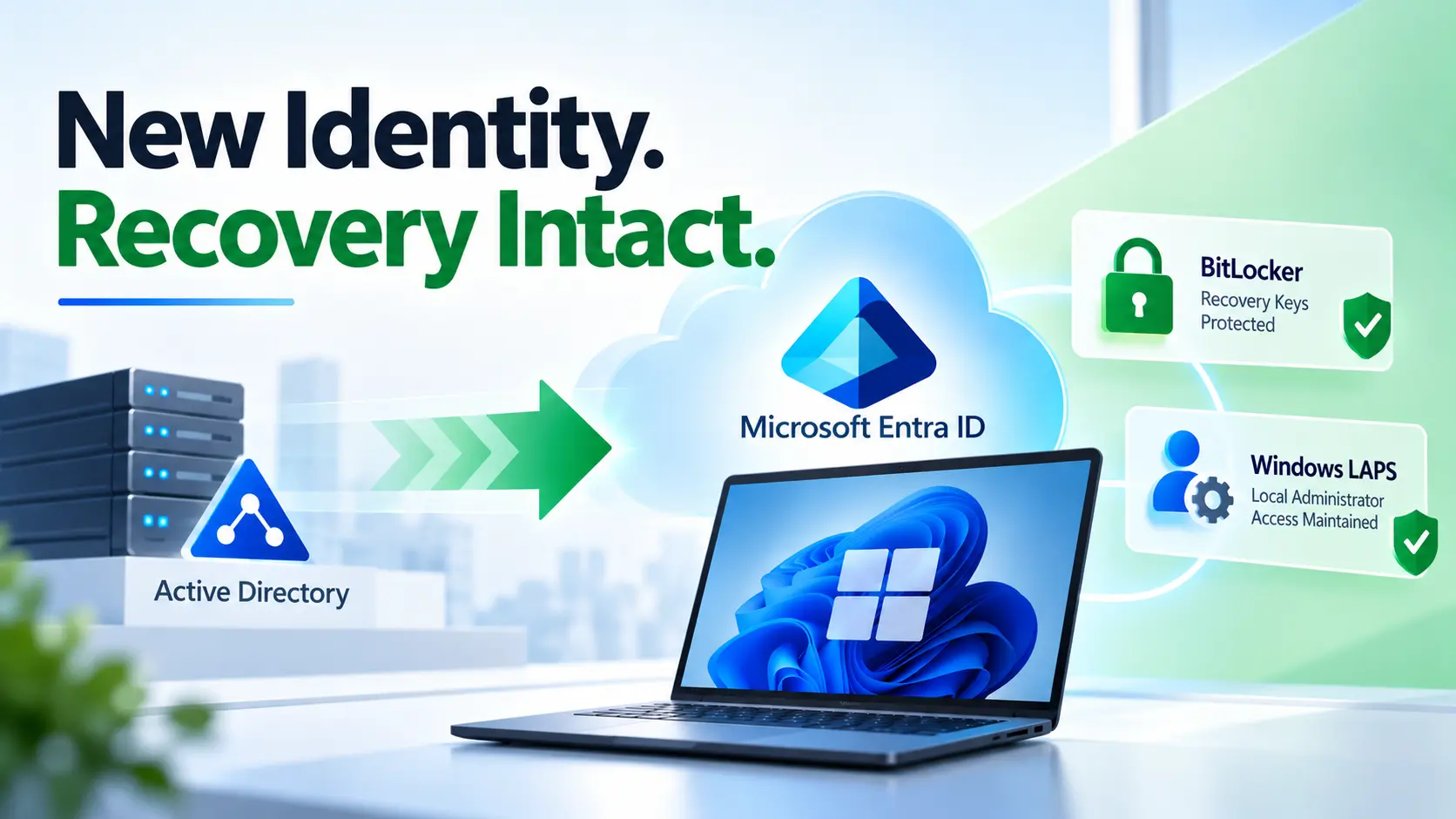
Opsole also supports Intune management continuity and optional BitLocker and LAPS recovery handling where configured. Controlled restarts and an Entra sign-in are part of the transition. Product capabilities.
Application reauthentication or Windows Hello reconfiguration may still be needed. Validate protected credentials, certificates and application behaviour during the pilot. Known behaviours and considerations.
Additional provisioning options
Microsoft also provides bulk enrolment using Windows Configuration Designer provisioning packages. These can join eligible devices to Entra ID and enrol them in Intune, particularly for IT-prepared deployments. A provisioning package by itself does not provide a complete AD profile-migration workflow. Windows bulk enrolment.
| Your situation | Approach to consider | Main planning point |
| New hardware or a planned rebuild | Windows Autopilot | Prepare apps, policies and user-data restoration |
| A small number of individually managed migrations | Manual unjoin and join | Plan profile migration and device validation |
| Healthy existing devices where continuity matters | Opsole Migrate | Validate readiness and application behaviour |
| IT-prepared bulk provisioning | Provisioning packages | Plan any existing identity and profile transition separately |
Make your next step a measured pilot
A practical strategy can combine Autopilot for new and rebuilt devices with Opsole Migrate for suitable existing devices, using manual processes for limited exceptions. That lets you improve the device experience without forcing every employee through the same migration method.
Choose a representative group, define what success looks like for employees and IT, and use the results to plan the wider rollout. The goal is a workplace where secure access and reliable device management support people wherever they work.
Ready to plan your migration?
Request a free migration assessment and share your device count, current join state, remote-user requirements and target date. We can discuss where an in-place migration fits and where a rebuild is the better choice.