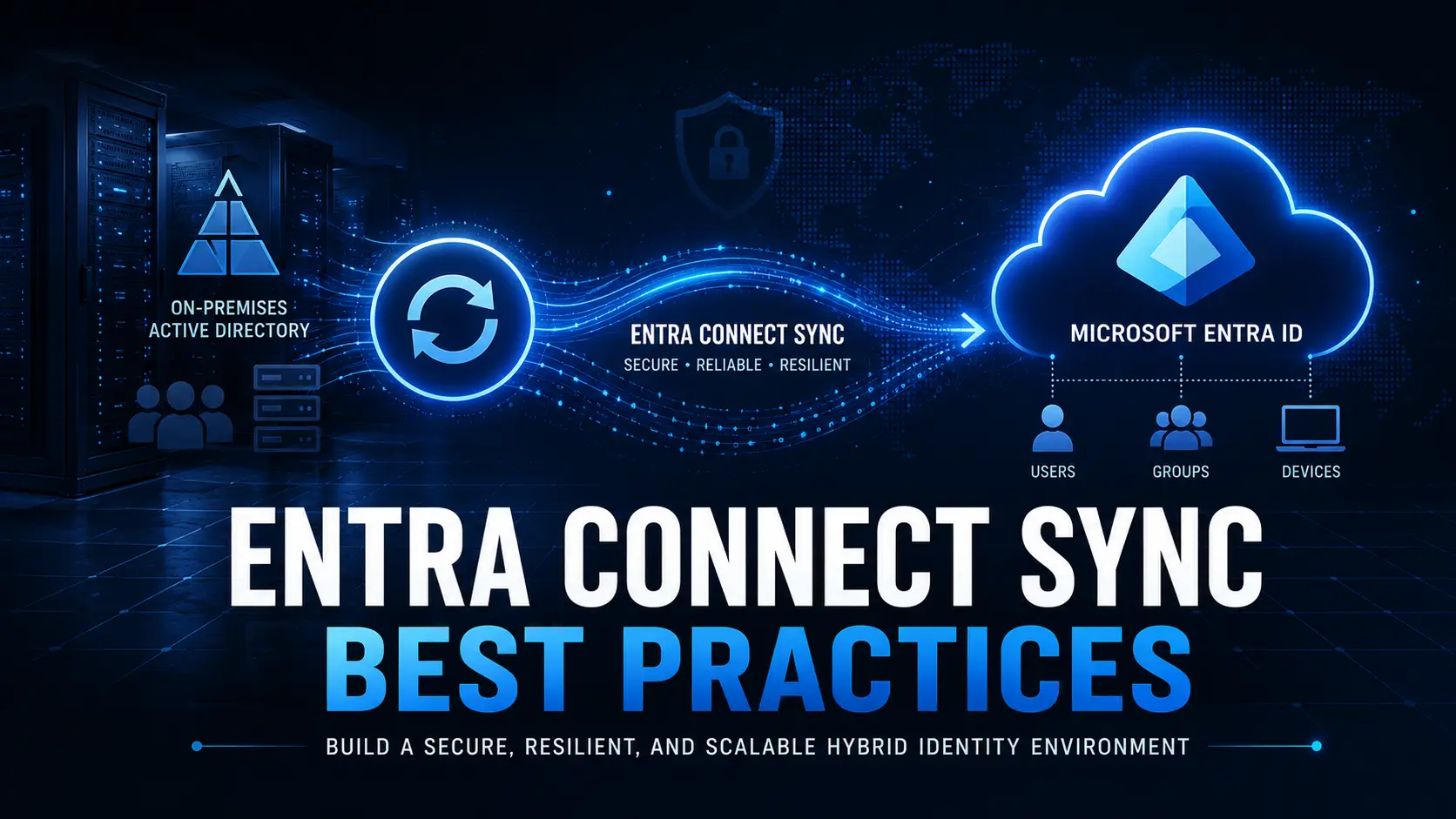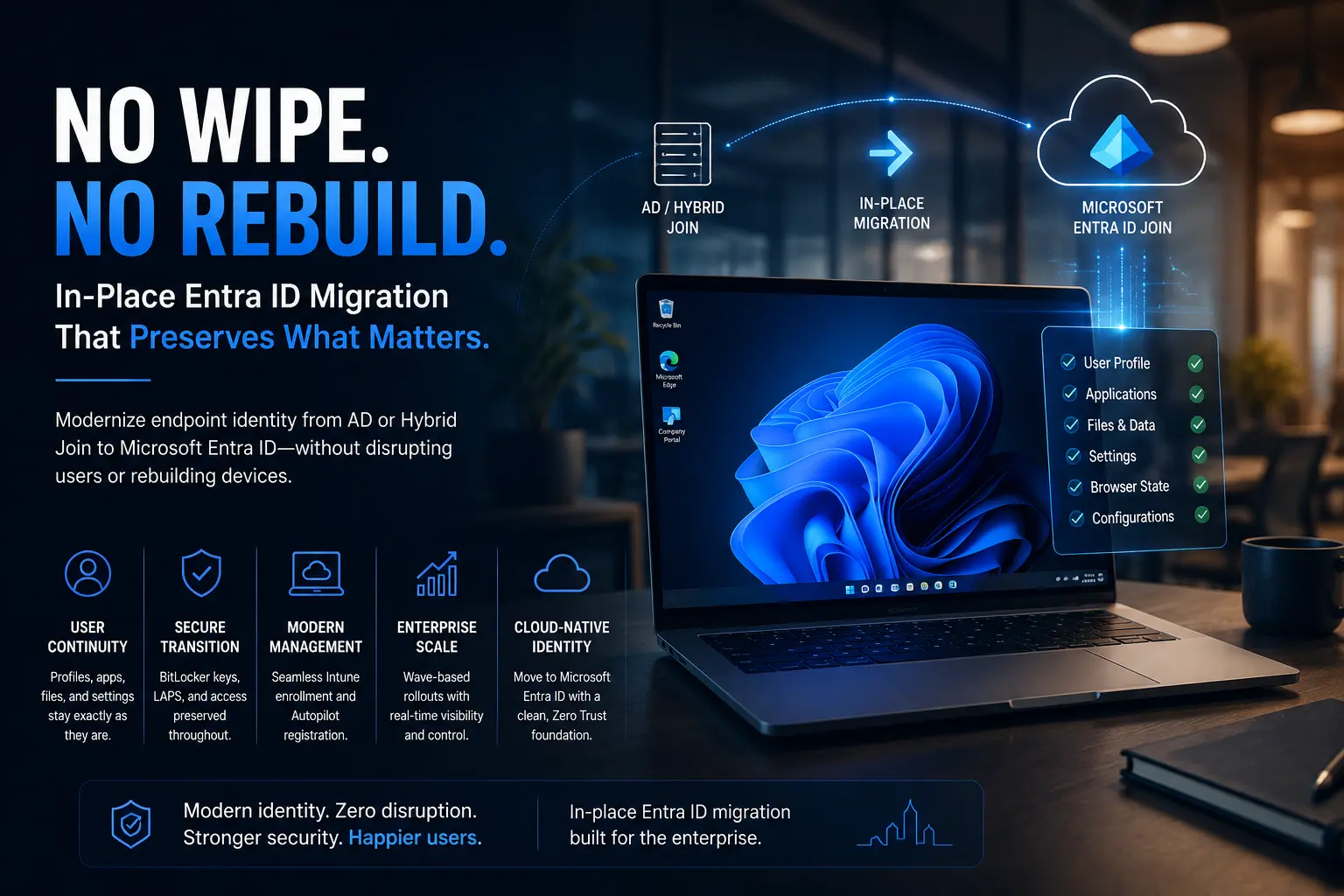
In-place Entra ID migration is an approach for existing Windows fleets that preserves the OS, user profile, applications, and overall user experience while transitioning devices to a cloud-only identity model.
Every enterprise running a modern Microsoft environment eventually reaches the same architectural crossroads:
How do you transition thousands of Windows devices from legacy AD-joined or Hybrid Entra-joined states to a clean Microsoft Entra ID environment without disrupting the business?
For years, organizations accepted two painful options:
- wipe and reload devices completely
- build fragile custom migration scripts internally
Neither approach scales well in modern enterprises.
Wipe-and-reload projects consume helpdesk capacity, stretch migration timelines for months, and create major disruption for end users. DIY scripting approaches may work during a pilot phase, but they often collapse under enterprise-scale operational complexity.
For organizations managing thousands of active endpoints, both approaches create unacceptable risk.
This is why enterprises are increasingly shifting toward a different model:
In-place Entra ID migration.
Why Traditional Device Migration Approaches Fail at Scale
The core problem with traditional migration methods is not technical capability.
It is operational impact.
Most enterprises underestimate how deeply users depend on their existing endpoint environment:
- desktop layouts
- browser states
- locally installed applications
- VPN profiles
- cached credentials
- local files
- personalization settings
A traditional rebuild destroys that continuity.
At small scale, IT teams absorb the disruption manually.
At enterprise scale, that disruption becomes operationally unsustainable.
This is where many modernization initiatives lose momentum internally.
What In-Place Entra ID Migration Actually Means
In-place migration changes the identity state of the device not the device itself.
The operating system remains intact.
The user profile remains intact.
Applications remain installed.
Local configurations remain preserved.
What changes is the join state:
- AD Joined → Entra ID Joined
- Hybrid Joined → Entra ID Joined
- cross-tenant identity transition
The objective is simple:
Modernize endpoint identity without rebuilding the endpoint estate.
Why Enterprises Are Moving Away From Wipe-and-Reload
The traditional wipe-and-reload model was built for a different era:
- office-centric infrastructure
- local IT support
- physically accessible devices
- smaller endpoint fleets
Modern enterprises now operate across:
- remote workforces
- distributed branch environments
- M&A integrations
- cloud-native operations
- globally distributed endpoints
Rebuilding thousands of devices manually no longer aligns with modern operational realities.
The Three Layers That Must Survive Migration
Successful endpoint modernization is not simply about moving identity.
It requires preserving continuity across three critical operational layers.
1. User Experience Continuity
This is where most migration projects succeed or fail politically inside the organization.
Users expect continuity across:
- desktop personalization
- browser sessions and bookmarks
- locally installed applications
- user profiles
- VPN and Wi-Fi configurations
- local files and cached data
Even small disruptions generate:
- helpdesk spikes
- productivity loss
- negative project perception
A migration strategy that breaks the user experience quickly loses internal support.
2. Management & Enrollment Continuity
Modern enterprises also need uninterrupted endpoint management posture.
That includes:
- clean Intune enrollment transition
- Autopilot registration continuity
- primary user reassignment
- source object cleanup
- device management consistency
Without proper orchestration, organizations accumulate:
- duplicate device objects
- stale enrollments
- policy drift
- management fragmentation
These issues often appear weeks after migration when remediation becomes significantly harder.
3. Security & Recovery Continuity
Security continuity is frequently underestimated during endpoint identity transition.
A proper migration architecture must preserve:
- BitLocker recovery assurance
- local admin access
- LAPS continuity
- security group memberships
- compliance posture
- recovery validation
When recovery handling becomes manual, operational risk increases dramatically.
Why DIY Migration Scripts Eventually Break Down
Almost every enterprise starts with PowerShell.
Initially, scripting feels attractive:
- low upfront cost
- flexible customization
- fast proof-of-concept execution
But enterprise-scale migration introduces operational complexity scripts were never designed to govern.
DIY migration models typically struggle with:
- centralized telemetry
- auditability
- rollback orchestration
- policy consistency
- wave governance
- endpoint reporting
- operational scalability
What works for:
50 pilot devices
rarely works for:
25,000 production endpoints
without creating significant operational overhead.
The Architectural Requirements of a Modern Migration Platform
Not every tool positioned as a “migration solution” is built for true in-place identity transition.
A modern enterprise migration platform should satisfy several critical architectural requirements.
Agentless Architecture
Persistent migration agents create:
- additional attack surface
- endpoint management overhead
- long-term operational drag
Modern migration workflows should execute securely over HTTPS and Microsoft Graph without requiring:
- on-prem migration servers
- VPN dependency
- domain controller connectors
True In-Place Identity Transition
Some solutions market themselves as “migration platforms” while still relying on hidden rebuild workflows underneath.
A true in-place migration preserves:
- operating system state
- user profiles
- applications
- local configurations
without destructive reset behavior.
Automated BitLocker & LAPS Handling
Security continuity should be fully automated.
Recovery keys and administrative credentials must:
- transfer securely
- validate successfully
- remain continuously accessible
throughout the migration lifecycle.
Tenant-Owned Permission Models
Enterprises should maintain full governance visibility over:
- Entra app registrations
- Graph permissions
- authentication scopes
Migration architecture should never depend on opaque third-party permission ownership.
Unified Migration Execution
Many organizations unintentionally create operational fragmentation by using:
- one tool for Hybrid migration
- another for tenant migration
- custom scripts for cleanup
- separate workflows for Intune transition
Modern migration architecture should consolidate:
- AD Joined migration
- Hybrid migration
- cross-tenant transition
- Intune migration
under a single execution layer.
Real Enterprise Scenarios Driving In-Place Migration
In-place Entra ID migration is becoming increasingly important across several enterprise transformation scenarios.
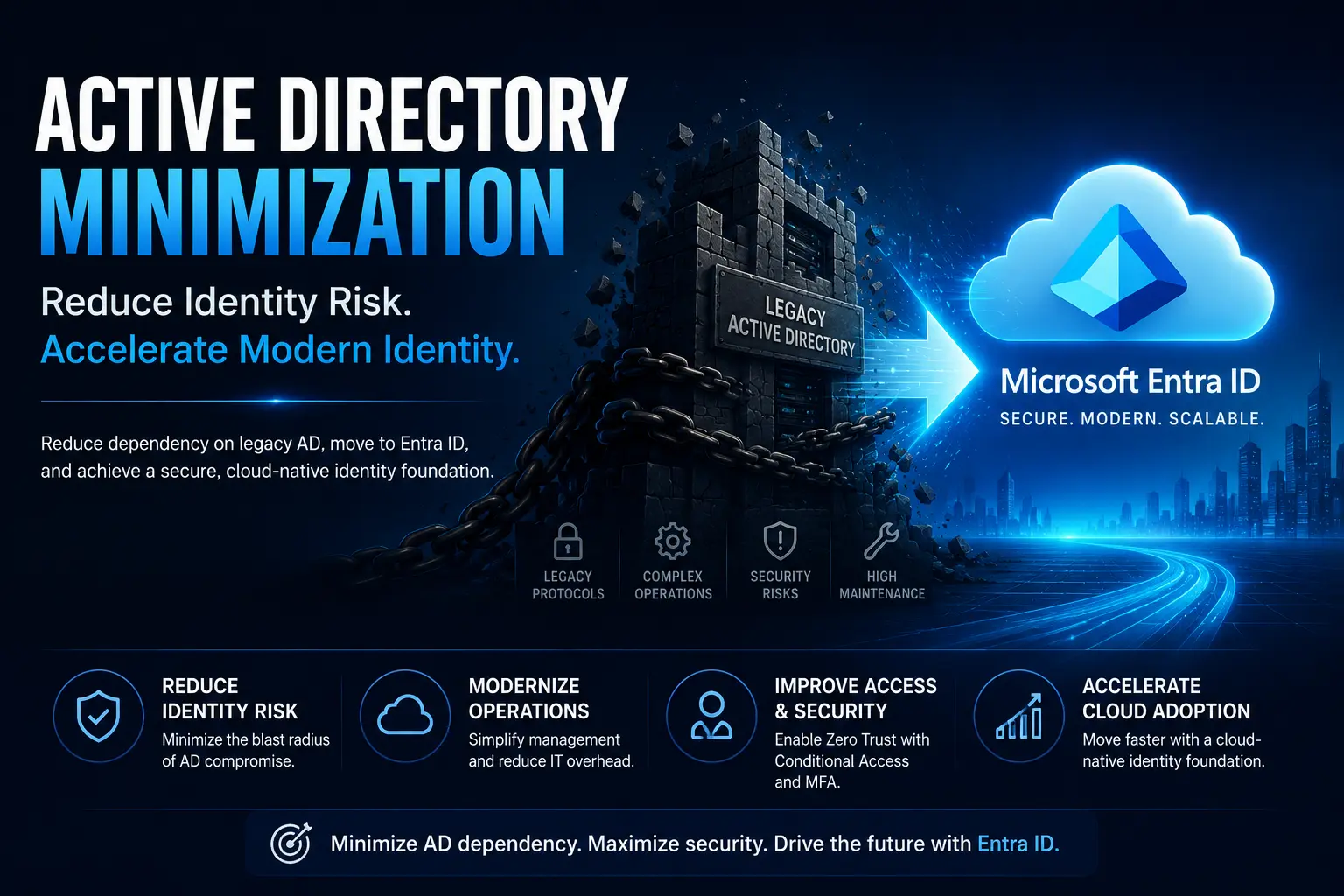
Active Directory Minimization
Organizations are actively reducing dependency on legacy AD infrastructure to:
- improve security posture
- reduce operational overhead
- accelerate cloud-native identity
Hybrid Identity Exit
Many enterprises no longer want Hybrid Join to become permanent architecture.
The long-term goal is increasingly:
clean Entra ID-native endpoint identity.
Mergers & Acquisitions
M&A introduces:
- multiple tenants
- conflicting device identities
- inherited operational debt
Rebuilding every acquired endpoint manually creates enormous operational friction.
Remote Workforce Modernization
Distributed workforces make office-bound migration models increasingly impractical.
Modern enterprises require:
- remote execution
- self-service workflows
- internet-based migration
- centralized orchestration
without relying on VPN-heavy operational models.
Where Opsole Migrate Fits
This is where Opsole Migrate becomes strategically important.
Opsole Migrate is purpose-built for enterprise-scale in-place Entra ID migration.
It enables organizations to transition:
- AD Joined endpoints
- Hybrid Joined environments
- cross-tenant device estates
…without destructive wipe-and-load workflows.
With Opsole Migrate, enterprises can:
Execute Zero-Wipe Migration
Move endpoints to Microsoft Entra ID without rebuilding devices or disrupting users.
Preserve User Continuity
Maintain:
- applications
- user profiles
- browser states
- local configurations
- endpoint productivity
Protect Security & Compliance
Automatically preserve:
- BitLocker recovery assurance
- LAPS continuity
- security posture validation
throughout the migration lifecycle.
Run Remote Enterprise Rollouts
Support:
- self-service migration
- wave-based execution
- remote modernization
- centralized governance
at enterprise scale.
Frequently Asked Questions
What is in-place Entra ID migration?
In-place Entra ID migration transitions a Windows device from AD or Hybrid Join to Microsoft Entra ID without wiping or rebuilding the device.
Why are enterprises moving away from wipe-and-reload migration?
Traditional rebuild approaches create operational disruption, increase helpdesk demand, and significantly extend project timelines at scale.
What must be preserved during endpoint migration?
Successful migration must preserve:
- User profiles
- Applications
- BitLocker recovery
- Intune posture
- Security continuity
- Management state
Why do DIY migration scripts fail at enterprise scale?
Scripts often lack centralized telemetry, governance, reporting, rollback orchestration, and operational scalability.
Can Entra ID migration happen remotely?
Yes. Modern in-place migration platforms support secure internet-based execution without requiring office connectivity or VPN dependency.
Final Thoughts
The future of endpoint modernization is not destructive rebuild cycles.
It is controlled identity transition with minimal operational disruption.
Modern enterprises need migration architecture that:
- preserves user continuity
- reduces operational risk
- maintains security posture
- scales across distributed environments
Because endpoint modernization is no longer just a technical project.
It is an operational transformation initiative.
Ready to Modernize Endpoints Without Device Wipes?
With Opsole Migrate, enterprises can:
- execute in-place Entra ID migration at scale
- eliminate destructive rebuild workflows
- preserve user productivity
- modernize endpoint identity safely
Book a free assessment and modernize your Windows fleet without the wipe penalty.