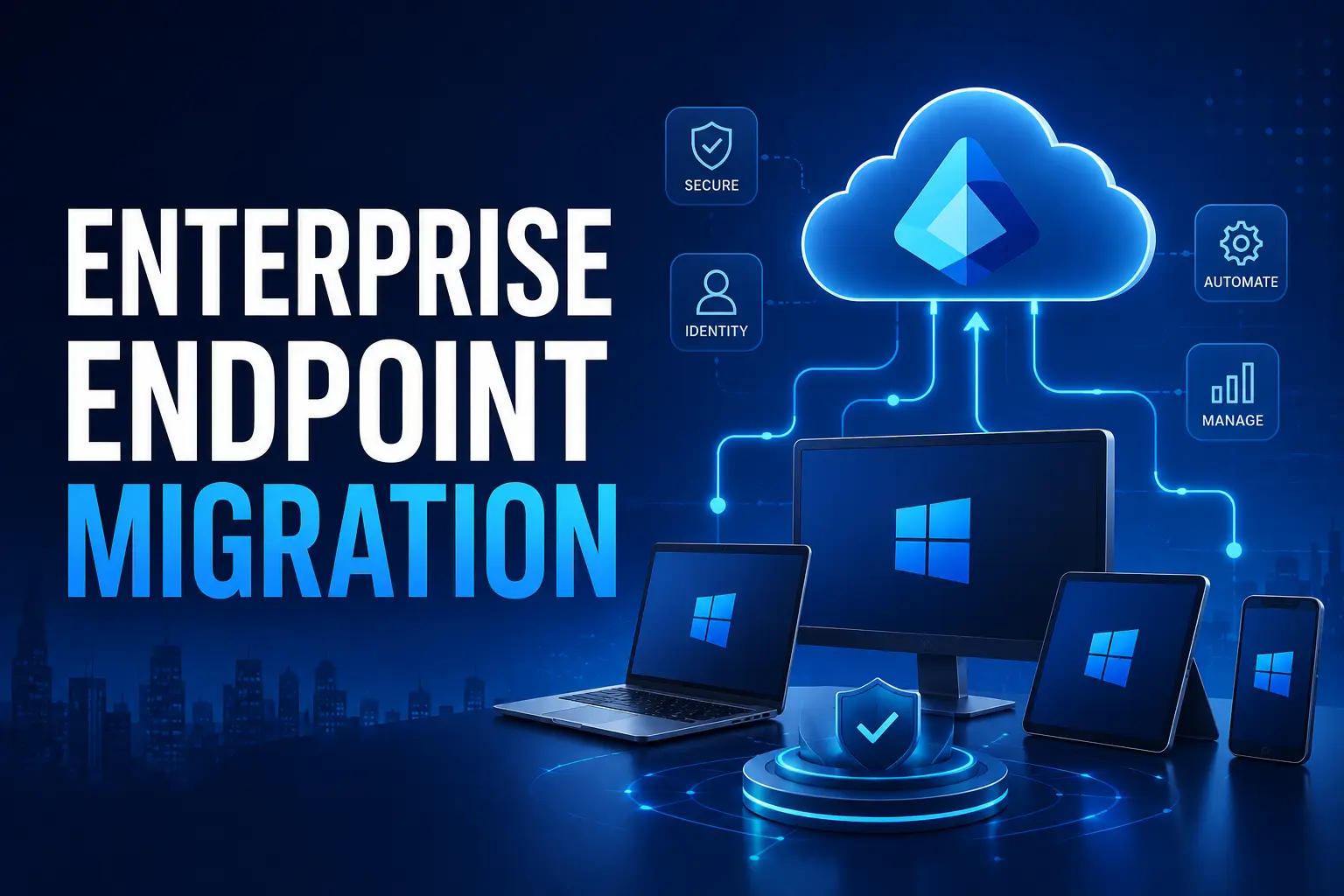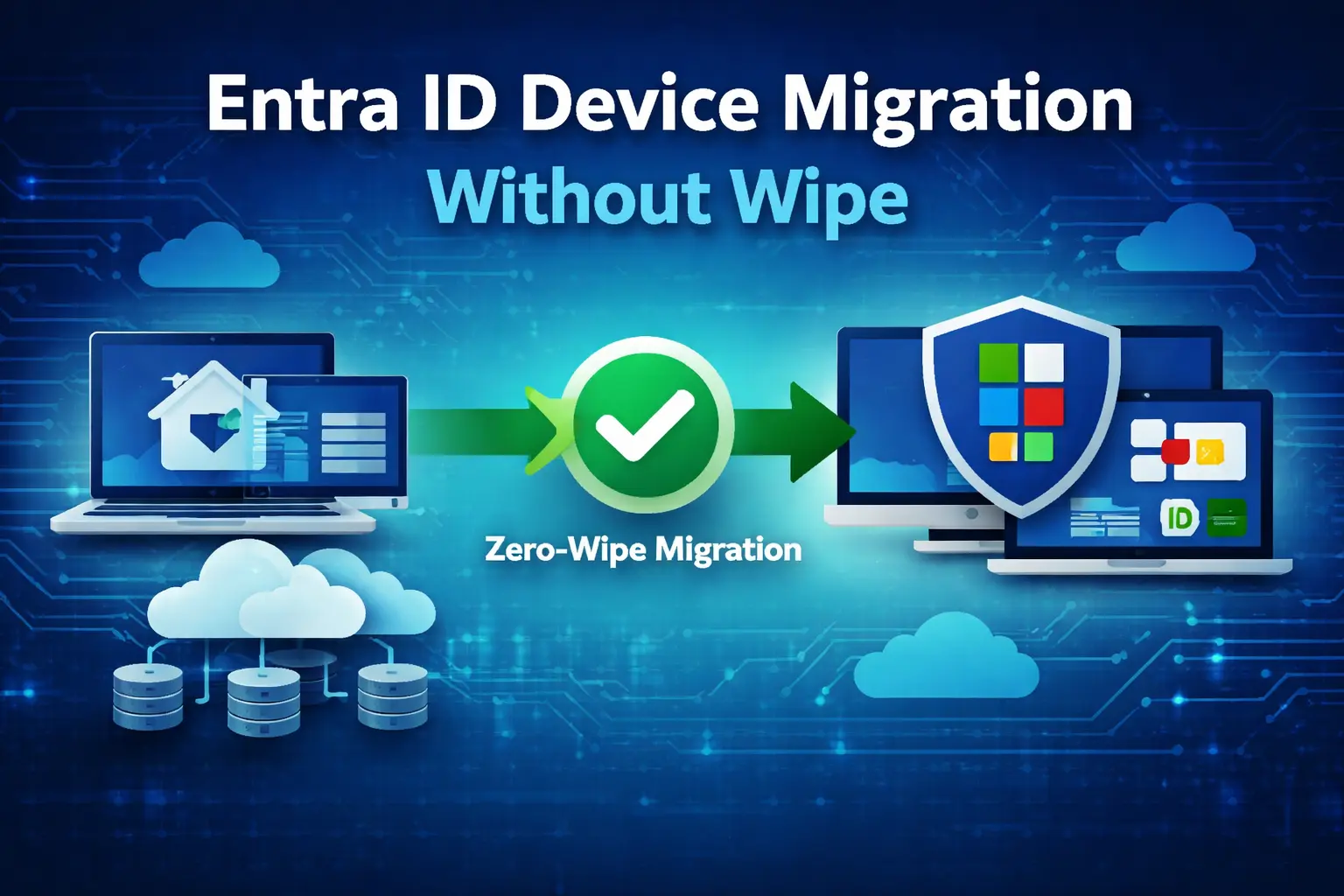
Entra ID device migration without wipe has become a priority for enterprises moving away from traditional Active Directory environments. Reimaging devices during migration not only disrupts users but also increases operational overhead.
Today, organizations are adopting modern approaches to migrate devices seamlessly into Entra ID while preserving user profiles, applications, and settings. Whether you’re transitioning from on-premise infrastructure or managing a hybrid joined environment, avoiding a full wipe can significantly reduce downtime and improve user experience.
Table of Contents
- What is Entra ID Device Migration Without Wipe
- How Zero-Wipe Migration Works
- Benefits of Migrating Without Reimaging
- Tools for Entra ID Migration Without Wipe
- Common Challenges
- Best Practices
What is Entra ID Device Migration Without Wipe?
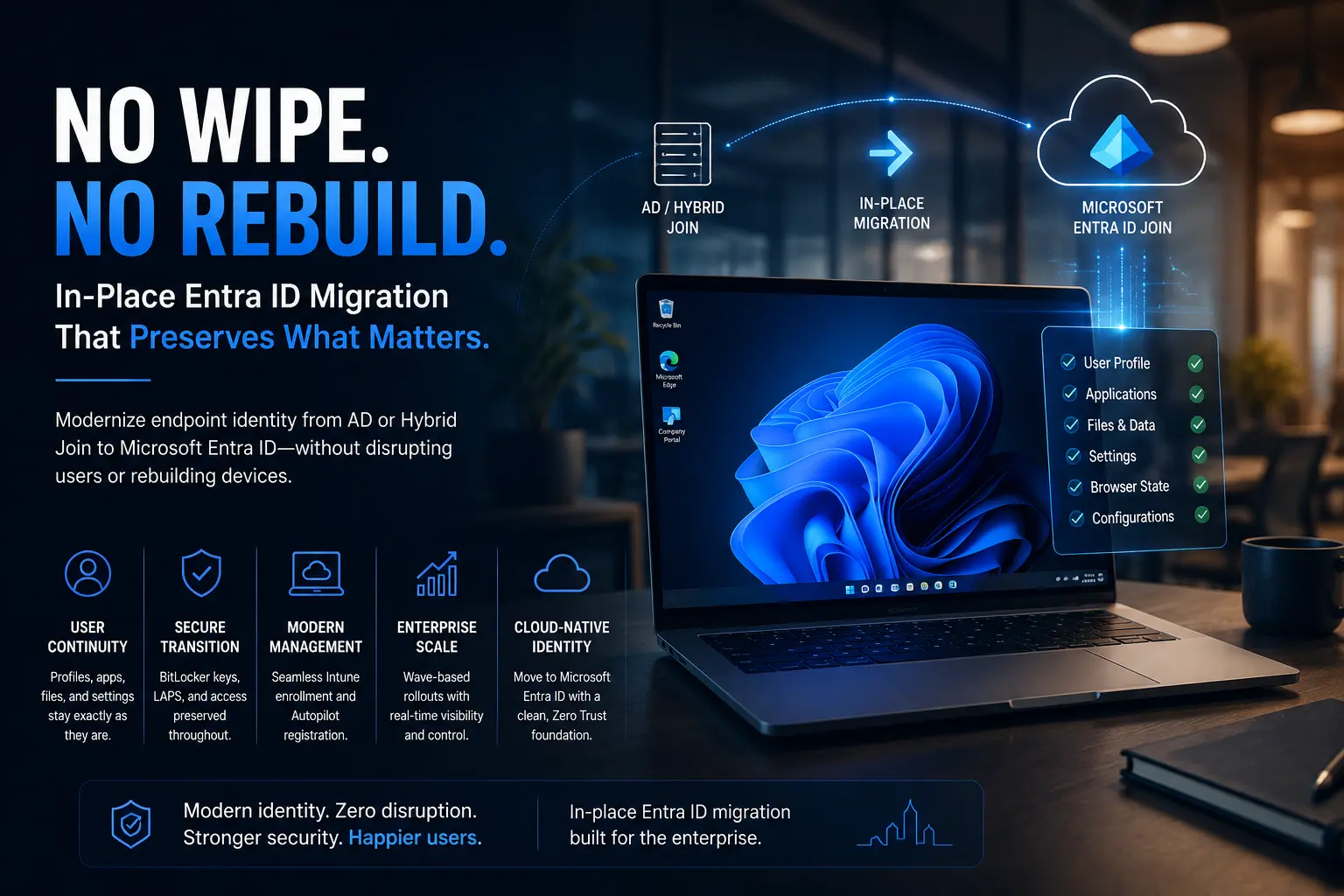
Entra ID device migration without wipe refers to transitioning devices from Active Directory or hybrid environments to cloud-based identity systems without resetting or reimaging the device.
Instead of wiping:
- User profiles remain intact
- Applications continue functioning
- Device configurations are preserved
How Does Zero-Wipe Migration Work?
Detaching from Existing Domain
Devices are unjoined from the current domain without deleting user profiles.
Joining Entra ID
Devices are then registered or joined directly to Entra ID.
Profile Mapping
User profiles are mapped to the new identity.
Permission Reconfiguration
Access permissions are adjusted accordingly.
Benefits of Migrating Without Reimaging
- Zero downtime for end users
- No data loss or profile reset
- Reduced IT workload
- Faster migration at scale
- Improved user experience
Tools for Entra ID Migration Without Wipe
While manual migration is possible, it becomes inefficient at scale.
Solutions like an Entra ID device migration tool help automate the process and simplify large-scale deployments.
Common Challenges in Zero-Wipe Migration
Profile Mapping Issues
Incorrect mapping can cause access problems.
Application Compatibility
Legacy apps may depend on domain configurations.
Permission Reassignment
File permissions must align with the new identity.
Hybrid Environment Complexity
Hybrid joined environments may face sync issues.
Best Practices for Enterprise Device Migration
- Audit your Active Directory environment
- Test on a small batch
- Automate wherever possible
- Monitor post-migration
- Align with Zero Trust security principles
Entra ID Device Migration Without Wipe Is the Future
Entra ID device migration without wipe is becoming the preferred approach for enterprises modernizing IT infrastructure without disrupting users.
Whether you’re transitioning from Active Directory or managing a hybrid joined environment, adopting a zero-wipe strategy ensures smoother and more secure migration.
Ready to Simplify Entra ID Device Migration?
Planning a large-scale Entra ID device migration without wipe can be complex without the right tools.
Explore how an Entra ID device migration tool can streamline your migration process and reduce operational overhead.
Schedule a Demo: https://opsole.com/contact/