Enterprise endpoint migration is often viewed as a technology challenge.
Organizations evaluate tools, compare features, run pilot programs, and focus heavily on migration mechanics.
But in real-world enterprise environments, migration success is rarely determined by the tool alone.
The biggest challenge in enterprise endpoint migration is operational complexity.
Legacy applications, VPN dependencies, security tooling, Intune enrollment issues, Group Policy assumptions, user behavior, network conditions, and hybrid identity edge cases often create far greater risk than the migration itself.
This is why organizations should ask a different question when evaluating any migration solution.
Instead of asking:
“Can this tool migrate a user profile?”
A better question is:
“How much visibility, automation, flexibility, and troubleshooting capability does this solution provide when things inevitably go wrong?”
That distinction often determines whether a migration project succeeds or struggles at scale.
Why Enterprise Endpoint Migration Is More Complex Than It Appears
On paper, endpoint migration seems straightforward.
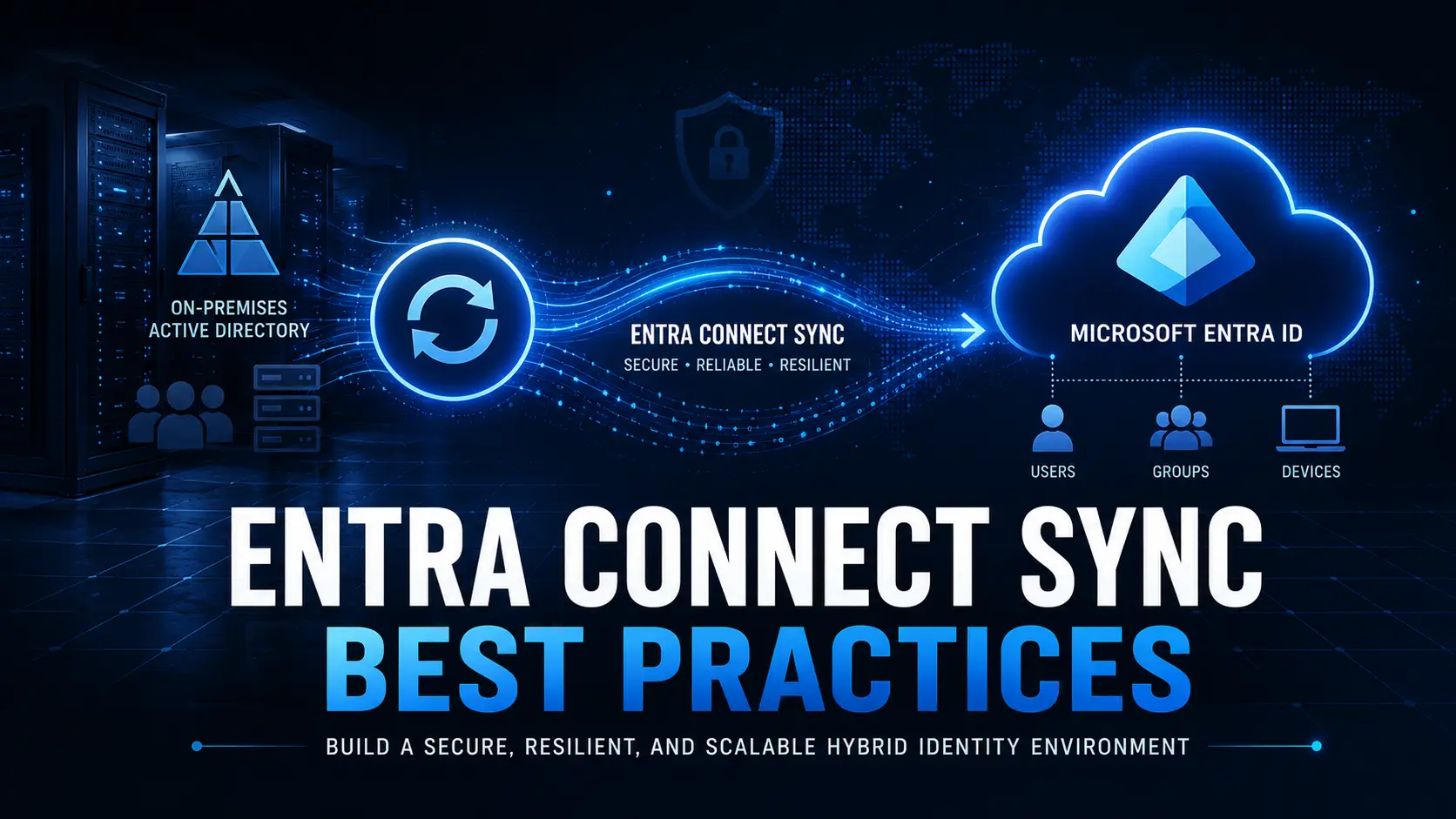
A device moves from one identity state to another:
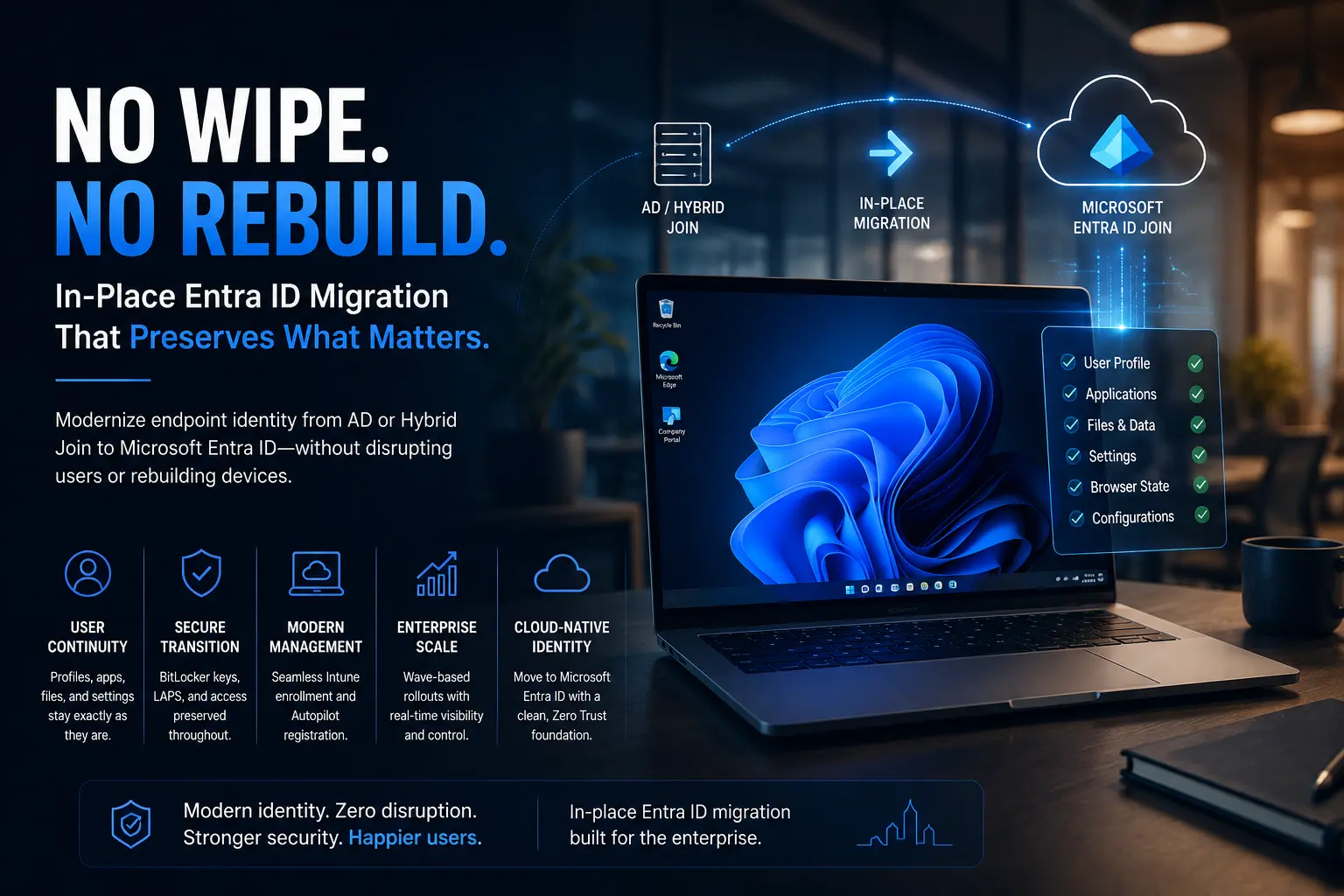
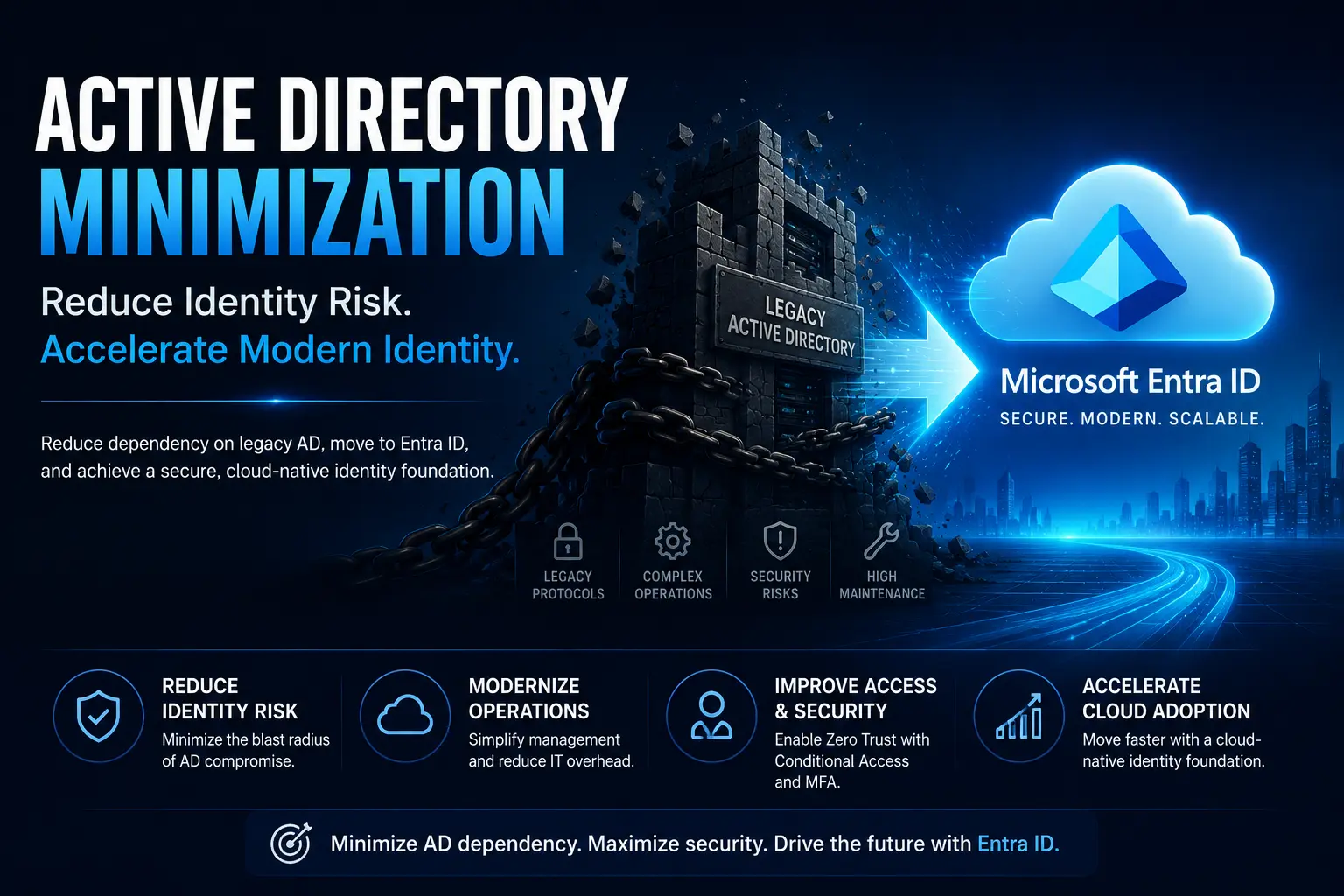
- Active Directory Joined to Microsoft Entra ID Joined
- Hybrid Joined to Entra ID Joined
- One Microsoft tenant to another
In practice, however, every endpoint exists within a larger operational ecosystem.
That ecosystem may include:
- VPN clients
- Security agents
- Legacy applications
- Group Policy Objects
- Certificates
- Local administrator configurations
- Intune enrollment dependencies
- BitLocker policies
- Compliance requirements
A migration that ignores these dependencies may complete technically while creating operational problems that appear days or weeks later.
Successful enterprise endpoint migration requires understanding the entire environment not just the device itself.
Why Migration Projects Usually Fail in Stages
One of the biggest misconceptions about endpoint migration is that failures happen all at once.
In reality, migration issues often emerge gradually.
For example:
- Identity preparation completes successfully.
- Device migration completes successfully.
- Intune enrollment partially fails.
- Security policies do not apply correctly.
- VPN connectivity breaks.
- BitLocker recovery information is missing.
- Users lose access to required applications.
The migration itself may technically succeed, but the operational outcome becomes problematic.
This is why enterprises need more than simple profile migration tools.
They need orchestration, validation, recovery, and visibility throughout the migration lifecycle.
The Critical Role of Pre-Migration Validation
One of the most overlooked success factors in enterprise endpoint migration is readiness validation.
Before migration begins, organizations should verify:
- Microsoft Entra ID connectivity
- Intune readiness
- TPM availability
- BitLocker status
- User session conditions
- Local administrator access
- Network availability
- Existing enrollment conflicts
- Application prerequisites
Without these checks, migration teams often discover issues after execution has already started.
While this approach may work for a handful of devices, it becomes increasingly risky when managing hundreds or thousands of endpoints.
Pre-validation significantly reduces operational surprises during large-scale migration initiatives.
Why Remote-First Migration Changes Everything
Modern enterprises rarely operate from a single office.
Employees work remotely, travel frequently, and connect through a variety of networks.
This introduces new migration challenges:
- Unstable home internet connections
- Devices remaining offline for extended periods
- Laptops entering sleep states during execution
- Regional network differences
- VPN dependencies
- Limited local IT support
A successful endpoint migration strategy must assume interruptions will occur.
This is why modern migration platforms increasingly focus on:
- Internet-based execution
- Resumable workflows
- Flexible scheduling
- Self-service user experiences
- Automated recovery capabilities
Resilience becomes just as important as migration functionality.
Custom Remediation Is Essential in Enterprise Environments
No two enterprise environments are identical.
Organizations often require custom actions such as:
- PowerShell remediation scripts
- Registry updates
- Certificate cleanup
- VPN repair workflows
- Driver remediation
- Security agent handling
- Application-specific migration tasks
This is one reason why rigid migration processes frequently struggle in enterprise environments.
Successful endpoint migration platforms provide flexibility that allows IT teams to adapt workflows to their unique infrastructure requirements.
Migration should accommodate the environment not force the environment to accommodate the migration.
Why Rollback and Recovery Planning Still Matter
No migration solution can eliminate every possible failure scenario.
Even highly successful projects encounter exceptions.
What separates successful migrations from unsuccessful ones is how quickly teams can:
- Detect issues
- Contain impact
- Retry workflows
- Execute remediation
- Recover affected devices
For Microsoft Entra ID migration and Intune migration projects, rollback is rarely perfect.
This makes recovery planning a critical part of migration design.
Organizations should expect exceptions and prepare accordingly.
The goal is not to eliminate every issue.
The goal is to manage issues effectively when they occur.
Visibility Is Just As Important As Execution
At enterprise scale, visibility becomes a business requirement.
Migration teams need centralized access to:
- Device status
- Execution progress
- Failure categorization
- User tracking
- Wave management
- Operational telemetry
- Troubleshooting logs
This visibility helps identify patterns such as:
- Regional failures
- Network-related issues
- Application conflicts
- Enrollment bottlenecks
- Policy deployment problems
Without visibility, troubleshooting becomes reactive and inefficient.
Without telemetry, enterprise migration teams often operate blindly.
Migration Is Only Day Zero
Many organizations treat migration as the finish line.
In reality, migration is only the beginning.
After devices are migrated, organizations must continue managing:
- Applications
- Compliance policies
- Conditional Access policies
- Security baselines
- Device lifecycle management
- Patch management
- Endpoint security
This is why successful migration strategies align closely with modern endpoint management platforms such as Microsoft Intune.
The migration should support the organization’s future operating model not become an isolated project.
The Tool Alone Cannot Fix Poor Preparation
It is important to remain realistic.
No migration solution can solve:
- Poor application inventory
- Undocumented VPN configurations
- Broken Group Policy dependencies
- Weak packaging standards
- Legacy application challenges
- Identity architecture problems
Migration technology can automate:
- Execution
- Enrollment
- Sequencing
- Profile preservation
- Remediation workflows
However, success still depends on:
- Planning
- Pilot quality
- Engineering readiness
- Operational preparation
- Change management
Technology enables success.
Preparation determines success.
What Successful Enterprises Do Differently
The most successful enterprise migration projects combine multiple capabilities:
- Microsoft Entra ID readiness
- Intune-based device management
- Application modernization
- Monitoring and telemetry
- Automated remediation
- User communication
- Migration orchestration
They understand that endpoint migration is not simply a technical activity.
It is an operational transformation initiative.
Organizations that approach migration strategically tend to achieve:
- Faster project completion
- Lower support overhead
- Better user experience
- Reduced operational risk
- Stronger long-term management outcomes
How Opsole Migrate Helps Enterprise Endpoint Migration
Opsole Migrate is designed to help organizations manage the operational realities of enterprise endpoint migration.
Rather than focusing solely on profile transfer, it provides capabilities that support large-scale migration execution, including:
- Pre-migration validation
- Workflow orchestration
- Conditional execution
- Reboot handling
- Retry logic
- Post-migration automation
- Centralized visibility
This enables organizations to move from:
- Active Directory to Microsoft Entra ID
- Hybrid Join to Entra ID Join
- Cross-tenant environments
while maintaining operational control throughout the migration process.
The objective is not simply to migrate devices.
The objective is to execute migration with predictability, visibility, and resilience.
Frequently Asked Questions
What is enterprise endpoint migration?
Enterprise endpoint migration is the process of transitioning managed devices from one identity, management, or tenant state to another while maintaining security, productivity, and operational continuity.
Why do endpoint migration projects fail?
Most endpoint migration projects fail due to operational complexity, including application dependencies, Intune enrollment issues, VPN requirements, security tooling conflicts, and inadequate preparation.
Why is pre-migration validation important?
Pre-migration validation helps identify readiness issues before execution begins, reducing risk and minimizing disruptions during migration.
What challenges do remote users create during migration?
Remote users often introduce connectivity issues, scheduling challenges, VPN dependencies, and support limitations that require resilient migration workflows.
Why is visibility important during endpoint migration?
Visibility enables migration teams to track progress, identify failures, troubleshoot issues quickly, and manage migration waves effectively.
How does Opsole Migrate support enterprise migration?
Opsole Migrate provides orchestration, automation, validation, visibility, and remediation capabilities designed for large-scale enterprise endpoint migration projects.
Final Thoughts
Enterprise endpoint migration is not just about moving devices it’s about managing complexity at scale.
The organizations that succeed are the ones that combine strong planning, operational readiness, and the right migration platform to minimize risk and maintain business continuity.
Planning an Entra ID migration? Discover how Opsole Migrate helps enterprises simplify endpoint migration while reducing disruption and operational overhead.