Entra Connect Sync Best Practices: How to Build a Secure and Resilient Hybrid Identity Environment
BLOGS
June 11, 2026
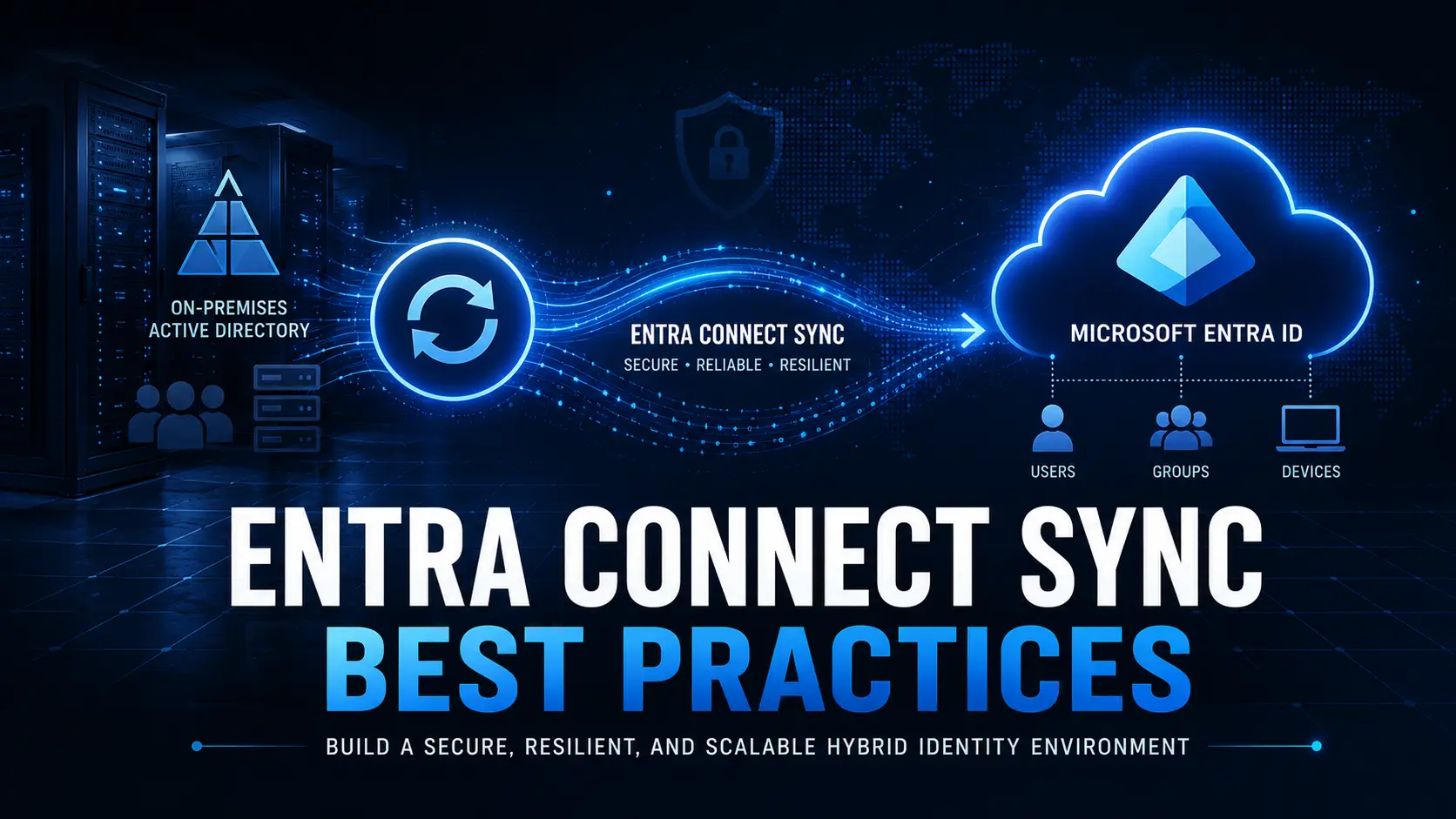
Microsoft Entra Connect Sync (formerly Azure AD Connect) remains a critical component of many hybrid identity environments. It synchronizes users, groups, and selected device information between on-premises Active Directory (AD) and Microsoft Entra ID, enabling organizations to maintain a consistent identity experience across cloud and on-premises resources.
While Microsoft is increasingly promoting cloud-native identity architectures and Entra Cloud Sync for simpler deployments, Entra Connect Sync continues to play an important role in enterprises that require:
Complex OU and attribute filtering
Hybrid Exchange deployments
Device writeback
Custom synchronization rules
Advanced hybrid identity scenarios
However, poorly designed synchronization environments often become fragile, difficult to troubleshoot, and expensive to maintain.
This guide outlines field-tested Entra Connect Sync best practices that improve security, resilience, and operational stability while helping organizations prepare for long-term identity modernization.
What Is Microsoft Entra Connect Sync?
Microsoft Entra Connect Sync is Microsoft’s traditional synchronization engine for hybrid identity environments.
It enables organizations to synchronize:
Users
Groups
Password hashes
Device information
Selected directory attributes
between Active Directory and Microsoft Entra ID.
For many organizations, Entra Connect Sync serves as the bridge between legacy identity infrastructure and modern cloud identity services.
Because authentication, access policies, and identity governance increasingly depend on synchronized data, Entra Connect Sync should be treated as critical identity infrastructure not as a background utility.
Entra Connect Sync Best Practices for Architecture and Deployment
Use a Dedicated Server
Never install Entra Connect Sync on a domain controller or shared application server.
A dedicated server provides:
Better security isolation
Improved performance consistency
Easier troubleshooting
Reduced operational risk
If the synchronization engine experiences issues, you avoid impacting other critical services.
Always Deploy a Staging Server
One of the most common mistakes in hybrid identity environments is running Entra Connect Sync without a staging server.
A staging server provides:
Disaster recovery capability
Safe testing for updates
Faster failover during outages
Reduced downtime during maintenance
Organizations often discover the value of a staging server only after experiencing a synchronization outage.
By then, recovery becomes significantly more complicated.
Use SQL Server for Medium and Large Deployments
LocalDB works well for small environments.
For larger organizations, however, SQL Server provides:
Better scalability
Improved reporting
Easier troubleshooting
Database backup capabilities
Stronger disaster recovery options
As synchronization complexity grows, SQL Server becomes increasingly valuable.
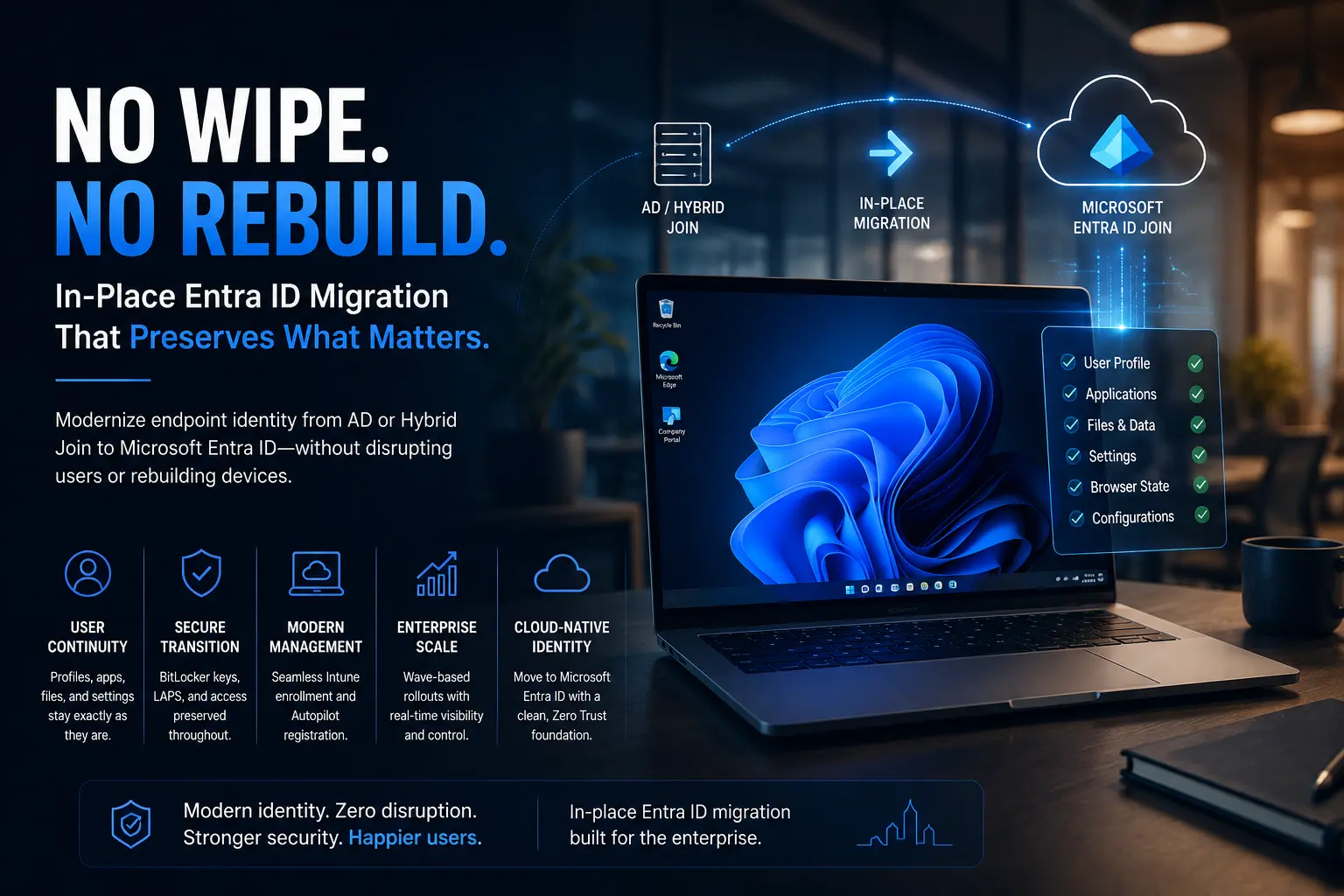
Planning to move from Hybrid Join to Entra ID Join? Understanding Hybrid Join is only the first step. The real challenge starts when existing Windows devices need to be moved to Entra ID without wipe, reimage, or user profile loss.
For most organizations, Password Hash Sync remains the preferred option.
Pass-Through Authentication (PTA)
PTA can be appropriate when organizations require on-prem authentication validation.
However, it introduces additional operational dependencies.
If using PTA:
Deploy multiple agents
Test failover regularly
Monitor agent health continuously
Avoid creating single points of failure in authentication workflows.
Security Hardening Best Practices
Use Least-Privilege Service Accounts
Entra Connect Sync should never require Domain Admin permissions.
Use:
Group Managed Service Accounts (gMSA) where supported
Delegated permissions only
Required AD replication permissions
Nothing more.
Treat the Sync Server as Tier-0 Infrastructure
The synchronization engine sits at the center of identity management.
Compromise of this server can create significant security exposure.
Apply:
Regular OS patching
Restricted RDP access
Network segmentation
Multi-factor authentication for administration
Modern TLS standards
Identity infrastructure deserves the same protection as domain controllers.
Monitoring and Operational Discipline
Monitor Sync Health Continuously
Many organizations only discover synchronization issues after users report sign-in failures.
This is far too late.
Implement monitoring for:
Synchronization failures
Connector issues
Authentication errors
Password synchronization delays
PTA agent health
Proactive monitoring reduces downtime and improves troubleshooting speed.
Implement a Backup Strategy
A proper backup strategy should include:
ADSync database backups
Configuration exports
System-level backups
Recovery documentation
Without backups, recovery frequently requires a complete rebuild.
High Availability and Disaster Recovery
Test Failover Regularly
A staging server that has never been activated is not a disaster recovery strategy.
Organizations should periodically validate:
Role transitions
Synchronization continuity
Authentication behavior
Recovery procedures
Regular testing prevents surprises during actual outages.
Keep Entra Connect Updated
Running unsupported versions increases both operational and security risk.
Before production upgrades:
Validate changes in staging
Review synchronization rules
Test authentication flows
Controlled updates reduce the risk of unexpected failures.
Common Entra Connect Sync Failure Scenarios
Many hybrid identity problems originate from the same recurring issues.
Understanding them early improves troubleshooting and operational resilience.
Duplicate UPN Conflicts
User Principal Name inconsistencies frequently cause synchronization failures.
These often emerge after mergers, acquisitions, or identity consolidation projects.
Stale Device Objects
Old device records create confusion and policy inconsistencies.
Regular cleanup improves synchronization accuracy and reduces troubleshooting effort.
Attribute Conflicts
Conflicting values across AD and Entra ID often generate synchronization errors.
Attribute governance becomes increasingly important as environments scale.
Password Synchronization Delays
Unexpected delays can impact authentication experiences and create confusion for end users.
Monitoring helps identify issues before they become widespread.
PTA Agent Failures
Organizations relying on Pass-Through Authentication must actively monitor agent health.
A failed authentication path can quickly become a business-impacting incident.
SQL Database Problems
Poor database maintenance often contributes to performance degradation and synchronization failures.
Database health should be reviewed regularly.
Why Entra Connect Sync Becomes a Long-Term Operational Challenge
Entra Connect Sync solves an important problem.
However, it also introduces a permanent dependency layer between Active Directory and Microsoft Entra ID.
Over time, organizations often experience:
Hybrid identity complexity
Duplicate objects
Troubleshooting overhead
Synchronization dependencies
M&A integration challenges
Increased administrative burden
The longer organizations remain dependent on synchronization infrastructure, the more operational complexity they accumulate.
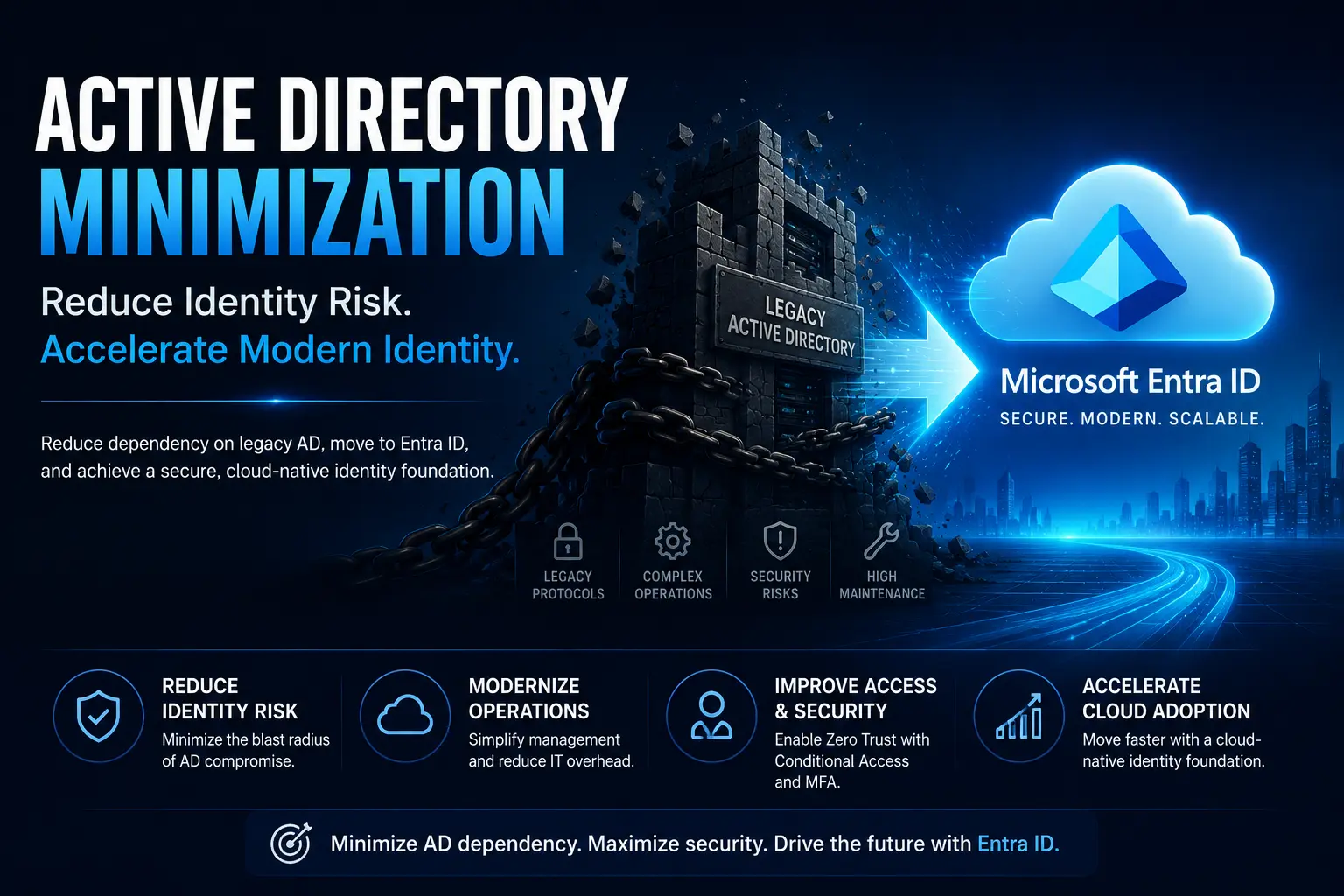
This is why many enterprises are actively evaluating strategies to reduce Active Directory dependency over time.
Planning Beyond Entra Connect Sync
Microsoft continues to move toward cloud-native identity architectures.
Organizations should begin evaluating:
Microsoft Entra Cloud Sync
Entra ID Join
Active Directory minimization
Device modernization
Cloud-native endpoint management
The long-term goal should not simply be maintaining synchronization.
The goal should be reducing the need for synchronization altogether.
Frequently Asked Questions
Is Entra Connect Sync still recommended?
Yes. Entra Connect Sync remains the preferred option for complex hybrid environments that require advanced synchronization capabilities.
What is the difference between Entra Connect Sync and Cloud Sync?
Cloud Sync is a lighter-weight synchronization solution designed for simpler deployments. Entra Connect Sync supports more advanced hybrid identity requirements and customization.
Is Password Hash Sync secure?
Yes. Password Hash Sync uses cryptographic hashing and is widely considered the most resilient authentication option for hybrid identity environments.
What happens if Entra Connect Sync stops working?
Synchronization delays, authentication issues, stale identities, and provisioning problems can occur. This is why monitoring, backups, and staging servers are critical.
Can organizations move away from Entra Connect Sync?
Yes. Many organizations are actively reducing synchronization dependencies through cloud-native identity strategies and Microsoft Entra ID adoption.
Does Entra ID Join eliminate the need for Entra Connect Sync?
Not always. However, organizations that move fully toward cloud-native identity and reduce Active Directory dependency often reduce or eliminate the need for traditional synchronization infrastructure.
Final Thoughts
Entra Connect Sync remains an important component of many hybrid identity environments, but it should not be mistaken for a long-term modernization strategy.
Organizations that treat identity synchronization as a strategic capability and actively reduce unnecessary Active Directory dependency over time are better positioned to simplify operations, strengthen security, and accelerate cloud adoption.
As Microsoft continues moving toward cloud-native identity, the goal should not simply be maintaining synchronization.
The goal should be reducing the need for synchronization altogether.
Planning your journey beyond traditional hybrid identity?
Learn how Opsole Migrate helps organizations transition from Active Directory and Hybrid Join to Microsoft Entra ID without device wipes, profile loss, or operational disruption.