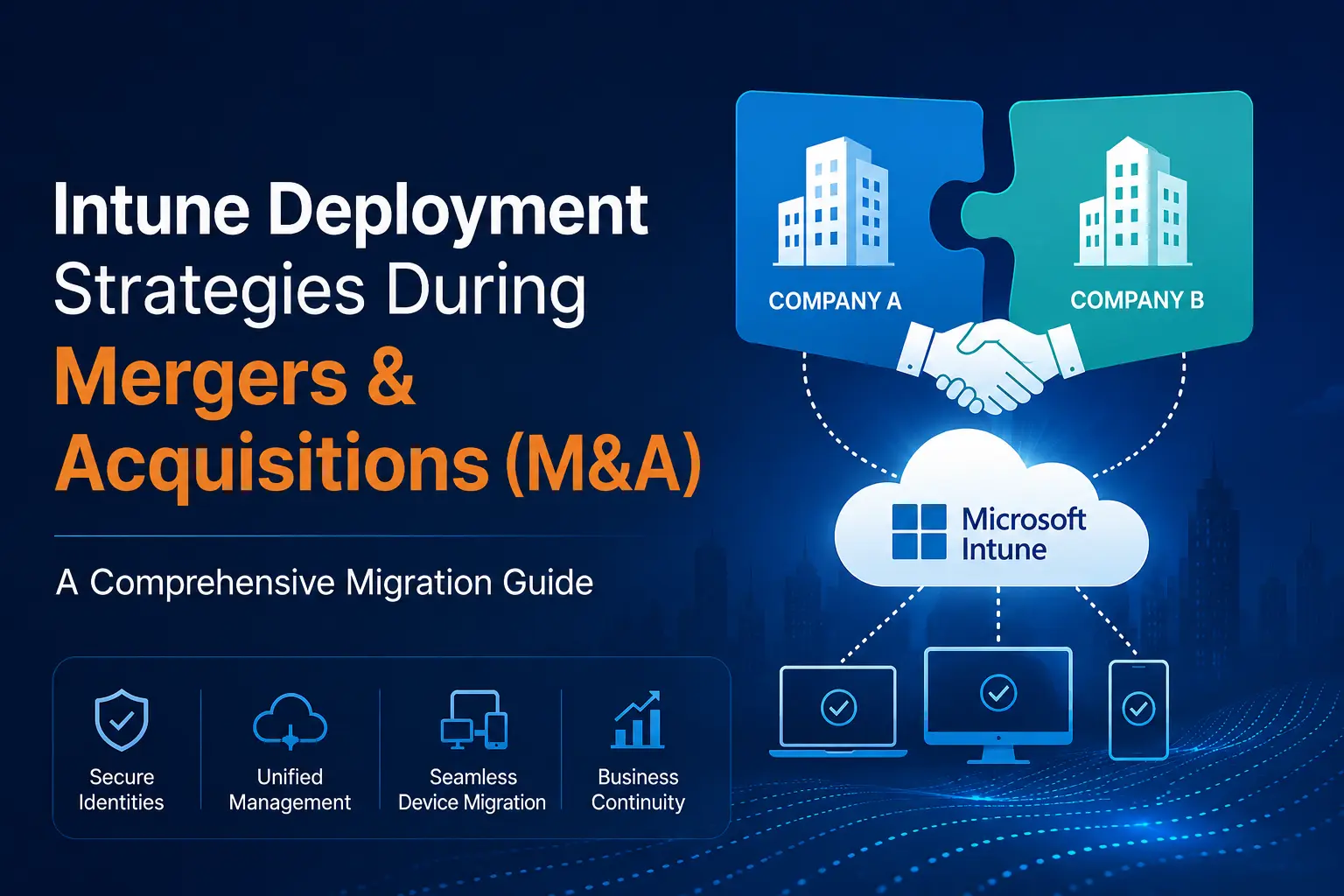
Mergers & Acquisations are transformative moments for organizations. Beyond financial and cultural integration, one of the most challenging aspects is IT consolidation particularly when both organizations already operate in Microsoft 365 (M365) environments.
When devices are already managed via Microsoft Intune in states like Hybrid Entra Joined or Entra Joined planning an Intune migration across tenants becomes a mission-critical task. A well-thought-out Intune deployment strategy during M&A is essential to minimize disruptions, secure corporate resources, and deliver a seamless end-user experience.
This blog explores in detail what IT leaders and architects must consider for an Intune migration during M&A, potential showstoppers, and strategies to ensure a smooth transition.
Why Intune Migration Matters in M&A
IT leaders must balance three competing priorities:
- Security – Devices must remain compliant with corporate security policies throughout the migration.
- Productivity – Users need uninterrupted access to email, Teams, and business-critical applications.
- Cost Efficiency – Every hour of end-user downtime during migration translates directly to cost.
Thus, Intune migration planning is not just about moving devices it’s about protecting business continuity.
Key Considerations for Intune Migration During M&A
- Tenant Environment Assessment
- Source Tenant: Understand device inventories, compliance policies, app protection policies, conditional access, and configuration profiles already deployed.
- Target Tenant: Validate baseline security, licensing, and available Intune capacity.
- Licensing Reconciliation: Are all Intune and Microsoft 365 licenses transferable and consistent across tenants?
- Device State & Join Type
- Hybrid Entra Joined Devices: These machines rely on on-premises Active Directory sync with Entra ID. Migration requires mapping device objects, GPO-to-MDM overlap, and ensuring connectivity to the new domain controllers.
- Entra Joined Devices: Cloud-managed only. Easier to migrate, but require careful handling of device identity and re-enrollment.
- Mixed Fleets: Many environments host Windows, macOS, iOS, and Android under hybrid and cloud join models, complicating migration scripts and automation.
- Identity Strategy
- User Account Migration: Will accounts be soft-matched, hard-matched, or recreated in the target Entra ID? This impacts SSO, device reauthentication, and conditional access policies.
- Group Memberships: Device and user group assignments in Intune must be re-engineered to match target tenant structures.
- Application Deployment
- Win32 Apps: Must be re-uploaded, re-signed, and re-deployed in the new tenant.
- Office Apps: Consider modern M365 Apps deployment tied to new licensing.
- LOB Apps: Any custom apps require new configuration assignments and code signing under the new tenant.
- Conditional Access & Compliance Policies
- Overlap & Conflict Management: Policies in both tenants may enforce different requirements (BitLocker, Defender, OS versions).
- End User Experience: Too strict conditional access during migration may lock users out of email or Teams.
- Security Baselines
- Microsoft security baselines reset during tenant movement. Reapplying them in the new tenant must be carefully planned to avoid drift or unexpected restrictions.
- Network Dependencies
- VPN Profiles: Must be re-configured under the new Intune instance.
- Certificates: SCEP/PKCS profiles must be regenerated and mapped to the correct certification authority trust.
- Endpoint Analytics & Reporting
- Migrating devices often means losing historical analytics. Plan to export reporting data for business continuity and compliance purposes.
Showstoppers in Intune M&A Migrations
Despite planning, some showstoppers can derail migration:
- Cross-Tenant Device Move Limitation
- Devices can’t be simply “moved” between tenants. They must be unenrolled from the source tenant Intune and reenrolled in the target tenant Intune. This step impacts user workflows and downtime.
- User Profile Recreation
- In many cases, migrating between tenants generates new user profiles on Windows devices, losing existing configurations, Outlook cache, OneDrive sync, or desktop shortcuts unless mitigated with User Profile Migration tools like Opsole Migrate.
- Application Re-Provisioning
- o All applications must be reinstalled from the target tenant. Without careful sequencing, end users lose critical app access post-migration.
- Licensing & Duplication
- If licensing overlap isn’t addressed early, users may end up with mismatched subscriptions causing Intune enrollment failures.
- Conditional Access Block
- Target tenant may block sign-ins from devices still recognized as “unmanaged” until policies are adjusted.
Deployment Strategies for Intune Mergers & Acquisations Migration
A successful strategy follows a phased, user-first approach:
Strategy 1: Tenant Renaming or Consolidation (When Possible)
If legally permissible, sometimes retaining one of the tenants and decommissioning the other removes the device migration burden. However, in most cases, a true cross-tenant migration is needed.
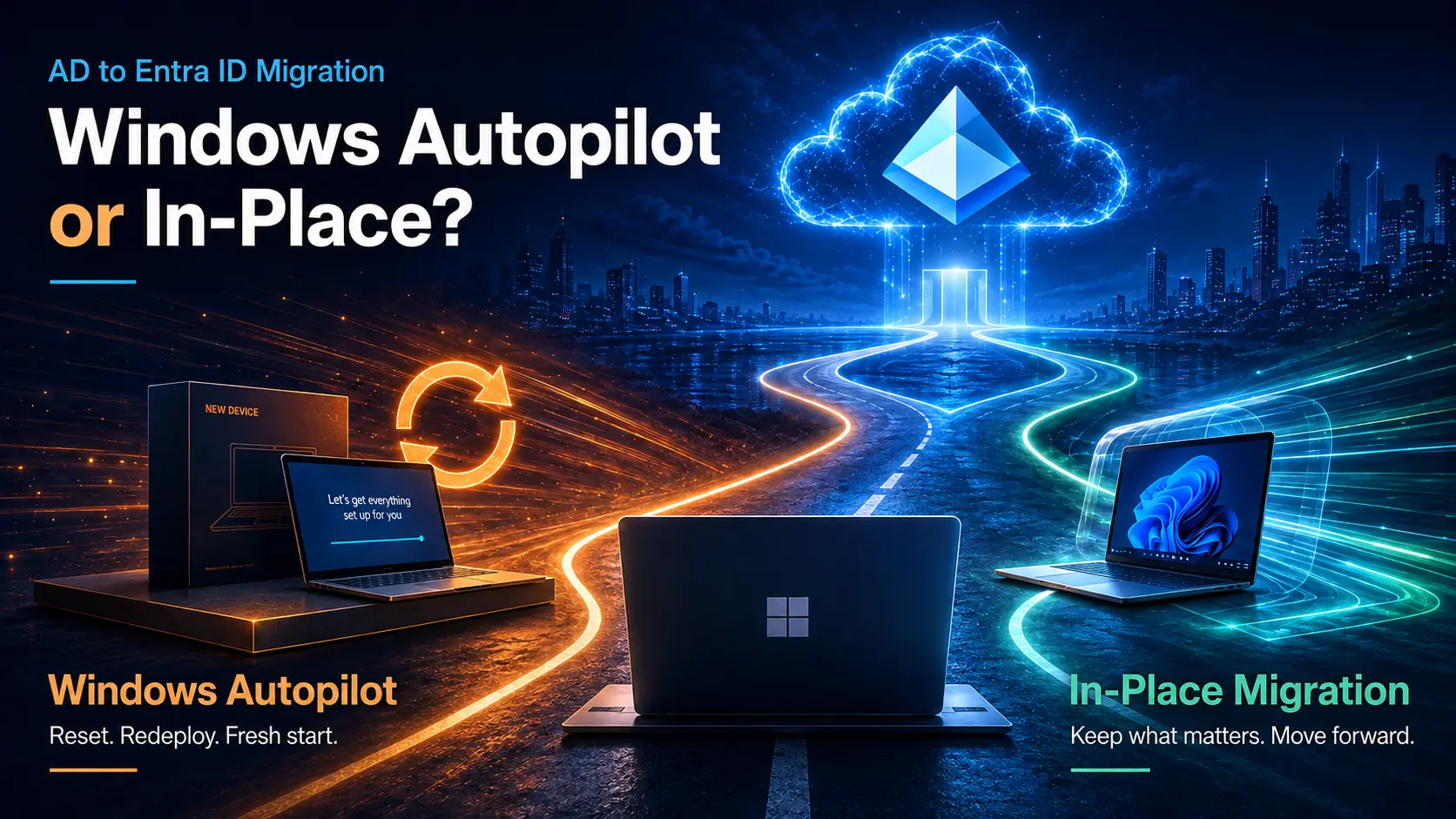
Strategy 2: Parallel Intune Enrollment with Autopilot Reset
- Reset Devices to factory state.
- Redeploy via Windows Autopilot into the new tenant.
- Best for large fleets undergoing a hardware refresh or when a clean rebuild is acceptable.
Strategy 3: Staged Migration with Co-Existence
- Maintain coexistence by loosening conditional access temporary policies.
- Migrate user accounts first, then devices.
- Use Company Portal messaging to guide users step-by-step through re-enrollment.
Strategy 4: Profile Preservation with Third-Party Tools
- Employ tools like Opsole Migrate to do Device\profile migration to preserve local user data during device re-enrollment.
- Recommended for knowledge workers who cannot afford desktop resets.
Strategy 5: Pilot Program
- Begin with a pilot group of users across geographies, departments, and device platforms.
- Validate end-user experience, measure downtime, and tune policies.
- Scale only after pilot success.
Best Practices to Minimize End-User Disruption
- Communicate Early and Often
- Provide clear FAQs, visuals, and timelines to employees.
- Inform about downtime, expected prompts (e.g., re-login, MFA).
- Automate Re-Enrollments
- o Use Opsole Migrate, PowerShell scripts, Microsoft Graph APIs, or Endpoint Manager automation where possible to simplify device unenrollment/re-enrollment.
- Backup Before Moving
- Ensure OneDrive, SharePoint, and Teams data is backed up or migrated before devices are re-enrolled.
- Temporary Conditional Access Relaxation
- Allow sign-ins from both tenants during the transition to minimize lockouts.
- Monitor Analytics Post Migration
- Track compliance status, policy application, and help desk tickets for real-time adjustments.
Sample Migration Journey: Hybrid Entra Joined Fleet
- Inventory hybrid devices with Intune reporting + AD.
- Setup new tenant Intune policies mirroring source tenant as baseline.
- Move pilot batch of users:
- Sync accounts to target Entra ID
- Re-enroll devices using Opsole Migrate,Manually or via scripted uninstall/reinstall of Intune agent..
- Validate desktop apps, Outlook cache, OneDrive sync.
- Monitor compliance, conditional access, and endpoint security.
- Roll out in phased waves until tenant consolidation is complete.
Conclusion
Successful Intune migration in mergers and acquisitions is not about technology alone it is about protecting the end-user experience while ensuring compliance and security. Recognizing showstoppers early, designing a phased, user-centric deployment strategy, and leveraging automation ensures your workforce transitions seamlessly.
For IT leaders, the guiding principle should be:
Maintain trust, protect productivity, and simplify end-user workflows.
M&A may redefine your corporate identity, but with the right Intune deployment strategy, device fleets and employees won’t feel the change.