Migrating your endpoints and identity infrastructure to the cloud is no longer optional it’s strategic. But “migrating to Azure” (now Microsoft Entra ID) isn’t just a checkbox project. If done poorly, it creates disruption, lost productivity, and operational risk.
Done right, a migration delivers:
- Consistent cloud-native endpoint identity
- Stronger security posture
- Reduced on-prem infrastructure burden
- Simplified device lifecycle management
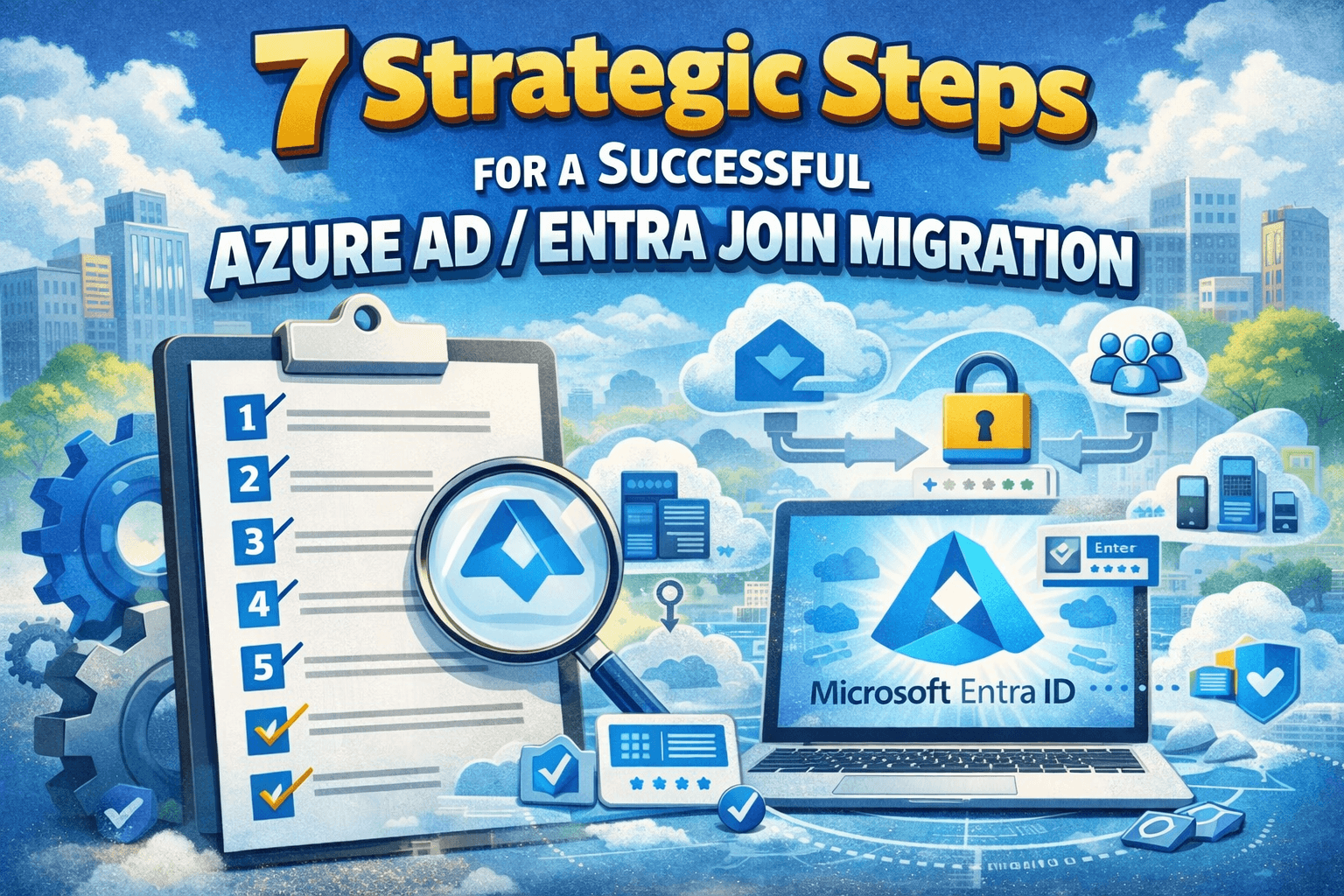
This guide walks through 7 practical steps every organization should follow when planning and executing a Microsoft Entra (Azure AD) device and identity migration.
Step 1. Understand Your Starting Point
Before any technical move, you must map your current environment:
- Which devices are AD joined?
- Which is Hybrid Entra joined?
- What on-prem apps or resources depend on AD authentication?
- What Group Policies are in use?
A thorough inventory prevents painful surprises later. Many organizations skip this step and pay for it later with failed migrations, broken access, and unhappy users.
Step 2. Define a Clear Migration Strategy
There’s no one-size-fits-all migration. You have options:
- Cloud-first: Treat all new devices as Entra joined and Intune managed.
- Hybrid transition: Migrate components in phases.
- Business unit waves: Move non-mission-critical groups first.
A successful strategy isn’t just technical it aligns with business goals, risk tolerance, compliance, and application dependencies.
Step 3 . Prepare Your Identity Infrastructure
Identity readiness is foundational:
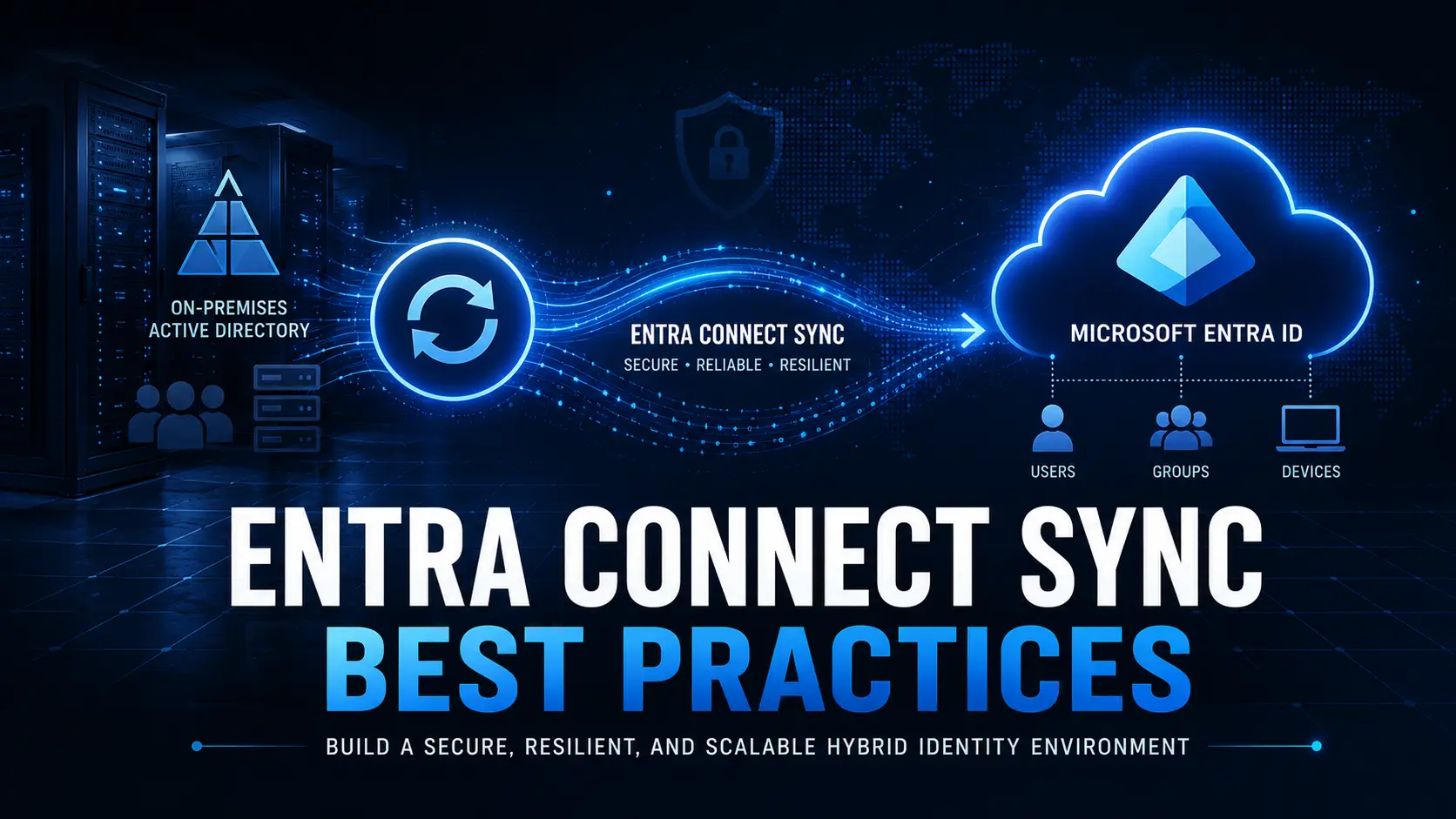
- Ensure Microsoft Entra ID synchronization via Azure AD Connect (if still using on-prem AD).
- Verify Conditional Access and MFA are configured realistically (start with pilots).
- Assess password and authentication policies.
Devices need to authenticate cleanly with Entra ID before they can be trusted as managed endpoints.
Step 4. Review Device Join Models
Not all endpoints are equal:
- Entra Joined: Best for cloud-native devices with internet access.
- Hybrid Entra Joined: Useful for legacy dependencies but adds complexity.
- Entra Registered: Applies mainly to BYOD.
Where possible, prioritize Entra Join. Hybrid Join increases operational overhead and slows deployment cadence.
Step 5. Inventory and Modernize Policies
If your estate relies heavily on Group Policy Objects (GPOs), you must plan to modernize them:
- Identify which GPOs are legacy and which are still required
- Translate them into Intune policy configurations
- Eliminate overlapping or contradictory settings
This policy migration is often the highest-effort phase but pays dividends in stability and compliance.
Step 6. Address Application Dependencies
Many migration efforts stall because of app authentication requirements. Legacy apps optimized for Kerberos or NTLM may not work natively post-migration unless you modernize:
- Modern authentication (OAuth/ADAL) support
- Single Sign-On (SSO) readiness
- Identity protocol support (OAuth/OpenID Connect)
Testing applications early, especially line-of-business apps, saves time and frustration.
Step 7. Execute in Controlled Phases
Large migrations should never be “big bang.”
Recommended practice:
- Pilot group(s) — Start small (IT team, early adopters)
- Wave migrations — Business unit by business unit
- Monitor and adjust — Review metrics like compliance, helpdesk tickets, login success rates
This phased approach builds confidence and allows teams to refine the playbook.
Bonus Step. Empower Your Helpdesk
Helpdesk readiness often makes or breaks a migration. Equip support teams with:
- Runbooks for common issues
- Tooling for remote troubleshooting
- Documentation on policies and access changes
- Clear escalation paths
Users don’t care about backend goals they care about “can I get my job done today?” Make helpdesk an early stakeholder.
Common Migration Pitfalls (and How to Avoid Them)
During cloud migrations, many teams encounter predictable problems:
- Missing Device Inventory
- Leads to unexpected failures and incomplete migrations.
Avoid by: using automated discovery tools.
- Underestimating GPO Impact
- GPOs often don’t translate 1:1 to Intune.
Avoid by: phasing translation and testing.
- Skipping Pilot Testing
- Causes repeat failures across the organization.
Avoid by: validating early with diverse device profiles.
- Not Preparing Helpdesk
- Results in escalations and unhappy users.
Avoid by: enablement and pre-provisioning tools.
What Success Looks Like
A successful Microsoft Entra Join migration aligns technology with business needs:
- Devices authenticate reliably via cloud identity
- Users experience seamless access to apps and data
- Policies are enforced consistently through Intune
- Helpdesk calls are reduced over time
- The organization sheds on-prem identity dependencies
How Opsole Fits Into Your Migration Journey
Migrating devices to Microsoft Entra Join is operationally complex especially at scale. Manual approaches are slow, error-prone, and disruptive.
Opsole Migrate is designed to automate and orchestrate this transition so you can:
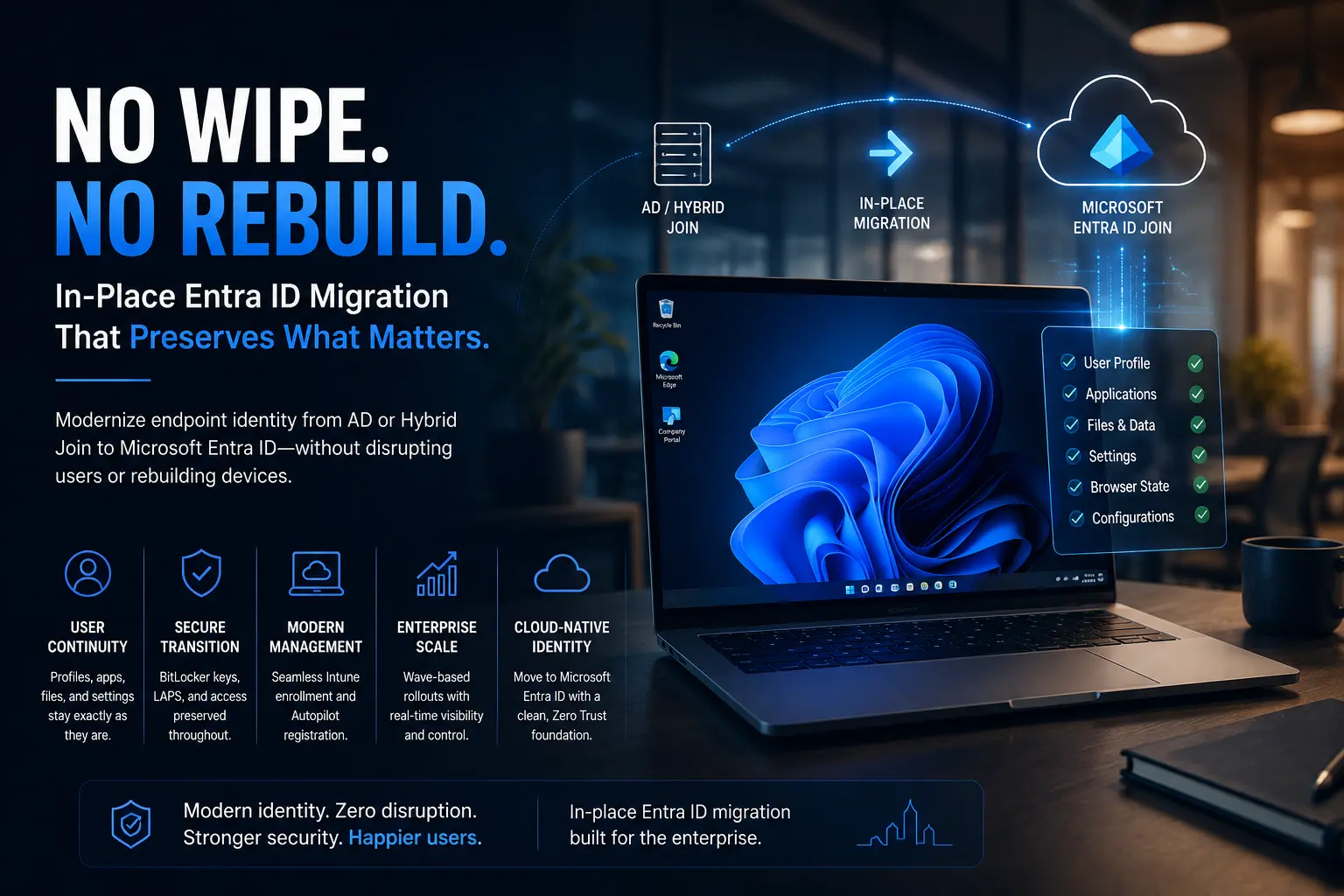
- Move devices from AD join or Hybrid Join to Entra Join
- Preserve user profiles and applications
- Reduce Helpdesk load during migration
- Accelerate rollout in structured phases
Whether you’re planning your first pilot or managing a fleet of thousands, Opsole simplifies execution and reduces risk.
Explore Opsole Migrate and accelerate your migration:
🔗 https://opsole.com