Modernizing endpoint identity is not just about moving Windows devices to Microsoft Entra Join. If your user and group identities are not properly synchronized between on-premises Active Directory and Microsoft Entra ID, device migrations will be fragile, authentication will break, and security policies won’t behave as expected.
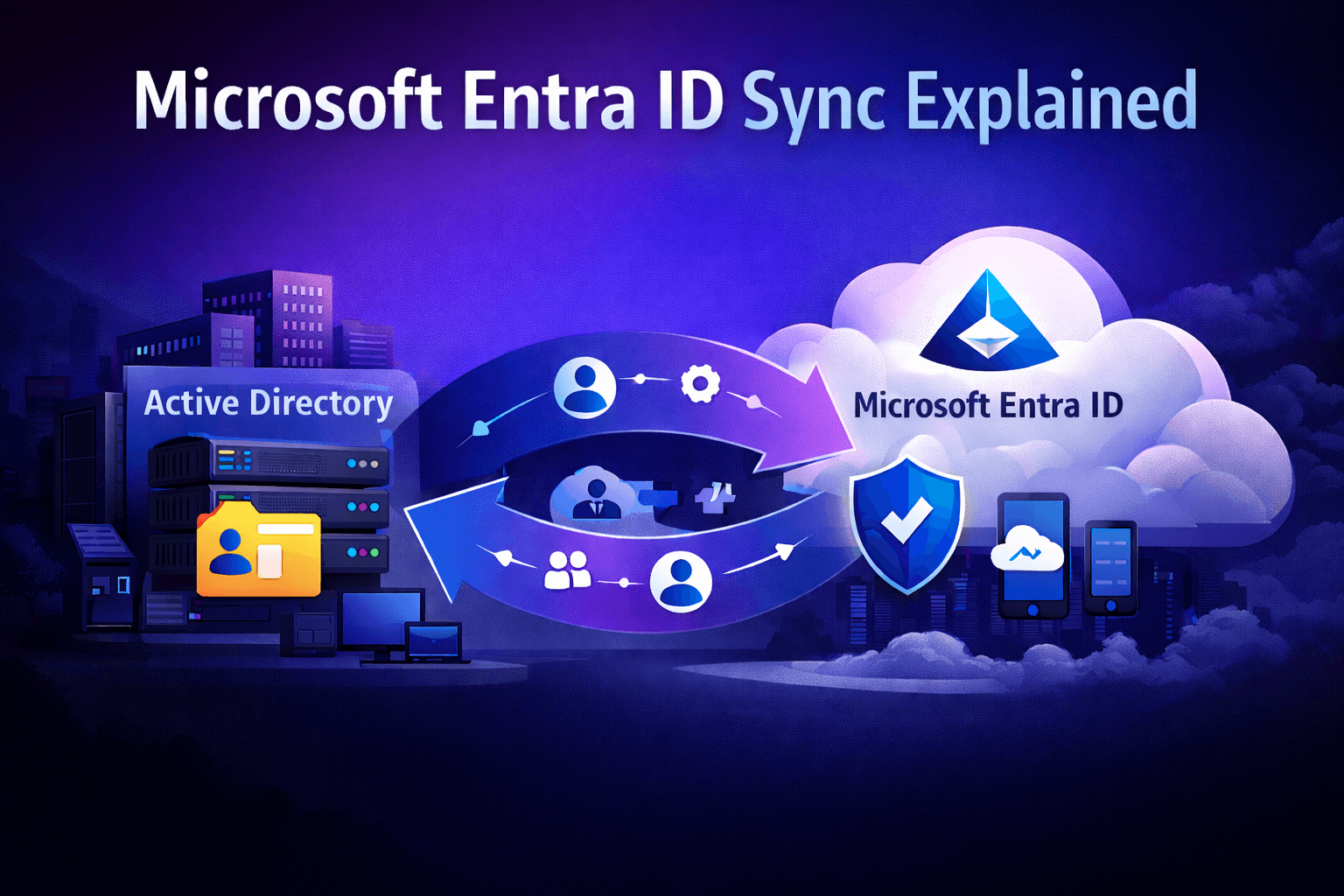
This guide explains how Microsoft Entra ID synchronization works today, the differences between Entra Connect Sync and Entra Connect Cloud Sync, and how to choose the right approach when planning an AD to Entra Join migration.
Why Identity Sync Still Matters in an Entra-First World
Even in organizations moving toward Entra Join–only devices, most enterprises still operate in a hybrid identity state:
- Users originate in on-prem AD
- Groups and access control models are AD-centric
- Some apps still rely on on-prem authentication
- Devices are in transition from AD/Hybrid Join to Entra Join
In this reality, synchronizing identities from AD to Microsoft Entra ID remains a foundational requirement. Poorly configured sync leads to:
- Inconsistent user identities across cloud apps
- Broken Conditional Access policies
- Authentication issues during Entra Join migrations
- Access control drift and security gaps
In short, device migration without identity hygiene is a recipe for instability.
Entra Connect Sync vs Entra Connect Cloud Sync (What’s the Difference?)
Microsoft currently offers two supported synchronization approaches for hybrid identity:
1. Microsoft Entra Connect Sync (Agent + Server-Based)
This is the traditional synchronization model where a dedicated sync server connects your on-prem AD to Microsoft Entra ID.
Strengths:
- Supports complex AD topologies
- Works with multi-forest environments
- Offers deep customization for attribute flows and transformations
- Mature and widely deployed in large enterprises
Trade-offs:
- Requires infrastructure to host and maintain
- Patch management, monitoring, and availability are your responsibility
- Higher operational overhead
Best for:
Large enterprises with complex AD forests or advanced synchronization requirements.
2. Microsoft Entra Connect Cloud Sync (Agent-Based, Cloud-Orchestrated)
Cloud Sync is a more modern, lightweight approach. Instead of a central sync server, small agents are installed in your environment, and Microsoft Entra handles orchestration in the cloud.
Strengths:
- Minimal on-prem infrastructure
- Faster to deploy
- Built for modern hybrid identity scenarios
- Reduced maintenance burden
Trade-offs:
- Not all advanced customization scenarios are supported
- Some complex topologies still require Entra Connect Sync
Best for:
Organizations modernizing identity infrastructure and aiming to reduce on-prem dependencies.
How Sync Choice Impacts AD to Entra Join Migration
When migrating devices from AD Join or Hybrid Join to Microsoft Entra Join, identity sync plays a direct role in success:
- User identities must exist and be consistent in Entra ID before devices are migrated
- Group memberships must be accurate to ensure Conditional Access and Intune policies apply correctly
- Authentication flows must be tested to avoid sign-in disruptions after devices move to Entra Join
If identity sync is misconfigured, you’ll see issues like:
- Users unable to sign in after device join changes
- Conditional Access policies not applying
- Device compliance rules failing
- Unexpected access denials
This is why identity sync should be validated and stabilized before any large-scale device migration.
Strategic Guidance: Choosing the Right Sync Model
From a business and IT strategy standpoint:
Choose Entra Connect Cloud Sync when:
- You want to reduce on-prem infrastructure footprint
- Your AD topology is relatively simple
- You’re actively working toward cloud-first identity
- You want faster deployment with lower operational cost
Choose Entra Connect Sync when:
- You have multiple forests or complex directory structures
- You require advanced attribute transformations
- You’re mid-transition and cannot simplify identity flows yet
In both cases, the long-term strategic direction should be progressive reduction of on-prem identity dependency. Identity sync is a bridge, not the end state.
Best Practices for Entra Sync in Migration Projects
If your goal is a stable transition to Entra Join and modern endpoint management, apply these practices:
- Audit your AD before syncing: clean up stale users, groups, and attributes
- Define authoritative sources for user attributes to avoid conflicts
- Pilot sync changes before rolling out tenant-wide
- Monitor sync health continuously (failures in sync = failures in access)
- Align identity teams and endpoint teams device migration and identity sync should not be siloed
How Opsole Fits into the Bigger Picture
Identity synchronization sets the foundation but device migration is where disruption usually happens. Even with perfect identity sync, moving devices from AD or Hybrid Join to Entra Join at scale is operationally complex.
Opsole Migrate complements your Entra ID sync strategy by enabling:
- Seamless migration of Windows 10/11 devices from AD Join or Hybrid Join to Microsoft Entra Join
- Minimal user disruption
- Reduced Helpdesk dependency
- Phased, controlled rollout aligned with identity readiness
When identity sync is stable and devices migrate cleanly, organizations achieve a true modern workplace state.
Learn how Opsole accelerates AD to Entra Join migration:
https://opsole.com
Conclusion
Microsoft Entra ID synchronization is not just a technical prerequisite it’s a strategic enabler for modern endpoint identity. Whether you choose Entra Connect Sync or Entra Connect Cloud Sync, the objective should be the same: make identity reliable, consistent, and cloud-ready before migrating devices.
Organizations that align identity modernization with device join transformation avoid most of the pitfalls seen in rushed cloud migrations.