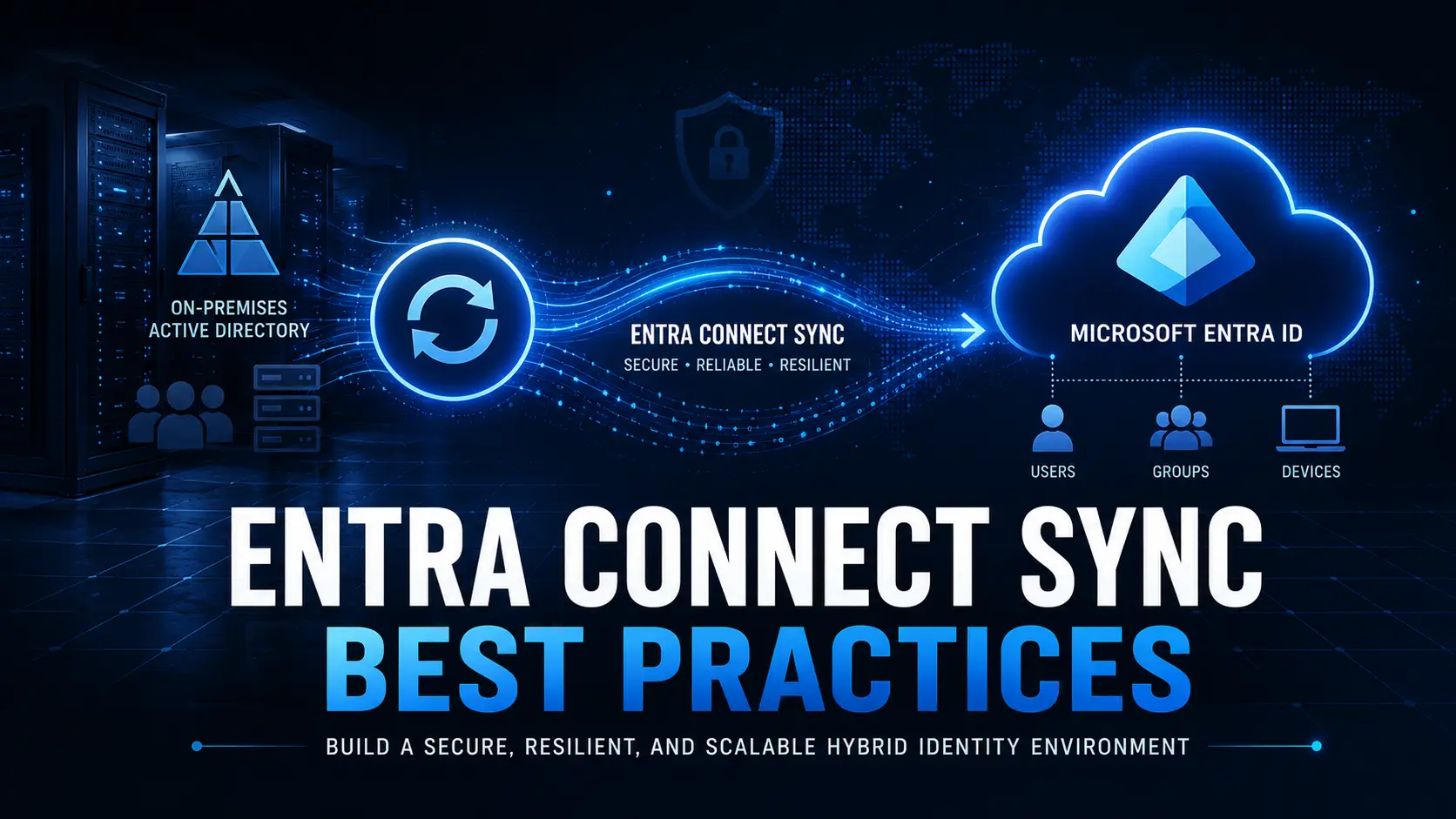
Entra ID device migration is becoming a critical step for organizations modernizing their identity infrastructure. As enterprises move from traditional Active Directory environments to cloud-first identity with Microsoft Entra ID, migrating Windows devices efficiently without wiping user profiles or disrupting employees has become a top priority.
Organizations moving toward cloud-first identity with Microsoft Entra ID often encounter the same challenge:
How do you migrate thousands of devices without interrupting employees?
Historically, the answer was far from ideal.
Migration often meant downtime, user frustration, and weeks of IT recovery work.
But something has changed in the way modern enterprises approach device transformation.
Today, organizations are successfully migrating thousands of Windows devices to Microsoft Entra ID environments while employees continue working normally, often without realizing that anything changed at all.
This shift represents a new philosophy in enterprise IT:
Infrastructure modernization should never disrupt the workforce.
Why Traditional Device Migration Was So Disruptive
In traditional enterprise environments, Windows devices were tightly integrated with on-premises Active Directory infrastructure.
When organizations needed to migrate devices to new identity platforms or domains, the process typically required rebuilding the device environment from scratch.
This usually included:
- Reimaging laptops and desktops
- Removing and recreating device identities
- Reinstalling applications
- Restoring user profiles from backup
- Reconfiguring security policies and encryption
For IT teams, this process required extensive planning and operational effort.
For employees, it often meant logging in after migration and discovering that their device had effectively been reset to factory conditions.
Common consequences included:
- Lost user preferences and settings
- Missing application configurations
- Temporary loss of files or cached credentials
- Increased support desk tickets
- Organization-wide productivity slowdowns
Because of these risks, many organizations postponed device migration initiatives even while pursuing other cloud modernization projects.
The operational cost of migration was simply too high.
The Rise of Cloud-First Identity with Microsoft Entra ID
The enterprise identity landscape has evolved significantly over the past decade.
Organizations are increasingly adopting Microsoft Entra ID as the central identity platform for managing users, applications, and devices.
This transition is driven by several major trends:
- Hybrid and remote work becoming the norm
- Increased reliance on cloud applications
- Growing cybersecurity threats targeting legacy identity infrastructure
- The need for centralized identity governance and access control
Microsoft Entra ID enables organizations to implement cloud-native identity management, allowing devices and users to authenticate directly with cloud services rather than relying solely on on-premises Active Directory.
For many organizations, this means shifting from traditional device models such as:
- Active Directory domain-joined devices
- Hybrid Azure AD joined devices
toward cloud-native Entra joined devices.
However, while the benefits of this shift are clear, the challenge has always been how to migrate existing devices without disrupting employees.
What Modern Device Migration Looks Like
Modern enterprises are rethinking how device migration is performed.
Instead of rebuilding devices from scratch, IT teams are focusing on identity transformation while preserving the user environment.
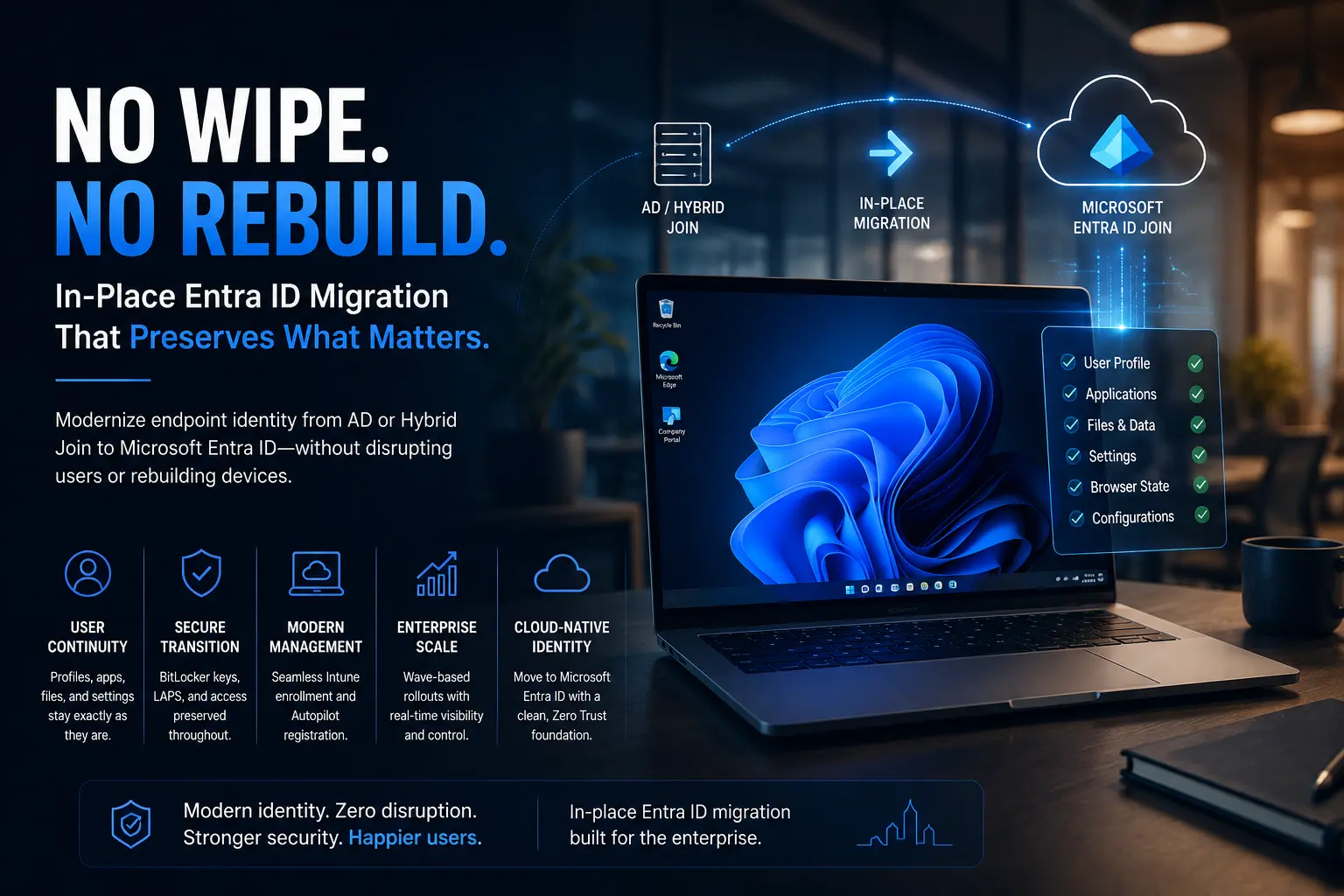
This approach allows organizations to migrate devices while keeping critical user elements intact, including:
- User profiles
- Application settings
- Security configurations
- BitLocker encryption
- Device management policies
Modern migration strategies now allow organizations to:
- Transition devices from Active Directory to Microsoft Entra ID
- Convert Hybrid Azure AD joined devices to Entra Join
- Execute cross-tenant migrations during mergers or acquisitions
- Maintain user productivity during the transition
- Reduce IT support workloads during migration events
The goal is simple:
Identity modernization without operational disruption.
This shift represents a major change in how organizations think about enterprise IT transformation.
Real-World Example: Large-Scale Device Migration
To understand how modern device migration works in practice, consider the example of a multinational enterprise undergoing a major identity modernization initiative.
The organization needed to transition its device infrastructure from a hybrid Active Directory environment to a cloud-first Microsoft Entra ID architecture.
More than 4,000 Windows endpoints across multiple regions were included in the project.
Traditionally, such a migration would have required:
- Reimaging every device
- Multiple user downtime windows
- Weeks of IT recovery work
- A surge of support desk tickets
Instead, the organization implemented a migration strategy designed to preserve user environments while transitioning device identity.
The migration was performed remotely across thousands of endpoints.
The following morning, employees logged into their devices and found:
- Their desktop environment unchanged
- Applications functioning normally
- Files and settings exactly where they left them
Most employees never realized a migration had occurred.
The results were striking:
- No surge in support tickets
- No productivity loss across departments
- No disruption to business operations
For IT leadership, the project demonstrated that large-scale identity transformation can occur without disrupting the workforce.
Why Frictionless IT Transformation Matters
Enterprise IT has entered an era where infrastructure changes must happen behind the scenes.
Employees expect their devices to function consistently regardless of how the underlying technology evolves.
Organizations that modernize successfully focus on minimizing user impact during infrastructure transitions.
This means designing migration strategies that:
- Protect the user experience
- Maintain application continuity
- Preserve security configurations
- Eliminate unnecessary downtime
In modern workplaces, employees rely on their devices for nearly every aspect of daily productivity.
Even small disruptions can ripple across an organization, affecting meetings, project timelines, and customer interactions.
For this reason, the most effective IT modernization strategies prioritize frictionless change.
The Strategic Benefits of Entra ID Device Migration
Organizations that successfully transition devices to Microsoft Entra ID environments gain several long-term advantages.
1. Improved Identity Security
Cloud-native identity platforms enable advanced security capabilities such as:
- Conditional access policies
- Identity risk detection
- Multi-factor authentication enforcement
- Zero Trust security architectures
These capabilities significantly reduce the attack surface associated with legacy identity systems.
2. Simplified Device Management
Modern device identity models allow IT teams to manage devices using cloud-based management platforms such as Microsoft Intune.
This simplifies tasks such as:
- Policy deployment
- Device configuration
- Software updates
- Security monitoring
Centralized management reduces operational overhead and improves visibility across the device ecosystem.
3. Support for Hybrid and Remote Work
Modern identity platforms are designed to support distributed work environments.
Devices joined directly to Microsoft Entra ID can securely access cloud applications without requiring traditional network connectivity to on-premises infrastructure.
This flexibility has become essential as organizations adopt hybrid and remote work models.
4. Reduced Dependence on Legacy Infrastructure
By migrating devices away from traditional Active Directory environments, organizations can gradually reduce reliance on on-premises infrastructure.
This transition helps organizations:
- Simplify IT architecture
- Reduce infrastructure maintenance costs
- Improve scalability for future growth
The New Standard for Enterprise Device Migration
Device migration no longer needs to be the most disruptive phase of an IT transformation project.
Organizations adopting modern identity architectures are demonstrating that large-scale device migration can occur seamlessly when the right strategy is in place.
The key shift is moving away from migration approaches that force employees to adapt to infrastructure changes.
Instead, modern IT teams focus on making infrastructure changes invisible to the workforce.
When migration strategies prioritize user continuity, modernization becomes significantly easier to implement across the organization.
The Future of Device Identity
Enterprise identity strategies are continuing to evolve as organizations adopt cloud-native architectures.
Microsoft Entra ID is becoming the foundation for many modern identity ecosystems, enabling organizations to manage users, devices, and applications within a unified cloud platform.
As this shift continues, device migration will remain one of the most important components of identity transformation.
Organizations that approach migration strategically will be able to modernize faster while maintaining operational stability.
In contrast, organizations that rely on outdated migration methods may continue to face unnecessary disruption.
Frequently Asked Questions
What is Microsoft Entra Join?
Microsoft Entra Join connects Windows devices directly to Microsoft Entra ID instead of traditional on-premises Active Directory, enabling cloud-native identity management and modern device authentication.
Can Hybrid Azure AD joined devices be converted to Entra Join?
Yes. Organizations can transition Hybrid Azure AD joined devices to Entra Join using modern migration strategies designed to preserve user profiles, device settings, and application configurations.
Does migrating devices to Entra ID require wiping laptops?
Traditional migration methods often required wiping devices. Modern approaches allow organizations to transition device identity without removing user profiles or reinstalling the operating system.
Why are organizations moving from Active Directory to Entra ID?
Organizations adopt Entra ID to enable cloud-native identity management, strengthen security through modern authentication methods, and simplify device and access management across distributed environments.
Final Thoughts
Device migration used to be one of the most feared phases of enterprise modernization.
But today, organizations are proving that identity transformation does not need to disrupt employees or slow business operations.
Modern migration strategies allow enterprises to transition from legacy infrastructure to cloud-first identity platforms like Microsoft Entra ID while preserving the user experience.
Because in the modern workplace, the goal of IT transformation is not simply better infrastructure.
The real goal is frictionless change.
Considering Entra ID Device Migration?
If your organization is planning a transition from Active Directory or Hybrid Join to Microsoft Entra ID, Opsole can help you evaluate the best migration strategy.
Get a free migration assessment:
https://opsole.com/contact