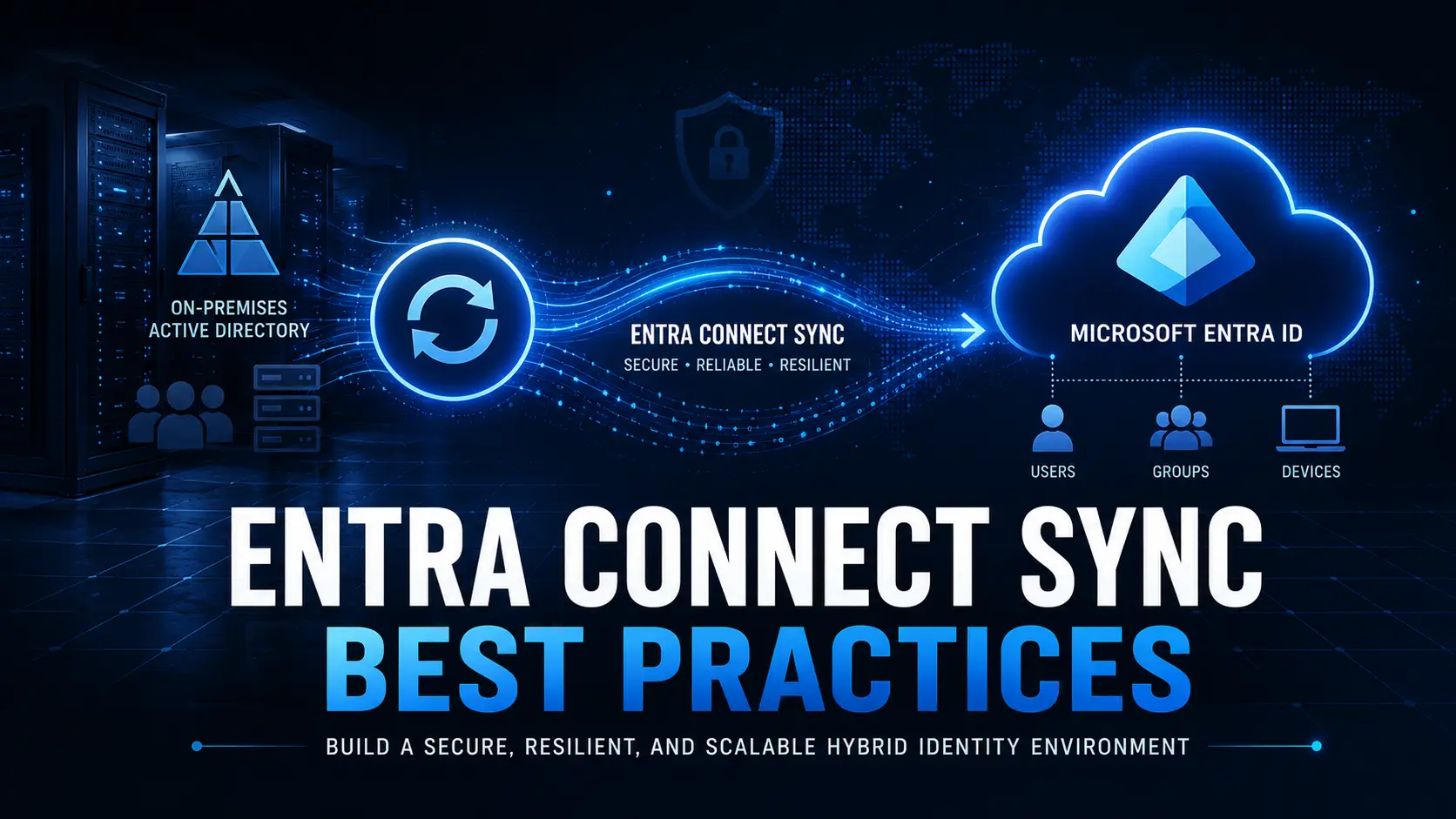
Modern IT environments are rapidly moving toward cloud-native identity and device management. One question that frequently arises for IT leaders is:
Should organizations continue using Hybrid-Joined devices, or move fully to Microsoft Entra ID joined devices?
With remote work, Zero Trust security models, and cloud-first IT strategies becoming the standard, the traditional reliance on on-premises Active Directory is increasingly becoming a limitation.
This guide explains why Microsoft Entra ID joined devices are becoming the preferred choice, where hybrid join still makes sense, and how organizations can plan a smooth transition.
The Shift Toward Cloud-Native Device Management
Historically, Windows devices were joined to on-premises Active Directory (AD) to enable authentication, Group Policy management, and access to internal resources.
To bridge legacy infrastructure with cloud identity, Microsoft introduced Hybrid Join, allowing devices to exist in both environments.
However, the modern workplace now looks very different:
- Employees work remotely or across distributed locations
- Devices must authenticate securely over the internet
- Security policies rely on identity signals like MFA, Conditional Access, and device compliance
- IT teams want to reduce infrastructure complexity and maintenance
In this environment, Microsoft Entra ID joined devices align much better with modern IT operating models.
What Makes Microsoft Entra ID Joined Devices Better for Modern Work?
1. Internet-Native Authentication (No Domain Controller Dependency)
Microsoft Entra ID joined devices authenticate directly with Microsoft Entra ID over the internet.
This removes the need for devices to connect to on-premises domain controllers during sign-in.
Impact
- Faster and more reliable login experience for remote users
- No VPN dependency for authentication
- Better performance for distributed or global workforces
For organizations embracing remote or hybrid work, this internet-native authentication model is a major advantage.
2. Stronger Security with Modern Identity Controls
Cloud-joined devices integrate seamlessly with modern security capabilities such as:
- Conditional Access policies
- Multi-Factor Authentication (MFA)
- Device compliance enforcement
- Passwordless authentication (Windows Hello for Business, FIDO2)
These capabilities allow organizations to implement risk-based access decisions before granting access to corporate resources.
While hybrid join can support some of these features, the experience is often fragmented and operationally complex.
3. A Better Fit for Intune and Zero Trust Architecture
Modern endpoint management platforms like Microsoft Intune are built primarily around cloud-native device identities.
Microsoft Entra ID joined devices integrate seamlessly with:
- Windows Autopilot provisioning
- Intune compliance policies
- Zero Trust device access strategies
- Conditional access enforcement
- Application protection policies
Hybrid environments often require additional configuration and troubleshooting, especially for remote devices.
4. Simplified Device Provisioning and Lifecycle Management
With Microsoft Entra ID join, organizations can ship devices directly to employees and configure them remotely using Windows Autopilot.
This enables true zero-touch provisioning.
Key benefits include:
- No dependency on corporate networks during setup
- Faster device rollout across distributed teams
- Simplified device replacement and recovery
- Reduced helpdesk involvement during onboarding
Hybrid join environments typically require network line-of-sight to domain controllers, which complicates provisioning for remote users.
Entra ID Join vs Hybrid Join: Quick Comparison
| Area | Entra ID Joined Devices | Hybrid Joined Devices |
|---|---|---|
| Authentication | Cloud-native | On-prem AD + Cloud |
| Remote Worker Experience | Excellent | Often VPN-dependent |
| Security Integration | Native Zero Trust | Partial / Transitional |
| Autopilot Provisioning | Simplified | More complex |
| Legacy AD Dependency | None | High |
| Recommended for New Devices | ✅ Yes | ❌ No |
When Hybrid Join Still Makes Sense
Despite the advantages of Microsoft Entra ID joined devices, Hybrid Join still has valid use cases in certain environments.
Examples include:
- Legacy applications requiring traditional AD machine authentication
- Heavy reliance on Group Policy Objects (GPOs)
- Environments with deep on-prem authentication dependencies
- Organizations currently in the middle of modernization projects
However, most IT leaders now treat hybrid join as a transitional stage rather than a long-term strategy.
Common Challenges When Moving to Microsoft Entra ID Join
Organizations migrating from AD-joined or hybrid-joined devices often face a few operational challenges:
- Converting Group Policies to Intune configuration policies
- Modernizing access to on-premises resources
- Updating device management workflows and runbooks
- Managing device re-join or reprovisioning at scale
These challenges are manageable when organizations adopt structured migration frameworks and automation tools.
Best Practice: Cloud-First Strategy for Device Join
A practical strategy for most organizations moving forward is:
For new devices
- Deploy devices as Microsoft Entra ID joined
- Manage them fully through Intune and cloud policies
For existing devices
- Gradually migrate AD-joined or hybrid-joined devices
- Phase out legacy dependencies over time
- Standardize endpoint management on cloud-native tools
This phased approach reduces operational risk while steadily modernizing the environment.
Conclusion
Microsoft Entra ID joined devices are quickly becoming the default model for modern Windows device management.
Compared to hybrid join, they provide:
- Better remote work experience
- Stronger Zero Trust security integration
- Reduced reliance on legacy infrastructure
- Faster device provisioning and recovery
While hybrid join still serves as a transitional model for legacy environments, organizations that move toward cloud-native device identity will benefit from simpler operations, stronger security, and greater scalability.
Planning an AD or Hybrid to Entra ID Migration?
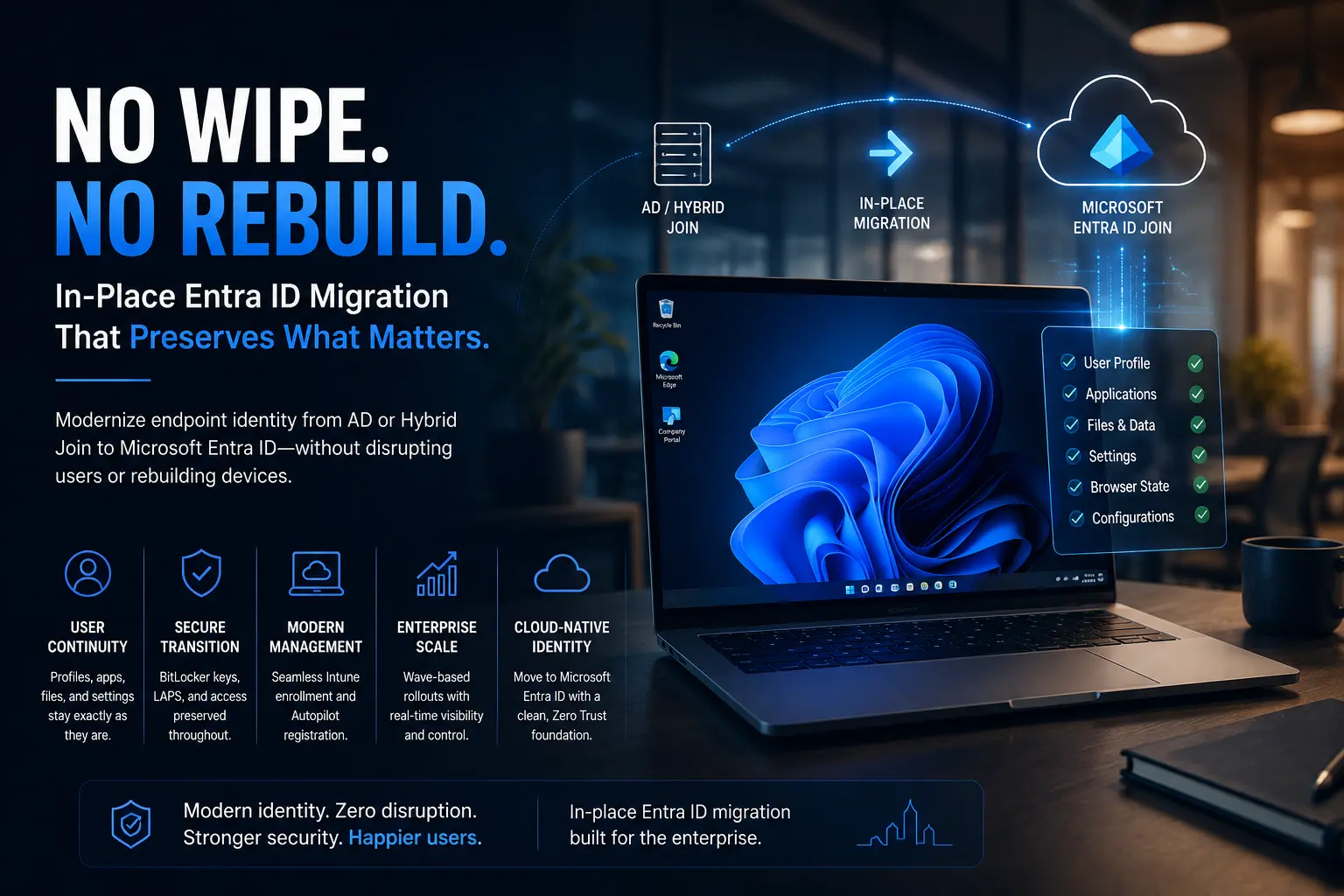
Migrating devices from Active Directory or Hybrid Join to Microsoft Entra ID Join can be complex when done manually, especially across large environments.
Opsole Migrate simplifies this transition by enabling secure, automated migration of Windows 10 and Windows 11 devices to Microsoft Entra ID Join with minimal helpdesk dependency and minimal user disruption.
If you’re planning to modernize your device management strategy, contact us for a free assessment and explore how Opsole Migrate can accelerate your transition.
Learn more:
https://opsole.com