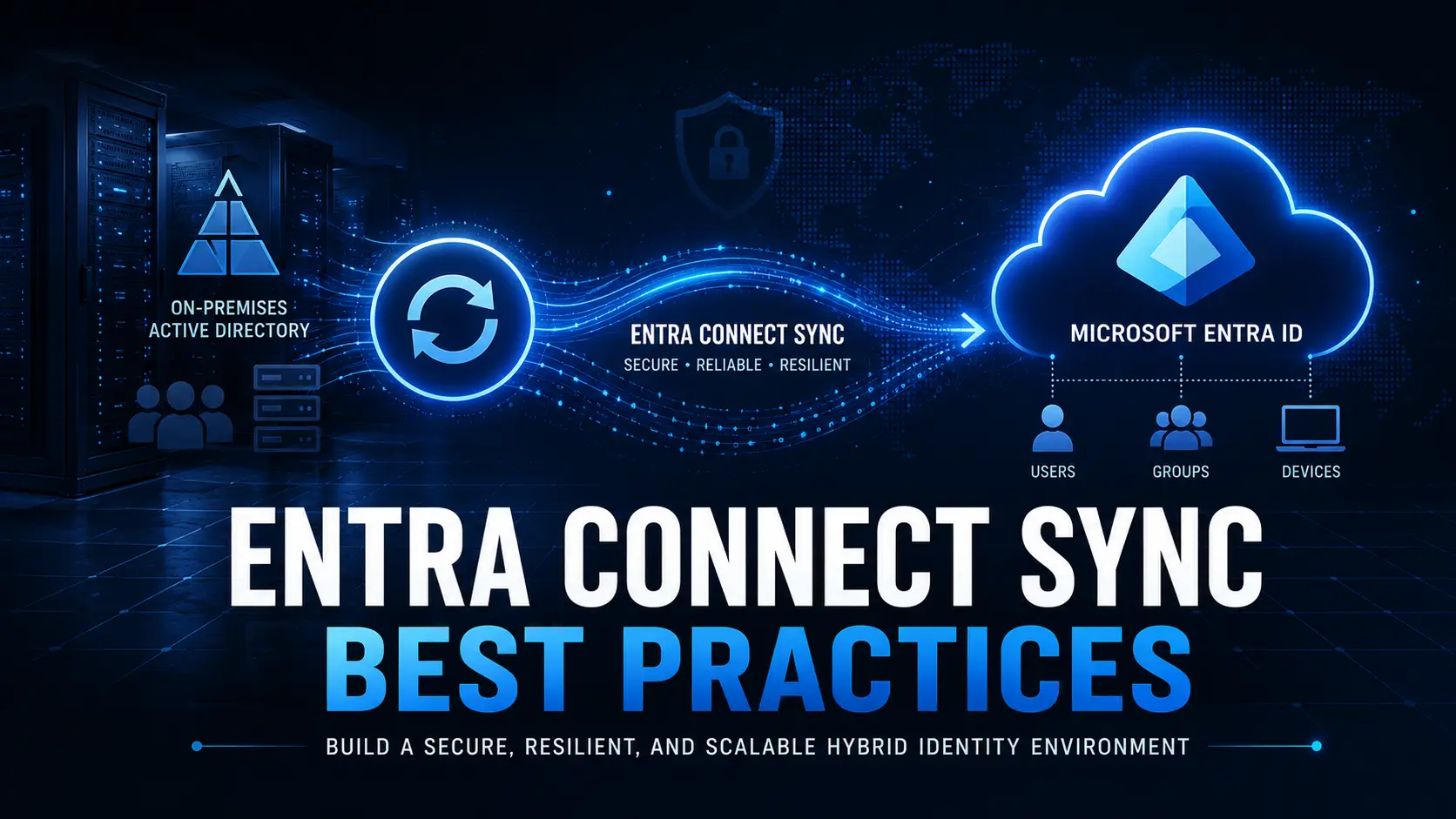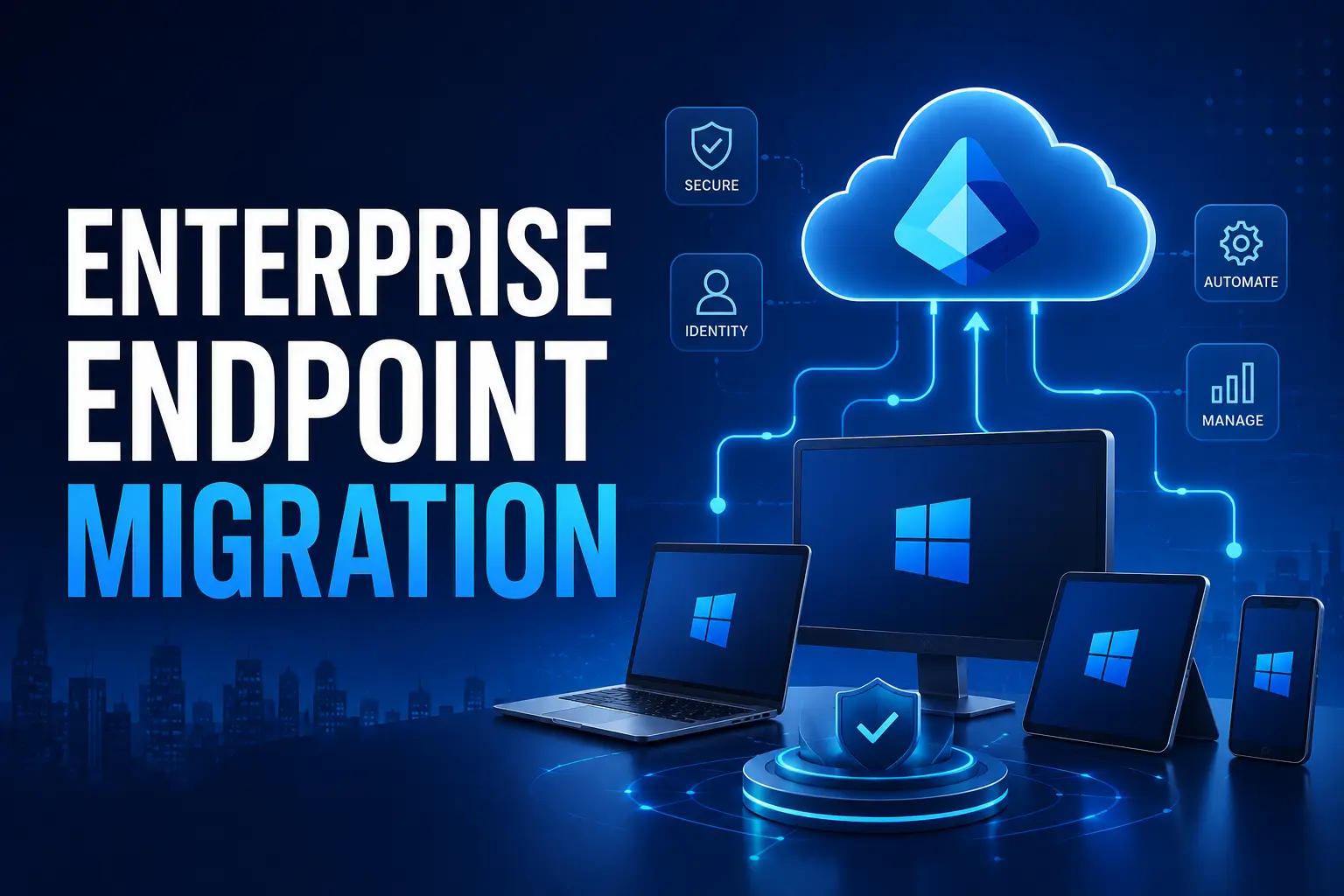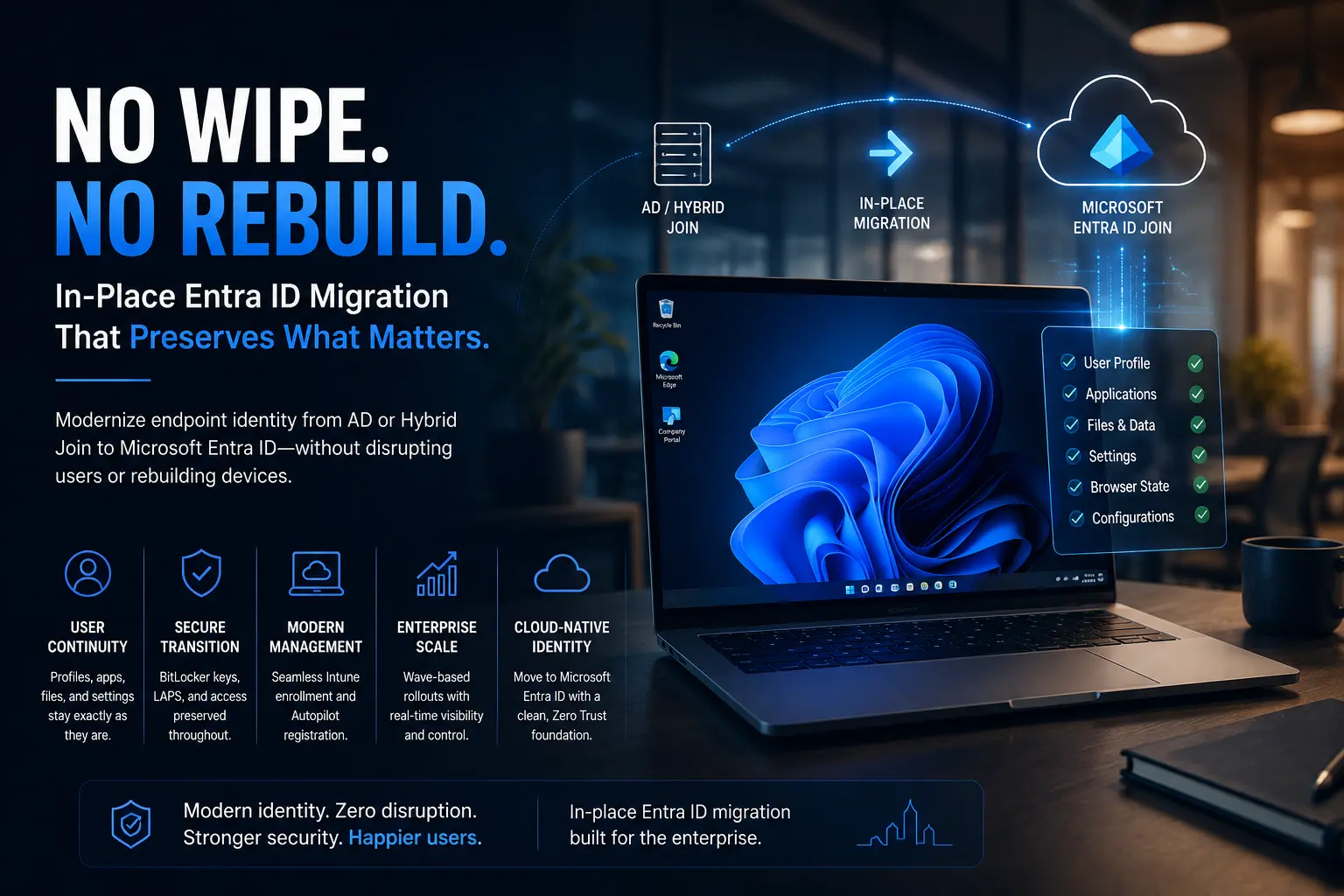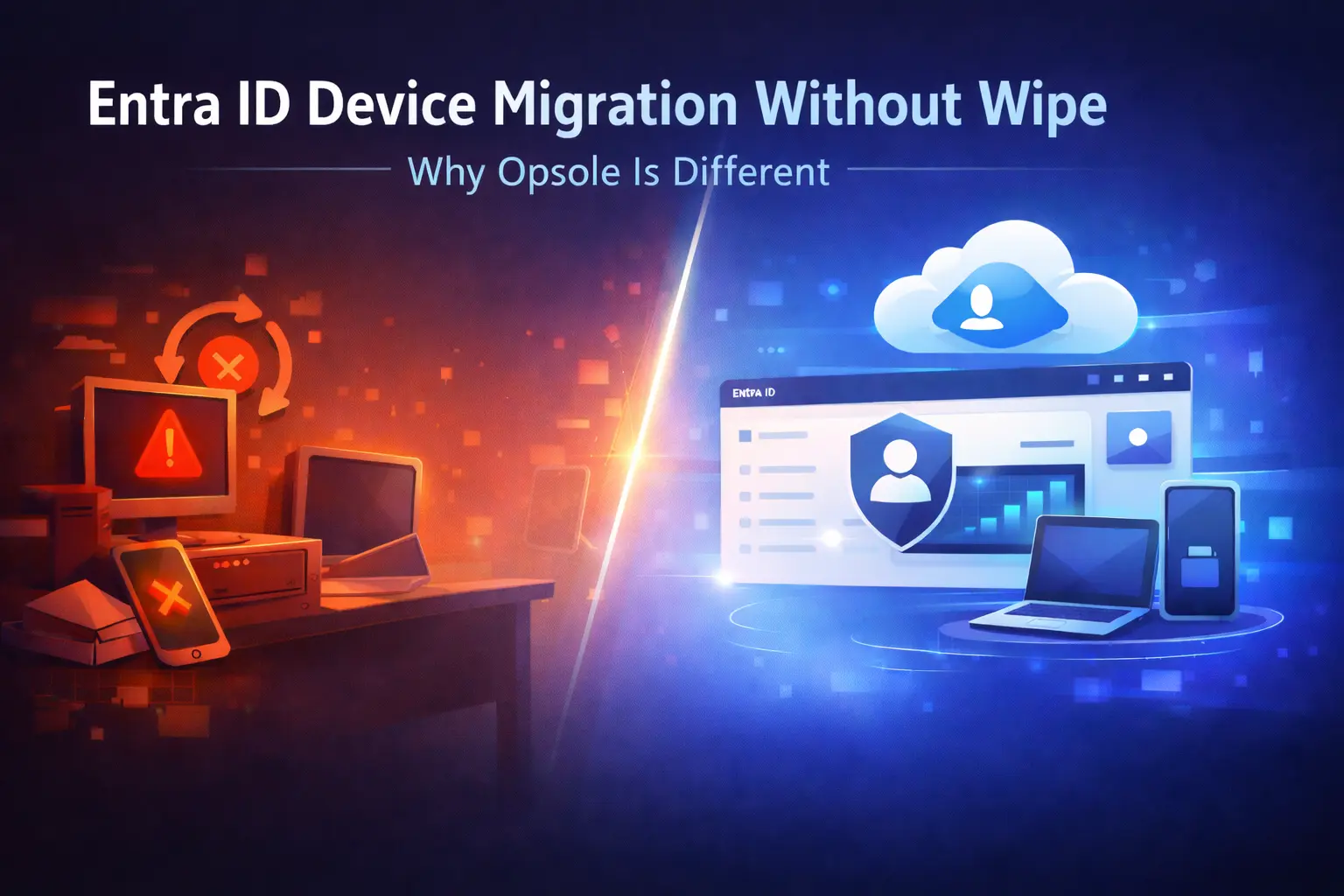
Entra ID device migration without wipe is becoming the preferred approach for organizations looking to modernize their environments without disrupting users.
Migrating devices to Microsoft Entra ID is often treated as a routine IT task. In reality, it is one of the most complex and risk-prone stages of cloud transformation.
Traditional approaches still rely on device resets, manual configuration, and significant user downtime. These methods may work at a small scale but quickly become inefficient and disruptive in enterprise environments.
Opsole takes a different approach.
Instead of forcing users and IT teams to adapt to the migration, it adapts the migration to the existing environment ensuring continuity, efficiency, and minimal disruption.
The Problem with Traditional Migration Approaches
Most conventional device migration strategies introduce several operational challenges:
- Loss of user profiles and personalization
- Reinstallation of applications
- Increased support tickets
- Delays for remote or distributed teams
- High dependency on IT resources
These issues multiply rapidly as organizations scale. What works for a handful of devices becomes unmanageable across hundreds or thousands.
Why Entra ID Device Migration Without Wipe Matters
Entra ID device migration without wipe eliminates the need to reset or reimage devices during migration.
This approach ensures:
- User profiles remain intact
- Applications continue functioning
- System configurations are preserved
As a result, users experience little to no disruption and can continue working immediately after migration.
A Different Approach: Zero-Wipe Device Migration
What is zero-wipe migration?
Zero-wipe migration allows devices to transition to Entra ID without resetting or reimaging the system.
This means:
- User profiles remain intact
- Applications continue functioning
- System configurations are preserved
This approach aligns with modern enterprise needs, where maintaining productivity during migration is critical.
How Opsole Redefines Device Migration
1. Preserves User Experience by Default
Opsole ensures that user profiles, desktop environments, and system settings remain unchanged throughout the migration process. This is a core benefit of Entra ID device migration without wipe, where users do not need to reconfigure their devices or reinstall applications.
2. Minimizes Downtime to Minutes
Traditional migration methods can take hours per device. Opsole reduces this significantly through automation, allowing migrations to complete in minutes depending on system and network conditions.
3. Enables True Remote Migration
Opsole supports remote device migration without requiring VPN access or physical intervention. This makes it ideal for distributed and hybrid work environments.
4. Automates Complex Migration Workflows
Instead of relying on manual scripts and processes, Opsole automates migration workflows. This ensures consistency, reduces human error, and accelerates deployment timelines.
5. Built for Enterprise Scale
Opsole is designed to handle large-scale migrations with predictable outcomes. It supports phased rollouts, ensuring minimal disruption across organizations with thousands of devices.
6. Reduces IT Workload
By preserving configurations and automating processes, Opsole reduces post-migration issues and minimizes helpdesk involvement, allowing IT teams to focus on strategic initiatives.
Key Differences in Approach
| Factor | Traditional Migration | Modern Automated Approach |
|---|---|---|
| Device Reset | Required | Not required |
| User Profile | Lost | Preserved |
| Downtime | High | Minimal |
| IT Effort | High | Reduced |
| Remote Readiness | Limited | Fully supported |
| Scalability | Challenging | Built for scale |
Why This Matters for Organizations
Device migration is not just a technical process it directly impacts business performance.
Disruptive migrations can lead to:
- Reduced employee productivity
- Increased operational costs
- Higher support workload
A seamless approach like Entra ID device migration without wipe ensures:
- Continuous user productivity
- Faster adoption of cloud environments
- Improved operational efficiency
When Should You Use This Approach?
Entra ID device migration without wipe is particularly valuable when:
- Migrating large numbers of devices
- Supporting remote or hybrid teams
- Managing mergers or tenant transitions
- Minimizing business disruption is critical
Key Takeaways
- Entra ID device migration without wipe reduces disruption and preserves user experience
- Traditional methods rely heavily on reset and manual processes
- Automation improves speed, consistency, and scalability
- Modern approaches enable efficient, enterprise-ready migrations
Frequently Asked Questions
What is Entra ID device migration without wipe?
Entra ID device migration without wipe allows devices to move to Entra ID while preserving user profiles, applications, and system settings without resetting the device.
How does zero-wipe migration improve user experience?
Zero-wipe migration ensures users retain their environment, reducing downtime and eliminating the need for reconfiguration after migration.
Can devices be migrated without affecting user productivity?
Yes, this approach allows users to continue working with minimal interruption during and after migration.
Can remote employees migrate their devices?
Yes, modern migration approaches support remote device migration without requiring physical access or VPN connectivity.
Is this approach suitable for large enterprises?
Yes, it is specifically designed for large-scale environments, enabling efficient and predictable migrations across thousands of devices.
Conclusion
The success of a device migration is not defined by whether systems are moved. It is defined by how seamless the experience is for users. A disruptive migration creates friction, delays, and support overhead. A well-executed migration like Entra ID device migration without wipe becomes almost invisible. That is what sets modern migration approaches apart.
Ready to simplify your Entra ID device migration without wipe?
See how Opsole enables seamless, zero-disruption device transitions while preserving user experience and reducing IT workload.
Book a demo to see how it works in your environment