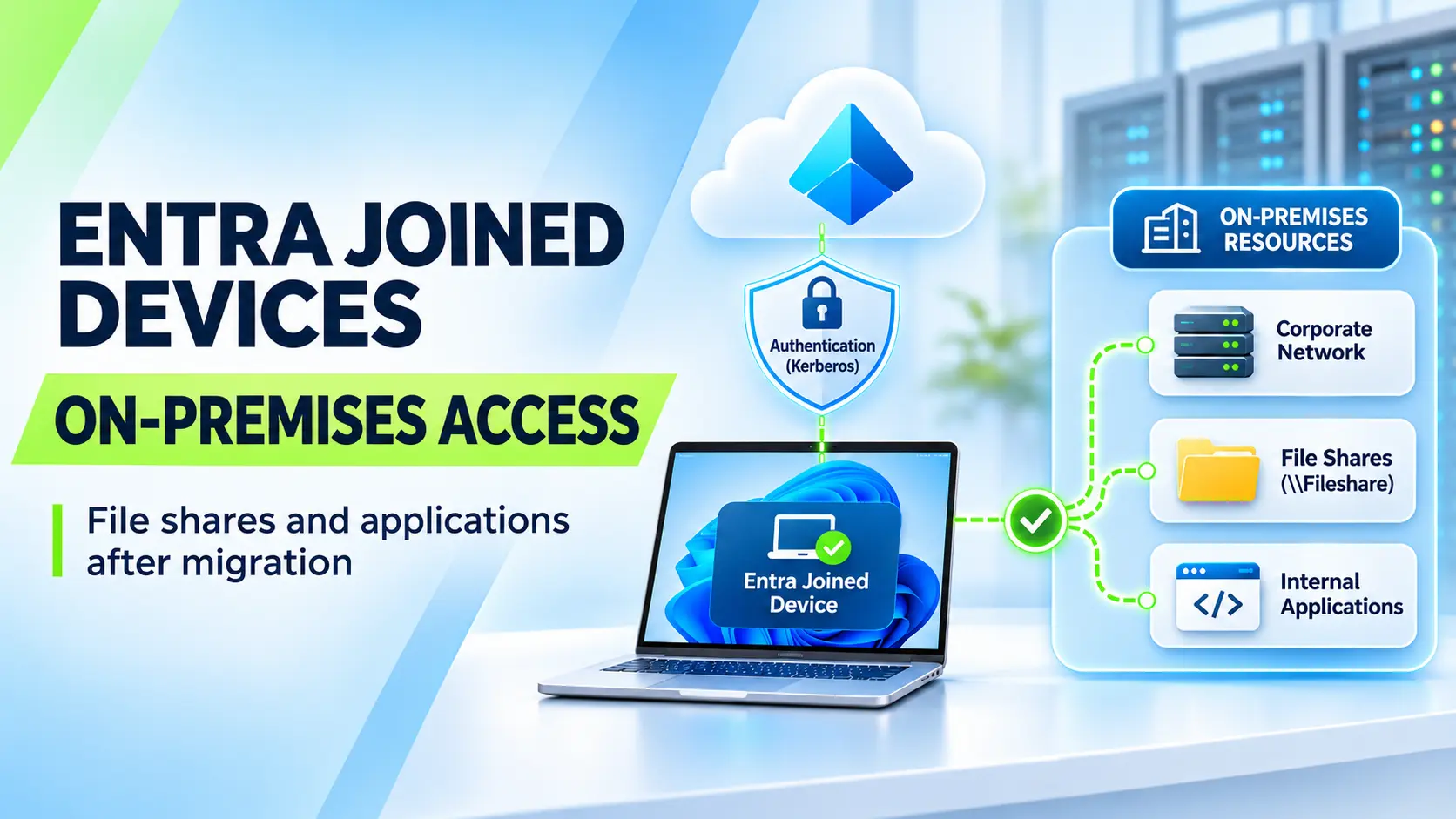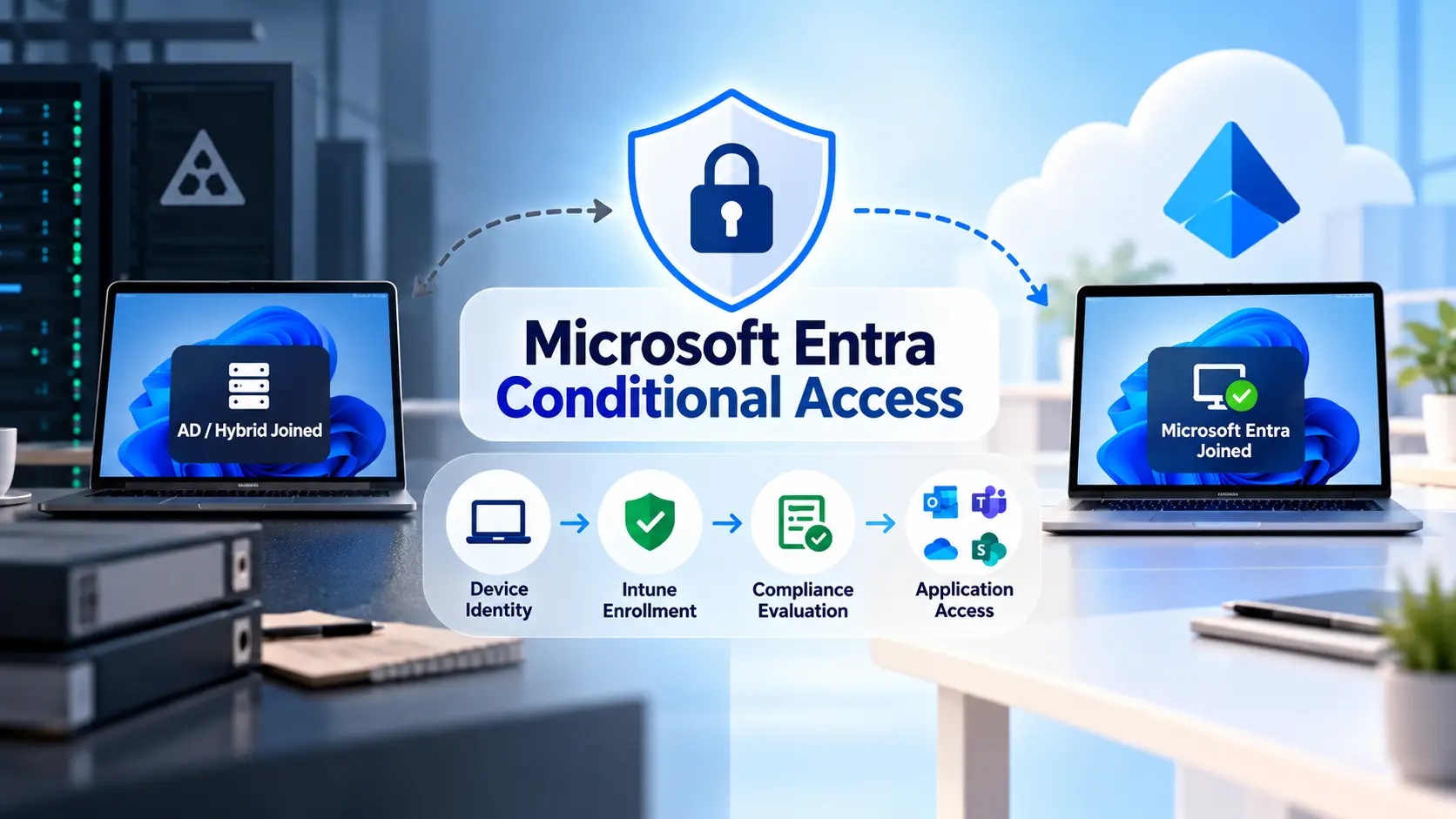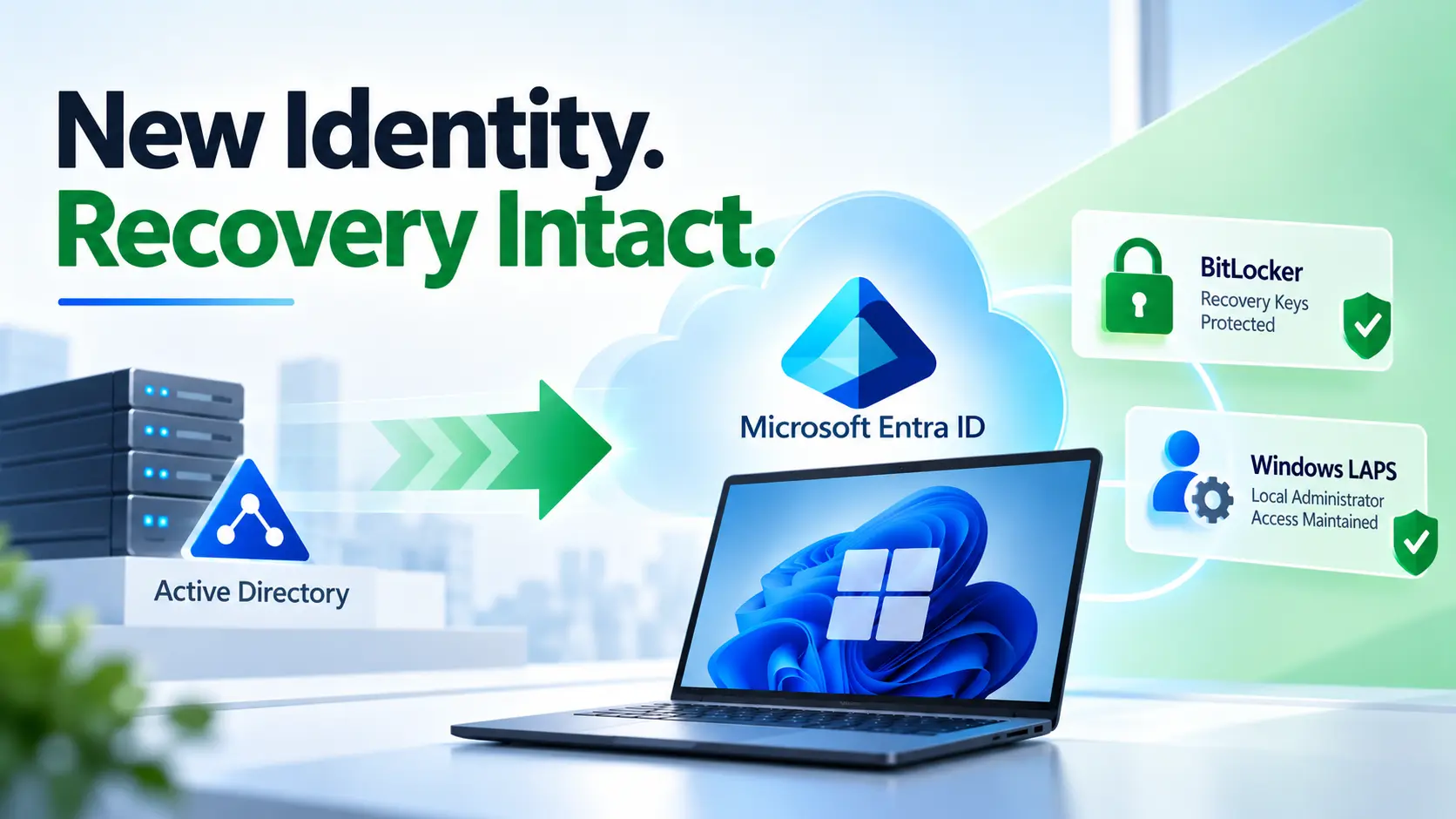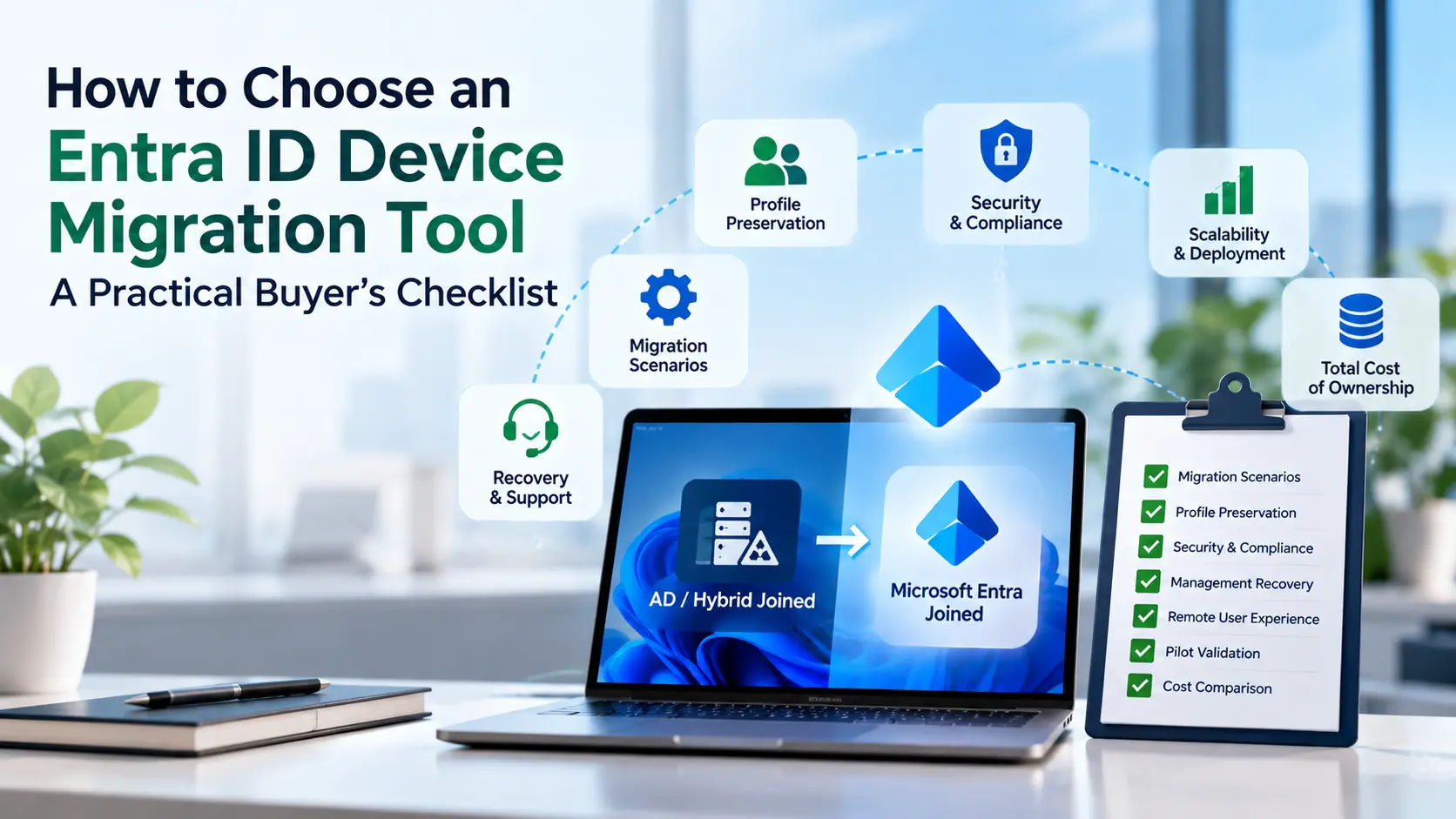
What to ask vendors, what to prove in a pilot and how to compare the full cost of moving Windows devices to Microsoft Entra join
Choose an Entra ID device migration tool by the outcome it can demonstrate in your environment. The employee should regain access to their work, IT should have a managed and secure device, and support should know how to recover a failed transition.
A successful Entra join is one part of that outcome. Buyers also need to understand profile handling, enrollment, security permissions, remote connectivity and the work left for their own team. These details determine whether an apparently inexpensive migration becomes a long series of support tickets.
This checklist is for organizations evaluating Windows device migration from Active Directory or hybrid join to Microsoft Entra join, including relevant questions for tenant-to-tenant projects. It combines technical checks with the employee, IT and business considerations needed for a buying decision.
Define the outcome before booking a demonstration
Give every vendor the same description of your environment. Include device numbers, Windows versions and editions, current join and management states, user identity design, profile types, locations and critical applications. Identify shared devices, multiple local profiles and machines with unreliable connectivity separately.
State the intended result precisely: the correct Entra tenant and join state, the required Intune enrollment, agreed security controls, usable applications and the required user data. Microsoft distinguishes device identity from the management and application dependencies that must be planned around it.
For tenant-to-tenant work, specify which team owns identities, mailbox migration, OneDrive content and application configuration. A Windows device migration product should not be assumed to move those workloads as part of changing the laptop’s identity.
Agree on the acceptance criteria with endpoint engineering, identity, security, the service desk and a business representative. Procurement can then compare proposals against a shared definition of success.
The Ten Checks Before Choosing an Entra ID Device Migration Tool
1 Confirm support for your exact migration scenario
Ask the vendor to confirm the complete source-to-target path. Support for AD-to-Entra migration does not establish support for every hybrid, tenant-to-tenant, shared-device or profile scenario.
Check Windows support status as well as tool compatibility. Ask about existing Intune enrollment, Configuration Manager, multiple profiles, renamed accounts and users whose source and target sign-in names differ. Establish how the tool maps the existing Windows user identity to the correct target account, and how ambiguous matches are handled.
Evidence to request: a written support matrix, explicit exclusions and a demonstration using a representative device and identity combination. Record any remediation that must happen before the tool can run.
2 Define exactly what profile preservation means
Ask which files, settings and installed applications remain usable, and which items require restoration, reauthentication or reprovisioning. Include Outlook, OneDrive, browser profiles, Windows Hello for Business, application licenses and business-specific software.
Distinguish retaining a profile folder from preserving access to every protected item inside it. For example, Opsole documents possible effects on saved credentials, user-bound private keys, EFS-encrypted files and Windows Hello after an identity transition. These need explicit testing and a recovery plan where relevant. Opsole profile and application considerations.
Evidence to request: an employee walkthrough after migration and another restart. The user should open agreed files, authenticate to critical applications and complete a normal work task. Record every manual step required to restore productivity.
3 Prove that management and security are restored
Ask the vendor to define the status it calls “complete.” Does that mean the join operation finished, or that the device is enrolled, checking in and receiving the required policies?
Inspect the target tenant and device state, then verify management independently. Microsoft explicitly notes that MDM URLs in dsregcmd /status do not guarantee that a device is managed. Confirm the Intune record, recent check-in, intended assignments and compliance results.
Check endpoint protection, active BitLocker protection and retrieval of the current recovery key. If Windows LAPS or Autopilot registration is included, test the agreed target behavior separately. Microsoft Intune BitLocker guidance.
Evidence to request: results from the target management and security systems, alongside the vendor’s completion report. Identify which checks are automated and which your team must perform.
4 Test the remote employee experience
Ask what the employee must do before, during and after migration. How many restarts are expected? When can the employee work? Which account and authentication method will be needed at first sign-in? Can they contact support from another device?
Test the actual home-network or restricted-network conditions. Connectivity must work for the background process and after a restart, including before user sign-in. A functioning browser session alone does not prove that. Opsole’s prerequisites, for example, require access to the relevant services in the SYSTEM execution context. Opsole migration prerequisites.
Evidence to request: a remote pilot with the planned employee instructions, an approved fallback connection and a support route that remains usable if the new sign-in fails. Measure employee downtime separately from the tool’s execution time.
5 Understand permissions and the enrollment method
Request a permission-to-operation mapping covering local administrative access, source AD privileges, Microsoft Graph permissions, application credentials and both tenants where applicable. Ask who grants consent, who can retrieve secrets and how access is removed after the project.
Also ask what “agentless” means for the product. Establish which executables, scripts, services or scheduled tasks run locally, their privilege level and their cleanup process. Opsole’s documented workflow uses SYSTEM execution and scheduled tasks across restarts; buyers should evaluate the actual execution model. Opsole migration workflow.
The enrollment method can affect the final security design. Microsoft currently lists devices deployed through Windows bulk enrollment as unsupported by Token Protection. If a vendor uses a provisioning package, assess that compatibility before selection. Microsoft Token Protection guidance.
Evidence to request: a reviewed permission list, the exact enrollment method and a documented scope and duration for any policy exceptions. Distinguish temporary exceptions from ongoing compatibility constraints.
6 Review data handling and security evidence
Request a data-flow diagram and a list of the information sent from endpoints or tenants to the vendor. Separate device inventory and identity metadata from logs, user content and recovery secrets. Ask whether each category is optional, where it is processed, who can access it and when it is deleted.
If the product stores BitLocker keys or local administrator credentials, verify retrieval permissions, audit records and the end-of-project deletion process. Ask how vendor support access is authorized and recorded.
Request current independent assurance evidence where available. For a SOC 2 report, check the report type, period and system scope; for an ISO certificate, check its validity and certification scope. Ask the security team to assess relevant exceptions and customer responsibilities.
Evidence to request: the current security documentation, applicable contractual data-handling terms, hosting and support locations, and demonstrated controls for sensitive recovery information. Confirm that the evidence covers the product and service being purchased.
7 Demonstrate recovery from a failed migration
Ask what happens if the device leaves its old identity but cannot join the target, if enrollment fails, or if the intended profile cannot load. Identify the remaining local access, recovery credentials, logs and support actions at each stage.
Clarify what the vendor means by rollback. Resuming a failed workflow, repairing a target enrollment, restoring files and returning a device to its original environment are different operations. Ask which are supported and what prerequisites each requires.
Opsole’s recovery documentation distinguishes failures by migration phase and directs customers to contact support before proceeding with a profile-transition failure. This illustrates why recovery must follow the actual device state. Opsole recovery guide.
Evidence to request: a controlled recovery exercise on a test device, with observed recovery time, the responsible team and the point at which replacement hardware or on-site assistance becomes necessary.
8 Check how the tool behaves across the fleet
Ask to see readiness checks, targeting, scheduling, employee notifications, pause controls and per-device progress. Verify how the product handles offline devices, deferred users, retries and machines already partly migrated.
Have the vendor explain how a mistaken target selection is prevented and how a wave is stopped when a common problem appears. Ask which records are cleaned up automatically and which actions require customer approval. Confirm that a retry does not blindly repeat destructive steps.
For reporting, request exportable device results, timestamps, failed stages, error details and outstanding remediation. Establish whether the evidence remains accessible after the subscription or project ends.
Evidence to request: a small staged rollout that includes a deferred device and a recoverable failure. Your own administrators should be able to identify what happened and decide the next action from the available records.
9 Establish who delivers the work and owns support
Separate product support, onboarding, professional services and hands-on remote assistance in the proposal. Ask who prepares identities, packages, policies and applications; who assists employees; and who validates each migration wave.
When professional services are advertised as included or free, request the specific deliverables, device or tenant limits, available hours and exclusions in writing. The same applies to 8/5 and 24/7 support: confirm time zones, holidays, severity definitions, response targets, escalation and whether remote intervention is included.
Check whether your planned migration window falls within the purchased coverage. A response-time commitment also needs to be distinguished from a recovery or resolution commitment.
Evidence to request: a responsibility matrix, an escalation path and a service description that names the work each party will perform during the pilot, rollout and recovery period.
10 Compare the total project cost
Request an itemized quote based on the same scope for every shortlisted vendor. Published per-device pricing is useful, but the buying decision also depends on licensing rules, delivery effort and the cost of exceptions.
Use this checklist when reviewing the commercial proposal.
| Cost item | What to confirm |
|---|---|
| Product licensing | Per-device or subscription basis, minimum purchase, license term, volume bands and renewal requirements |
| Failed attempts and retries | Whether a failed or repeated migration consumes another license and how replacement devices are treated |
| Professional services | Included preparation and implementation work, customer responsibilities and separately charged remediation |
| Support and remote assistance | Coverage hours, escalation, hands-on recovery, extended support and any after-hours charges |
| Microsoft and infrastructure costs | Required Windows, Entra and Intune licensing, connectivity and any additional infrastructure |
| Internal effort and disruption | Pilot, packaging, communications, technician time, employee downtime, exceptions and travel or shipping |
Keep cash expenditure, internal labor and estimated productivity impact visible as separate figures. If you monetize employee downtime, state the assumption and avoid counting the same labor twice. Use pilot measurements to update the estimate.
Evidence to request: a written quote with assumptions and exclusions, plus a project-cost model showing the effect of higher support effort or more exceptions. Any savings estimate should identify its baseline and calculation method.
Run a pilot that answers the buying questions
Agree on the test plan before the vendor demonstration. Include the combinations that could change the decision: critical applications, remote connections, differing join states, multiple profiles and difficult identity mappings. The pilot size should follow that coverage requirement.
- Record the starting state. Capture device identity, management status, profile and application requirements, and the recovery information needed for the test.
- Run the proposed production workflow. Use the planned permissions, security policies, employee instructions and support model. Record extra vendor intervention.
- Measure the whole experience. Track technical migration duration, employee downtime, technician effort and outstanding work separately.
- Validate the result. Check the target identity and management systems, security controls, critical applications and the employee’s experience after another restart.
- Exercise recovery on test equipment. Introduce an agreed, controlled failure and follow the documented process. Confirm who owns the next action and how access is restored.
Close the pilot with an evidence record for each requirement: passed, failed, not tested or not applicable. Assign an owner and resolution date to every gap. A demonstration that avoids a difficult device category leaves that category unproven.
Use a scorecard after mandatory requirements pass
Define mandatory requirements before scoring. Typical examples are a supported source-to-target path, verified access to required data, recoverable administrator access, approved security and privacy controls, and working critical applications. Include required management and encryption outcomes. A failure against a mandatory requirement should block selection until resolved.
The following weights are a suggested starting point, not a vendor ranking. Adjust them to your business before running pilots.
| Evaluation area | Suggested weight | Evidence to use |
|---|---|---|
| Employee and profile experience | 20% | Work tasks completed, prompts, downtime and manual restoration |
| Security and privacy | 20% | Permissions review, data handling and assurance evidence |
| Scenario and environment fit | 15% | Supported paths and representative device results |
| Recovery and supportability | 15% | Recovery exercise, retained access and usable diagnostics |
| Management and security restoration | 10% | Intune, compliance, endpoint protection and recovery-key validation |
| Rollout control and reporting | 10% | Targeting, pause and retry behavior, and exportable records |
| Commercial and service fit | 10% | Total cost, responsibility matrix and support coverage |
Rate each area from zero to five and attach the evidence. Use zero for unsupported or unproven claims, one for a sales assertion, two for documentation without a pilot, three for partial pilot success, four for meeting the agreed pilot criteria and five for repeatable results across representative conditions. Unresolved mandatory requirements remain blockers at every score.
For each row, multiply its weight in points (20 for 20%) by the rating divided by five. Add the results for a score out of 100. Record who scored each area and the evidence behind the rating.
Questions buyers commonly ask
Is an agentless tool automatically safer
Evaluate its execution model and permissions. A product can avoid a permanent endpoint agent while still running privileged local components and using tenant-level permissions. Ask what runs, who controls it and how it is removed.
Does profile preservation mean the employee will see no changes
Profile continuity can reduce rebuilding, while identity-bound credentials, application sessions and Windows Hello may still need attention. Include those steps in the pilot’s employee-experience and downtime measurements.
What is a reasonable migration time to expect
Use the observed range for your device and application groups. Ask where a vendor’s measurement starts and ends, how many devices it covers and whether preparation, sign-in, application readiness and recovery are included. A join-time figure alone is insufficient for scheduling employees.
Compare Autopilot manual migration and Opsole Migrate
The right method depends on the desired device state and the value of preserving the existing environment.
| Approach | When it fits | What the buyer should validate |
|---|---|---|
| Autopilot with wipe and reprovisioning | A clean Windows setup and standardized application configuration are priorities | Backup and restore, registration and profiles, application deployment, setup connectivity and employee downtime |
| Manual migration | Small populations, controlled pilots or exceptions warrant direct technician handling | Local recovery access, supported join steps, profile handling, enrollment, technician capacity and consistency |
| Opsole Migrate | Supported existing devices should move in place with profile continuity and coordinated migration steps | Scenario support, identity mapping, permissions, employee experience, target management, recovery and the agreed service scope |
Autopilot is a provisioning option. Registering an existing laptop does not by itself change its current join state. Also distinguish a wipe and reprovisioning approach from Windows Autopilot Reset, which preserves the existing Entra join and Intune enrollment.
Opsole Migrate is worth evaluating when retaining the existing Windows environment is a priority. Its documentation describes supported AD, hybrid and tenant-to-tenant transitions, profile continuity, and the handling of operational metadata and optional recovery information. Its workflow and recovery documentation give buyers specific behaviors to test. Apply the same acceptance criteria used for other shortlisted approaches. Opsole security and product scope, Opsole migration workflow.
Bring this Entra ID device migration tool checklist to the pilot. Ask each provider to show what the employee experiences, what IT must do and what recovery looks like when a stage fails. To assess an in-place migration, explore Opsole Migrate and request a pilot against your agreed device, security and service requirements.