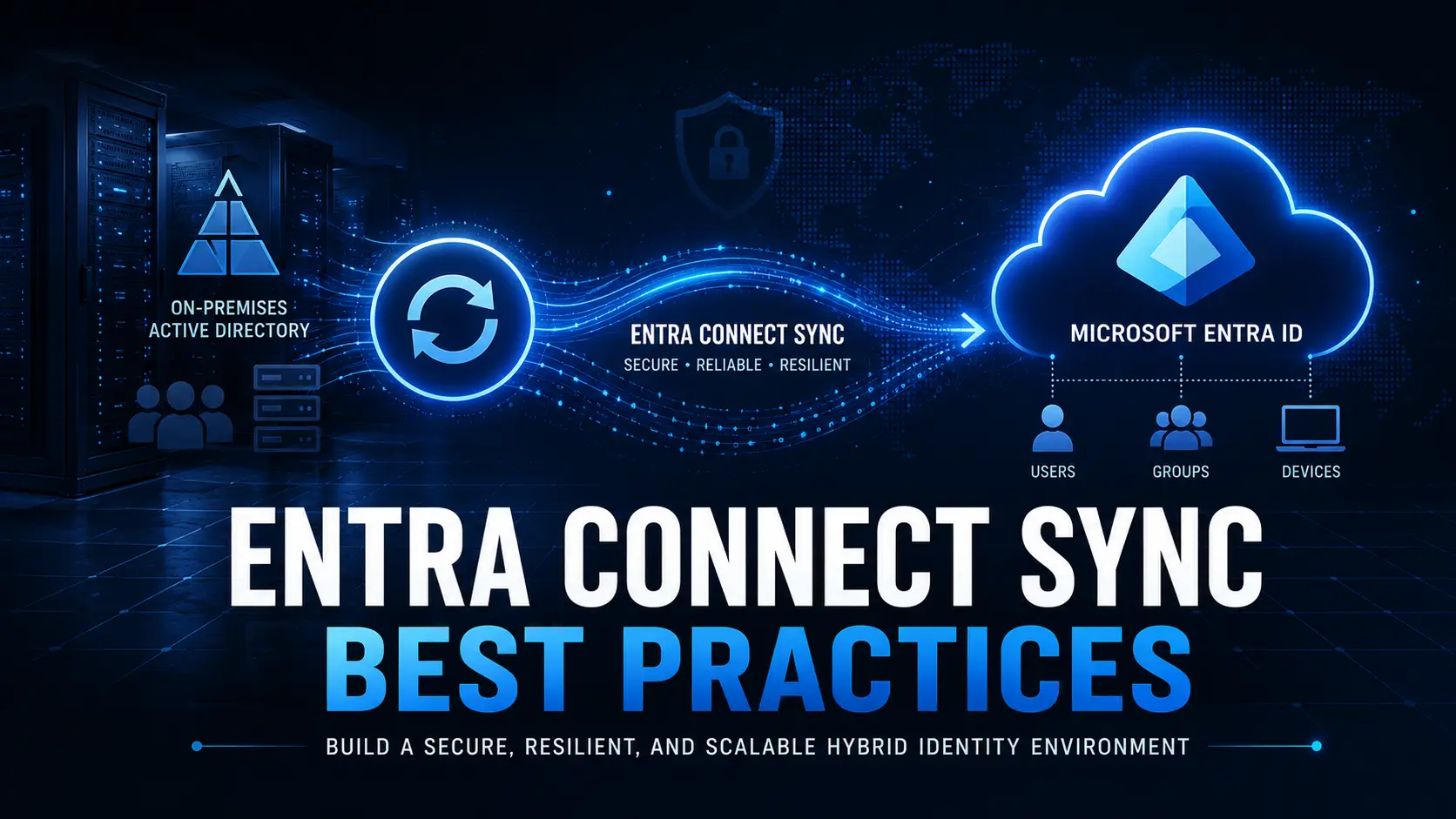
The future of identity and access management is clear: cloud-first, secure, and agile. Microsoft’s own “Road to the Cloud Posture” guidance lays out a five-stage journey for organizations moving from legacy Active Directory (AD) to a fully cloud-native Microsoft Entra ID environment. The message is unmistakable—the days of on-premises AD are numbered
Why Cloud-First Identity Is the New Standard
Microsoft’s roadmap shows that every organization, no matter its size or complexity, is on a path that leads to minimizing or eliminating on-premises AD. The benefits are compelling:
- Reduced operational costs by eliminating dual environments
- Stronger security with Zero Trust, conditional access, and modern authentication
- Simplified management through Intune and cloud-native tools
- Future-proofing your business for new apps, devices, and hybrid work
The Five States of Transformation
Microsoft describes five logical states on the journey to the cloud:
- Cloud Attached: AD is still the core, but Entra ID is in place for collaboration.
- Hybrid: Devices and users are hybrid-joined, and cloud capabilities are layered on.
- Cloud First: New devices and users are provisioned directly in Entra ID; legacy dependencies are phased out.
- AD Minimized: Only edge cases remain on-premises; most workloads are cloud-based.
- 100% Cloud: All identity, device, and app management is handled by Entra ID and cloud solutions.
The goal? Get to the cloud, at your own pace—but get there.
The Device Migration Challenge
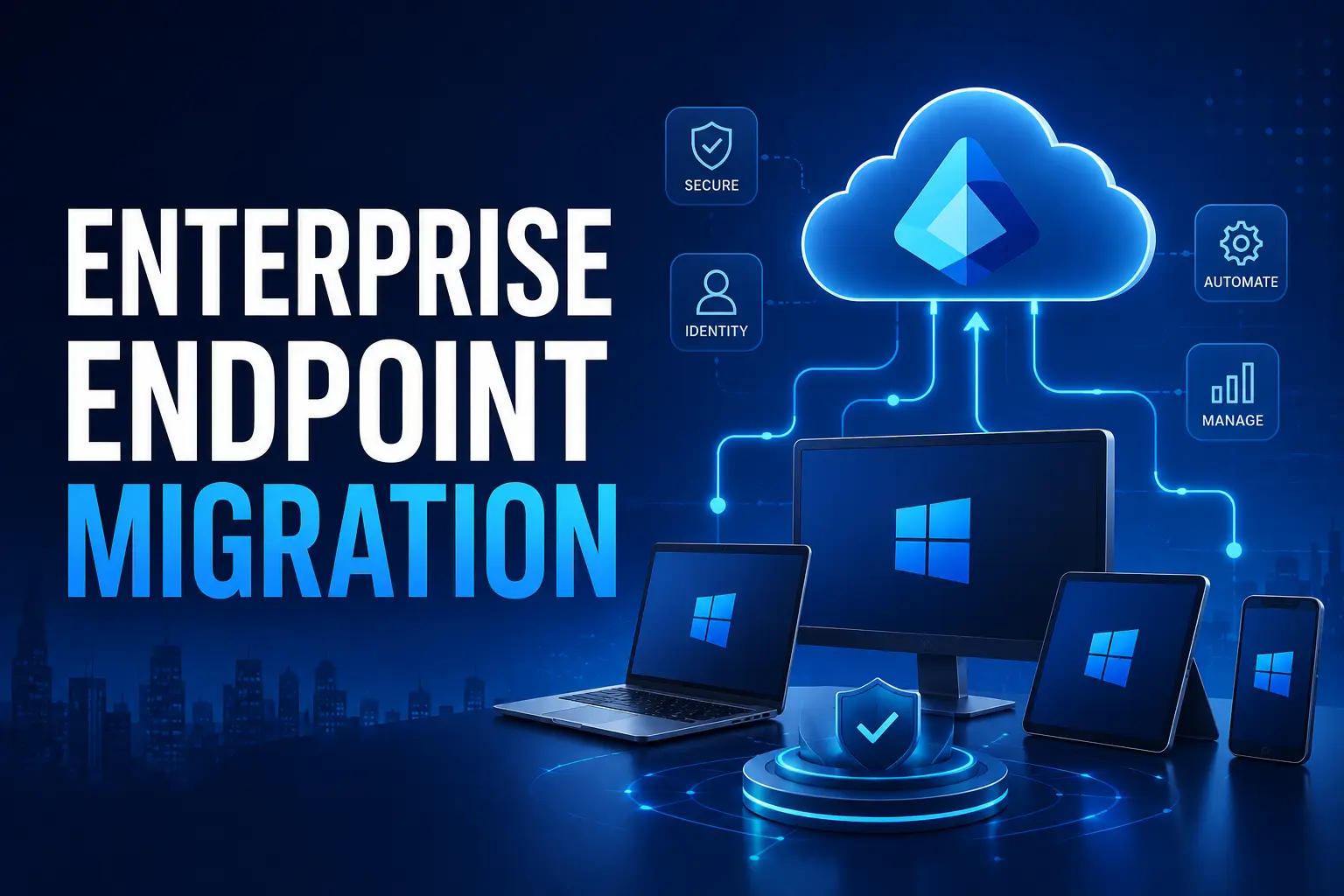
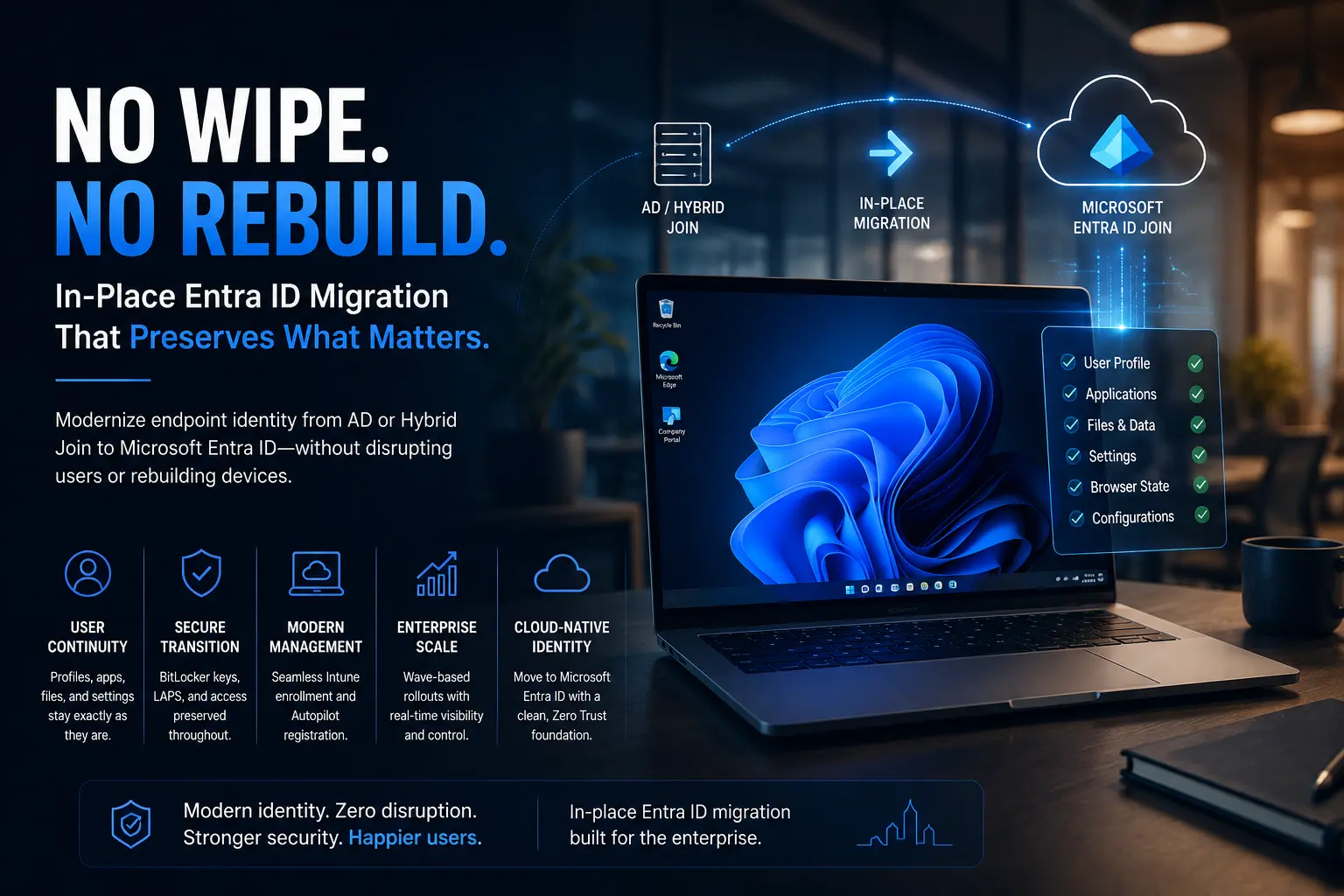
One of the biggest hurdles in this journey is device migration. Moving Windows 10/11 devices from Local AD or Hybrid AD join to Entra ID join can be complex, risky, and disruptive—unless you have the right tool.
Opsole Entra ID Device Migration: Your Fast Track to the Cloud
Opsole Entra ID Device Migration is purpose-built to help organizations accelerate their journey through Microsoft’s transformation states. Here’s how Opsole makes your migration seamless:
- Zero Disruption: Migrate devices with no downtime or user impact.
- End-to-End Security: All credentials and data are protected with enterprise-grade security.
- Automated at Scale: Whether you have 100 or 100,000 devices, Opsole handles it—no manual re-enrollment, no headaches.
- Comprehensive Reporting: Track every device, every step, with full audit trails.
- Cloud-Ready: Designed for Windows 10/11 and fully aligned with Microsoft’s cloud-first vision.
Why Wait? The Sooner You Move, the Sooner You Benefit
Every day you delay, you’re maintaining two environments, increasing costs, and exposing your business to legacy risks. Microsoft is investing heavily in Entra ID and cloud-native management—don’t get left behind.
Opsole Entra ID Device Migration is your bridge to a modern, secure, and efficient IT future.
Let us help you move forward—seamlessly, securely, and at scale.
Ready to accelerate your cloud journey? Contact us for a demo or migration assessment today!