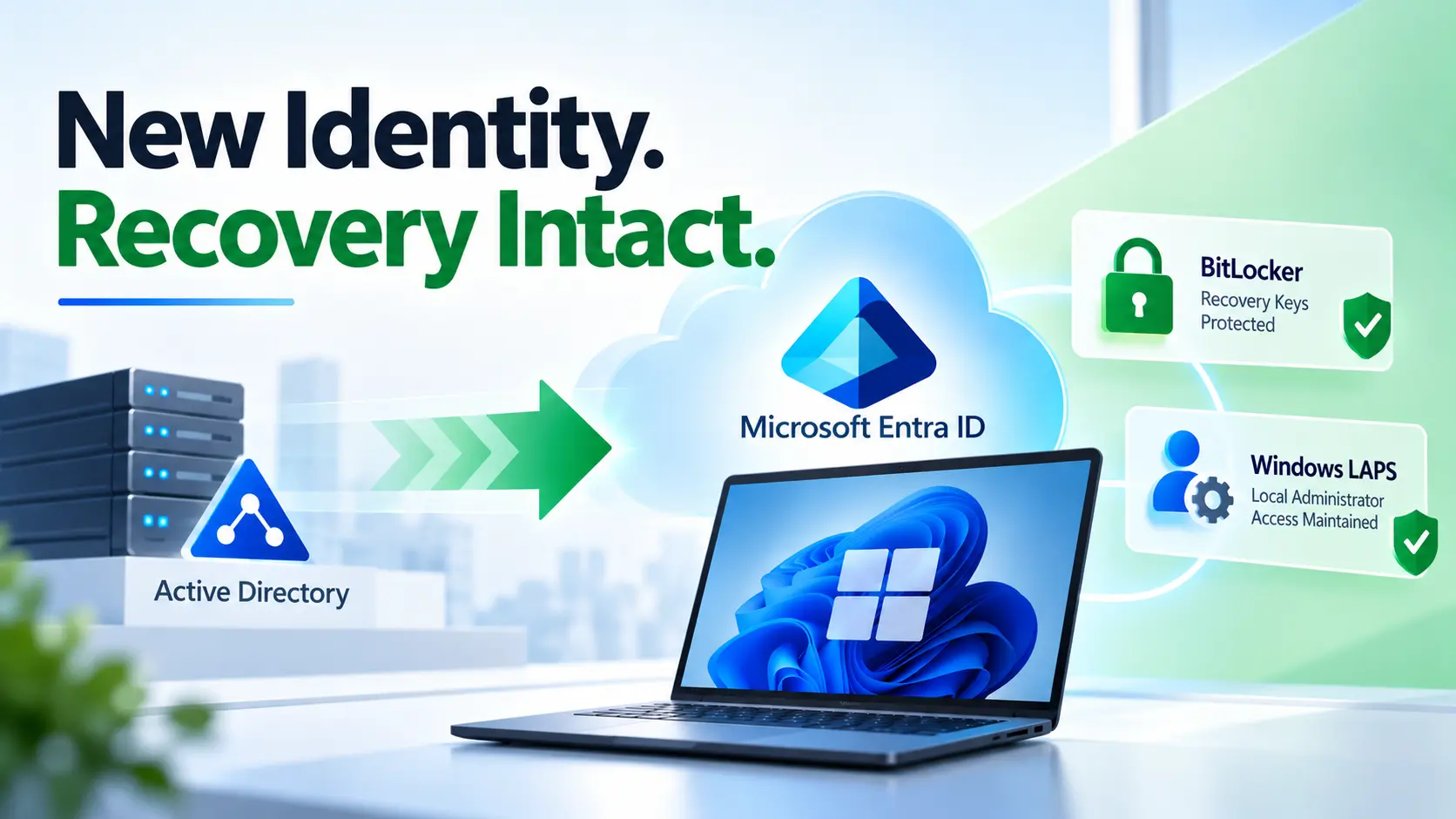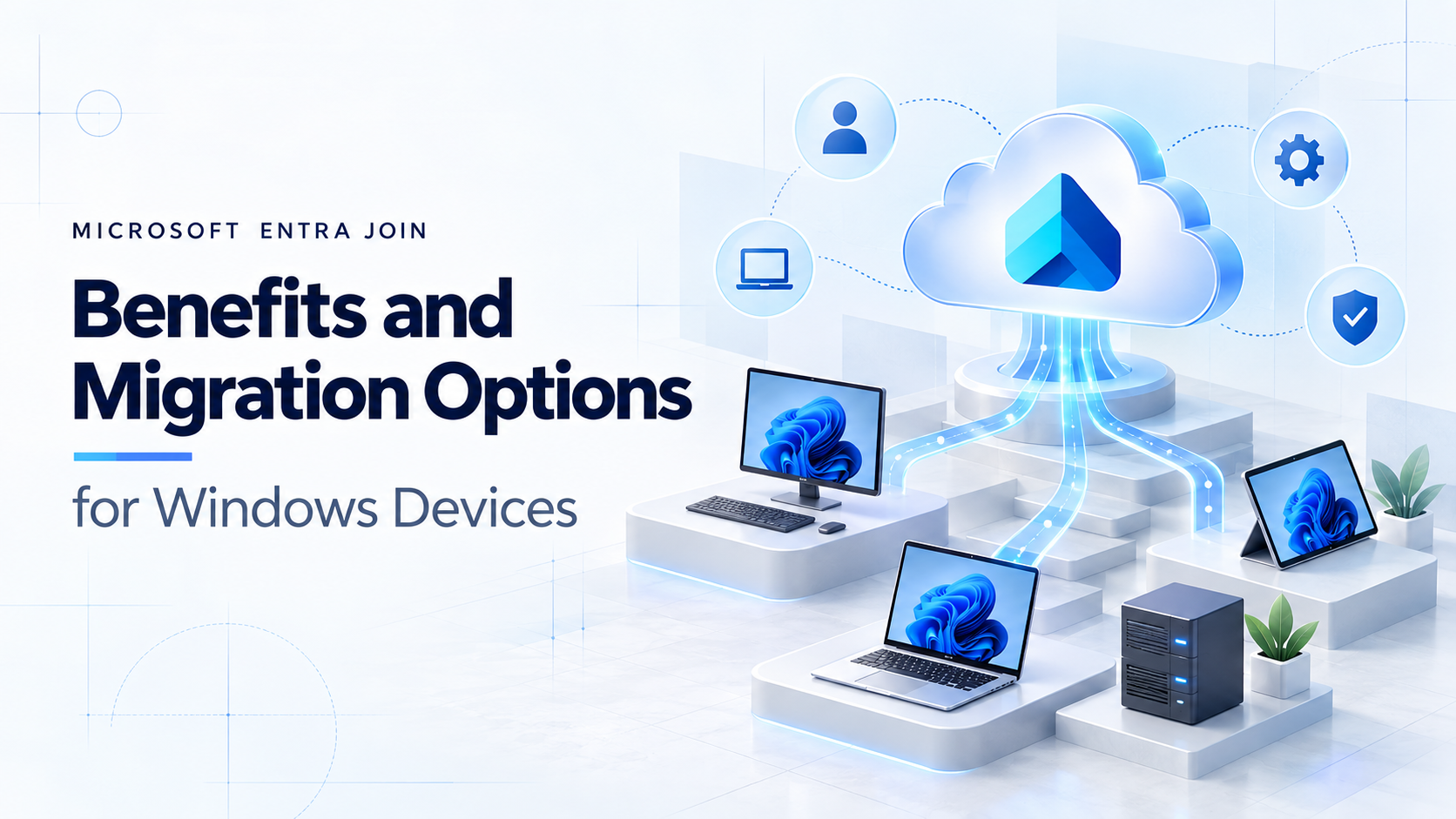
Mergers and acquisitions (M&A) are complex, not just in the boardroom but also in IT where teams must rapidly integrate users, devices, applications, and identities across two or more organizations. Device onboarding becomes one of the biggest hurdles in any technology integration project. Choosing the right join strategy Entra ID Join (formerly Azure AD Join) vs Hybrid Join can determine whether your migration is smooth or riddled with user disruptions, duplicate directories, and compliance risks.
In this blog, we’ll unpack both approaches, highlight their benefits and limitations, and provide practical guidance for IT admins tasked with making device join decisions during M&A migrations.
Why Device Join Models Matter in M&A
When two companies merge, IT admins face three common device integration scenarios:
- Devices from the acquired company need to access resources in the parent company’s environment.
- Users must continue to access legacy applications and on-premises resources during the transition.
- A consistent security posture must be enforced (conditional access, MFA, device compliance).
How you join devices to your identity platform (Microsoft Entra ID + Active Directory) determines:
- Security controls and compliance enforcement
- User experience (single sign-on, login speed, passwordless capabilities)
- Access to SaaS vs on-premises applications
- Long-term manageability of the environment
Failing to choose the right model can introduce identity silos, policy misalignment, duplicate accounts, or worse: security gaps.
Understanding the Options
What is Entra ID Join?
- Devices are joined natively to Microsoft Entra ID (Cloud-first).
- No requirement for an on-premises Active Directory domain controller.
- Ideal for cloud-first organizations or those moving away from legacy infrastructure.
- Typically managed via Intune.
Key Capabilities:
- Seamless sign-in with Entra ID credentials.
- Conditional Access & compliance policies enforced in real time.
- Best suited for modern SaaS-based environments.
- Enables passwordless authentication (Windows Hello, FIDO2 keys).
What is Hybrid Join?
- Devices are joined to on-premises Active Directory and automatically registered with Entra ID.
- Requires connectivity to on-premises domain controllers.
- A “bridge” approach for enterprises that still have significant on-prem workloads.
Key Capabilities:
- Enables single sign-on to both legacy on-premises apps and cloud SaaS apps.
- Works well where Group Policy Objects (GPOs) are business-critical.
- Suitable for heavily regulated industries where on-premises infrastructure must remain.
Entra ID Join vs Hybrid Join: A Comparison
Here’s a quick side-by-side view for IT admins:
| Feature / Consideration | Entra ID Join | Hybrid Join |
| Infrastructure | Pure cloud (no DC requirement) | Requires on-prem AD + DC connectivity |
| User Experience | Cloud-first SSO, Passwordless, modern logon | Traditional domain login + sync with Entra ID |
| Management Tools | Intune, MDM policies | Group Policy + Intune/Co-Management |
| Best for | Modern SaaS-heavy, M&A migrations seeking simplification | Enterprises with major legacy/on-prem dependencies |
| M&A Migration Speed | Faster onboarding, minimal dependency on legacy infra | Slower—requires establishing domain trusts or sync |
| Security | Conditional Access, Zero Trust, device compliance | Good security but depends on network, GPO health |
| Scalability | Highly scalable, global device onboarding | Limited to scale of on-prem AD forest/domain |
| Long-Term Strategy | Cloud-first, simplifies legacy AD decommissioning | Transitional—helps during phased cutovers |
Challenges of Each Model in M&A Context
Entra ID Join Challenges
- Legacy dependency gap: If the acquired company relies heavily on file shares, Kerberos-authenticated apps, or on-prem print servers, you’ll face roadblocks until those apps are modernized or migrated.
- Learning curve: IT staff must adapt to cloud-native management using Intune instead of traditional GPOs.
Hybrid Join Challenges
- Dependency drag: M&A often aims to reduce infrastructure. Maintaining domain controllers just to support Hybrid Join can delay modernization goals.
- Complex trust models: Cross-forest trusts add complexity and potential security exposure.
- Slower scale-up: Every device needs to be domain-joined physically or via VPN, slowing down mass onboarding in global acquisitions.
Strategic Factors for IT Admins in M&A
When deciding between Entra ID Join vs Hybrid Join during a migration, evaluate:
- Speed vs Stability
- If rapid user onboarding is critical (e.g., Day 1 access), Entra ID Join simplifies and accelerates the process.
- If legacy systems must remain online throughout integration, Hybrid Join buys time.
- Workload Profile
- SaaS-heavy environment → Entra ID Join.
- Heavy reliance on legacy enterprise apps → Hybrid Join.
- Security & Compliance
- Entra ID Join supports a stronger Zero Trust posture (Conditional Access + compliance reporting).
- Hybrid Join may still be required for meeting regulatory or audit requirements tied to on-prem AD
- Operational Overhead
- Hybrid Join adds cost and effort (extra AD infrastructure, VPN reliance, monitoring).
- Entra ID Join reduces footprint but demands upfront modernization.
Migration Playbooks: Best Practices
1. Cloud-First M&A Strategy (Prefer Entra ID Join)
- Use Case: Acquiring a smaller or SaaS-heavy organization.
- Approach:
- Configure identity synchronization (Entra ID Connect or Cross-Tenant Sync).
- Bulk Entra ID Join using Opsole Migrate or Autopilot re-enrollment for end-user devices.
- MDM enrollment via Intune for device compliance and policy enforcement.
- Result: Rapid onboarding, aligned with future-state Zero Trust model.
2. Transitional Strategy (Hybrid Join First, Then Migrate)
- Use Case: Acquiring a company dependent on file shares, on-prem ERP, or custom legacy workloads.
- Approach:
- Set up forest trust or directory synchronization.
- Join devices to on-prem AD + register with Entra ID (Hybrid).
- Begin phased workload migration to SaaS or cloud-hosted services.
- Transition devices to Entra ID Join using Opsole Migrate, once dependencies are lifted.
- Result: Lower disruption but a longer integration timeline.
Final Recommendation: Which Should You Choose?
- If your M&A vision is cloud-first → move directly to Entra ID Join wherever possible. It provides speed, scalability, and long-term cost savings by eliminating legacy dependencies.
- If your acquired company is tied to legacy infrastructure → start with Hybrid Join as a bridge. But treat it as temporary and plan a clear roadmap to transition to Entra ID Join.
Conclusion
For IT admins inside an M&A project, the device join decision is more than a technical checkbox it’s a strategic enabler. Entra ID Join accelerates integration, enforces Zero Trust security, and prepares organizations for a unified cloud-first future. Hybrid Join still has its place in transitional scenarios, but in most cases, it should act as a stepping stone, not the final destination.
By aligning your device join strategy to your M&A integration goals, you gain faster onboarding efficiency, stronger security alignment, and a smoother path toward modern identity management.
Bottom line: Choose wisely—because when identities and devices merge, the success of the entire IT integration often hangs on this foundational choice.
Looking to simplify your M&A migration? With Opsole, you don’t need to worry about the complexities of moving from Hybrid Join to Entra ID Join. Our migration experts and automation tooling ensure a secure, end-to-end transition, reducing downtime and minimizing risk. Whether you’re consolidating environments post-acquisition or modernizing legacy infrastructures, Opsole can manage the entire journey for you.
Contact Opsole today to make your device migration seamless.