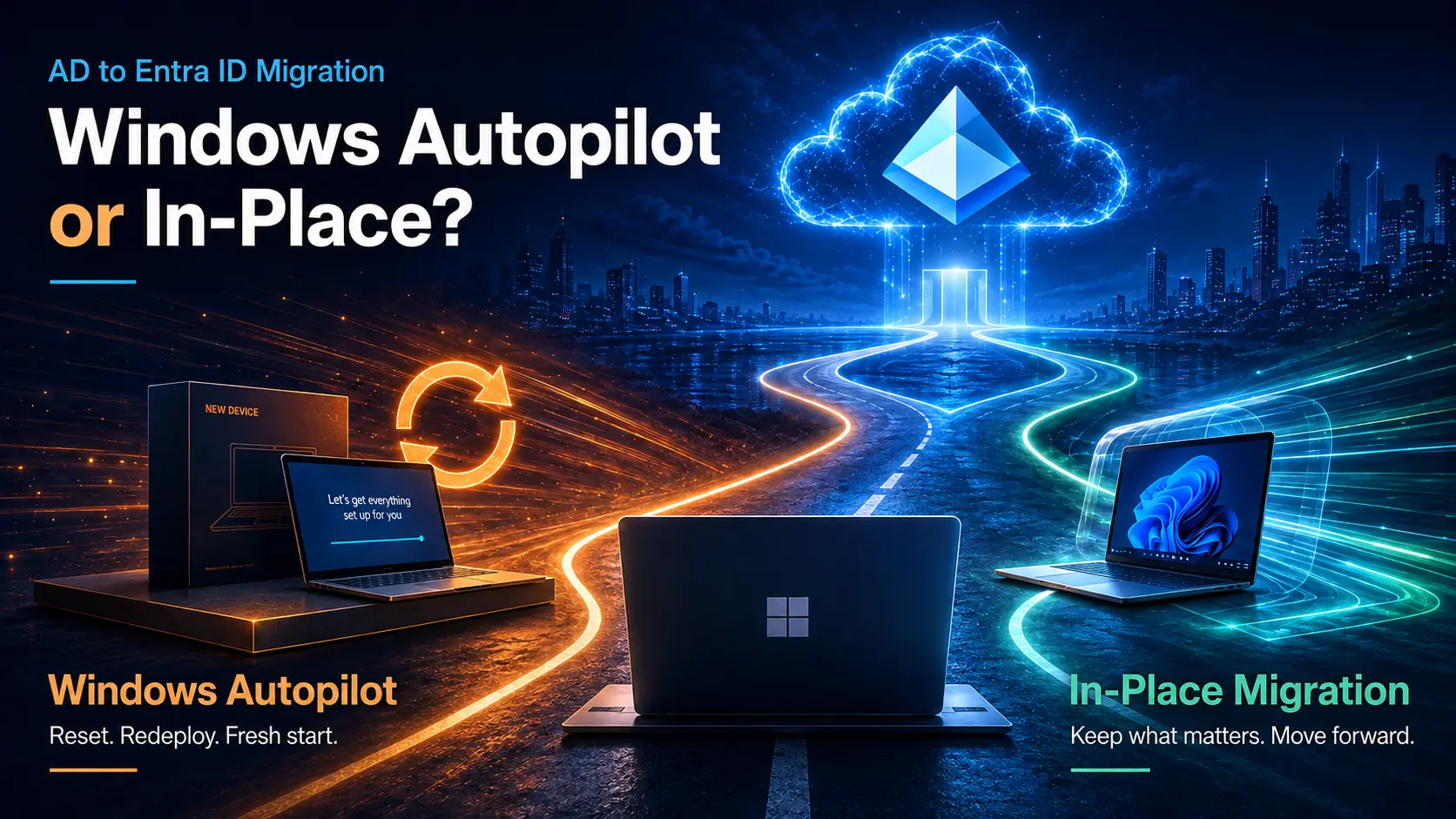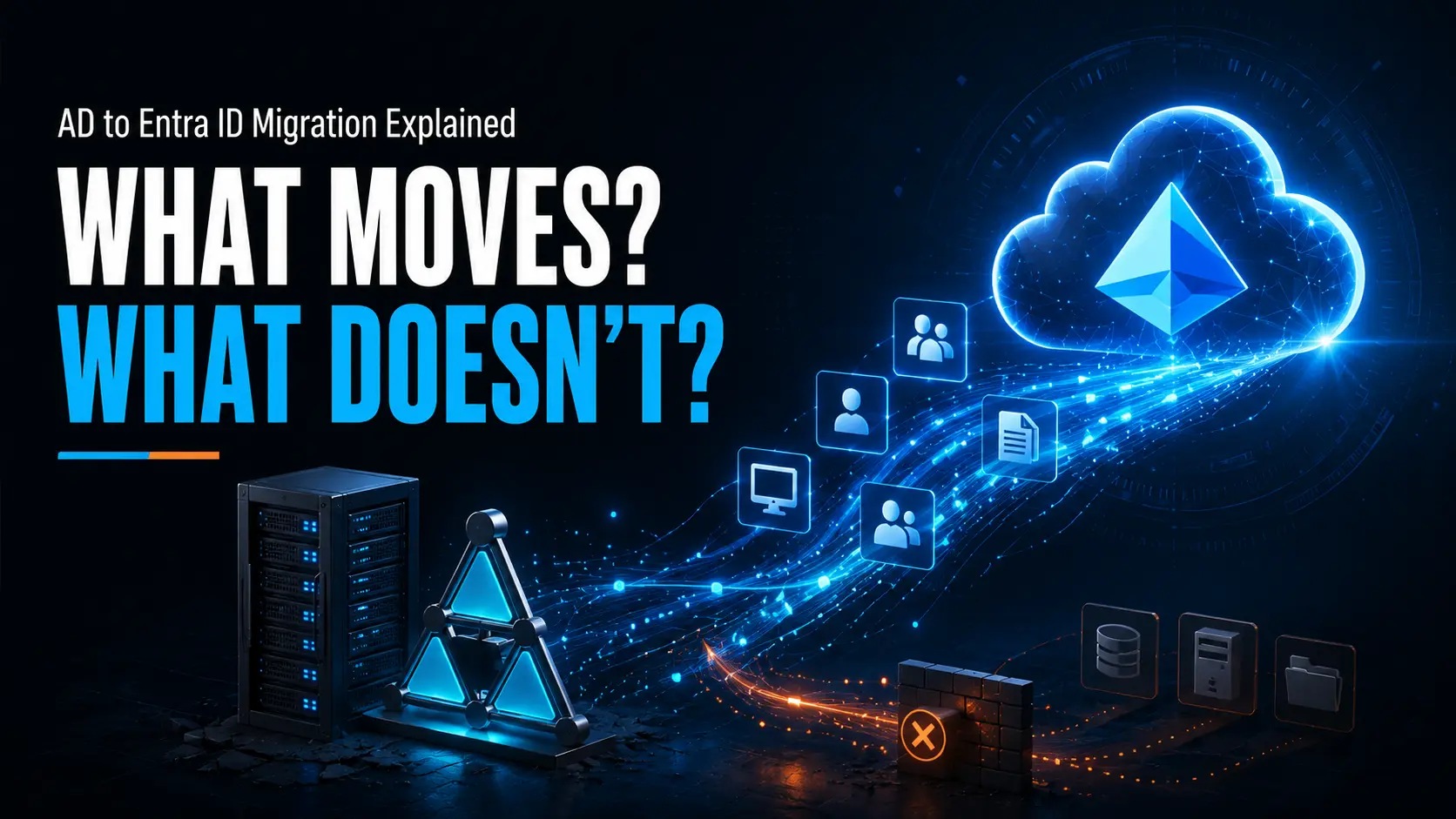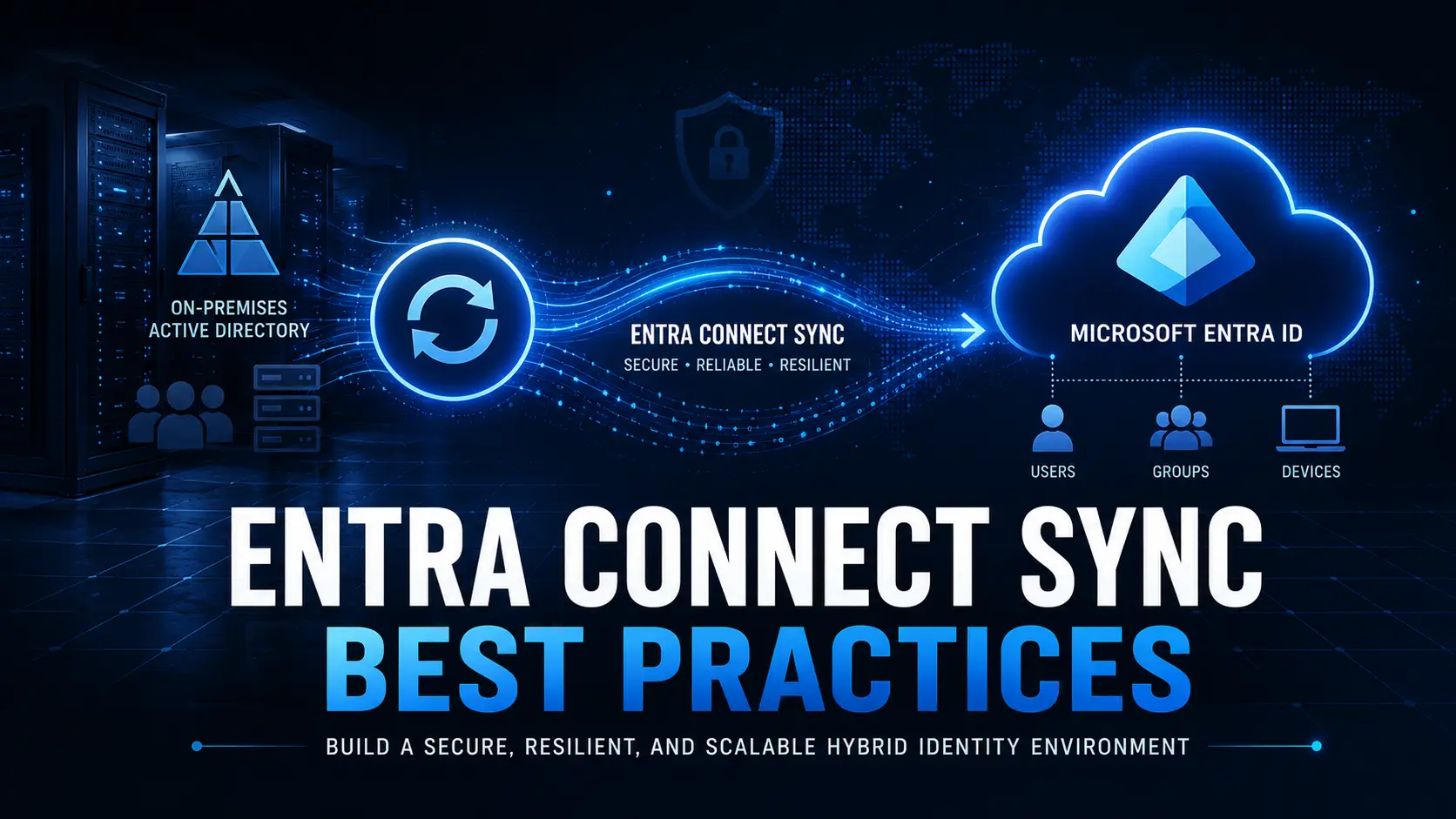
Modern enterprises are accelerating their move from legacy Active Directory (AD) and Hybrid Join to Microsoft Entra ID Join with Intune. This shift is not just an endpoint modernization project, it’s an identity and security transformation.
However, most migration failures, security gaps, and post-cutover disruptions are caused by underlying Entra ID misconfigurations and Active Directory identity issues that become amplified during migration.
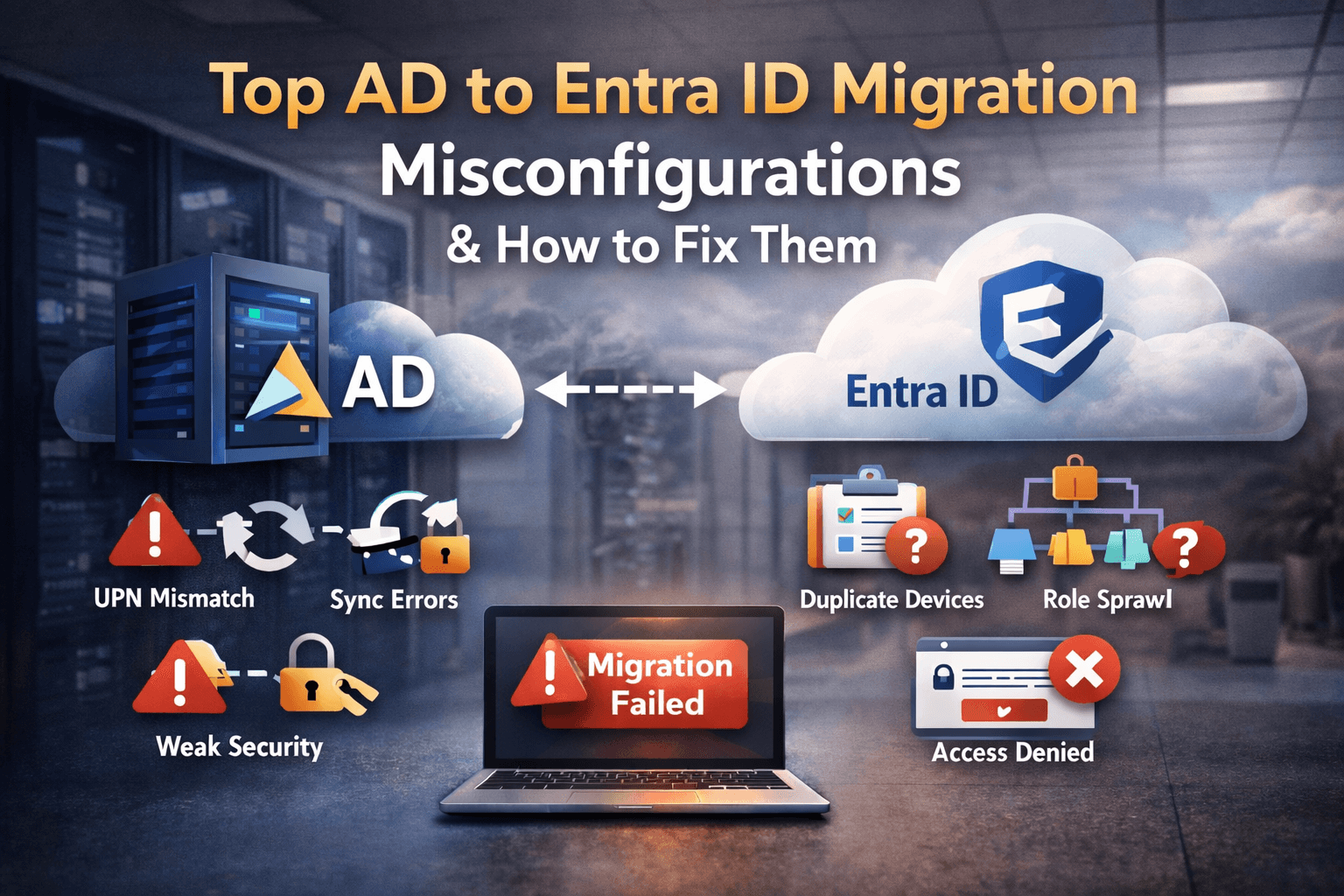
This guide consolidates the most common high-impact Entra ID misconfigurations that sabotage AD → Entra ID Join migrations, explains why they matter, and provides practical remediation steps before moving devices at scale.
1. Overprivileged Administrative Roles (Permissions Sprawl)
The Problem
Excessive assignment of high-privilege roles such as:
- Domain Admin
- Enterprise Admin
- Global Administrator (Entra ID)
- Broad delegated admin roles
Why It Breaks Migrations
- Overprivileged accounts can bypass Conditional Access
- Compromised admin credentials massively increase blast radius
- Migration tooling often inherits unnecessary elevated permissions
What to Fix
- Enforce least-privilege role assignment
- Enable Privileged Identity Management (PIM) with just in time elevation
- Audit privileged roles quarterly
- Separate migration service accounts from permanent admin roles
2. Broken or Misconfigured Identity Sync (Entra Connect / Cloud Sync)
The Problem
- Incomplete replication
- Duplicate objects
- Attribute mismatches (UPN, mail, proxyAddresses)
- Conflicting sync rules across forests
Why It Breaks Migrations
- Conditional Access misapplies
- Group-based policy targeting fails
- Users experience sign-in failures post-Entra Join
- Intune device assignment becomes unreliable
What to Fix
- Validate sync rules in staging before production
- Standardize filters and attribute flows
- Ensure UPNs are routable and verified
- Actively monitor sync health and error logs
3. Inconsistent or Invalid UPN Suffixes
The Problem
Users still using non-routable UPNs like user@localdomain instead of a verified public domain.
Why It Breaks Migrations
- Entra ID requires verified domains
- Causes sign-in failures
- Breaks device provisioning and user authentication
What to Fix
- Add and verify your public domain in Entra ID
- Standardize UPN suffixes across AD
- Bulk-correct legacy UPNs before migration
4. Weak Authentication and Legacy Protocols (NTLM, LDAP Simple Bind)
The Problem
Legacy protocols remain enabled for old applications and services.
Why It Breaks Migrations
- No MFA support
- No Conditional Access enforcement
- Increased credential relay and interception risk
- Modern Entra Joined devices cannot enforce Zero Trust properly
What to Fix
- Inventory legacy authentication dependencies
- Migrate apps to OAuth, SAML, or OIDC
- Disable NTLM and LDAP simple bind where possible
- Use Entra Domain Services only when absolutely required
5. Default Password Policies Without Conditional Access
The Problem
Relying only on traditional AD password policies.
Why It Breaks Migrations
- Cloud authentication becomes weaker than on-prem
- No risk-based enforcement
- Increased exposure to password spray and token abuse
What to Fix
- Enforce MFA for all privileged and remote access
- Build Conditional Access policies aligned to device compliance
- Implement risk-based sign-in policies
6. Faulty Group Membership and Policy Targeting
The Problem
- Obsolete security groups
- Distribution groups used for access control
- Inconsistent naming and scoping
Why It Breaks Migrations
- Intune policies misapply
- Conditional Access targets wrong users
- Migration waves fail due to incorrect group targeting
What to Fix
- Clean up unused and legacy groups
- Convert distribution groups to security groups where required
- Standardize group naming and lifecycle management
7. Misconfigured Identity Provider (IdP) Integrations
The Problem
Federation with AD FS, Okta, or Ping without updated claims mapping.
Why It Breaks Migrations
- SSO breaks after Entra Join
- Attribute mismatches cause sign-in failures
- Group claims no longer align with cloud policy models
What to Fix
- Review claims transformation rules
- Validate Entra ID trust relationships
- Test SSO flows for cloud-native authentication
8. Stale or Duplicate Device Objects in Entra ID
The Problem
Orphaned devices from resets, re-joins, or test enrollments remain in Entra ID.
Why It Breaks Migrations
- Duplicate device records
- Compliance policies misfire
- Autopilot and Intune enrollment conflicts
What to Fix
- Remove stale device objects before migration
- De-duplicate hardware hashes
- Align device cleanup with migration waves
9. Lack of Governance and Naming Standards
The Problem
No enforced standards for users, devices, groups, or OUs.
Why It Breaks Migrations
- Automation fails
- Policy scoping becomes unpredictable
- Reporting and security posture degrade
What to Fix
- Define naming standards
- Enforce governance through Entra ID policies
- Automate compliance checks
What to Fix First: Migration Readiness Priorities
High Priority (Blockers)
- UPN alignment
- Sync rule validation
- MFA + Conditional Access
- Privileged role cleanup
Medium Priority (Stability Risks)
- Legacy protocol phase-out
- Group cleanup
- IdP claim alignment
Lower Priority (Operational Maturity)
- Device object hygiene
- Naming standards and governance
Why This Matters for AD → Entra Join Device Migrations
If identity hygiene is weak:
- Entra Joined devices fail compliance checks
- Conditional Access enforcement becomes unreliable
- Helpdesk load spikes after cutover
- Security posture weakens exactly when your attack surface changes
Fixing these issues after migration is operationally expensive and disruptive. Identity readiness must precede device migration.
How Opsole Supports Secure, Large-Scale Entra Join Migrations
Cleaning up identity is necessary but not sufficient. Migrating thousands of Windows devices from AD Join or Hybrid Join to Entra Join introduces operational risk if done manually.
Opsole Migrate enables controlled, low-disruption device migrations by:
- Preserving user profiles and applications
- Minimizing rebuilds and Helpdesk dependency
- Aligning device identity with modern Conditional Access
- Supporting phased migration waves with rollback safety
If you are modernizing identity and endpoints together, Opsole ensures both layers transition in sync without security drift or operational chaos.