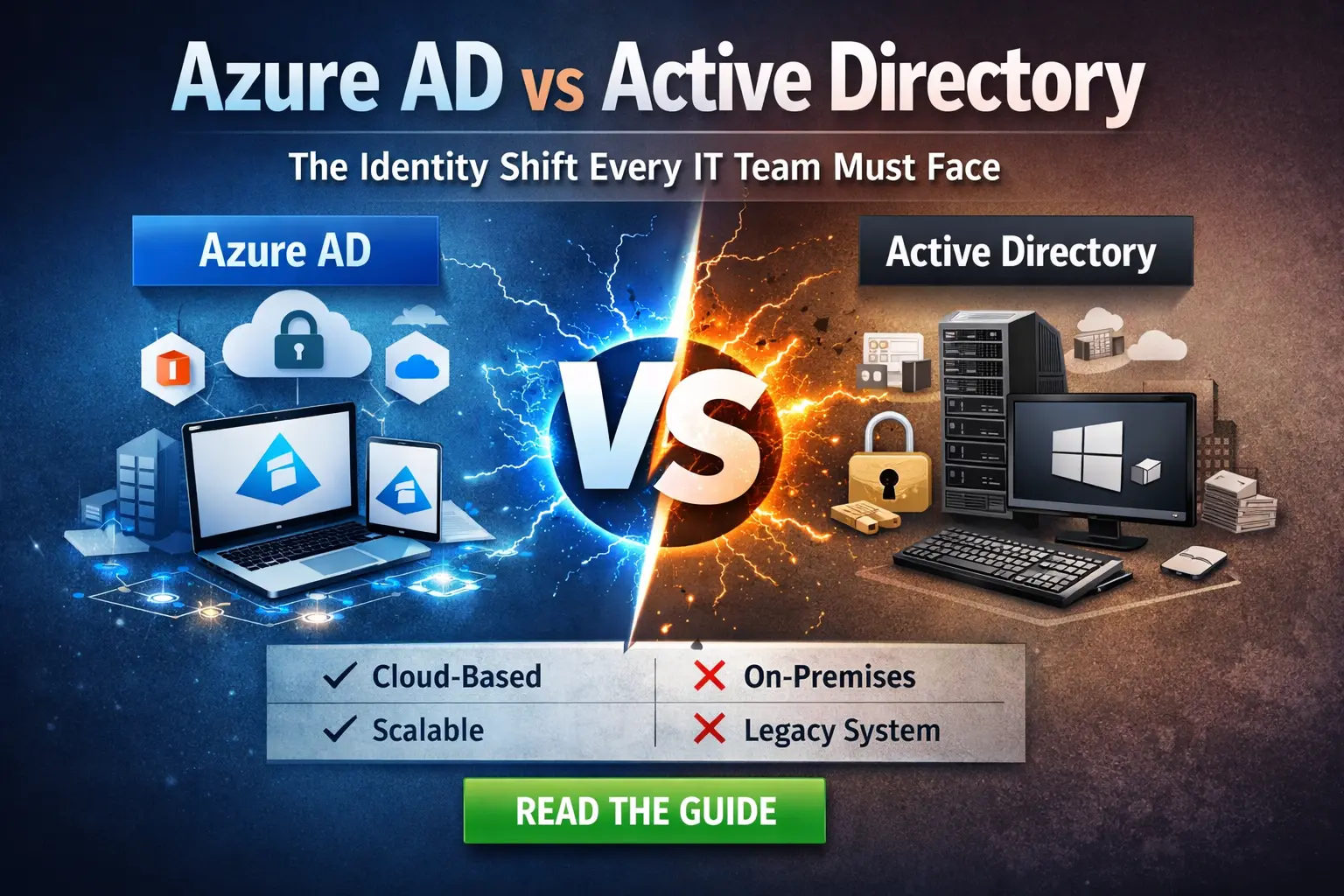
Choosing between Azure AD joined devices vs Active Directory is a critical decision for modern IT teams managing endpoint identity in cloud-first environments. With cloud adoption reshaping how devices authenticate, access resources, and get managed, IT teams must understand how device identity models differ and which approach fits their goals right now and in the future.
In this blog, we’ll unpack the key differences between Azure AD joined devices, hybrid Azure AD joined devices, Azure AD registered devices, and traditional Active Directory joined devices, and help you make grounded decisions for your environment.
Understanding the Four Device Identity Types
Before comparing them side-by-side, it helps to define what each device identity really means in practical terms:
1. What Are Azure AD Joined Devices?
These are traditional Windows devices joined to an on-premises domain controller. They use classic identity and authentication methods (Kerberos/NTLM) and rely on Group Policy for configuration. AD joined devices are still common in environments with heavy on-prem infrastructure and legacy applications.
Typical scenario: Organizations with local data centers or legacy apps requiring domain-level authentication.
2. Hybrid Azure AD Joined Devices
Hybrid devices are joined to both on-premises Active Directory and Azure AD. They maintain an AD identity but are also registered with Azure AD so that cloud services can recognize and manage them. This enables a blend of traditional and cloud capabilities at the cost of added complexity.
Typical scenario: Enterprises wanting the familiarity of domain join while slowly adopting cloud management (Intune, Conditional Access, etc.).
3. What Are Active Directory Joined Devices?
These devices are joined only to Azure AD (now Microsoft Entra ID), without relying on any on-prem domain controller. Users sign in with their cloud credentials, and devices can be managed entirely through cloud tooling such as Microsoft Intune.
Typical scenario: Cloud-first or cloud-only organizations that don’t need local domain infrastructure.
4. Azure AD Registered Devices (BYOD Use Case)
This trust type is widely used for BYOD or personal devices. The device is registered in Azure AD, enabling access to corporate resources and Conditional Access policies, but it’s notjoined to the domain. This is different from Azure AD join, which implies corporate ownership and direct management.
Typical scenario: Organizations with BYOD policies or users accessing cloud apps from endpoint devices not owned by IT.
How Authentication Differs Across Options
Active Directory Join (On-Prem AD)
- Requires access to a local Domain Controller for sign-in.
- Supports Kerberos, NTLM, and LDAP authentication.
- Often uses Group Policy for policy enforcement.
- Remote users may need VPN to authenticate or access resources.
Hybrid Azure AD Join
- Extends identity into Azure AD while keeping AD authentication.
- Users can authenticate to on-prem and cloud resources with seamless Single Sign-On (SSO).
- Works well with cloud-attached features like Conditional Access if co-managed with Intune.
Azure AD Join (Cloud Identity)
- Primary authentication is via Azure AD (cloud).
- Kerberos/NTLM and LDAP are not supported natively; legacy apps dependent on them may require modern alternatives like Azure AD Domain Services.
- Best supports cloud-native workflows and SSO to Microsoft 365 and SaaS apps.
Azure AD Registration
- Enables cloud access from BYOD and personal devices.
- Device isn’t a domain member, so on-device controls are limited.
- Useful when you need Conditional Access without full device join.
Azure AD Joined Devices vs Active Directory: Key Differences
| Identity Model | Policy Type | Typical Management |
| AD Join | Group Policy | SCCM/MEM Co-management |
| Hybrid Join | Group Policy + Intune | Co-Management |
| Azure AD Join | Intune | Intune/Endpoint Manager |
| Azure AD Registered | Intune (limited) | MDM/MAM Tools |
- Group Policy is a mainstay of on-prem AD environments. It’s familiar but inflexible for remote users.
- Intune and MEM (Microsoft Endpoint Manager) provide modern device policy enforcement, especially for cloud-joined machines.
- Hybrid join often inherits both policy structures complicating change management if not carefully planned.
Provisioning and Deployment Options
Cloud join expands provisioning flexibility significantly:
- Azure AD Join supports zero-touch provisioning using Windows Autopilot.
- Devices can be shipped directly to end users and joined over the internet without IT intervention.
- Hybrid Join still requires domain controller connectivity during setup, reducing flexibility.
- Azure AD Registered devices can enroll via the Company Portal but may lack the robustness of a full join.
Which Device Identity Model Should You Choose?
Cloud-First Organizations
If you have little to no on-prem infrastructure and your apps live in the cloud, Azure AD Join gives you the cleanest identity model and best management capabilities. You get modern provisioning, SSO to cloud apps, and condition-based access without legacy baggage.
Hybrid Environments
For enterprises with significant on-prem investment, Hybrid Azure AD Join provides a practical bridge. It lets you maintain AD-centric workflows while leveraging cloud management. Be prepared, though this often increases complexity.
BYOD or Mobile-Heavy Policies
Azure AD Registered devices serve this niche well, offering cloud access on personal devices without domain join. However, they aren’t a substitute for full corporate device management.
Legacy Systems and Applications
If you still depend on traditional authentication protocols (Kerberos/NTLM) or Group Policy Objects, neither Azure AD Join nor Azure AD Registration will fully replace those capabilities without supplemental solutions like Azure AD Domain Services.
Device Identity briefly
In most modern IT strategies, you’ll see a mix of all these identity types. Each has a role, and the right mix depends on your infrastructure, security requirements, and cloud adoption roadmap.
- Azure AD Join: Best for cloud-only or cloud-first environments.
- Hybrid Azure AD Join: Ideal when you must support both cloud and on-prem systems.
- Azure AD Registered: Great for BYOD security and mobile access.
- Active Directory Join: Still relevant where classic domain services and policies are critical.
Ready to Modernize Your Device Identity Strategy?
Shifting from traditional AD joined devices or managing hybrid complexity requires careful planning and tooling that scales. Manual processes often cause more trouble than they solve.
Ready to Move from AD to Azure AD Joined Devices Without Rebuilding?
Manual migrations are slow, disruptive, and risky.
Opsole Migrate enables seamless device migration to Entra ID without wiping devices or impacting users.
Get a free migration assessment:
https://opsole.com/contact