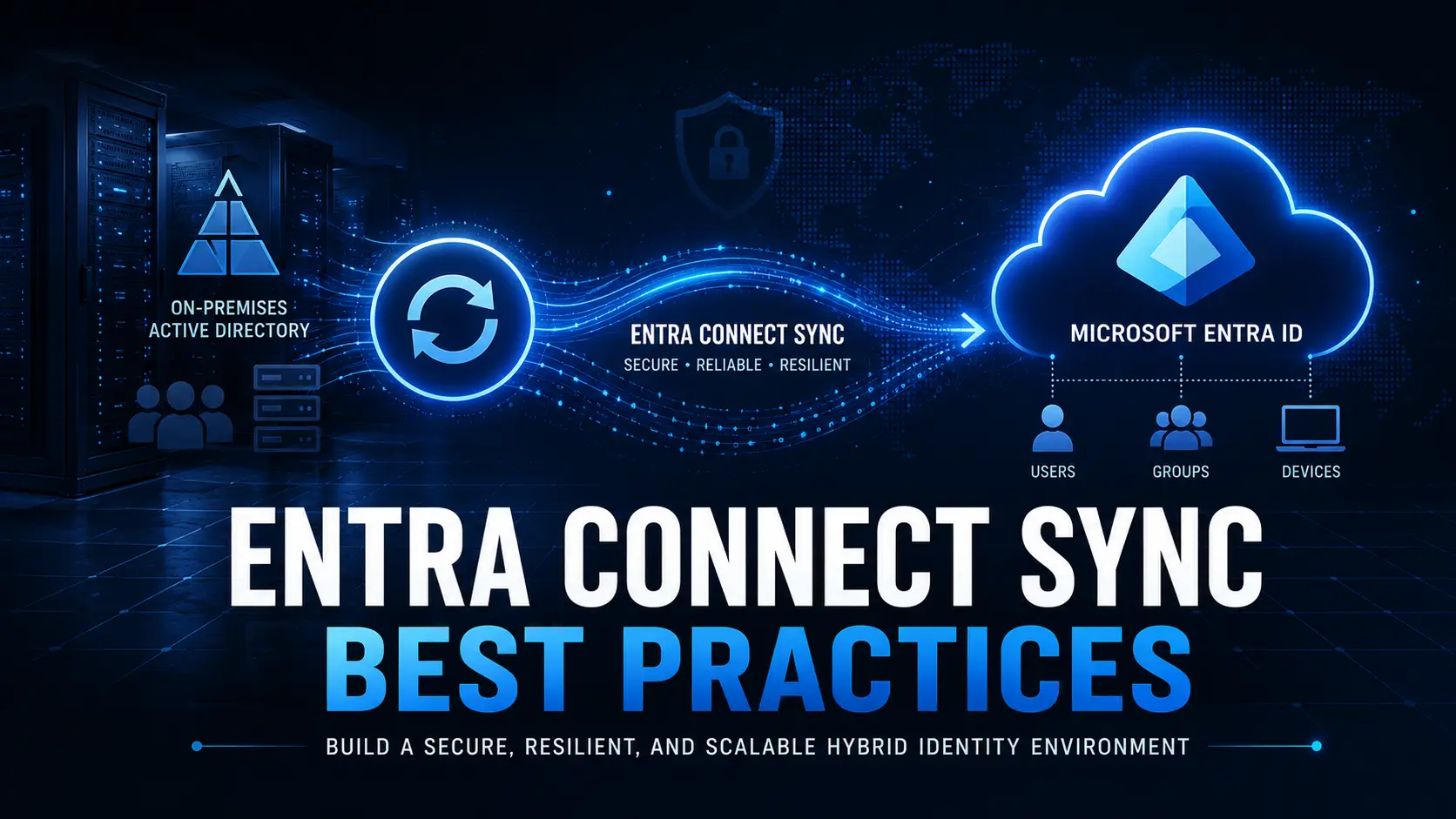
Attackers have shifted from password-cracking to exploiting authentication flows and human trust. Protect Microsoft 365 by adopting phishing-resistant authentication for high-risk users, tightening Conditional Access, restricting device-code/OAuth consent flows, enforcing least privilege, and automating detection and remediation. Below is a pragmatic, publish-ready guide you can use on your company blog or intranet.
Why identities are the crown jewel
Microsoft 365 identities control email, files, Teams, SharePoint and admin operations. A single compromised account can cascade into data loss, tenant-level persistence, or lateral movement. Modern attackers favor stealthy techniques reverse-proxy AiTM pages, device-code phishing, and malicious OAuth apps that bypass legacy defenses and conventional MFA.
The attack techniques to watch for
- AiTM / reverse-proxy phishing: Attackers host a proxy site that intercepts authentication tokens and session cookies, allowing them to bypass some MFA mechanisms.
- Device-code phishing: Users are tricked into entering ephemeral device codes (the code-pair flow used by CLI and device logins) which links attacker apps to the victim’s session.
- OAuth consent abuse: Malicious apps request broad permissions; users or consenting admins accidentally grant access, allowing token-based access to mail, files and profile data.
- Collaboration & QR phishing: Attack flows embedded in Teams chats or QR codes lead users to hand over codes or click malicious links that initiate OAuth/device flows.
A prioritized defense roadmap (what to implement first)
- Protect admins and high-risk users with phishing-resistant MFA
- Deploy FIDO2 security keys or certificate-based authentication for administrative and privileged accounts. Enforce device attestation and disable legacy authentication where possible.
- Harden Conditional Access (CA)
- Block legacy and unmanaged device access.
- Require device compliance or hybrid-joined devices for sensitive apps.
- Apply location and risk-based policies, and use session controls (e.g., persistent browser session limits, sign-in frequency).
- Govern OAuth and device-code flows
- Require admin consent for new enterprise apps; block risky app publishers.
- Limit device-code usage to trusted applications and block it for user groups that don’t need it.
- Monitor new app registrations and consent grants.
- Enforce least privilege and Just-In-Time (JIT) admin
- Remove standing admin rights. Use Privileged Identity Management (PIM) for elevation with time bounds and approval workflows.
- Detect and automate
- Monitor for anomalous sign-in patterns (refresh token reuse, impossible travel, new client types) and automate immediate actions (revoke sessions, remove consents, block apps).
Detection signals & telemetry to prioritize
- Sudden new OAuth app consent grants or app registrations.
- Device-code flows from unusual IP ranges or unknown client IDs.
- Refresh token reuse or multiple concurrent sessions across distant geographies.
- New mailbox forwarding rules, unusual mail export activity, or elevated admin role assignments.
Short playbook immediate actions when compromise is suspected
- Contain
- Revoke active sessions and refresh tokens for affected accounts.
- Disable user sign-in if high confidence of compromise.
- Eradicate
- Remove suspicious OAuth app consents and block the app publisher/ID.
- Reset credentials and re-issue authentication methods (prefer FIDO2 for re-enrollment).
- Investigate
- Pull Azure AD sign-in logs, audit logs, app consent history, role changes, mailbox rules and device onboarding events.
- Identify lateral movement indicators (new devices, service principals, automation accounts).
- Recover
- Rebuild any impacted mailboxes from backups if needed; restore service principals to known good state.
- Reapply hardened Conditional Access and PIM controls.
- Learn & Prevent
- Implement monitoring rules to alert on the root cause signals and run tabletop exercises to validate the playbook.
Practical policy examples (policy design guidance)
- Conditional Access: Block legacy auth + require device compliance for Exchange Online & SharePoint Online; require MFA and sign-in frequency of <24 hours for admin roles.
- OAuth governance: Enforce admin consent for all third-party apps; whitelist only approved app IDs for sensitive scopes.
- MFA: Register security keys with automatic enforcement for Global Admins and break-glass accounts; mandate authenticator app or FIDO2 for business users where feasible.
Summary
Protecting Microsoft 365 identities is no longer optional it’s a core business control. Continuous monitoring of sign-in anomalies, strict enforcement of conditional access and multi-factor authentication, rapid incident response, and regular posture assessments are the KPIs that prove identity resilience. Leveraging dedicated identity protection tools and services ensures those controls are effective and measurable, reducing breach risk and protecting user trust.
Need a free identity posture snapshot and a prioritized remediation plan for Microsoft 365? Visit https://opsole.com/services to get started.