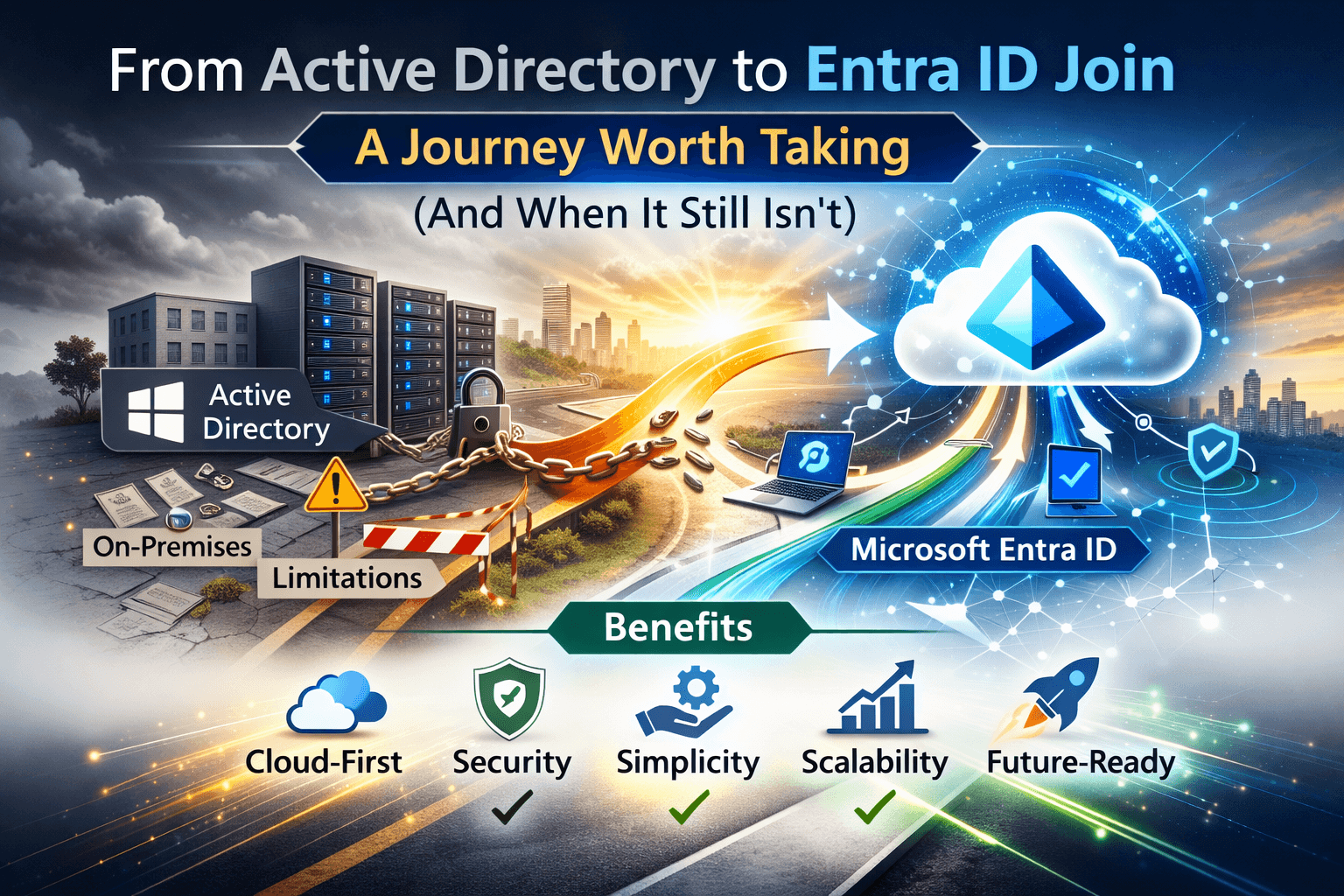
For the past decade, organizations have relied on Hybrid Join coupling on-premises Active Directory identity with Microsoft Entra ID to bridge legacy systems and modern cloud identity. But that approach is increasingly becoming a transitional crutch rather than a long-term solution.
In late 2023 and through 2024, Microsoft’s messaging became louder and clearer: stop defaulting to Hybrid Join. Focus on Entra Join only where possible.
This isn’t theoretical. It’s a journey one that requires planning, time, and honest evaluation of your environment. Here’s what you need to know.
What “Entra Join Only” Really Means
Microsoft Entra Join only means Windows devices are joined directly to Microsoft Entra ID (cloud) without an on-premises domain join. That means no reliance on domain controllers, no AD machine account needed, and no hybrid infrastructure just to authenticate or manage endpoints.
While Microsoft Entra joined devices can still access on-prem resources like file shares and printers via cloud-based authentication flows (e.g., Kerberos Cloud Trust), the device itself authenticates through Entra ID.
This unlocks a simpler, more modern endpoint identity model that works anywhere you have internet access.
Why Hybrid Join Isn’t the Default Recommendation Anymore
Hybrid Join isn’t suddenly “bad,” but it has never been ideal. In fact, the blog author points out several inherent issues with Hybrid Join setups that many IT teams overlook:
1. Complexity Without Long-Term Benefit
Hybrid Join relies on a lot of moving parts: domain controllers, DNS/DHCP infrastructure, VPN for remote sign-in, and directory synchronization. That’s a lot of maintenance for what essentially amounts to compatibility glue.
2. Troubleshooting Difficulty
Because Hybrid Join sits between two identity models, it often leads to unpredictable behaviour across group policies (GPO), MDM (e.g., Intune), and Autopilot provisioning.
3. Limits Modern Features
Hybrid Join curtails some of the newest Windows and Autopilot capabilities. With cloud-native joining, you unlock features like web sign-in and device preparation that are being actively improved by Microsoft.
4. Less Secure by Design
Hybrid Join still inherits traditional domain trust models, which have well-known lateral movement and credential exposure paths. A cloud-native model under Zero Trust reduces that risk profile.
So What’s the Benefit of Hybrid Join Then?
If Hybrid Join is so problematic, why do organizations still use it?
Primarily, because it preserves legacy mechanisms, such as:
- Device authentication with AD machine accounts
- Seamless legacy user access without workflow changes
- Familiar management tooling that hasn’t been refactored for cloud
Those benefits are convenient, but they come at a cost: complexity, dependencies, and slower modernization.
The Reality: You Only Lose One Core Thing with Entra Join Only
That’s right when you move to Entra Join only, the only “loss” is classic device authentication against on-prem AD. Everything else can be retained or replaced:
- User authentication against both AD and Entra remains intact through federated identity and cloud Kerberos trust.
- Access to file shares, printers, and legacy apps still works with proper configuration.
- Modern features like Windows Hello for Business web sign-in and certain future Entra enhancements require cloud join.
In other words, you don’t break your environment your future-proof it.
The Eight Pillars of an Entra Join Only Strategy
Migrating to Entra Join only isn’t trivial. It touches multiple areas across your IT stack. Think of it as an octagon of interdependent considerations:
- Network – You’ll need correct DNS, connectivity, and routing for cloud authentication.
- Applications – Test LOB apps for authentication dependencies (Kerberos, NTLM, SAML).
- Group Policies (GPOs) – Many can be replaced or mimicked with Intune settings.
- File Shares – Ensure proper credential flows and modern access tooling.
- Printers – Move toward cloud print services like Universal Print where possible.
- Certificates – Decide on a PKI strategy (on-prem vs Cloud PKI).
- Remote Support – Modern remote tools and workflows replace legacy remote consoles.
- Security – Engage your security team early to map AD-dependent controls.
Every one of these deserves careful planning and testing. Entra Join isn’t a flip-a-switch migration it’s a transformation.
When Entra Join Only Still Isn’t Right
There are scenarios where Entra Join only isn’t feasible:
- Air-gapped environments
If there’s no internet access, cloud join simply cannot work.
- Regulatory or legal constraints
Some compliance requirements still demand on-prem AD joins or physical control models.
- Situations with unavoidable AD machine authentication
Certain network access controls (like NPS/RADIUS tied to AD objects) may force you to keep device objects in AD.
These edge cases do exist, but they typically apply to a small minority of endpoints. Always apply the Pareto principle: start with modernizing the 80% you can, then tackle edge needs later.
Real World: What You Lose and What You Gain
What You Lose
- Classic device object authentication on AD
- Old infrastructure dependencies
What You Gain
- Simpler provisioning (internet only)
- Better Autopilot capabilities
- Improved security posture
- Cloud-ready identity model aligned with Zero Trust
In practice, the trade-off favors Entra Join for most businesses especially remote-first and cloud-centric organizations.
Conclusion
Those who have tried this journey often describe it as eye-opening. It forces teams out of legacy thinking and compels re-evaluation of old assumptions. It’s not easy. It’s not quick. But it’s frankly the right direction.
Think. Research. Plan. Act. And communicate widely.
Ready to Migrate to Entra Join Only?
If you’re planning a transition from Hybrid Join to a cloud-native Microsoft Entra Join model — or just starting to evaluate your strategy the hardest part is execution at scale.
Opsole Migrate enables seamless migration of Windows devices from Hybrid or AD join to Microsoft Entra Join with minimal user disruption and automated provisioning.
🔗 Explore Entra Join migration solutions: https://opsole.com