The Cloud Shift Is No Longer Optional
Organizations across the globe are accelerating their move toward cloud-only device strategies, and Microsoft Entra ID has quickly become the foundation of modern endpoint security and management.
Why the urgency?
Because the biggest security vulnerability today is no longer the cloud it is aging on-premises infrastructure.
Unlike cloud platforms, on-prem environments depend heavily on internal patching cycles, hardware refreshes, and manual oversight. Keeping every server updated and secure across a distributed estate is not just difficult, it is increasingly unrealistic.
Meanwhile, cloud ecosystems continuously evolve, delivering security enhancements and intelligent protection that legacy environments simply cannot match.
The message is clear:
Modern IT requires modern identity.
And that journey starts with Entra-joined devices.
Why Organizations Are Moving to Cloud-Only Devices
Transitioning Windows endpoints to Entra ID is more than a technical upgrade it is a strategic transformation that strengthens security, simplifies operations, and prepares businesses for the future.
Stronger Security by Design
When users authenticate directly with Entra credentials, organizations immediately benefit from advanced identity protection, conditional access, and real-time threat intelligence.
Simplified Device Management
Cloud-based policy deployment allows IT teams to manage devices globally without relying on complex on-prem dependencies.
Continuous Innovation
Cloud-managed devices always stay current, gaining access to the latest Microsoft security capabilities and platform improvements the moment they are released.
Lower Infrastructure Costs
Reducing reliance on physical servers dramatically cuts maintenance, upgrading cycles, and operational expenses.
Built for Scalability
Whether supporting remote employees or expanding internationally, cloud-native environments scale effortlessly.
Simply put moving to Entra ID positions organizations for resilience, agility, and long-term growth.
The Gradual Exit from On-Premises Dependency
Most enterprises have already taken the first major step by migrating user identities to the cloud. The logical next milestone is transitioning workstations away from traditional Active Directory.
But let’s be honest this is not a small project.
Legacy applications, authentication dependencies, and operational complexity often stretch these initiatives across multiple years.
Still, one trend is undeniable:
On-premises services are steadily becoming secondary to cloud-first architectures.
Organizations that modernize early gain a measurable advantage in security posture, operational efficiency, and user experience.
The Hidden Challenge: Migrating Existing Devices
While deploying new cloud-native devices is straightforward, the real obstacle lies elsewhere:
What about the thousands of devices already in production?
Employees expect their laptops to work exactly as they did yesterday same files, same settings, same applications.
Traditional migration methods, however, often involve:
- Device replacements
- Full reimaging
- Manual user steps
- Lengthy reconfiguration
- Network-heavy data downloads
The result?
- Lost productivity.
- Overloaded IT teams.
- Elevated risk of data loss.
- Escalating project costs.
On a scale, this quickly becomes a multi-month transformation effort.
There had to be a better way.
Meet Opsole Migrate Built for the Modern Endpoint Transition
Opsole Migrate was engineered to remove the friction from device modernization.
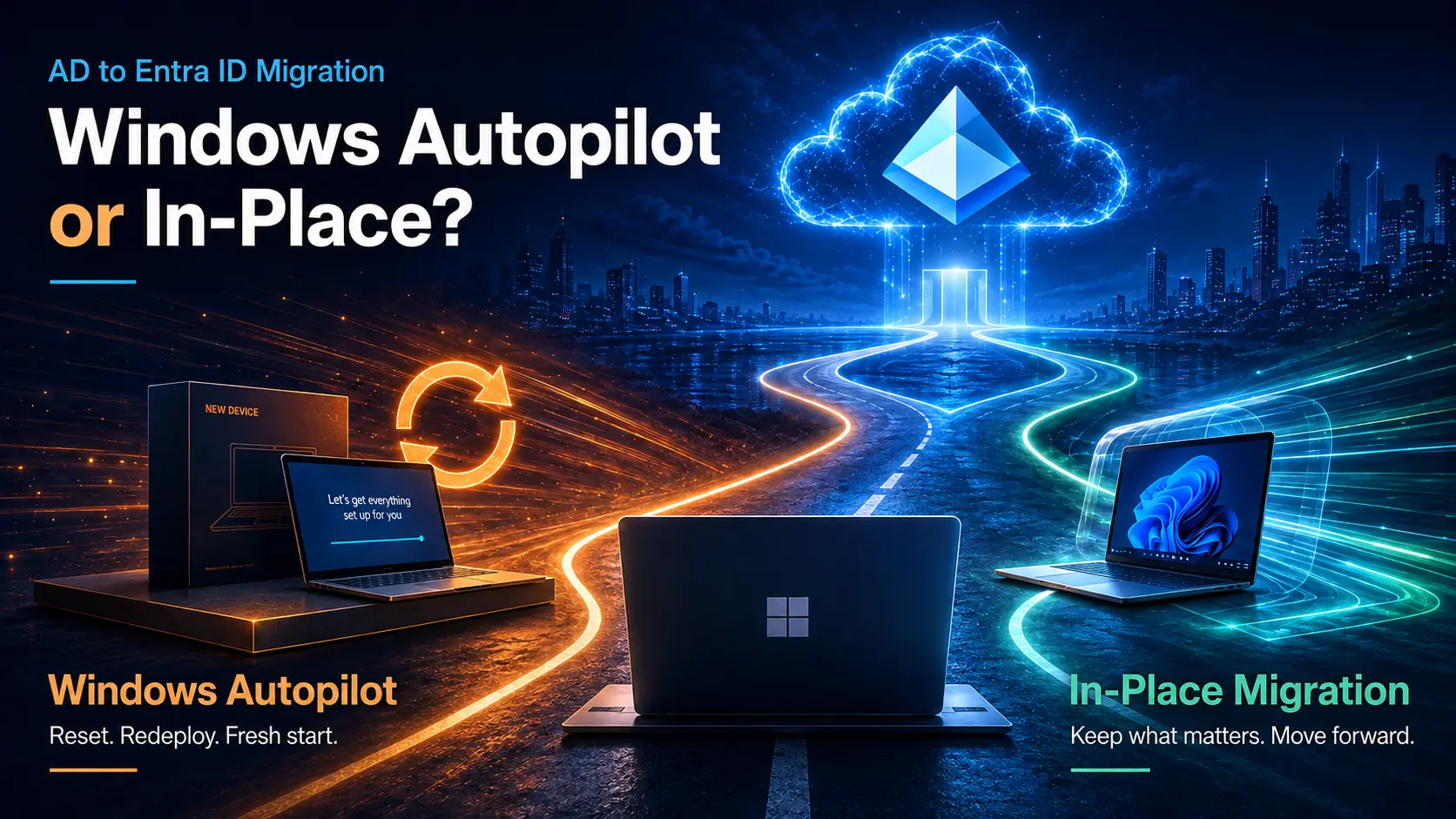
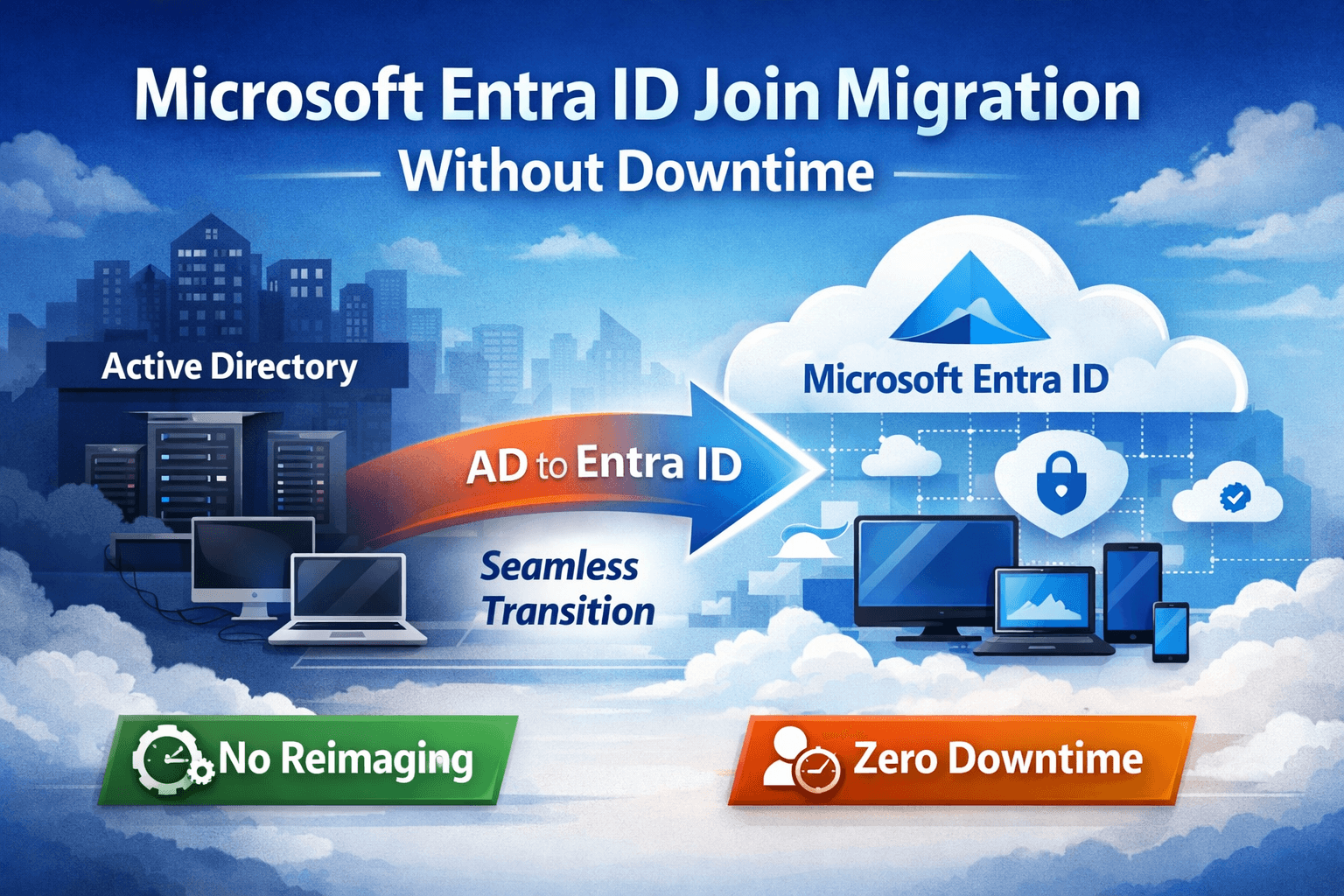
Instead of forcing organizations into disruptive rebuild cycles, Opsole Migrate enables a secure, automated transition from Hybrid or Active Directory joined devices to Entra ID without resetting the device or interrupting the user.
No complex manual processes.
No starting over.
Just a controlled, intelligent migration.
What Makes Opsole Migrate Different?
Zero End-User Disruption
Migrations occur quietly, allowing employees to continue working without interruption.
Preserve User Profiles
Desktop settings, personalization, and configurations remain intact eliminating the “new device” experience.
Keep Applications Connected
Business-critical apps such as Outlook, Teams, OneDrive, and Edge continue functioning without requiring reauthentication or rebuild.
Maintain Security Controls
BitLocker encryption, Wi-Fi settings, VPN connections, and system configurations are preserved.
Protect Data
Because the device itself is not rebuilt, files remain exactly where they belong dramatically reducing data loss risk.
Fast Return to Productivity
Users simply log in and continue working.
- No reconfiguration.
- No retraining.
- No downtime.
Automation That Works at Enterprise Scale
Opsole Migrate uses a lightweight, secure agent operating at the system level to orchestrate the migration with precision.
Organizations can:
- Execute migrations in batches
- Align schedules with business hours
- Enable self-service migration windows
- Run pre- and post-migration actions
- Monitor progress through centralized reporting
Every stage is visible, measurable, and controlled giving IT leaders’ full confidence throughout the transformation.
Reduce Infrastructure Without Increasing Risk
As devices move to Entra ID, organizations naturally begin shrinking their on-prem footprint.
This often leads to:
- Fewer domain controllers
- Reduced reliance on Group Policy
- Greater adoption of Intune configuration
- Declining need for file servers
- Cloud-based printing strategies
- Simplified software deployment
The ripple effect is powerful: lower operational overhead with stronger security.
The Real Business Impact
Modernizing devices is not just an IT initiative, it is a business accelerator.
With Opsole Migrate, organizations can avoid the traditional pitfalls of endpoint transitions:
- No large-scale rebuild projects
- No excessive professional service costs
- No productivity drain
- No complex user documentation
- No high-risk manual steps
What once demands significant time and resources becomes a predictable, repeatable process.
Proven for Large-Scale Transformations
Opsole Migrate has already helped organizations transition thousands of Windows devices to cloud-native identity securely, efficiently, and with minimal disruption.
Because modernization should never come at the expense of user experience.
The Future Is Cloud-Native And the Time Is Now
Hybrid joints were always intended as a bridge, not a destination.
Forward-thinking organizations are now completing that journey by fully embracing Entra ID.
The question is no longer if you should modernize
it is how smoothly you can get there.
Opsole Migrate transforms what was once a risky, time-consuming project into a streamlined evolution toward modern device management.
- No rebuilds.
- No operational chaos.
- No compromise.
Just a smarter path to the cloud.