Digital transformation is no longer optional it is a business imperative. Organizations across the globe are moving toward cloud-first strategies, modern identity platforms, and zero-trust security models. Yet one challenge consistently slows this progress:
Device migration.
For many IT teams, migrating thousands of endpoints from Active Directory to Microsoft Entra ID or executing cross-tenant migrations during mergers feels risky, disruptive, and operationally overwhelming.
What if you could migrate devices without wiping them, without reimaging, without losing user data, and without interrupting productivity?
Welcome to Opsole Migrate the smarter, safer, and dramatically simpler way to modernize your device estate.
Why Traditional Device Migration Fails
Historically, device migration meant:
- Reimaging laptops
- Backing up and restoring user data
- Reconfiguring security policies
- Downtime for employees
- Long IT support queues
The result? Frustrated users, exhausted IT teams, and projects that stretch for months.
Opsole Migrate changes this narrative.
It is purpose-built to help organizations transition securely and seamlessly whether you’re moving to cloud-native identity or navigating complex organizational change.
What Makes Opsole Migrate Different?
With Opsole Migrate, you can:
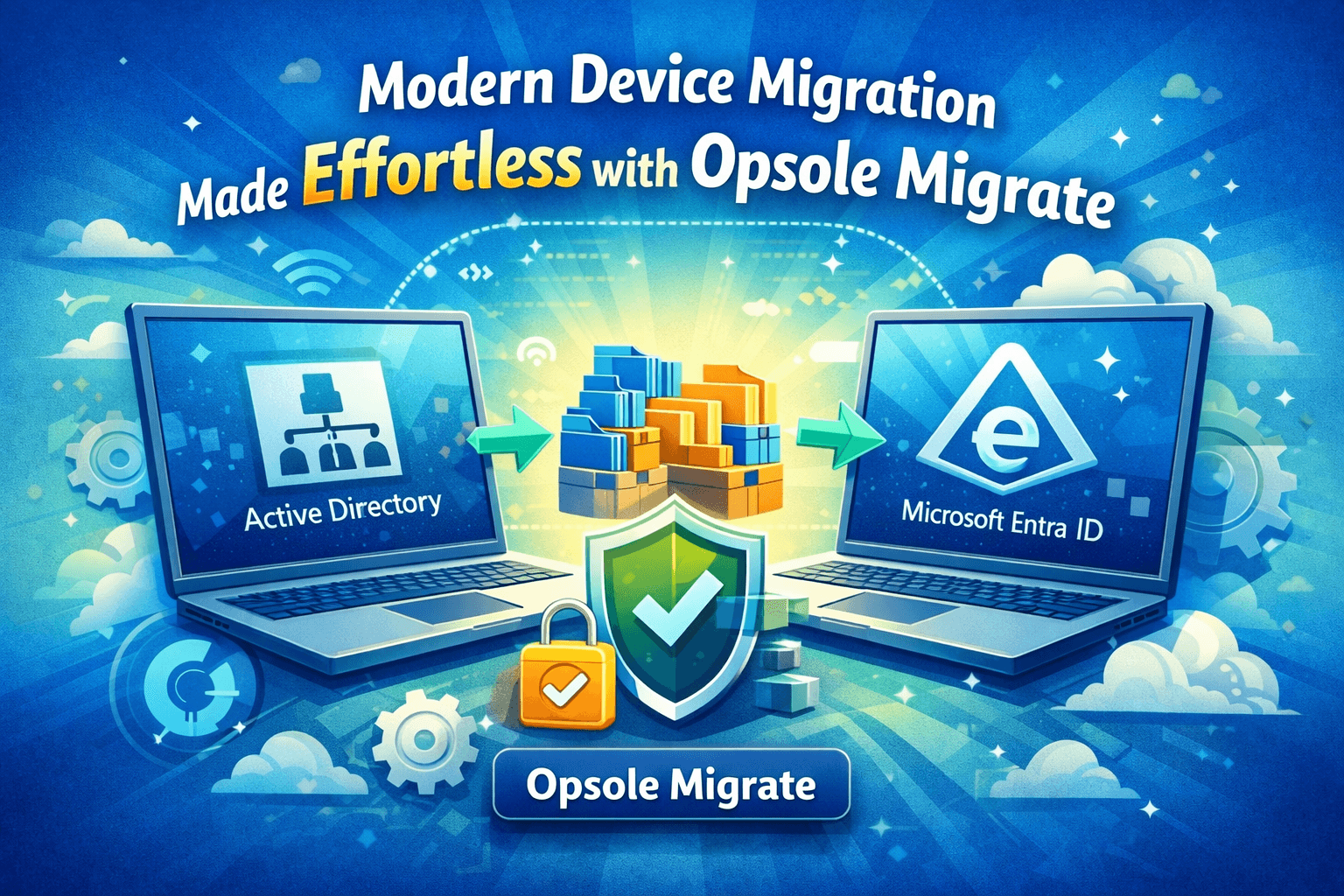
- Migrate Local Active Directory joined devices directly to Microsoft Entra ID
- Convert Hybrid devices to Cloud-only Entra Join
- Execute cross-tenant migrations for mergers, acquisitions, and divestitures
All without:
- Reimaging devices
- Losing user profiles or configurations
- Removing BitLocker protection
- Interrupting end users
Imagine a migration so smooth that most employees don’t even realize it happened.
That is the Opsole advantage.
Real-World Scenarios Where Opsole Migrate Shines
1. The Cloud-First Transformation
Scenario:
A global consulting firm decided to retire its on-premises infrastructure and fully embrace Microsoft Entra ID. They had over 4,000 domain-joined devices spread across multiple regions.
Traditional migration would have required:
- Shipping devices to IT hubs
- Reimaging machines
- Manual provisioning
- Weeks of user disruption
With Opsole Migrate:
- Devices were migrated remotely
- User profiles remained intact
- Security policies followed automatically via Intune
- Employees continued working without downtime
Result: Migration completed in a fraction of the expected timeline with minimal helpdesk tickets.
2. Hybrid Complexity Simplified
Scenario:
A technology company operating in hybrid mode wanted to eliminate dependency on domain controllers and move toward a modern, cloud-native architecture.
Hybrid environments often introduce hidden complexity identity sync issues, policy conflicts, and device registration challenges.
Opsole Migrate enabled them to:
- Convert hybrid devices to cloud-only
- Preserve encryption and security posture
- Automate enrollment into Intune
- Avoid rebuilding endpoints
Outcome: A cleaner architecture, lower infrastructure costs, and improved security readiness.
3. Mergers & Acquisitions Without Operational Chaos
Scenario:
After acquiring a smaller competitor, an enterprise needed to migrate 1,200 devices into their tenant quickly and securely.
Typical cross-tenant migrations involve:
- Manual device rebuilds
- Data transfer risks
- Credential complications
- Significant downtime
Opsole Migrate transformed the experience:
- Devices were migrated directly between tenants
- Existing configurations stayed intact
- Autopilot readiness was maintained
- Users logged in as usual
Impact: Integration completed weeks ahead of schedule, accelerating business synergy.
4. Built for Enterprise-Grade Security
Security is not an afterthought it is foundational.
Opsole Migrate aligns with Microsoft best practices and integrates seamlessly with:
- Microsoft Intune
- Microsoft Entra ID P1/P2
- Microsoft Graph
- Autopilot
The platform operates within controlled permission models, ensuring device management, user attributes, and policy enforcement remain secure throughout the migration lifecycle.
Even network requirements are straightforward support HTTPS over port 443 and allow outbound access to Microsoft and Opsole endpoints.
No complex architecture changes required.
5. Designed for IT Not to Burden IT
Preparation is simple and predictable.
Organizations typically just need:
- Proper Microsoft licensing
- Global admin access for tenant configuration
- Supported Windows devices (Windows 10/11 22H2+)
- A provisioning package created via Windows Configuration Designer
Once configured, the Opsole Migrate portal guides administrators through migration settings, tenant verification, provisioning package upload, and device targeting.
No guesswork.
No unnecessary complexity.
6.The Hidden Benefit: Employee Experience
Migration projects often focus heavily on infrastructure, but the real impact is felt by employees.
When users keep:
- Their files
- Their desktop setup
- Their applications
- Their security
the migration becomes invisible.
And invisible IT is successful IT.
Organizations using Opsole Migrate consistently report:
- Lower helpdesk volume
- Faster adoption
- Minimal productivity loss
- Higher employee satisfaction
7. Future-Proof Your Workplace
The modern workplace demands agility.
Whether you’re:
- Retiring legacy Active Directory
- Standardizing cloud identity
- Scaling after an acquisition
- Strengthening security posture
- Reducing infrastructure cost
Device migration should accelerate your strategy not slow it down.
Opsole Migrate empowers IT leaders to execute transformation with confidence, speed, and control.
Migration Doesn’t Have to Be Painful
Complex migrations used to require tradeoffs between speed, security, and user experience.
Not anymore.
With Opsole Migrate, organizations can modernize their environments without disruption, without data loss, and without operational stress.
The question is no longer “How difficult will migration be?”
It is now:
“How quickly do you want to be cloud-ready?”