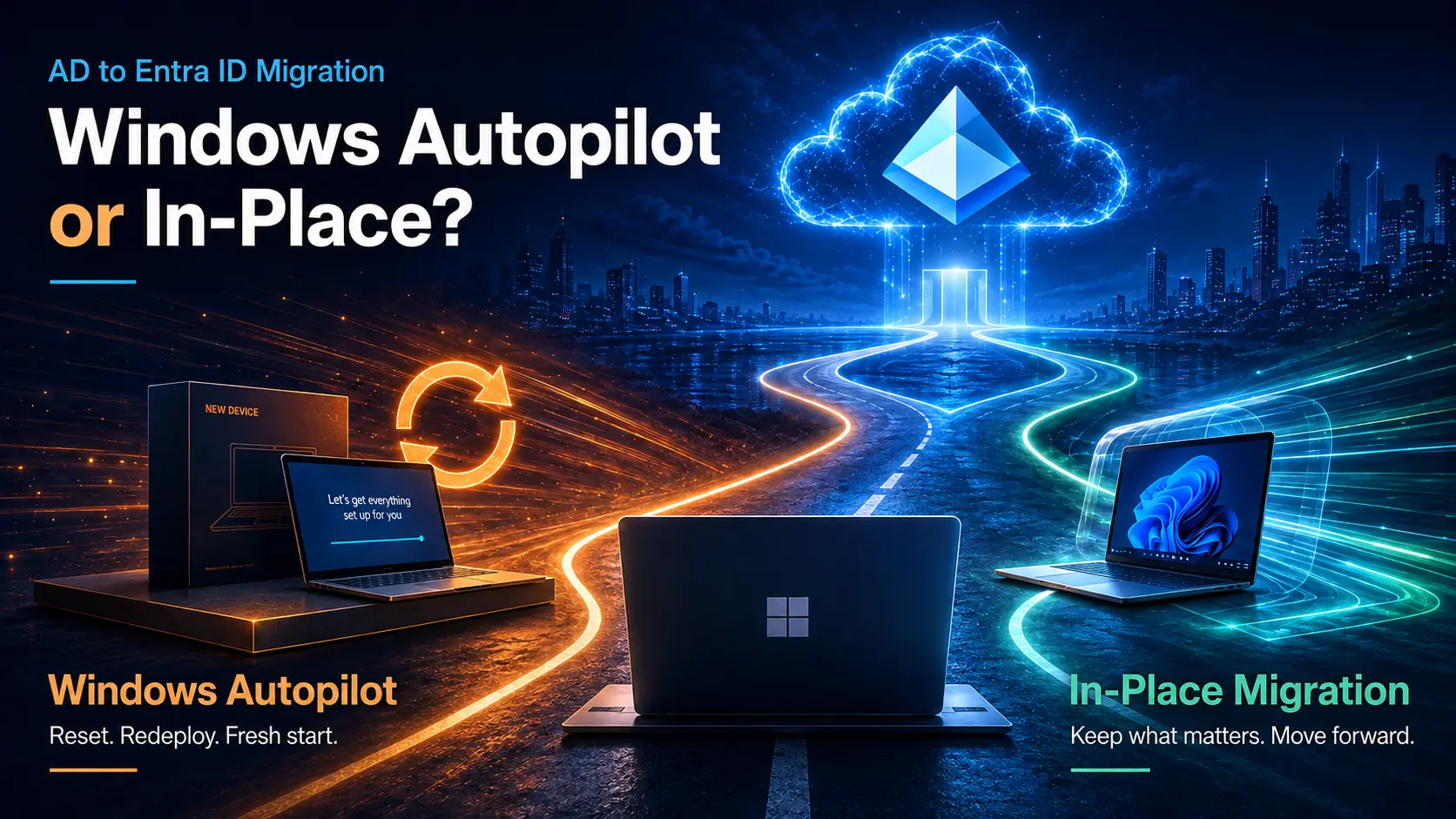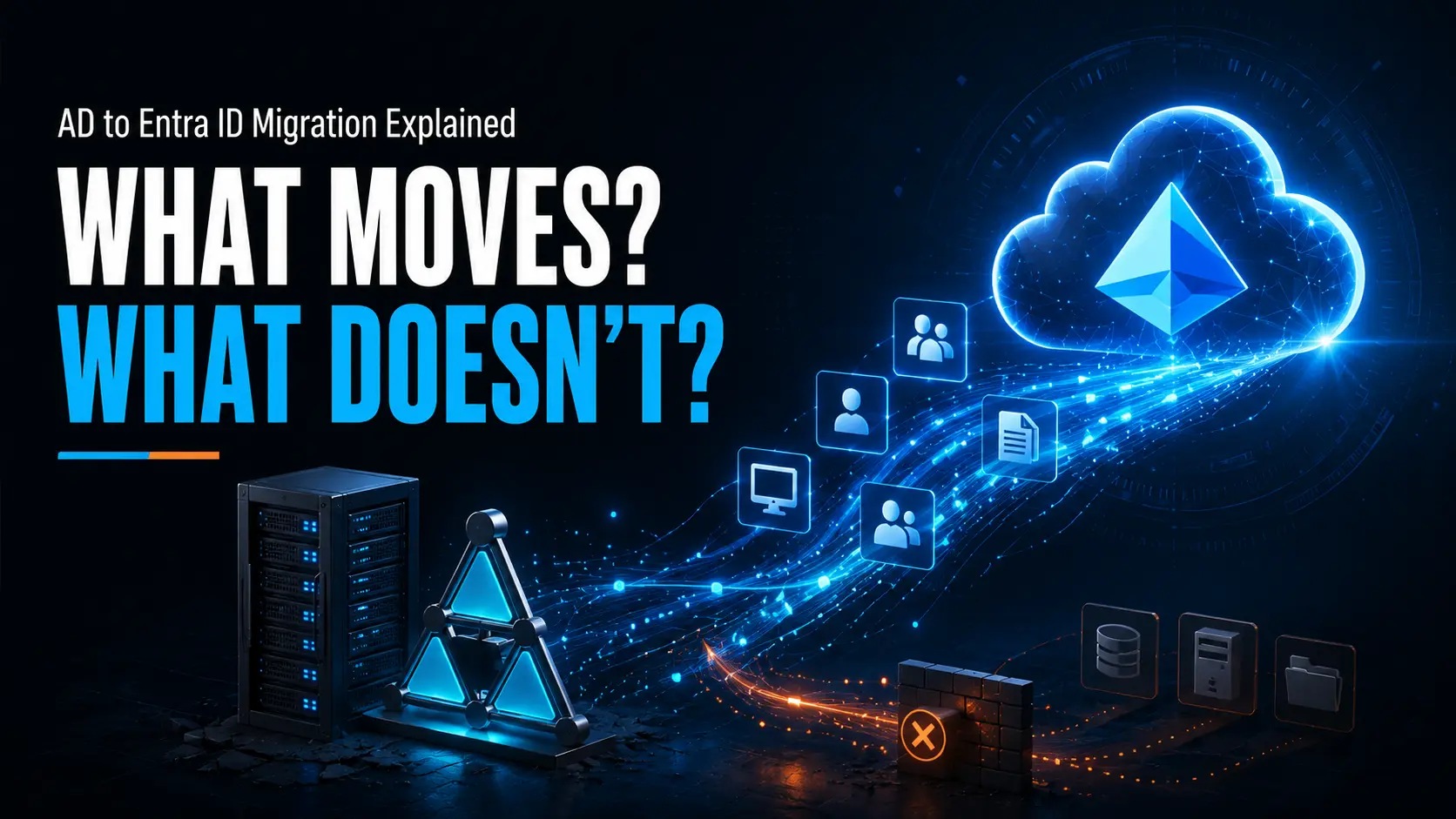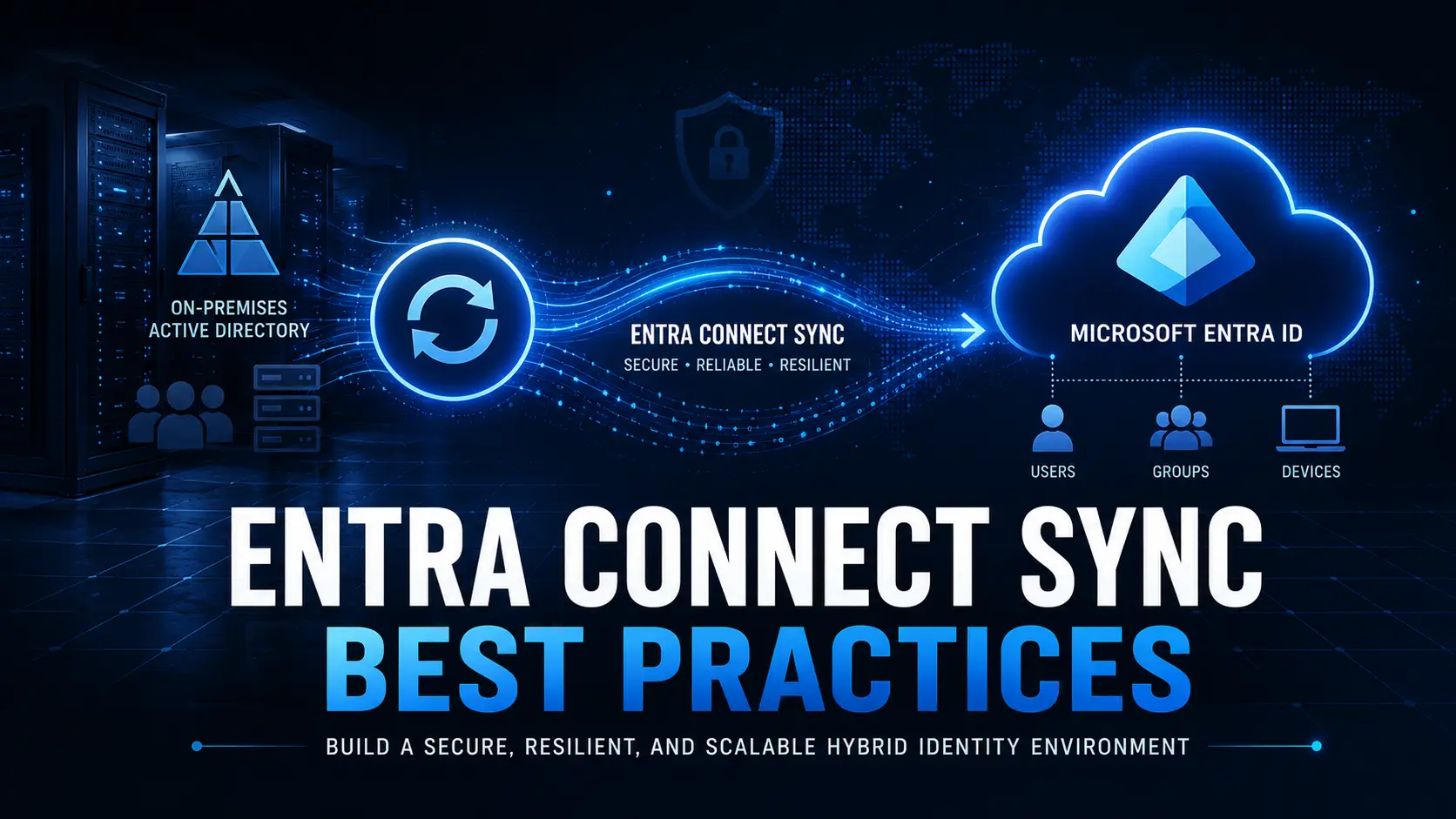
Many organizations still rely on traditional Active Directory (AD) or hybrid-joined Windows devices, even though their applications, security frameworks, and work environments have already moved to the cloud. This disconnect often leads to unnecessary complexity. Devices remain dependent on on-premises infrastructure, remote employees must rely heavily on VPN connections, and IT teams are forced to maintain legacy systems that slow modernization efforts.
Adopting Microsoft Entra joined devices is more than a technical upgrade it represents a shift toward a cloud-first device management model. In this article, we explore why now is the right time to transition to Entra join, what changes organizations should expect, and how Opsole can simplify the migration process.
What Are Microsoft Entra Joined Devices?
A Microsoft Entra joined device authenticates directly with Microsoft Entra ID (formerly Azure AD) instead of relying on on-premises Active Directory.
With this approach:
- Device authentication occurs through cloud identity over the internet
- Endpoint management is handled using Microsoft Intune
- Users access Microsoft 365 and SaaS applications with seamless Single Sign-On
- Security controls such as Conditional Access and Multi-Factor Authentication apply natively
In practice, this eliminates the daily dependency on domain controllers and aligns device identity with a modern cloud-first IT architecture.
Why Traditional AD and Hybrid Join Are Slowing Organizations Down
Traditional AD and hybrid-join models were designed for office-centric networks. In today’s distributed workplaces, they often introduce operational friction.
Infrastructure Dependency
Devices remain dependent on internal domain controllers and network connectivity. Remote employees frequently rely on VPN connections, leading to inconsistent authentication experiences and delayed policy updates.
Slower Device Provisioning
Hybrid-joined deployments using Autopilot require line-of-sight connectivity to Active Directory. This complicates zero-touch provisioning and increases deployment failures.
Increased Operational Complexity
Maintaining both on-prem identity infrastructure and cloud identity services creates additional overhead for IT teams. Troubleshooting, policy management, and identity synchronization all become more complex.
Security Limitations
Modern Zero Trust security models are built around identity-driven access controls. Traditional join models were not designed for cloud-native capabilities such as risk-based authentication, Conditional Access, and device compliance enforcement.
Hybrid join may still be necessary for certain legacy workloads, but it should be viewed as a temporary step rather than a long-term strategy.
Business Benefits of Moving to Microsoft Entra Joined Devices
Transitioning to Microsoft Entra joined devices provides tangible operational and security benefits for modern organizations.
- Faster device onboarding – New devices can be shipped directly to employees and configured automatically through Windows Autopilot.
- Improved remote work experience – Authentication no longer depends heavily on VPN connectivity.
- Stronger security posture – Integration with Conditional Access, MFA, and compliance policies strengthens device security.
- Reduced infrastructure costs – Less reliance on on-premises domain controllers and network dependencies.
- Simplified device management – A unified identity platform for both users and devices aligned with cloud applications.
What Changes When You Adopt Entra Join?
Moving to Microsoft Entra joined devices introduces several operational changes.
Policy Management Moves to Intune
Traditional Group Policy Objects (GPOs) must be evaluated and migrated to Microsoft Intune policies where appropriate.
Modern Access to On-Prem Resources
Organizations may need to adopt solutions such as cloud Kerberos trust, VPN, or modern access gateways for legacy resources like file shares and internal applications.
Cloud-Native Provisioning
Device provisioning becomes cloud-based, with Windows Autopilot enabling true zero-touch deployments.
Identity-Centric Troubleshooting
Support processes shift from network-based troubleshooting toward identity-centric diagnostics and device compliance management.
These changes are manageable but require careful planning, particularly for organizations managing large device fleets.
A Practical Approach to Entra Device Migration
Most enterprises adopt Microsoft Entra joined devices gradually rather than all at once. A practical migration strategy typically includes:
- Start with new devices
Deploy all newly purchased endpoints as Microsoft Entra joined. - Evaluate existing endpoints
Identify AD-joined or hybrid-joined devices that can transition without affecting legacy dependencies. - Modernize policies and access
Move applicable Group Policies to Intune and update access methods for on-prem resources. - Migrate devices in phases
Transition users and devices in controlled waves to minimize disruption and reduce operational risk.
How Opsole Simplifies the Transition to Entra Join
Migrating devices from Active Directory join or hybrid join to Microsoft Entra joined devices can be operationally complex when handled manually. It often requires device reconfiguration, coordination with users, and careful management of identity states.
Opsole Migrate is designed to streamline this process by enabling organizations to automate the migration of Windows 10 and Windows 11 devices to Microsoft Entra ID Join while minimizing user disruption and reducing helpdesk workload.
With Opsole, organizations can:
- Execute large-scale device migrations in phases
- Minimize downtime and user impact
- Standardize Entra join adoption across the device fleet
- Accelerate the transition to cloud-native endpoint management
Explore how Opsole can help modernize your device identity strategy:
🔗 https://opsole.com
Final Thoughts
Adopting Microsoft Entra joined devices is a natural step for organizations moving toward modern, cloud-based IT environments. It simplifies device management, enhances security through identity-driven controls, and supports the evolving needs of distributed workforces.
While hybrid join may still be required for certain legacy scenarios, the long-term direction is clear: cloud-native device identity is the future. Organizations that plan and execute this transition strategically with the right tools will benefit from simpler operations and stronger security in the years ahead.