Mergers and acquisitions (M&A) aren’t just financial transactions they’re also massive technology integration projects. When two organizations decide to operate as one, IT teams face a complex challenge: unifying systems, applications, and identities while ensuring business continuity.
A poorly planned IT migration can lead to costly downtime, user frustration, or worse security breaches. That’s why IT admins and M&A program managers need a structured, actionable migration checklist.
In this post, we’ll walk through the comprehensive IT migration checklist for mergers and acquisitions. This isn’t just theory it’s a playbook grounded in real-world admin pain points and proven best practices.
Why a Checklist is Critical in M&A IT Migrations
- Complex Dependencies: Two companies may use entirely different email systems, domains, identity providers, and device management tools.
- High Stakes: User productivity, data confidentiality, and regulatory compliance all ride on IT’s ability to merge environments seamlessly.
- Compressed Timelines: Leadership often sets aggressive Day 1 expectations for collaboration and access.
An IT checklist helps ensure that no major step slips through the cracks and provides a roadmap for phased, controlled execution.
IT Migration Checklist for M&A
Here’s the 12-step IT migration checklist, grouped into stages:
Stage 1: Pre-Migration Planning
- Build the Integration Team
- Form a cross-functional IT integration task force with representation from infrastructure, security, identity, and end-user computing teams.
- Assign clear ownership for each area of migration.
- Inventory Systems & Dependencies
- Catalog AD domains, Entra ID tenants, email systems, collaboration tools, and line-of-business applications.
- Identify dependencies tied to legacy on-prem resources (file servers, ERP).
- Document licensing across both companies to uncover overlaps and optimization opportunities.
- Assess Identity and Directory Strategy
- Decide how users from the acquired company will access resources in the parent environment:
- Cross-tenant synchronization
- Domain consolidation
- Entra ID Join vs Hybrid Join strategies for devices.
- Avoid directory sprawl by mapping UPNs and ensuring clean identities.
- Set Security and Compliance Baselines
- Document security policies at both organizations.
- Define unified Conditional Access, MFA, and data loss prevention standards.
- Perform a gap analysis to see what controls must be extended to the new environment pre-Day 1.
Stage 2: Early Integration Priorities
- Establish Day 1 Collaboration
- Ensure users can communicate across both companies using Teams, Slack, or email forwarding.
- Provide temporary shared document collaboration space (e.g., SharePoint or OneDrive guest sharing).
- Enable federation or cross-domain trust where required.
- Prioritize Identity Unification
- Choose whether to provision acquired users in the parent tenant or establish trust relationships.
- Roll out consistent single sign-on (SSO) where possible.
- Use temporary coexistence models (e.g., mail routing, GAL sync) until the full consolidation is complete.
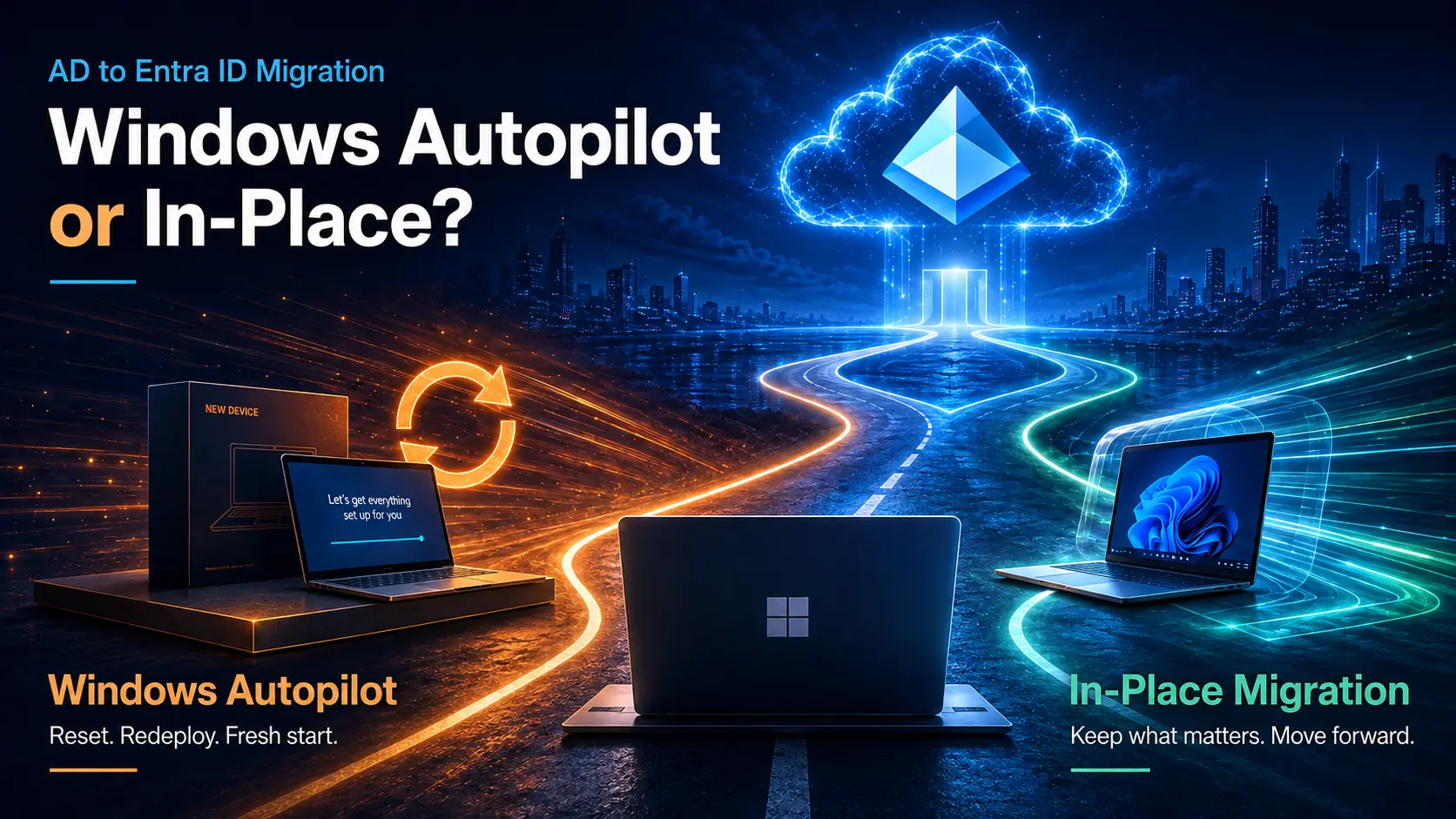
- Address Device Onboarding
- Plan for re-registration of acquired devices into Entra ID or Hybrid Join.
- Decide on MDM enrollment strategy.
- Communicate device rejoin instructions clearly to avoid login disruptions.
Stage 3: Data, Mail, and Application Migration
- Migrate Email and Messaging
- Consolidate Exchange environments or migrate to Microsoft 365 if that’s the target platform.
- Plan mailbox moves in waves, ensuring coexistence during transition.
- For Teams/Slack, establish cross-tenant access or begin tenant-to-tenant migration.
- Migrate File Shares and Collaboration Data
- Consolidate cloud storage systems (OneDrive, Google Workspace, Box).
- Ensure permissions map correctly for user access post-migration.
- Apply retention and governance policies consistently across merged assets.
- Inventory and Transition Business Applications
- Classify applications into: Retire, Replace, Migrate, or Integrate.
- Prioritize apps critical for Day 1 continuity.
- Explore SaaS consolidation to reduce costs.
Stage 4: Security, Compliance & Optimization
- Enforce Unified Policies
- Apply unified Conditional Access policies in Entra ID.
- Standardize endpoint security baselines with Intune or equivalent MDM.
- Extend SOC monitoring to cover the acquired company’s environment.
- Monitor, Optimize, and Train
- · Continuously monitor login events and device compliance in the new environment.
- · Train IT help desk staff on new workflows (password resets, MFA troubleshooting).
- · Provide end-user training on login changes, MFA, and collaboration tools.
Common IT Migration Pitfalls to Avoid
While going through the checklist, beware of:
- Skipping dependency discovery: Hidden apps tied to AD can break if not addressed.
- “Big bang” cutovers: Phased rollouts reduce risk.
- Poor communication: Users should never be surprised by login changes.
- Ignoring device joins: Hybrid vs Entra ID Join decisions directly affect user productivity.
- Security “lag”: Failing to extend Conditional Access and MFA to acquired accounts leaves gaps.
The Opsole Advantage in IT M&A Migrations
This checklist covers the full lifecycle but executing it manually can be overwhelming. That’s where Opsole Migrate comes in.
With Opsole, IT teams get:
- Automated discovery of domains, applications, and dependencies so you don’t miss critical workloads.
- Identity mapping and consolidation across forests and tenants to prevent duplicates and orphaned accounts.
- Device re-registration automation to shift fleets from Hybrid Join to Entra ID Join without disrupting users.
- Pre-flight Conditional Access validation to ensure policies won’t accidentally lock out new users.
- User communication templates to guide employees through login or MFA changes smoothly.
Simply put, Opsole gives IT admins the tools to operationalize this checklist—delivering a secure, seamless, and accelerated IT migration during M&A.
Final Thoughts
M&A projects succeed or fail on IT integration. The right checklist keeps technical teams aligned, reduces business disruption, and prevents security gaps. But checklists alone aren’t enough—they need automation and expert guidance to turn plans into reality.
By pairing this 12-step IT migration checklist with Opsole Migrate, organizations can ensure their M&A transitions are predictable, secure, and user-friendly.
👉 Contact Opsole today to see how we can help manage your end-to-end IT migration.