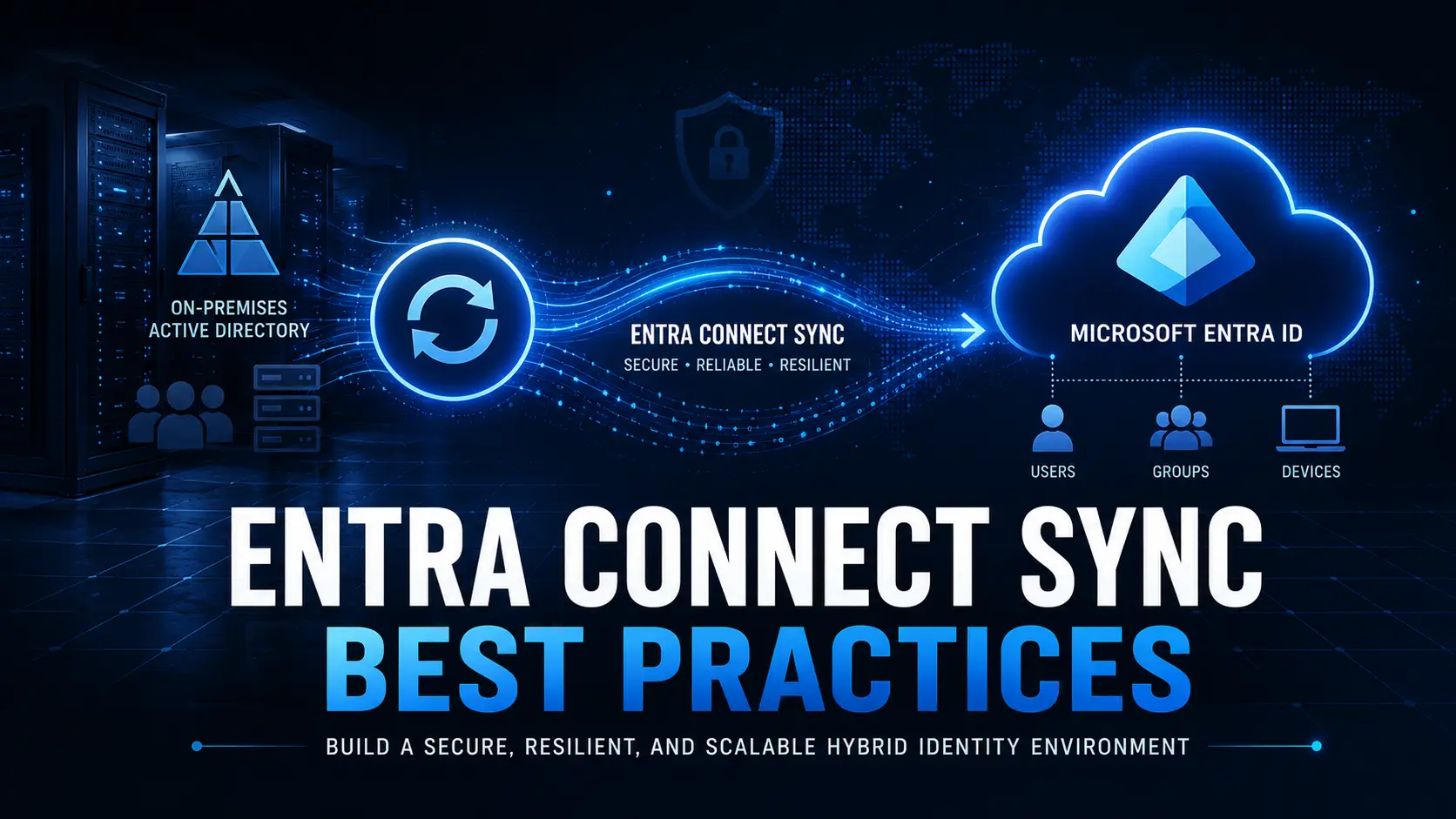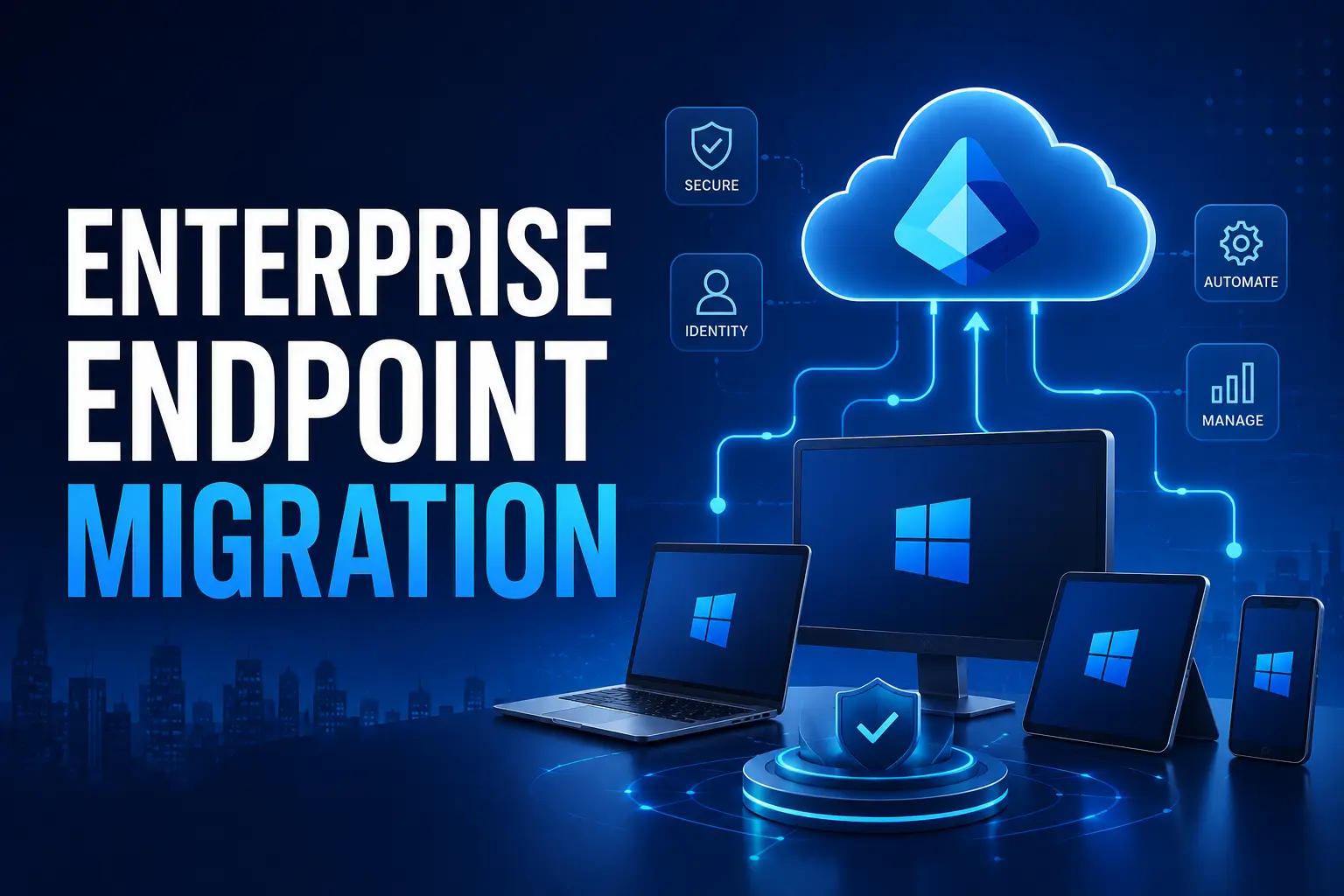
For years, Hybrid Join acted as a safety net for enterprise IT. It allowed organizations to keep one foot in the familiar world of on-premises Active Directory while gradually adopting cloud identity through Entra ID Join.
But as we move through 2026, the consensus among security architects is clear: Hybrid was the bridge, not the destination.
Microsoft’s latest cloud-native endpoint guidance is explicit: Hybrid join should not be the long-term end state. The future is Native Entra ID Join + Intune. This isn’t just a technical swap; it is a fundamental shift in your security operating model where Identity becomes the new control plane.
The Cloud-Native Mandate: Why Move Now?
Microsoft defines a “cloud-native endpoint” as a device that can be deployed from anywhere, receives configurations from the cloud, and eliminates hard dependencies on the corporate network (Line of Sight to a Domain Controller).
Why is Microsoft pushing this so hard? The answer lies in Zero Trust.
1. Conditional Access is the Engine
In the modern security stack, Conditional Access is the policy engine. It evaluates thousands of signals user risk, location, application sensitivity, and critically, device health before granting access.
When you move to Entra ID Join:
- Device Identity becomes a first-class citizen in the cloud.
- Device Posture (is it compliant? is it encrypted?) becomes a reliable input for access decisions.
- Trust shifts from “Network Location” (is the device on the trusted location?) to “Identity + Verification.”
2. Governance as Evidence
In a hybrid world, proving compliance is messy. You have Group Policy Objects (GPOs) fighting with Intune policies, creating “split-brain” management.
By moving to a cloud-native model, policy enforcement (Intune) and access enforcement (Entra ID) converge. Your audit trail becomes clear: The device was compliant, the user was verified, access was granted.
3. The “On-Premises” Myth
The biggest blocker to migration is the fear that Entra-joined devices will lose access to legacy file shares or printers.
The Reality: Microsoft’s Cloud Kerberos Trust allows native Entra-joined devices to seamlessly authenticate to on-premises resources (SSO) without being joined to the local domain. You can modernize the endpoint without rewriting the backend.
The Enterprise Challenge: The “Reset” Bottleneck
If the destination is so clear, why haven’t all enterprises migrated?
The Bottleneck: Microsoft’s official guidance states that existing AD/Hybrid joined devices must be reset (wiped) to become Entra joined. There is no native “switch” to convert a device in place.
For a global enterprise with 10,000+ devices, wiping and reloading every laptop is a logistical nightmare. It results in:
- Data Loss Risk: User data on the local drive is wiped.
- Productivity Downtime: Users are offline for hours or days.
- Profile Loss: Personalized settings, Outlook caches, and app configurations vanish.
This creates a “Two-Track” dilemma. You can easily deploy new devices via Autopilot, but your existing fleet remains stuck in Hybrid legacy debt.
The Solution: A Two-Track Roadmap
Successful modernizations don’t happen overnight. Leading organizations are adopting a parallel strategy:
Track 1: New Devices (Greenfield)
All new hardware purchases or hardware refreshes are provisioned immediately as Entra ID Joined using Windows Autopilot. This stops the bleeding and prevents new technical debt from entering the environment.
Track 2: Existing Devices (Brownfield) with Opsole Migrate
Instead of waiting for a hardware refresh cycle (which could take 3-4 years), enterprises use Opsole Migrate to bridge the gap.
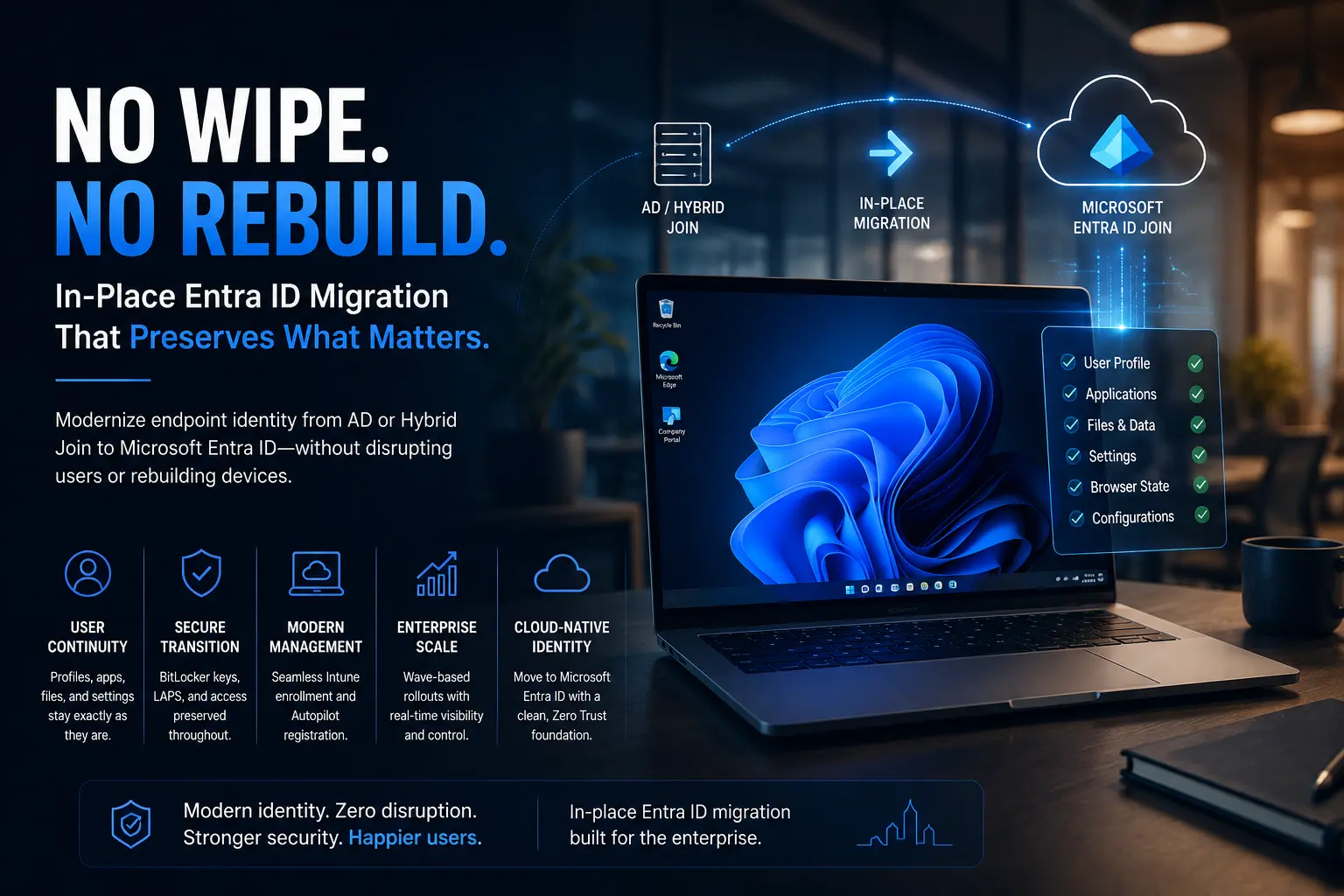
Opsole Migrate is a purpose-built migration engine designed to move existing devices from On-Prem AD/Hybrid to Native Entra ID Join without a reimage.
How Opsole Migrate Solves the Gap:
- No Wipe Required: It converts the device identity in-place.
- User Profile Preservation: The user’s local data, desktop icons, Outlook cache, and application settings are preserved. They log in with their new Entra credentials, and their desktop looks exactly as they left it.
- Continuity of Security: It handles the complex migration of BitLocker keys and LAPS (Local Admin Password Solution) from the Hybrid Device object to Entra Joined Device object.
- Targeting Intelligence: It preserves cloud group memberships, ensuring that when the device lands in Entra ID, it immediately receives the correct Conditional Access policies and Intune configurations.
Conclusion: Don’t Let Legacy Hold You Back
The shift to Entra ID Join is inevitable. It is the only way to fully leverage the AI-driven security of the Microsoft Cloud and achieve a true Zero Trust posture.
You do not need to choose between “Security” and “User Experience.”
- Start your Autopilot journey for new devices today.
- Plan your migration waves for existing devices using Opsole Migrate.
Ready to modernize your fleet?
Stop managing the past. Start migrating to the future.
Frequently Asked Questions (FAQ)
Does Microsoft explicitly say Hybrid Entra join is not the end goal?
Yes. Microsoft documentation states that hybrid join should not be a long-term state and that organizations should move to Entra joined endpoints when not constrained by regulation.
Do Entra-joined devices support Single Sign-On (SSO) to on-prem file shares?
Yes. Through features like Cloud Kerberos Trust, Entra-joined devices can access on-premises resources (File Shares, Printers, IIS apps) seamlessly.
Can I migrate a device to Entra Join without wiping it?
Microsoft’s native tools require a device reset (wipe). However, third-party solutions like Opsole Migrate enable in-place migration, preserving user profiles and data without reimaging