When organizations move from Active Directory or Hybrid Join to Microsoft Entra Join, a common “quick fix” is to fresh start or wipe Windows devices and re-enroll them from scratch.
On paper, this looks clean. It’s expensive, disruptive, and operationally wasteful.
If your goal is to modernize device identity and management, wiping endpoints should be the last option not the default. A structured device migration approach delivers the same end state with far less user impact and business risk.
What Does “Fresh Start” Actually Do?
A Fresh Start essentially:
- Wipes the device
- Removes user data and apps
- Forces users to reconfigure their environment
- Re-enrolls the device into Intune / Entra Join as a new endpoint
This might be acceptable for brand-new laptops. For in-use production devices, it’s a blunt instrument.
Why Fresh Starting Devices Is a Bad Default Strategy
1. It Disrupts Users (and That’s Not Free)
Resetting a device means lost time for end users:
- Local files need to be restored
- Applications must be reinstalled
- Settings and configurations are lost
- Users are idle while IT rebuilds environments
Multiply this across dozens or hundreds of devices and you’re burning real productivity hours. This is not a technical inconvenience it’s a direct business cost.
2. It Increases Helpdesk Load
Fresh starts push a large amount of work onto IT teams:
- Re-provisioning devices
- Troubleshooting post-reset issues
- Reconfiguring user access
- Supporting frustrated users
In large-scale migrations, this becomes a support bottleneck. The more devices you wipe, the more tickets you generate. That’s the opposite of what a modernization initiative should achieve.
3. It Destroys Context You Don’t Need to Lose
User-specific configurations, cached credentials, application states, and customizations are wiped out during a reset. Some of this can be scripted back much of it cannot be perfectly reconstructed.
From a business standpoint, you’re choosing data loss and rework over continuity.
4. It Creates Artificial Risk
Fresh starting devices in production introduces risk:
- Misconfigured re-enrollments
- Missing line-of-business apps
- Broken access to on-prem or cloud resources
- Delays in getting users productive again
For critical teams, downtime isn’t acceptable just to achieve a join-state change.
Migration vs Fresh Start: The Smarter Path
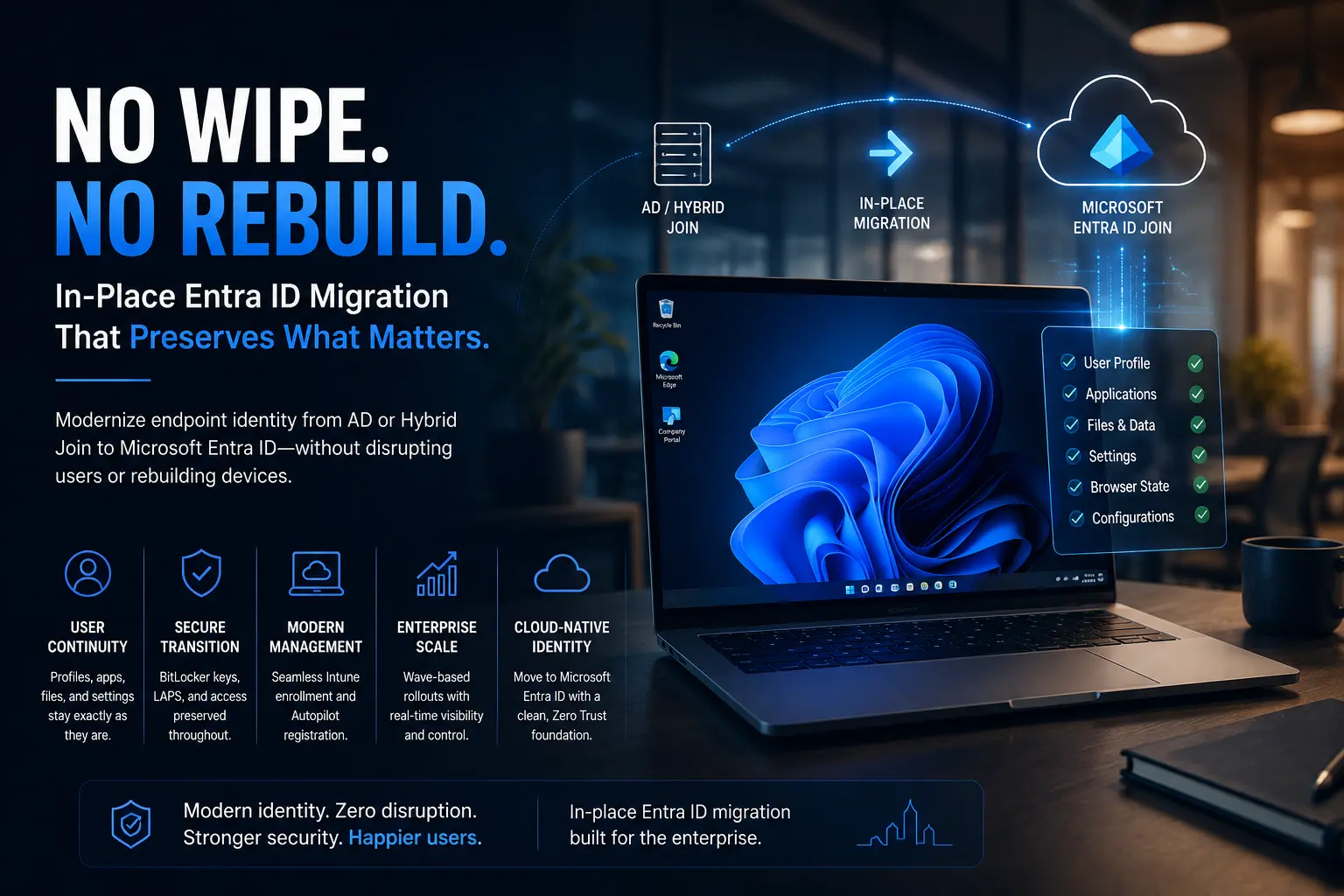
If the objective is to move devices from AD Join or Hybrid Join to Microsoft Entra Join, the smart approach is in-place migration, not device resets.
What Migration Does Better
A proper migration approach:
- Preserves the user profile
- Keeps applications intact
- Maintains user productivity
- Transitions the device identity cleanly
- Minimizes downtime
From a business perspective, this means:
- Lower disruption
- Lower operational cost
- Faster time to value
- Higher user satisfaction
You reach the same technical end state (Entra Joined, Intune managed, cloud-first identity) without burning time and goodwill.
When Is Fresh Start Actually Justified?
Fresh Start still has valid use cases:
- Devices being recycled or repurposed
- Compromised devices with security concerns
- Endpoints with severe configuration drift
- Pilot environments where data loss is acceptable
But using Fresh Start as the default method for a fleet-wide Entra Join migration is operationally lazy and financially inefficient.
Business Case: Why Migration Wins Over Wipe-and-Rebuild
From a cost and operations standpoint, migration is superior:
| Area | Fresh Start | Migration |
| User Downtime | High | Low |
| Helpdesk Load | High | Low |
| Data Preservation | None | Preserved |
| Business Disruption | Significant | Minimal |
| Scalability | Poor | High |
| Time to Complete Migration | Slower | Faster |
The ROI is clear: migration reduces friction, accelerates modernization, and avoids unnecessary productivity loss.
How Opsole Enables Seamless Device Migration
Migrating devices from AD Join or Hybrid Join to Microsoft Entra Join manually is complex and error-prone. This is where Opsole Migrate fits directly into the strategy.
Opsole Migrate allows enterprises to:
- Transition Windows 10/11 devices to Microsoft Entra Join without fresh starting
- Preserve user profiles and applications
- Reduce Helpdesk dependency during migration
- Execute phased rollouts at scale
- Achieve cloud-native device identity with minimal disruption
Instead of wiping devices and rebuilding environments, Opsole enables a controlled, in-place migration that gets you to Entra Join without burning operational capital.
Learn how Opsole simplifies Entra Join migrations:
🔗 https://opsole.com
Final Take
Fresh starting devices may look like a “clean slate,” but in real-world enterprise environments it’s an expensive shortcut. If your objective is to modernize device identity and move to Microsoft Entra Join, migration is the responsible approach both technically and financially.
Use Fresh Start selectively. For everything else, migrate smart.