Opsole Blog
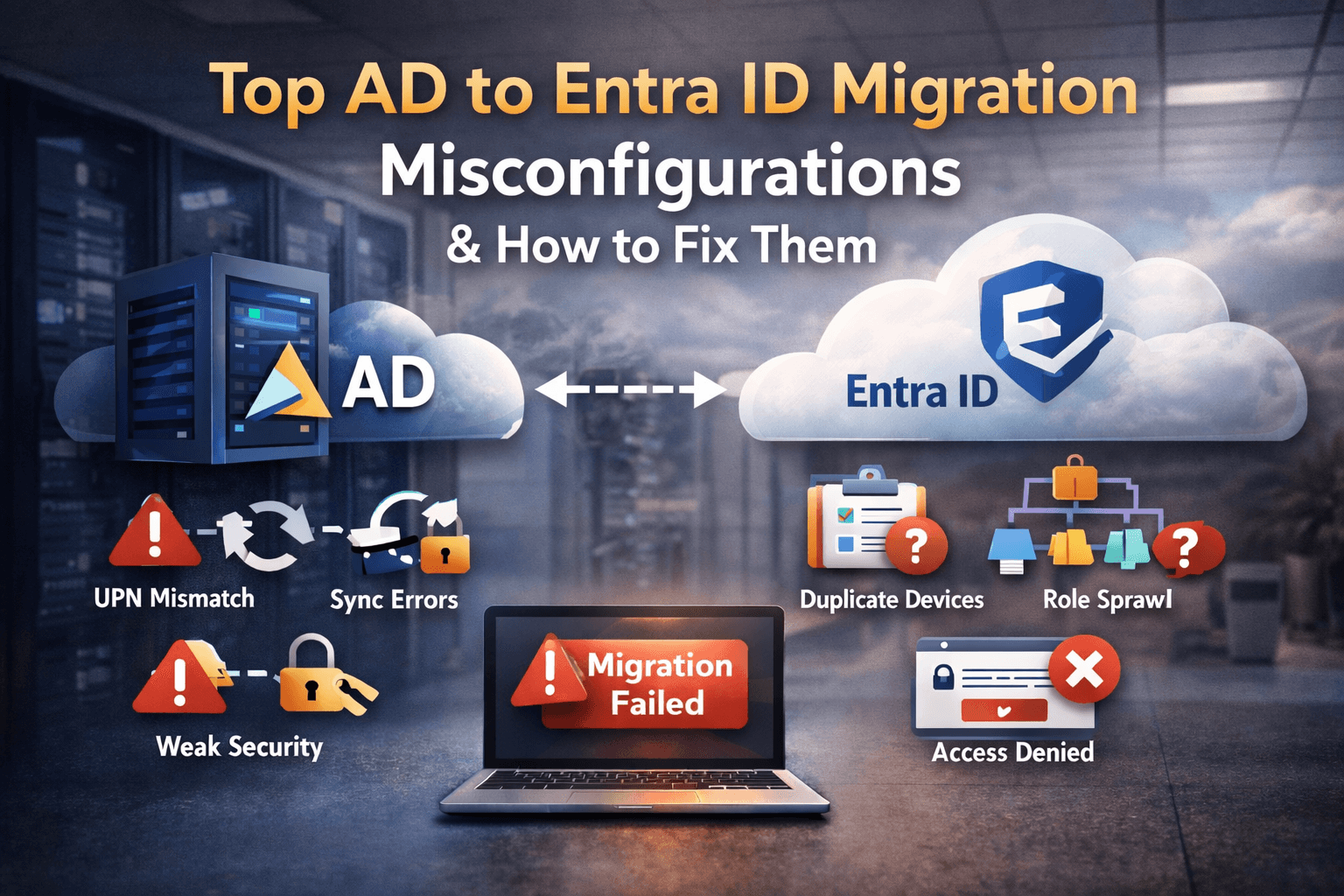
Entra ID device migration is essential for modern enterprises aiming to secure and scale their IT infrastructure. With the right strategy and tools, organizations can transition smoothly from Active Directory environments and implement hybrid joined or cloud-native identity systems.
Learn how enterprises are adopting Entra ID to enable Zero Trust security, streamline device management, and improve compliance. Explore best practices, migration strategies, and tools designed to simplify large-scale enterprise transformations
June 11, 2026
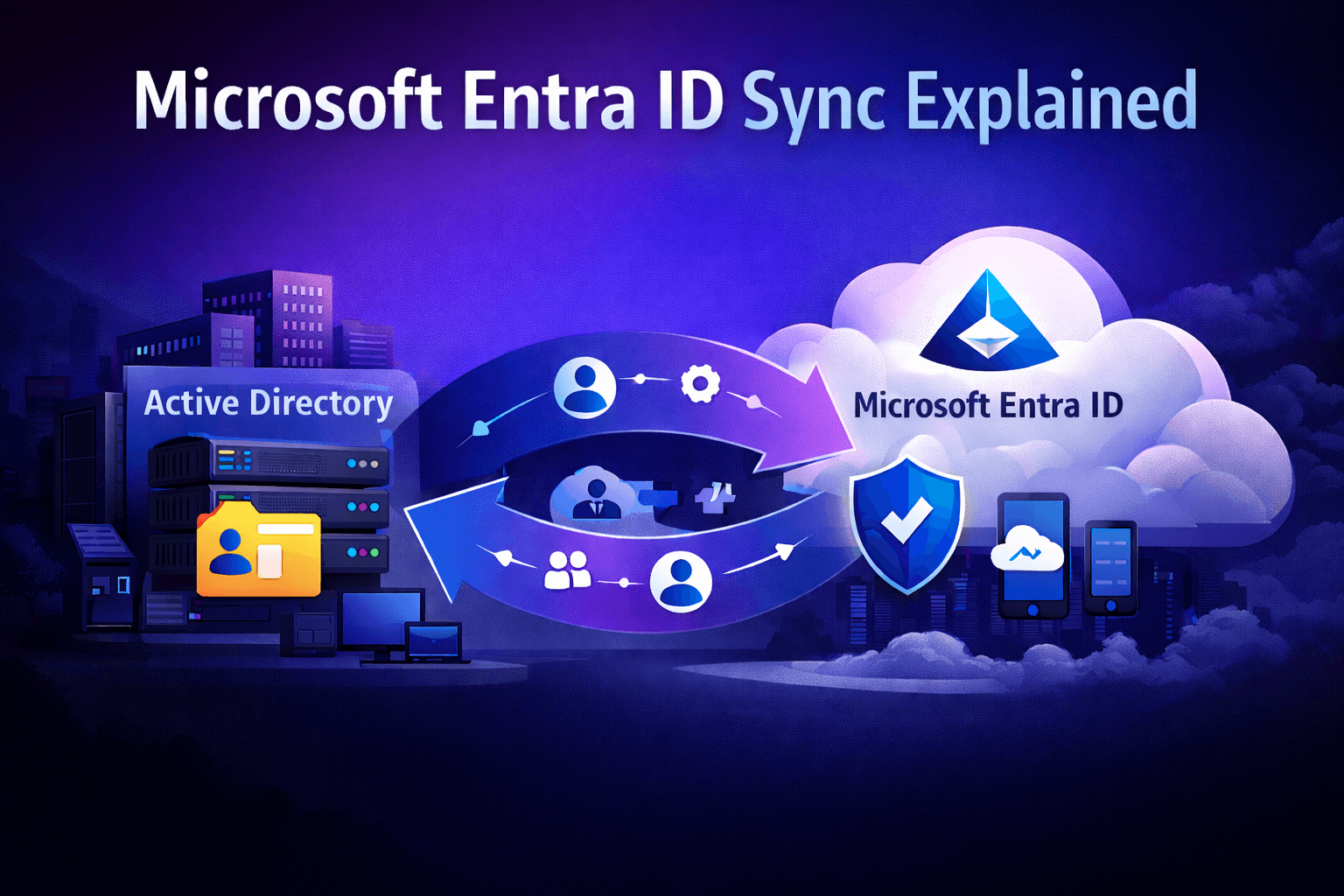
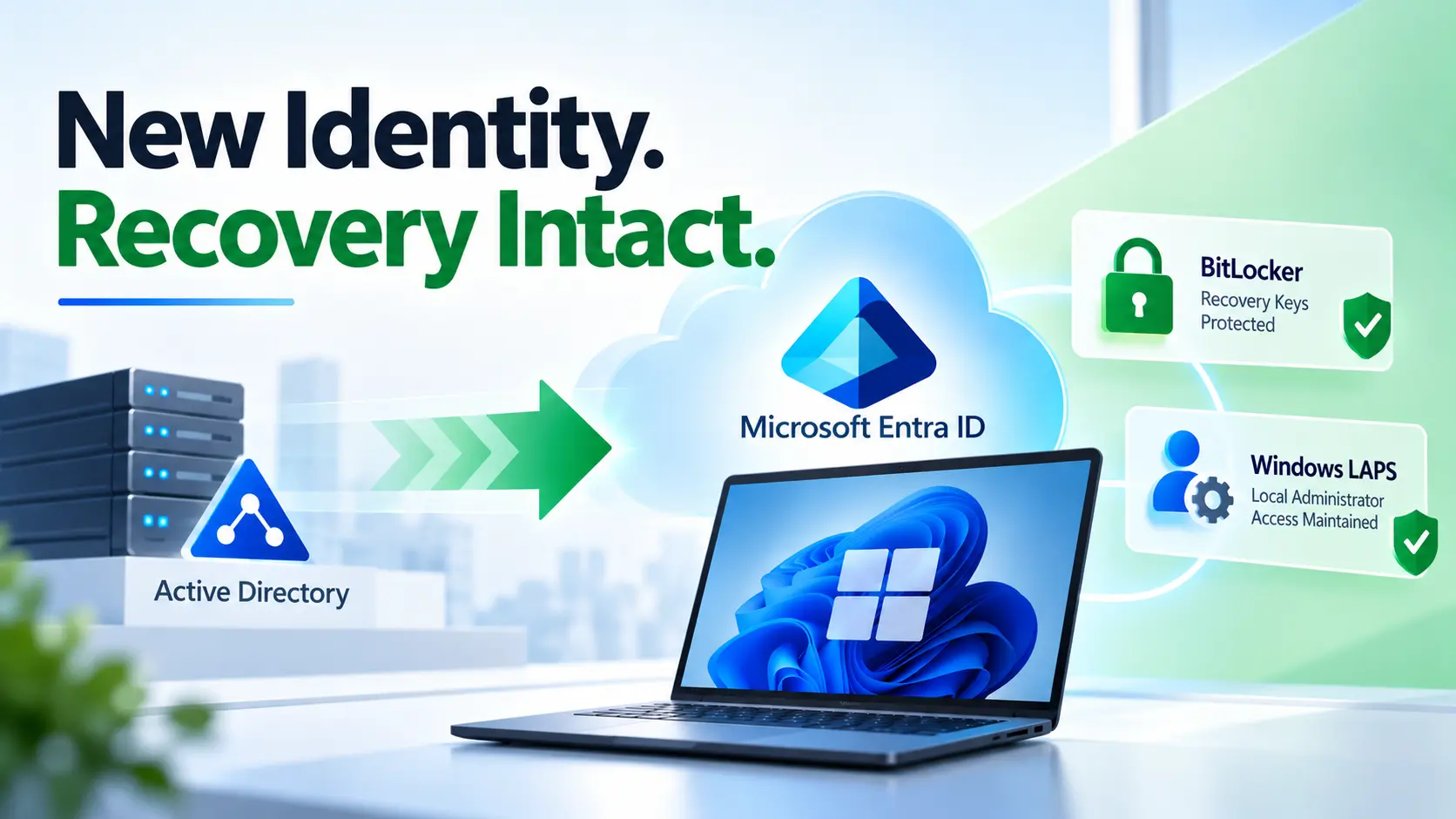
Microsoft Entra Connect Sync (formerly Azure AD Connect) remains a critical component of many hybrid
Latest Blog
March 6, 2026
Every CIO agrees on one thing today: the future is cloud-first. Organizations are rapidly adopting Microsoft Entra ID,
March 5, 2026
Entra ID device migration is becoming a critical step for organizations modernizing their identity infrastructure. As enterprises move
March 4, 2026
Modern Windows device provisioning with Microsoft Intune and Windows Autopilot forces IT teams to make a hard choice:Do
March 3, 2026
Modern enterprises are accelerating their move from legacy Active Directory (AD) and Hybrid Join to Microsoft Entra ID
March 2, 2026
If you’re planning to migrate hybrid joined devices to Entra ID across thousands of Windows endpoints, the real
February 27, 2026
Modernizing endpoint identity is not just about moving Windows devices to Microsoft Entra Join. If your user and
February 26, 2026
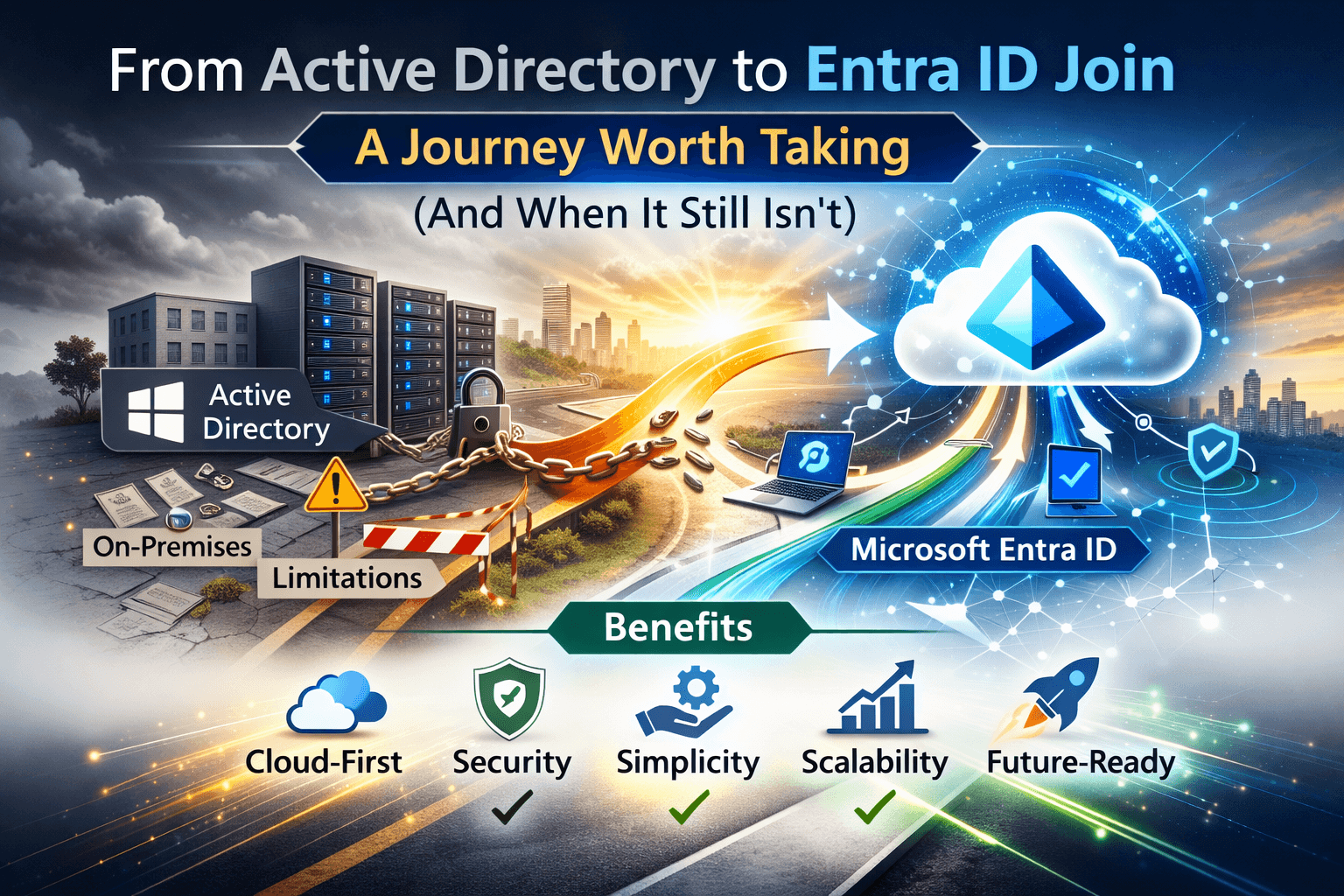
For the past decade, organizations have relied on Hybrid Join coupling on-premises Active Directory identity with Microsoft Entra
February 25, 2026
Migrating your endpoints and identity infrastructure to the cloud is no longer optional it’s strategic. But “migrating to
February 24, 2026
Device migration has traditionally been one of the most resource-intensive initiatives for IT organizations. Whether driven by cloud
February 21, 2026
Digital transformation is no longer optional it is a business imperative. Organizations across the globe are moving toward
February 20, 2026
When organizations move from Active Directory or Hybrid Join to Microsoft Entra Join, a common “quick fix” is
February 19, 2026
The Cloud Shift Is No Longer Optional Organizations across the globe are accelerating their move toward cloud-only device
February 16, 2026
Stop Wiping Devices. Start Migrating Smarter. For years, Hybrid Azure AD Join helped organizations bridge the gap between
February 14, 2026
Hybrid Microsoft Entra ID Join (formerly Hybrid Azure AD Join) remains an important identity model for organizations transitioning
January 9, 2026
For years, Hybrid Join acted as a safety net for enterprise IT. It allowed organizations to keep one
Most popular
Frequently Asked Questions
01. What is Entra ID device migration?
Entra ID device migration is the process of moving Windows devices from Active Directory or another tenant to Microsoft Entra ID while maintaining user access and system configuration.
02. Can devices be migrated to Entra ID without wiping them?
Yes, modern migration tools enable zero-wipe migration by preserving user profiles, applications, and system settings during the transition to Entra ID
03. Why is zero-wipe migration important for enterprises?
Zero-wipe migration reduces user downtime, avoids data loss, and minimizes helpdesk tickets, making large-scale migrations faster and less disruptive.
04. What challenges occur during manual device migration?
Manual migration often leads to profile loss, application reconfiguration, increased downtime, and higher IT effort, especially in large environments.
05. How long does Entra ID device migration take per device?
Migration time varies, but automated solutions can complete the process in minutes per device, depending on network and system conditions.
06. Can remote users migrate devices without VPN access?
Yes, cloud-based migration approaches allow remote users to transition devices to Entra ID without requiring VPN connectivity.
07. What happens to user profiles during migration?
With the right migration approach, user profiles, files, and settings can be preserved, ensuring a seamless post-migration experience.
08. Is Intune required after migrating to Entra ID?
In most cases, devices are enrolled into Microsoft Intune after migration to enable policy management, compliance, and security controls.
09. What are the risks of not using a proper migration tool?
Without a structured tool, organizations risk data loss, inconsistent configurations, user disruption, and extended migration timelines.
10. How can organizations prepare for Entra ID migration?
Preparation includes auditing devices, validating user environments, planning rollout phases, and selecting a migration approach that minimizes disruption.